

Shared-Memory Mode
App SupervisorEnterprise Edition+Introduction
When users want to split business domains at the application level without introducing complex deployment and operations, the shared-memory multi-application mode can be used.
In this mode, multiple applications run within a single NocoBase instance. Each application is independent, can connect to its own database, and can be created, started, or stopped independently. However, they share the same process and memory space, so only one NocoBase instance needs to be maintained.
User Guide
Environment Variables
Before using multi-application features, ensure the following environment variables are set when starting NocoBase:
Creating an Application
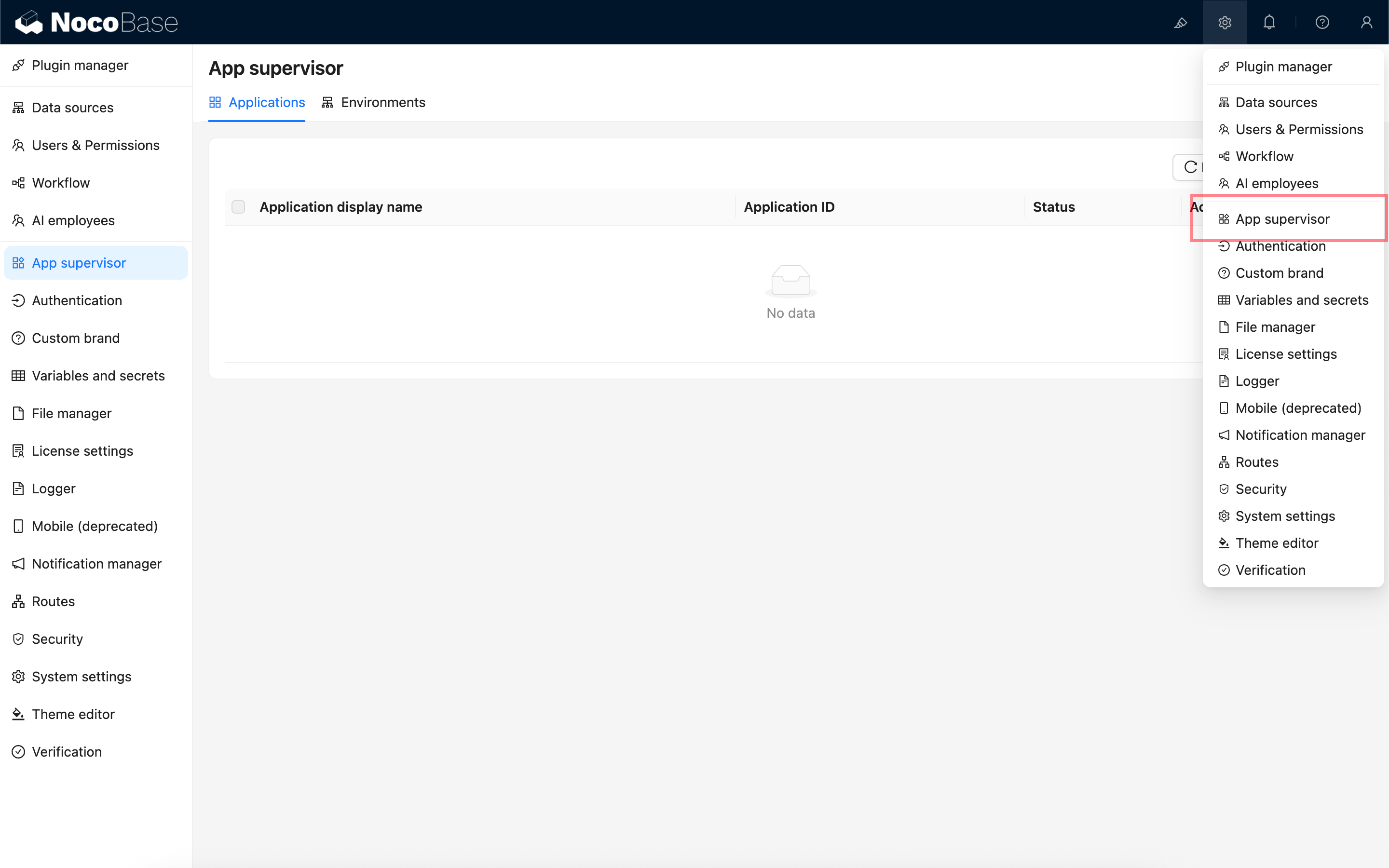
In System Settings, click App Supervisor to enter the application management page.
Click Add New to create a new application.
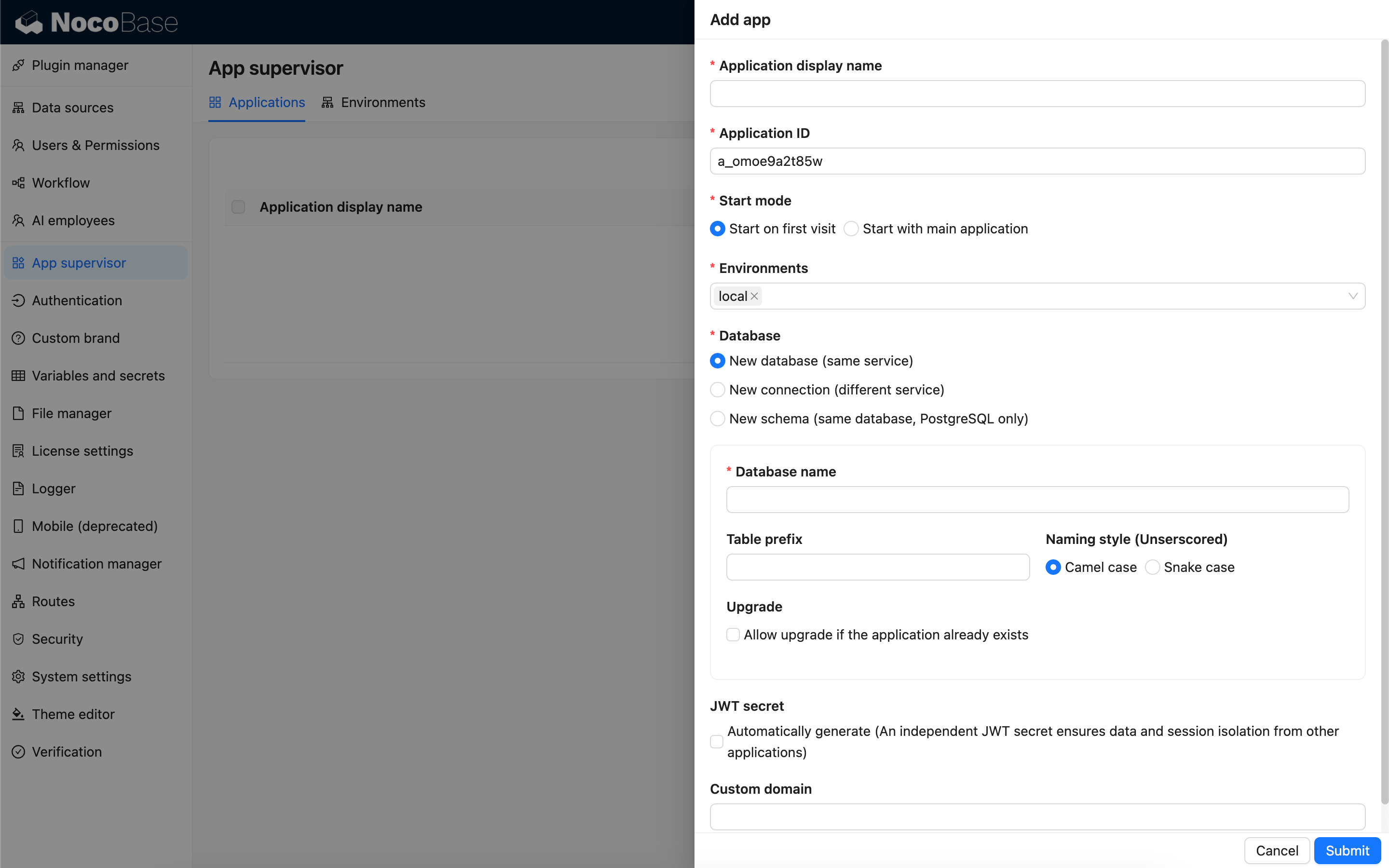
Configuration Options
Starting an Application
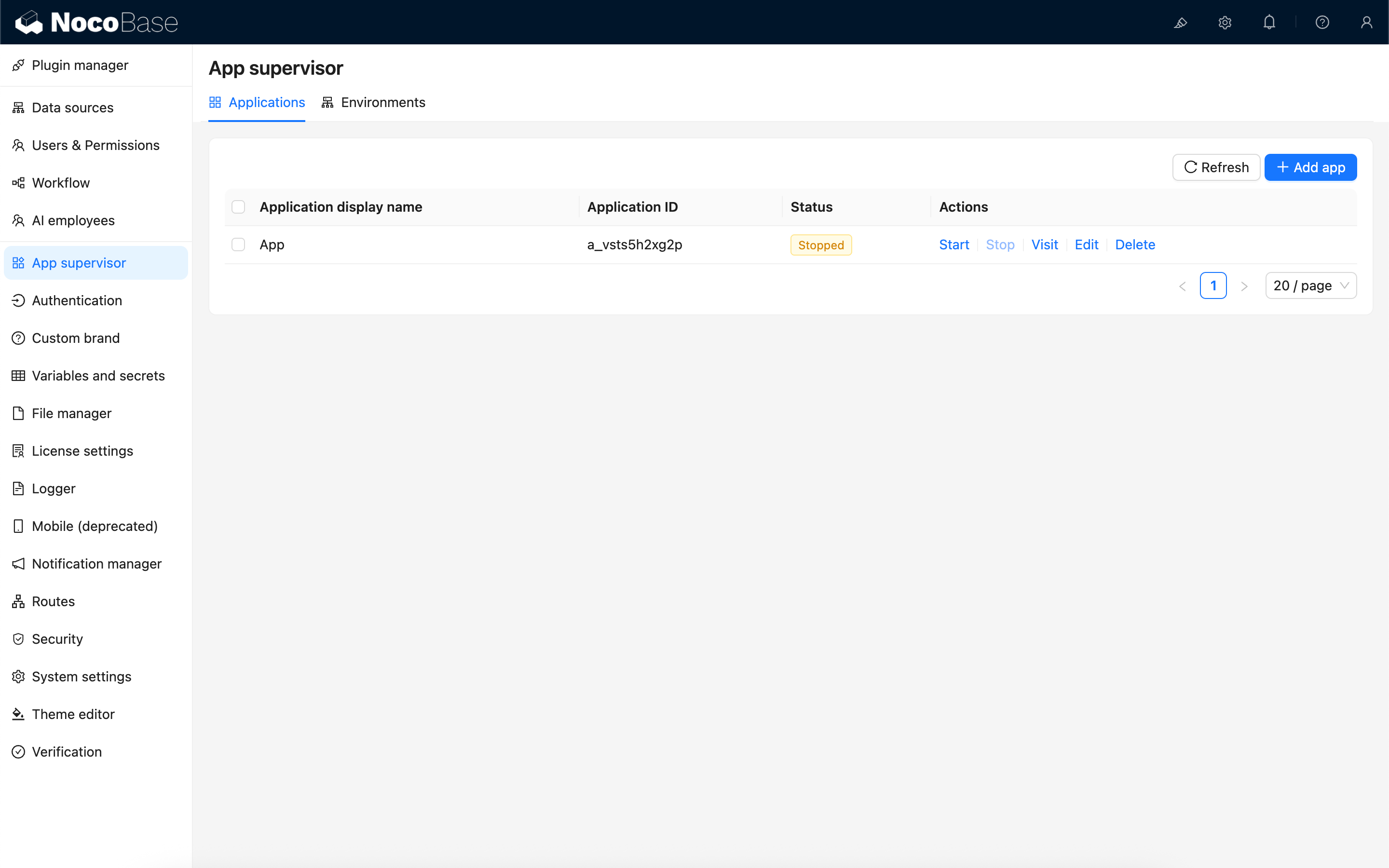
Click Start to start the application.
If Start on first visit was selected during creation, the application will start automatically on first access.
Visiting an Application
Click Visit to open the application in a new tab.
By default, applications are accessed via /apps/:appName/admin/, for example:
You can also configure a dedicated domain. The domain must resolve to the current IP, and if using Nginx, the domain must be added to the Nginx configuration.
Stopping an Application
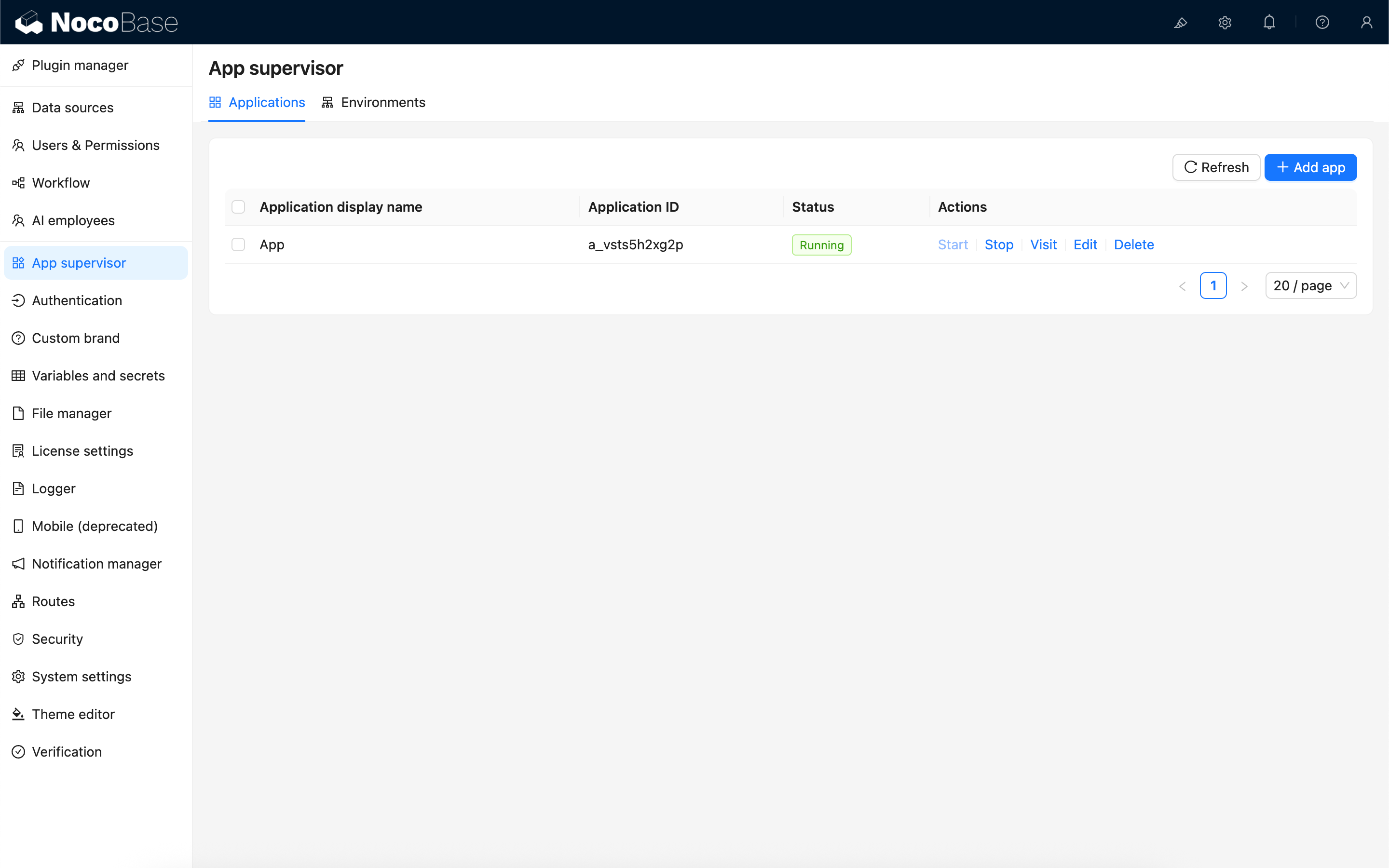
Click Stop to stop the application.
Application Status
The current status of each application is shown in the list.
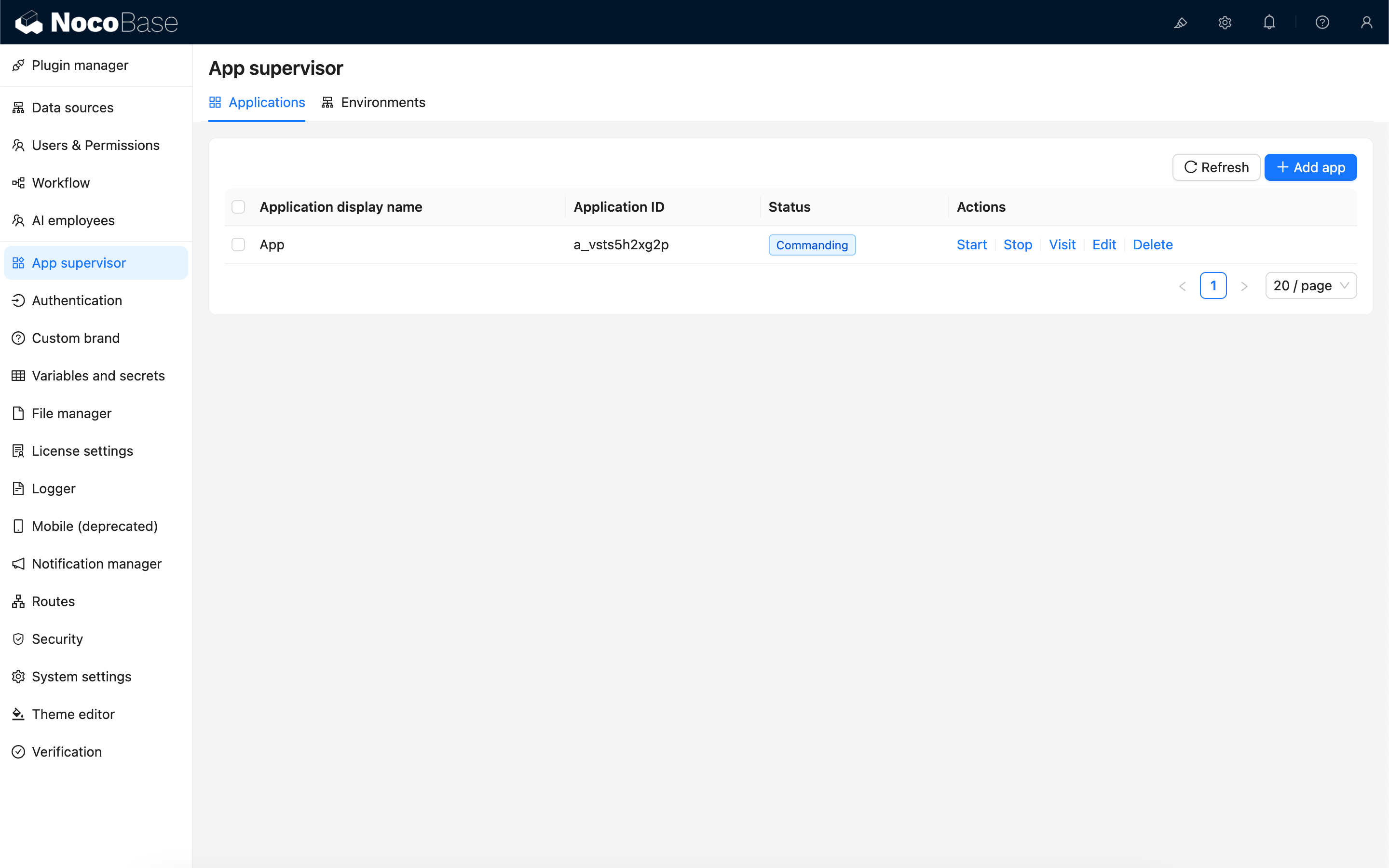
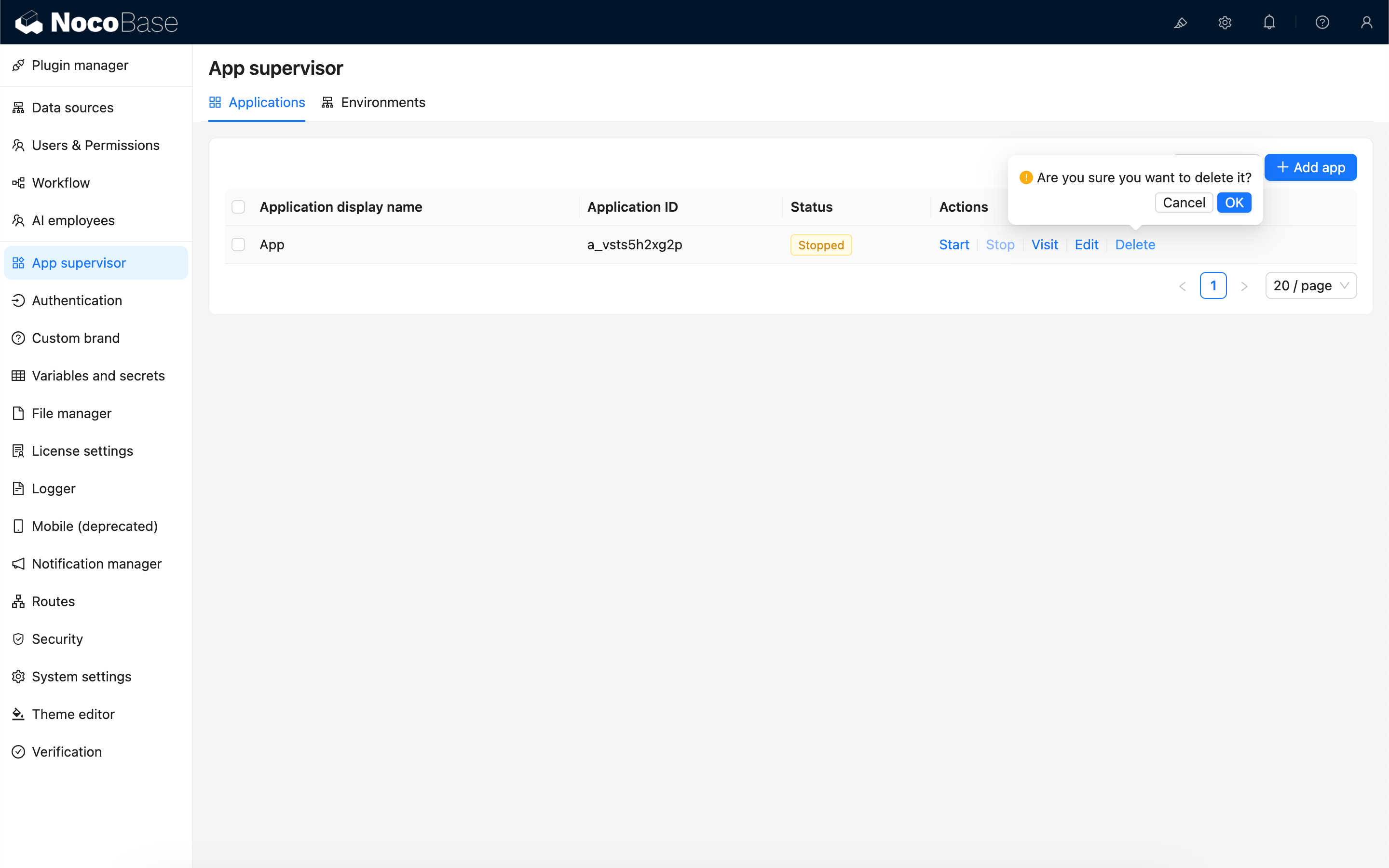
Deleting an Application
Click Delete to remove an application.
FAQ
1. Plugin Management
Applications can use the same plugins (and versions) as the main application, but plugin configuration and usage are isolated per application.
2. Database Isolation
Applications can use independent databases. To share data between applications, use external data sources.
3. Data Backup and Migration
Currently, backups created in the main application do not include data from other applications (only basic application metadata). Data must be backed up and migrated separately within each application.
4. Deployment and Upgrades
In shared-memory mode, application versions automatically follow the main application, ensuring version consistency.
5. Application Sessions
- If an application uses an independent JWT secret, its session is isolated from the main app and other apps. When accessing multiple apps via subpaths under the same domain, tokens stored in LocalStorage require re-login when switching apps. Using separate domains per app is recommended for better session isolation.
- If an application does not use an independent JWT secret, it shares the main application's session. Users can switch between applications in the same browser without re-login. However, this introduces security risks: if user IDs overlap across applications, unauthorized cross-application access may occur.