Installation and Version Comparison

You can install NocoBase in different ways.

Version Comparison

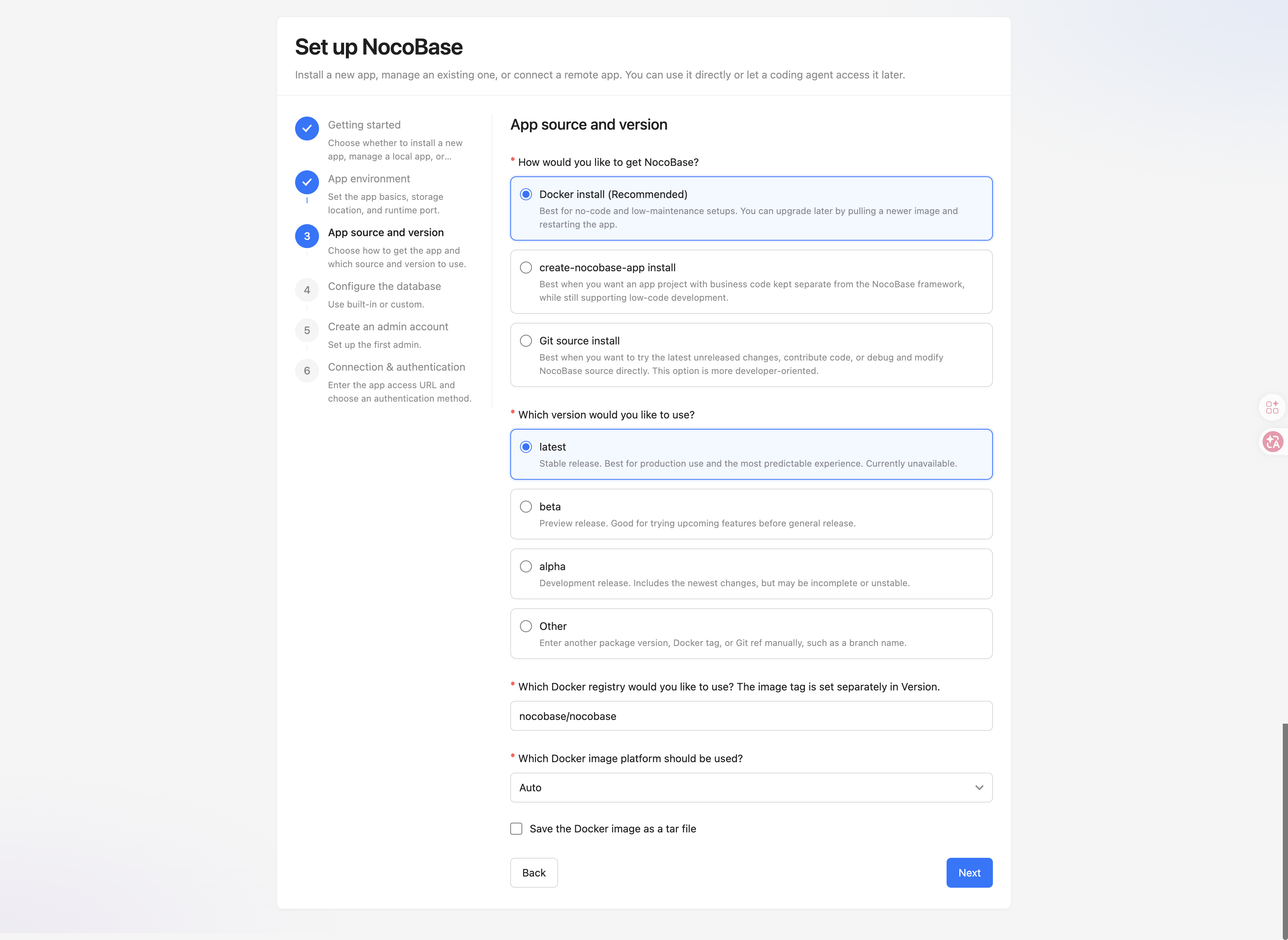
ItemLatest (Stable)BetaAlpha (Development)
FeaturesStable features; Well tested; only bug fixes.Includes upcoming features that have undergone initial testing and may have a few issues.Development build with the latest features, which may be incomplete or unstable.
AudienceUsers who require a stable experience and production deployments.Users who want early access to new features and can provide feedback.Technically proficient users and contributors interested in cutting-edge development.
Stability★★★★★★★★★☆★★☆☆☆
Recommended for ProductionRecommendedUse with cautionUse with caution

Installation Method Comparison

ItemDocker Installation (Recommended)create-nocobase-app InstallationGit Source Code Installation
FeaturesNo code required; quick installation; suitable for fast trials.Independent application codebase; supports plugin extensions and UI customization.Obtain the latest source code; suitable for contribution and debugging.
ScenariosNo-code users; users who want to quickly deploy to a server.Front-end/full-stack developers; team projects; low-code development.Technical developers; users who want to try unreleased versions.
Technical Requirement★☆☆☆☆★★★☆☆★★★★★
Upgrade MethodPull the latest image and restart the container.Update dependencies with yarn.Synchronize updates through Git.
TutorialsInstallation Upgrade DeploymentInstallation Upgrade DeploymentInstallation Upgrade Deployment