Logging
LoggerCommunity Edition+Introduction
Logs are an important tool for us to locate system issues. NocoBase's server logs mainly include interface request logs and system operation logs, supporting configuration of log level, rolling strategy, size, printing format, and more. This document mainly introduces the related content of NocoBase server logs, as well as how to use the logging plugin to package and download server logs.
Log Configuration
Log-related parameters such as log level, output method, and printing format can be configured through environment variables.
Log Formats
NocoBase supports configuring four different log formats.
console
The default format in development environment, messages are highlighted in color.
json
The default format in production environment.
logfmt
delimiter
Separated by delimiter |.
Log Directory
The main directory structure of NocoBase log files is:
storage/logs- Log output directorymain- Main application namerequest_YYYY-MM-DD.log- Request logsystem_YYYY-MM-DD.log- System logsystem_error_YYYY-MM-DD.log- System error logsql_YYYY-MM-DD.log- SQL execution log- ...
sub-app- Sub-application namerequest_YYYY-MM-DD.log- ...
Log Files
Request Log
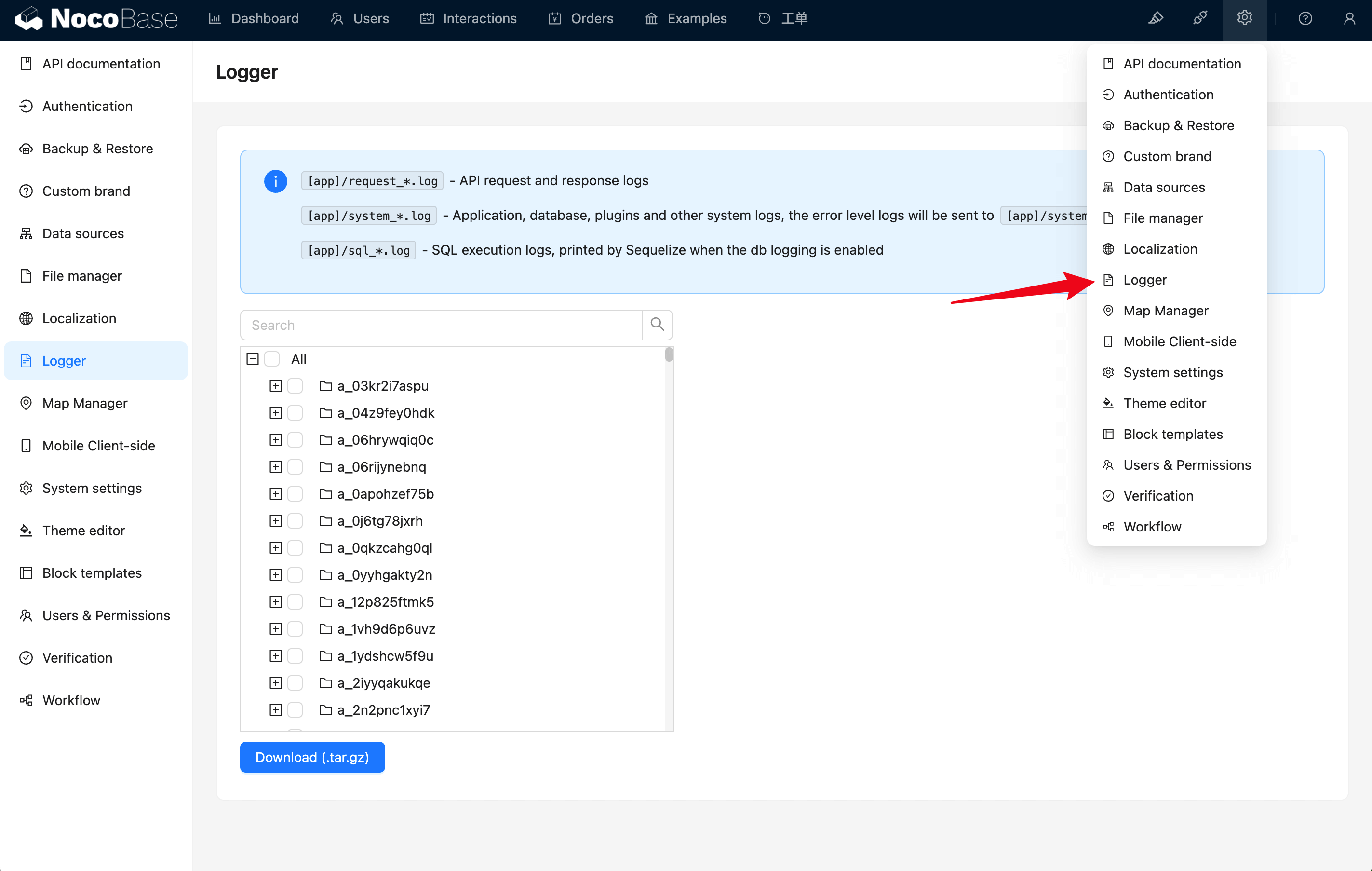
request_YYYY-MM-DD.log, interface request and response logs.
reqId will be carried to the front end via the X-Request-Id response header.
System Log
system_YYYY-MM-DD.log, application, middleware, plugins, and other system operation logs, error level logs will be printed separately to system_error_YYYY-MM-DD.log.
SQL Execution Log
sql_YYYY-MM-DD.log, database SQL execution logs. INSERT INTO statements are limited to the first 2000 characters.
Log Packaging and Downloading
- Navigate to the log management page.
- Select the log files you wish to download.
- Click the Download button.