Notification: WeCom
WeComProfessional Edition+Introduction
The WeCom plugin allows the application to send notification messages to WeCom users.
Add and configure WeCom authenticator
First, you need to add and configure a WeCom authenticator on NocoBase, refer to User Authentication - WeCom. Only system users who have logged in via WeCom can receive system notifications through WeCom.
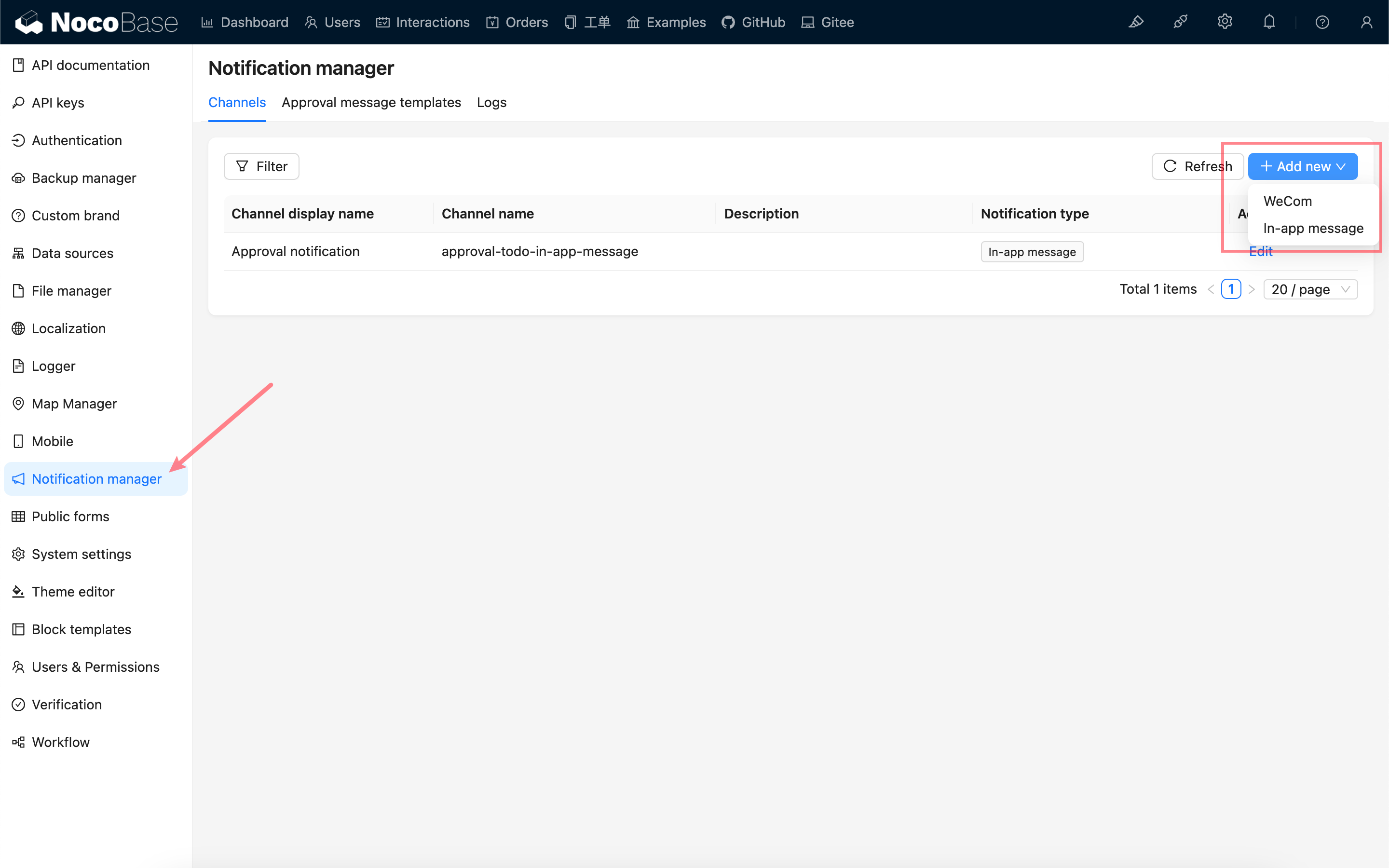
Add WeCom notification channel
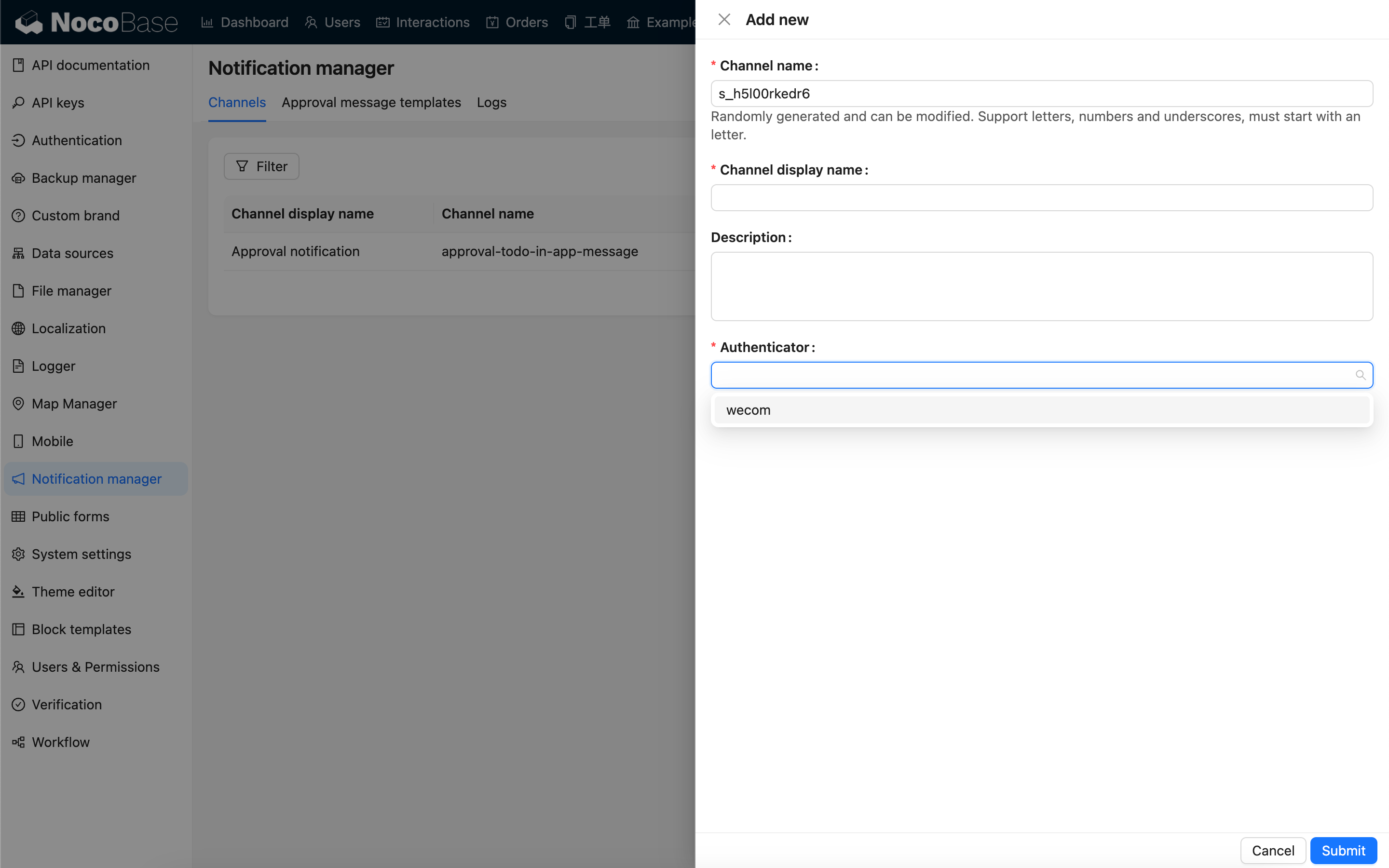
Configure WeCom notification channel
Select the authenticator you just configured.
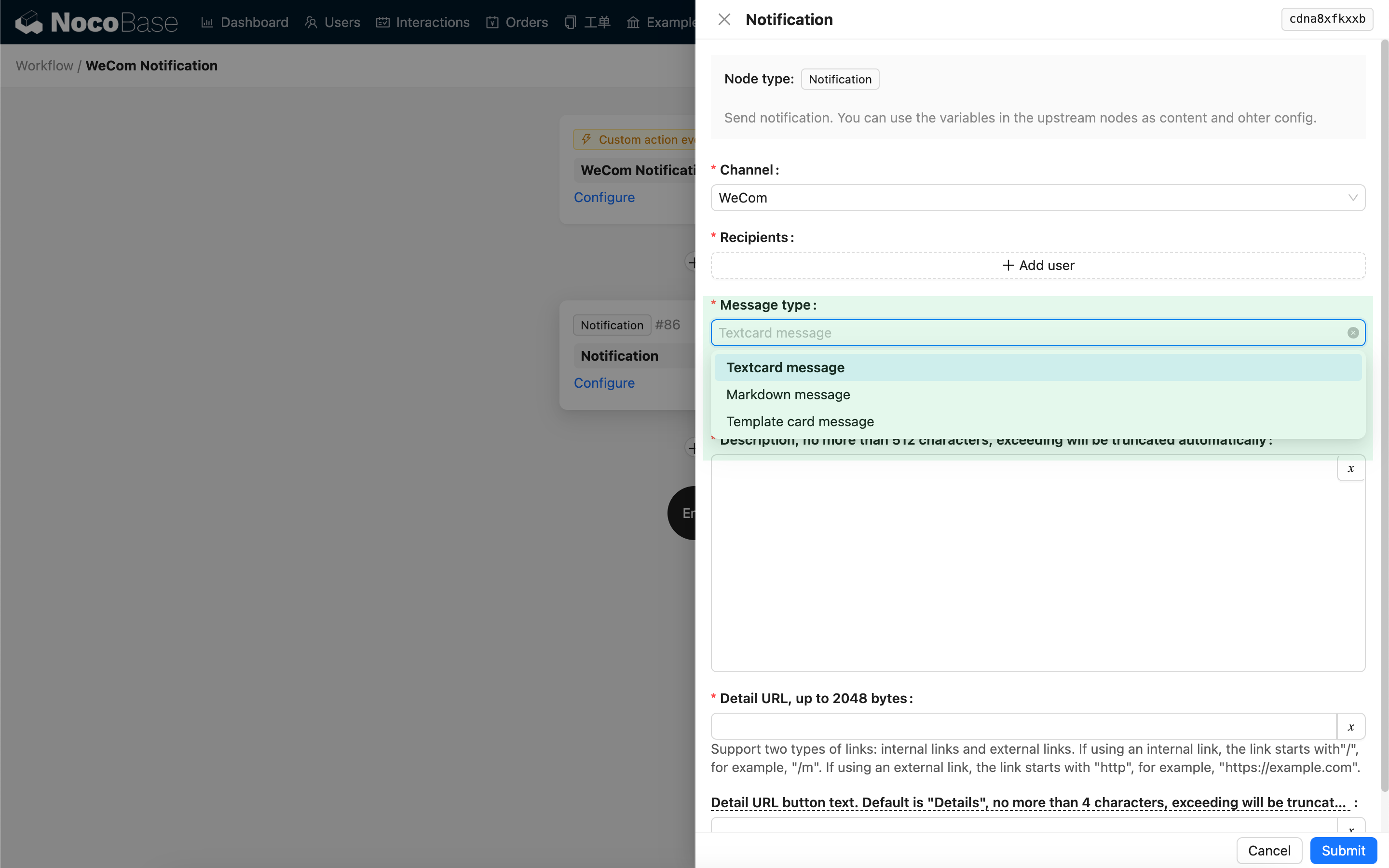
Workflow notification node configuration
Select the configured WeCom notification channel. It supports three message types: Text Card, Markdown, and Template Card.