Release Management
Introduction
In real-world applications, to ensure data security and application stability, multiple environments are typically deployed, such as a development environment, a pre-release environment, and a production environment. This document provides examples of two common no-code development processes and explains in detail how to implement release management in NocoBase.
Installation
Three plugins are essential for release management. Please ensure all of the following plugins are activated.
Environment Variables
- Built-in plugin, installed and activated by default.
- Provides centralized configuration and management of environment variables and keys, used for sensitive data storage, reusable configuration data, environment-based isolation, etc. (View Documentation).
Backup Manager
- Available only in the Professional edition or higher (Learn more).
- Supports backup and restoration, including scheduled backups, ensuring data security and quick recovery. (View Documentation).
Migration Manager
- Available only in the Professional edition or higher (Learn more).
- Used to migrate application configurations from one application environment to another (View Documentation).
Common No-Code Development Processes
Single Development Environment, One-Way Release
This approach suits simple development processes. There is one development environment, one pre-release environment, and one production environment. Changes flow from the development environment to the pre-release environment and are finally deployed to the production environment. In this process, only the development environment can modify configurations—neither the pre-release nor the production environment allows modifications.
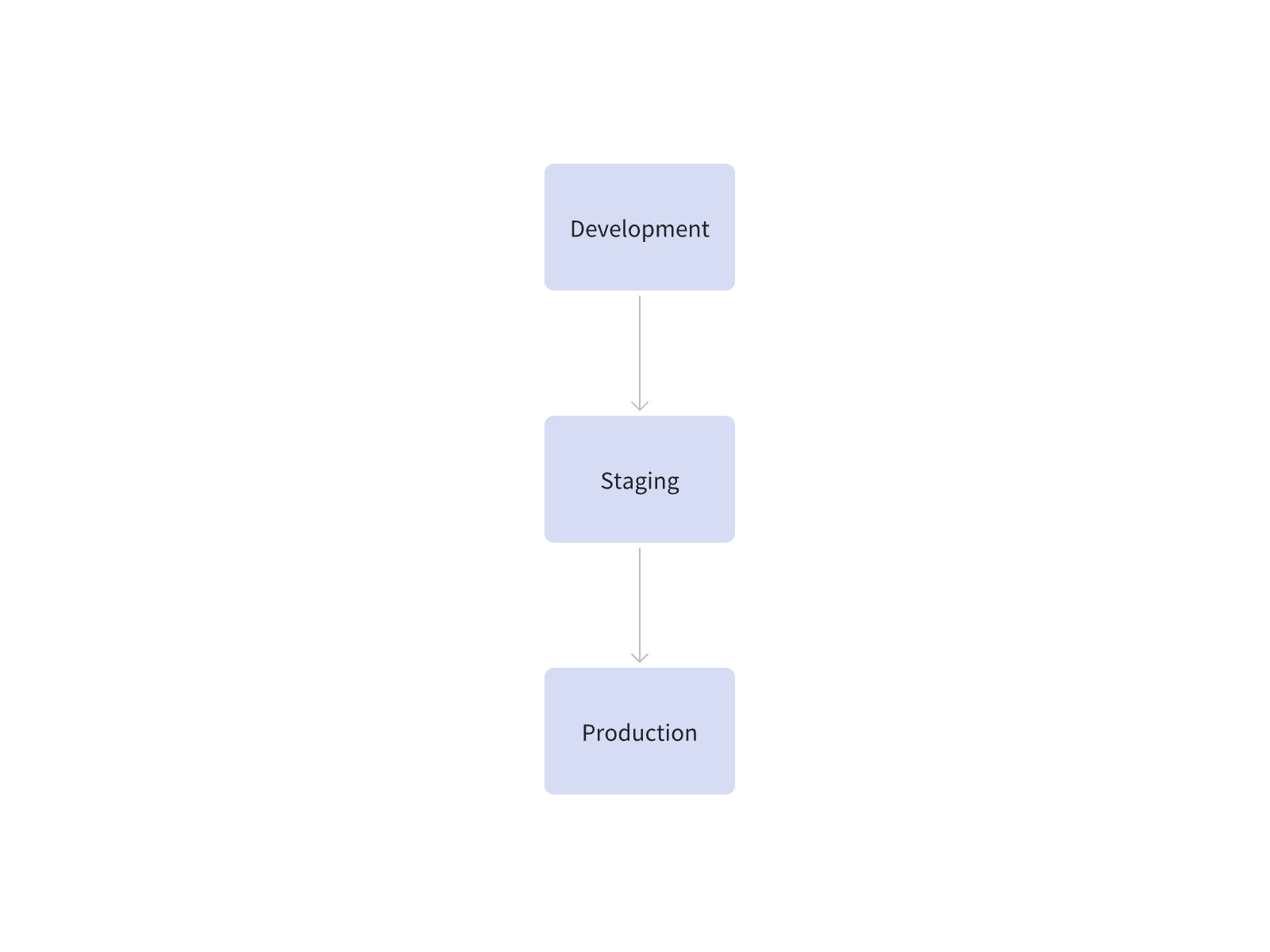
When configuring migration rules, select “Overwrite” for built-in tables in the core and plugins if needed; for all others, you can keep the default settings if there are no special requirements.

Multiple Development Environments, Merged Release
This approach suits multi-person collaboration or complex projects. Several parallel development environments can be used independently, and all changes are merged into a single pre-release environment for testing and verification before being deployed to production. In this process, only the development environment can modify configurations—neither the pre-release nor the production environment allows modifications.
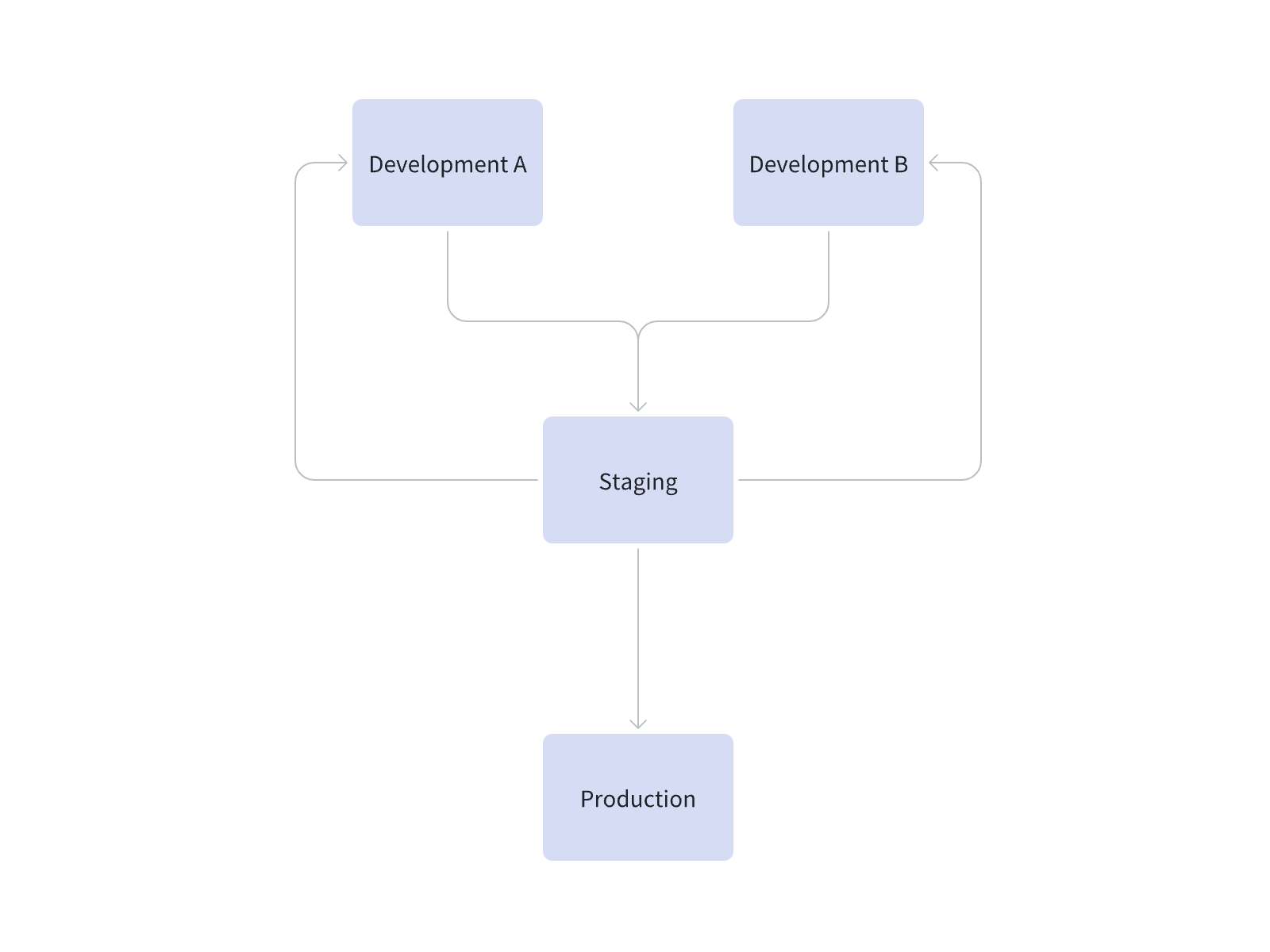
When configuring migration rules, select “Insert or Update” for built-in tables in the core and plugins if needed; for all others, you can keep the default settings if there are no special requirements.

Rollback
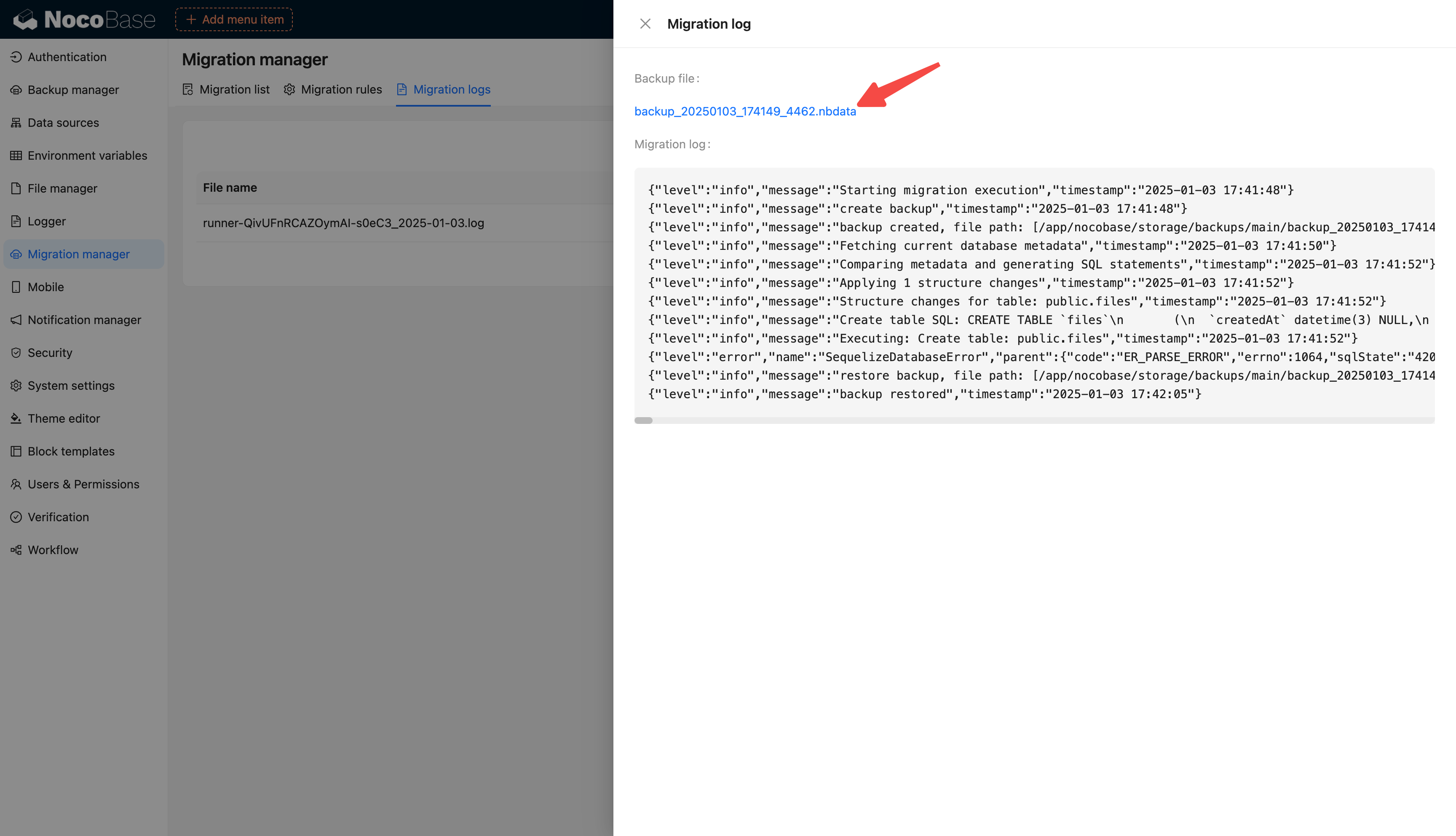
Before executing a migration, the system automatically creates a backup of the current application. If the migration fails or the results are not as expected, you can roll back and restore via the Backup Manager.