Release Management
Introduction
Release management standardizes how an application moves from development to production. It is not a single operation. It is a repeatable, verifiable, and recoverable release process.
Keep production stable. Complete configuration changes in development first, validate them in staging, then publish them to production. Migration files, backups, execution logs, and validation results generated during release should be retained for troubleshooting and rollback.
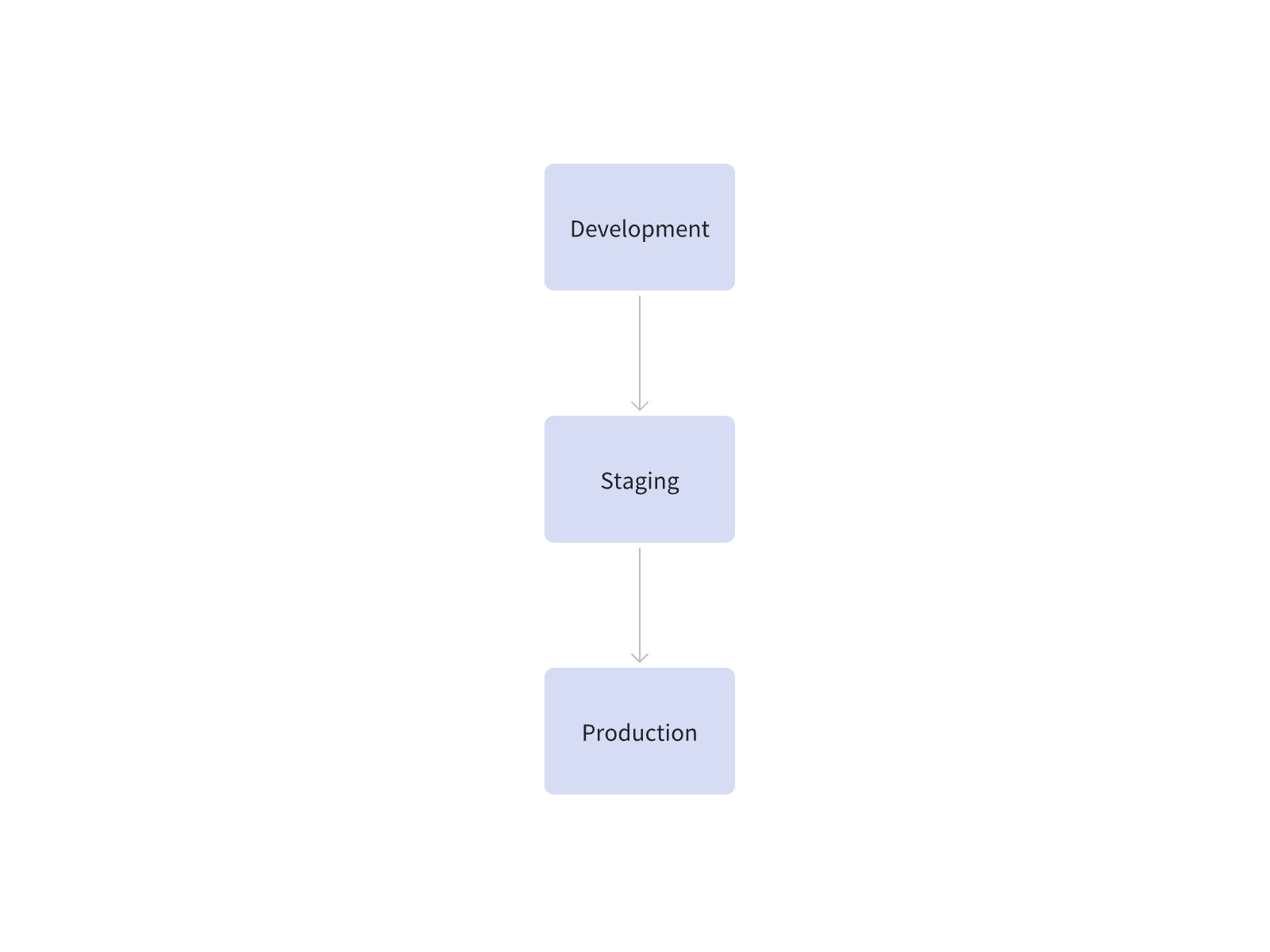
Recommended environments:
Development is used for configuration and adjustment. Staging restores production constraints and validates the release result. Production carries real business traffic. Clear responsibilities make the release process easier to manage.
Release Model
NocoBase release management usually combines five capabilities.
Environment Configuration: Use Variables and Secrets
Variables and secrets isolate environment-specific configuration and sensitive information. Development, staging, and production should use their own variables and secrets.
Identify environment-related configuration during development. Database connections, third-party service addresses, test accounts, access tokens, API keys, and webhook URLs should not be hardcoded in pages, workflows, or plugin settings. Reference them through variables and secrets whenever possible. When migrating to staging or production, you only need to complete missing target-environment values as prompted, and production secrets will not be written into migration content.
Related documentation: Variables and Secrets.
Development Stage: Record Recoverable Checkpoints
Development changes frequently. Use version control to save key checkpoints. Before a major configuration change, create a version. After adjusting data models, pages, permissions, workflows, or plugin settings, create another version.
Write version descriptions with clear business meaning. For example, “adjust customer follow-up page and field permissions,” “add ticket escalation workflow,” or “optimize asset request approval flow.” Clear descriptions make later validation, comparison, and recovery easier.
Version control mainly serves the development process. It is suitable for undoing a configuration change or preserving a milestone. After entering the release stage, synchronize configuration changes through Migration Manager. Use Backup Manager when production needs recovery.
Related documentation: Version control.
Module Splitting: Control Release Boundaries
For small systems, start with a single app. A single app is simple to deploy and works well for prototypes, small internal systems, and early-stage projects.
As business complexity grows, one app may contain more pages, tables, permissions, and workflows. One configuration change may affect several teams. One release may involve several modules. At that point, consider splitting business boundaries with multi-app architecture.
Multi-app works well when split by business responsibility, such as CRM, tickets, assets, HR, reports, and operations backend. Each app can be developed, tested, released, and rolled back independently. High-change modules, high-risk modules, and modules serving different user groups are often better separated.
Plan shared capabilities before splitting. Users, organizations, authentication, permissions, and cross-app shared data all affect later release methods. Clearer boundaries make release impact easier to control.
A split release chain usually looks like this:
Related documentation: Multi-app management.
Pre-release Preparation: Confirm Recovery Capability
Backup is the safety baseline for production release. Create a pre-release backup before publishing to production. For important releases, verify that the backup can be restored in an independent environment.
Pre-release backups and scheduled daily backups serve different purposes. Scheduled backups handle misoperation, data corruption, and infrastructure failures. Pre-release backups support quick recovery after release failure. Both should be part of the production operations strategy.
Before release, confirm that the backup task has completed and that the backup file can be downloaded or accessed. For important releases, perform a restore verification in an independent environment.
Backups should cover the database, user-uploaded files, and storage content required by the application runtime. Database-only records are not enough for full recovery.
Related documentation: Backup Manager.
Release Execution: Migrate to the Target Environment
Migration Manager publishes application configuration from one environment to another. Common migration content includes application configuration, table structures, plugin configuration, and some data that needs to be migrated.
Publish to staging first. After the migration file passes staging validation, use the same file for production release.
Publish to Staging
After generating a migration file from development, execute it in staging first. Staging should be as close to production as possible, including core version, plugin versions, variables, secrets, permission configuration, and external-system connection methods. After execution, validate core pages, permission rules, workflows, and external integrations.
After staging validation passes, keep the same migration file for production release. Do not modify the migration file right before production. If changes are needed, go back to development, regenerate the file, and validate it again in staging.
Publish to Production
Schedule a maintenance window for production release. Notify users before the release, stop user access or switch to a maintenance page, and avoid new business data writes during migration. In cluster or multi-node deployments, scale the application down to one node before migration.
After confirming that the pre-release backup has completed, execute the migration file that passed staging validation. After migration, validate core business flows first, then restore user access. In multi-node deployments, restore the node count after validation passes.
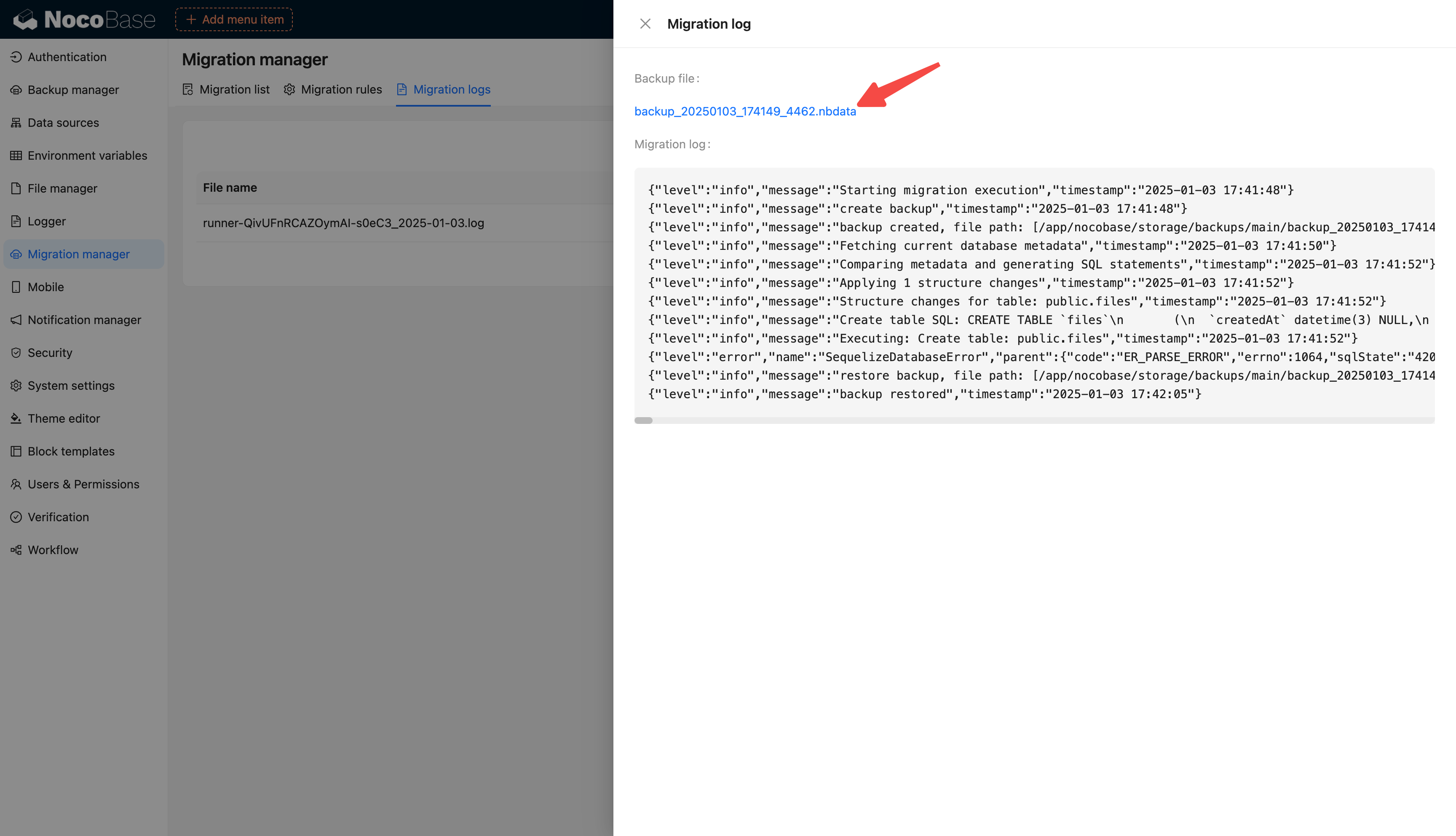
Migration files, backups, and execution logs are stored in their respective features. Internal release records can add release time, executor, validation result, and backup information for later troubleshooting and rollback.
Migration Rules
Migration rules decide how tables and records are handled in the target environment. Common strategies include overwrite, schema-only, and skip. Before configuring rules, first distinguish application and plugin built-in tables from user-defined tables.
Application and plugin built-in tables usually follow the default strategy and use overwrite first. Examples include pages, menus, blocks, permissions, and workflows. During release, development configuration is usually treated as the source of truth and synchronized to staging and production.
User-defined tables should be judged by business purpose. Tables that carry real business data usually migrate structure only and use schema-only, avoiding overwrites of production data. Some user-defined tables that store metadata such as configuration, categories, templates, or rules can use overwrite depending on the business scenario.
For the tables behind default strategies, see Built-in tables for applications and major plugins.

Migration Manager mainly handles application configuration and data in the main database. External data sources, sub-app data, and some storage-directory content should be handled separately according to the actual situation.
Related documentation: Migration Manager.
Rollback and Recovery
When a release fails, first use the pre-release backup through the Backup Manager plugin. Before restoring, confirm that the backup file is available and follow the UI prompts to complete restoration.
If the current production environment can still access Backup Manager and only the migration execution failed, restore the pre-release backup directly in the current environment. After recovery, record the failure cause and handling result to avoid repeating the same issue in later releases.
If the current environment is unstable, or you want to reduce the risk of repeated repair attempts in a faulty environment, prepare an independent environment and restore the pre-release backup there. After restoration, validate core business flows first, then switch traffic to the recovered environment.