

IP Restrictions
IP restrictionEnterprise Edition+Introduction
NocoBase allows administrators to set up whitelists or blacklists for user access IPs to restrict unauthorized external network connections or block known malicious IP addresses, thereby reducing security risks. It also supports administrators in querying access denial logs to identify risky IPs.
Configuration Rules
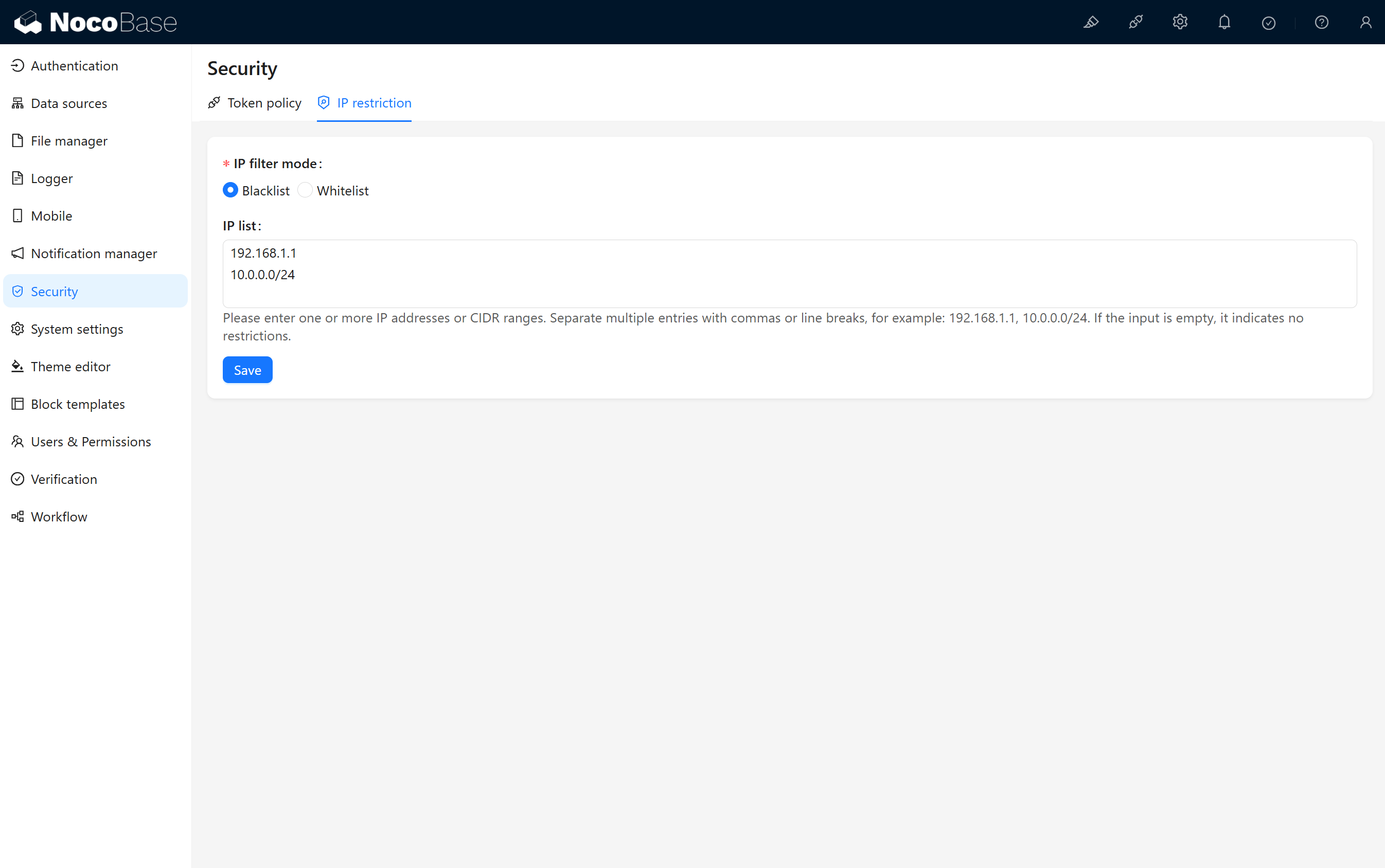
IP Filtering Modes
- Blacklist: When a user's access IP matches an IP in the list, the system will deny access; unmatched IPs are allowed by default.
- Whitelist: When a user's access IP matches an IP in the list, the system will allow access; unmatched IPs are denied by default.
IP List
Used to define IP addresses that are allowed or denied access to the system. Its specific function depends on the selected IP filtering mode. Supports input of IP addresses or CIDR network segments, with multiple addresses separated by commas or line breaks.
Query Logs
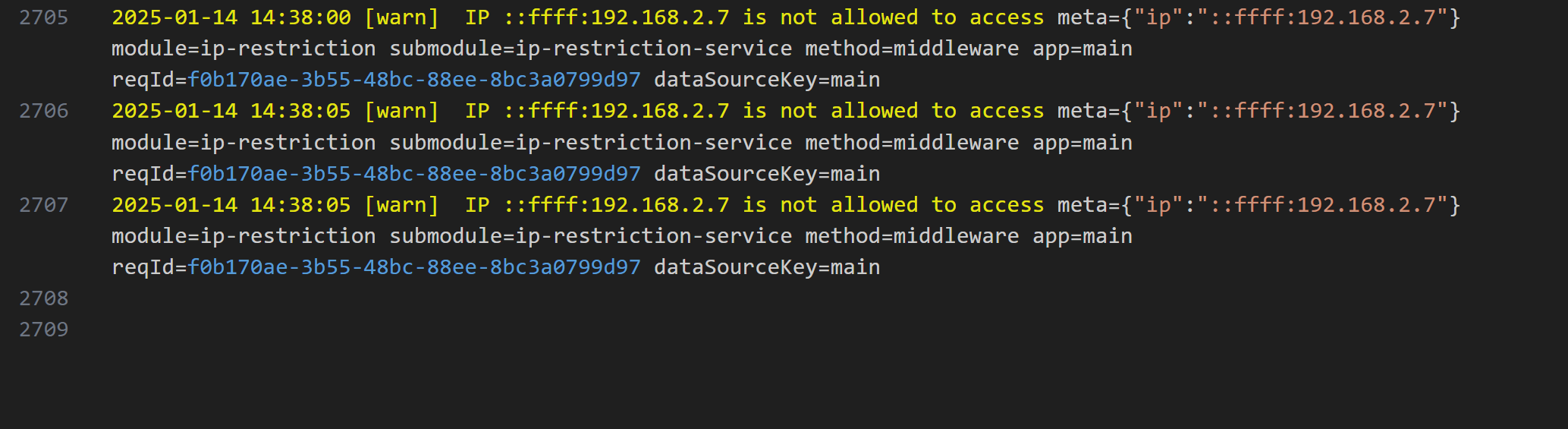
After a user is denied access, the access IP is written to the system logs, and the corresponding log file can be downloaded for analysis.
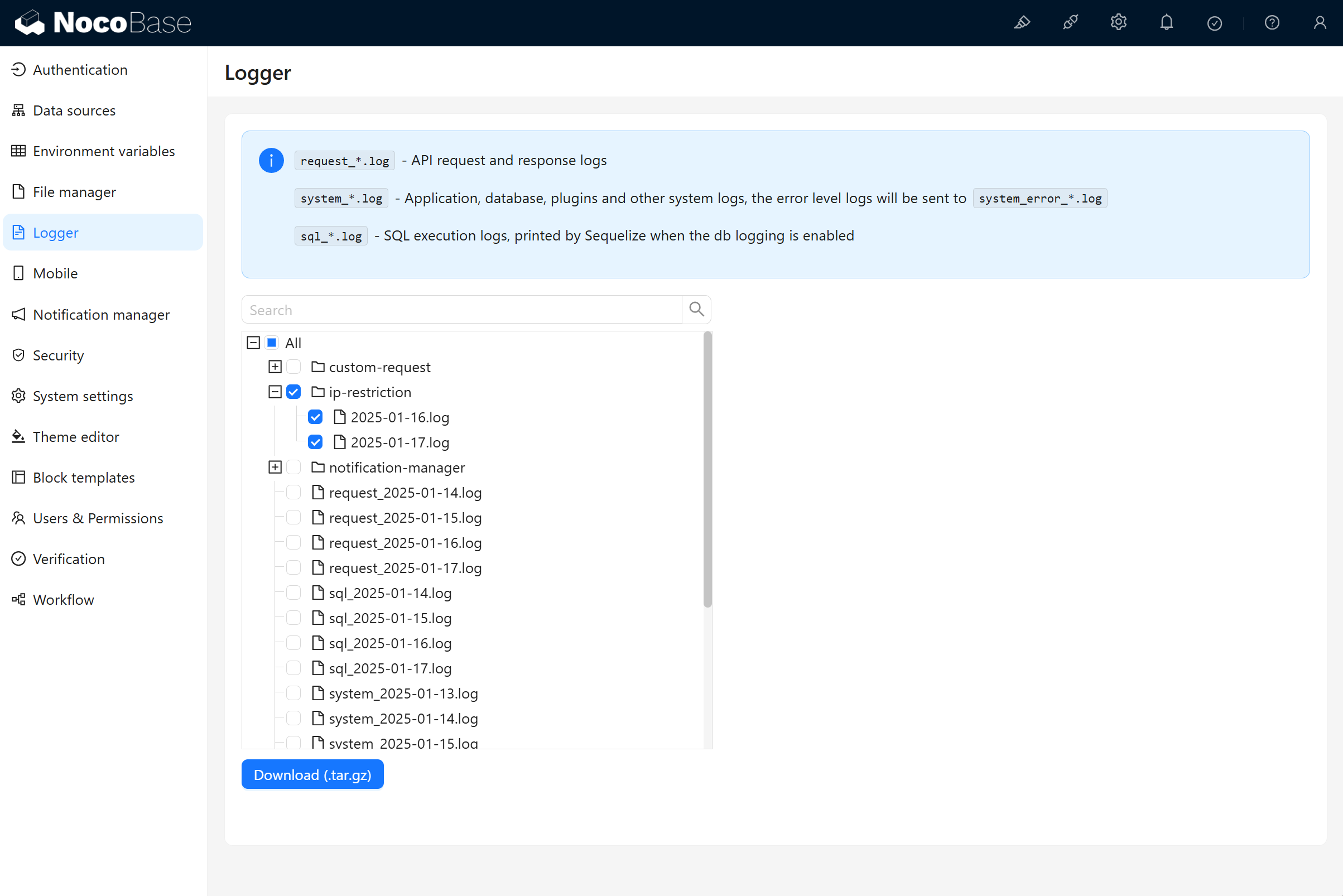
Log Example:
Configuration Recommendations
Blacklist Mode Recommendations
- Add known malicious IP addresses to prevent potential network attacks.
- Regularly check and update the blacklist, removing invalid or no longer needed IP addresses.
Whitelist Mode Recommendations
- Add trusted internal network IP addresses (such as office network segments) to ensure secure access to core systems.
- Avoid including dynamically assigned IP addresses in the whitelist to prevent access interruptions.
General Recommendations
- Use CIDR network segments to simplify configuration, such as using 192.168.0.0/24 instead of adding individual IP addresses.
- Regularly back up IP list configurations to quickly recover from misoperations or system failures.
- Regularly monitor access logs to identify abnormal IPs and adjust the blacklist or whitelist promptly.