Plugin Management
Plugin Manager
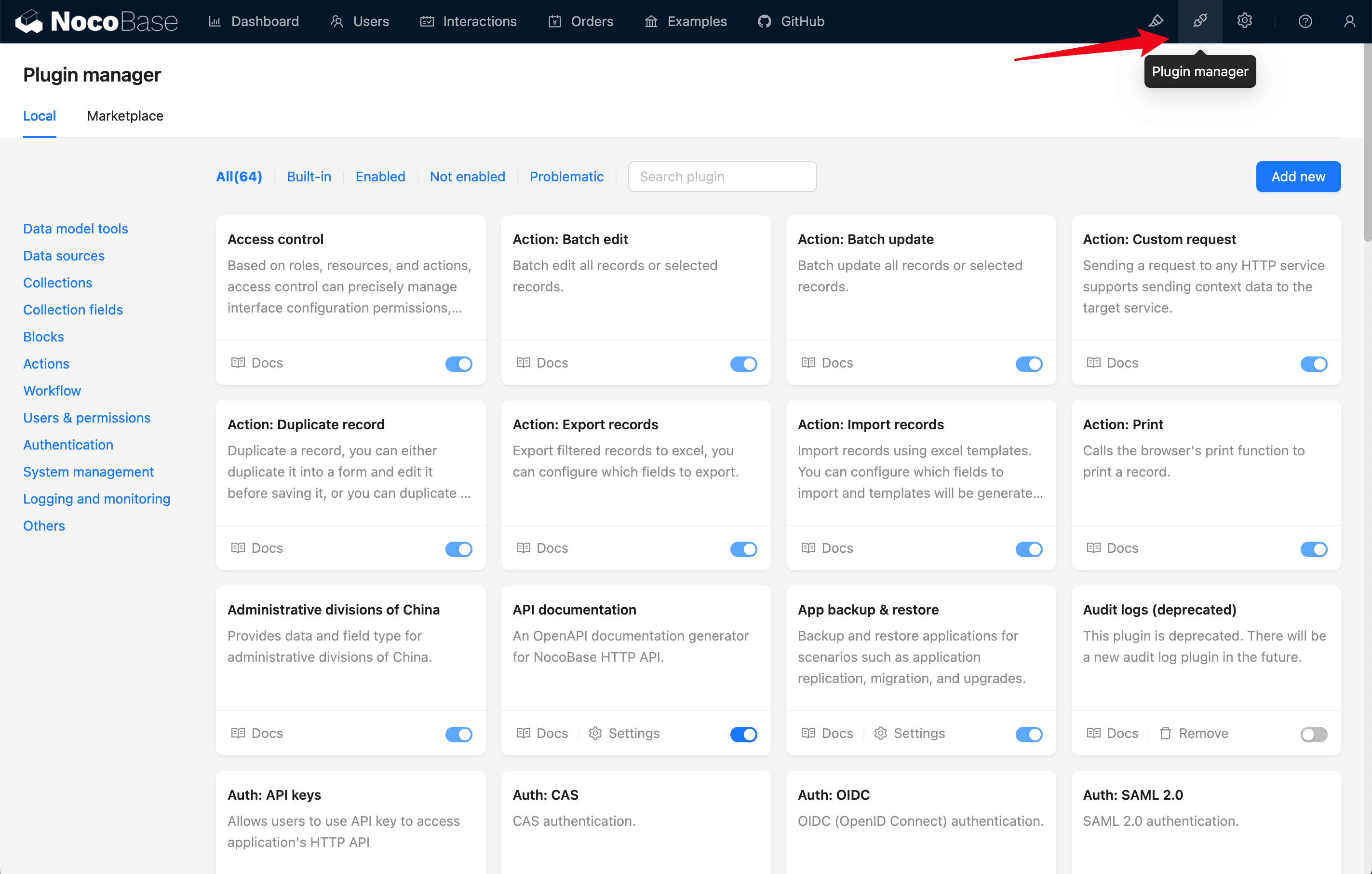
Click the plugin manager icon in the top right corner of the page to access the plugin manager page. On this page, you can view, install, enable, or disable plugins.
Plugin Settings Center
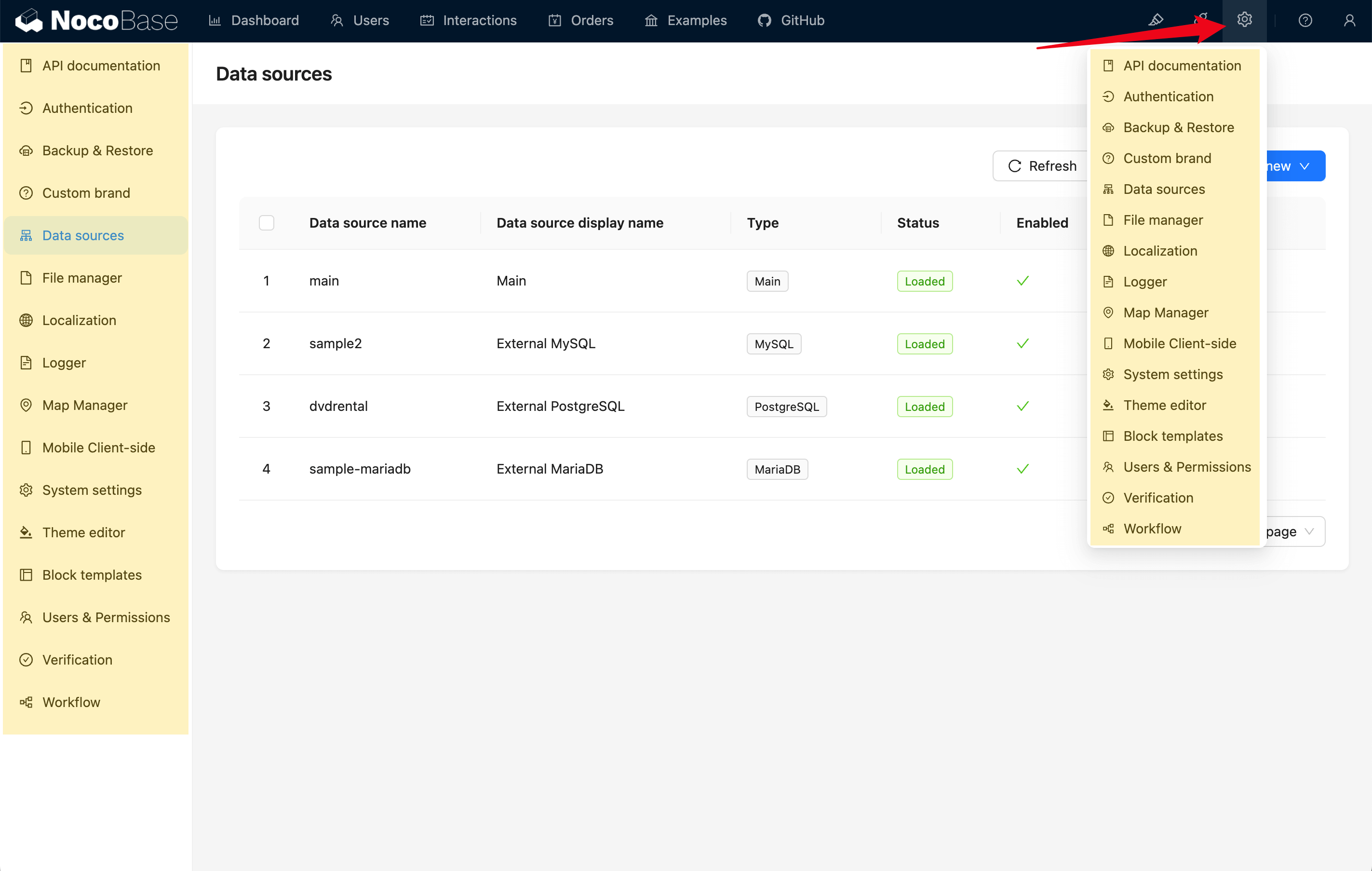
Plugins usually come with their own settings pages. Click the settings icon in the top right corner to view the settings menus for all plugins. Click the corresponding menu item to configure the plugin.