

Roles
Access controlCommunity Edition+Management Center
Role Management
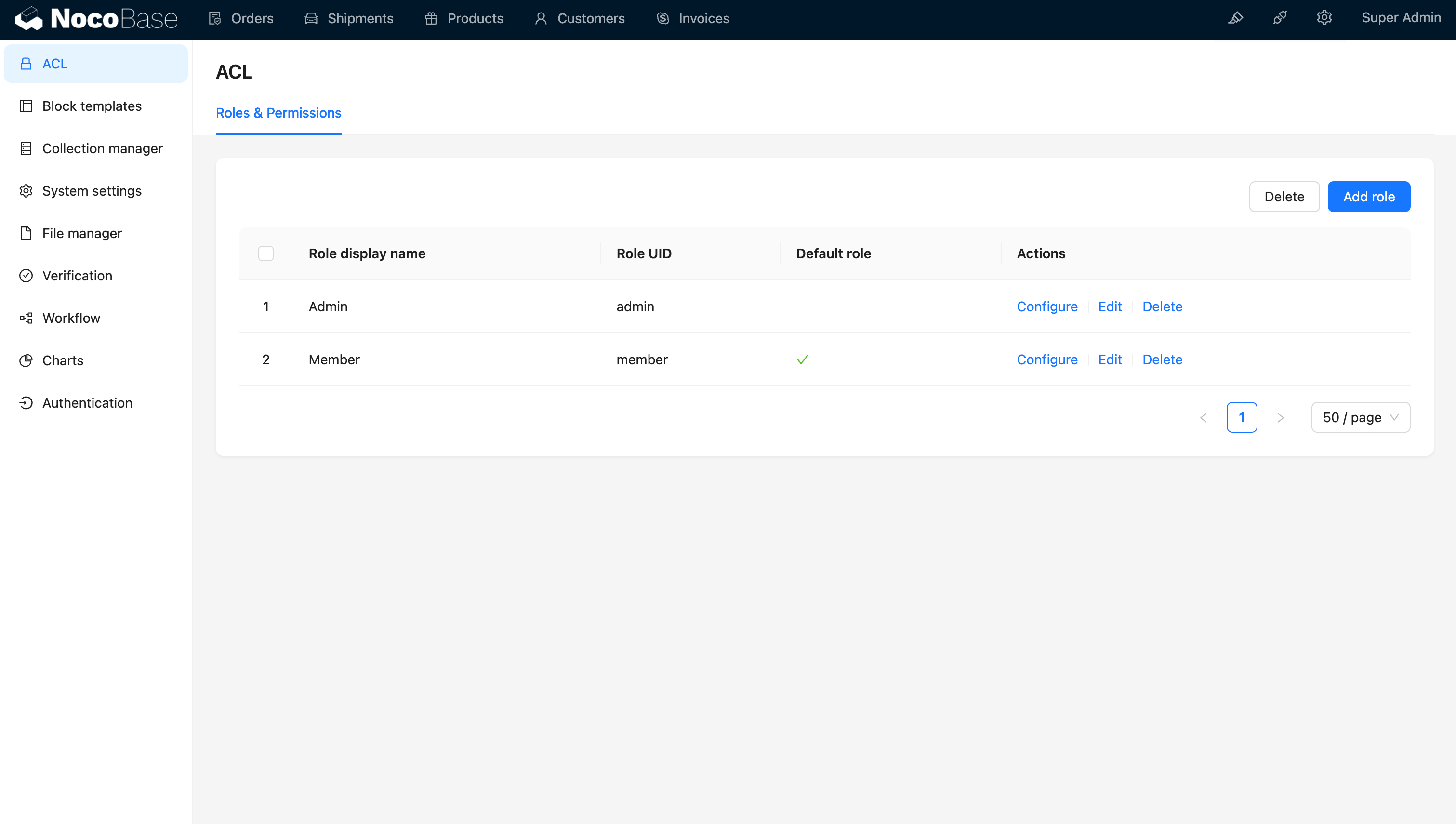
The application comes with two predefined roles: "Admin" and "Member," each with distinct default permission settings tailored to their functionalities.
Adding, Deleting, and Modifying Roles
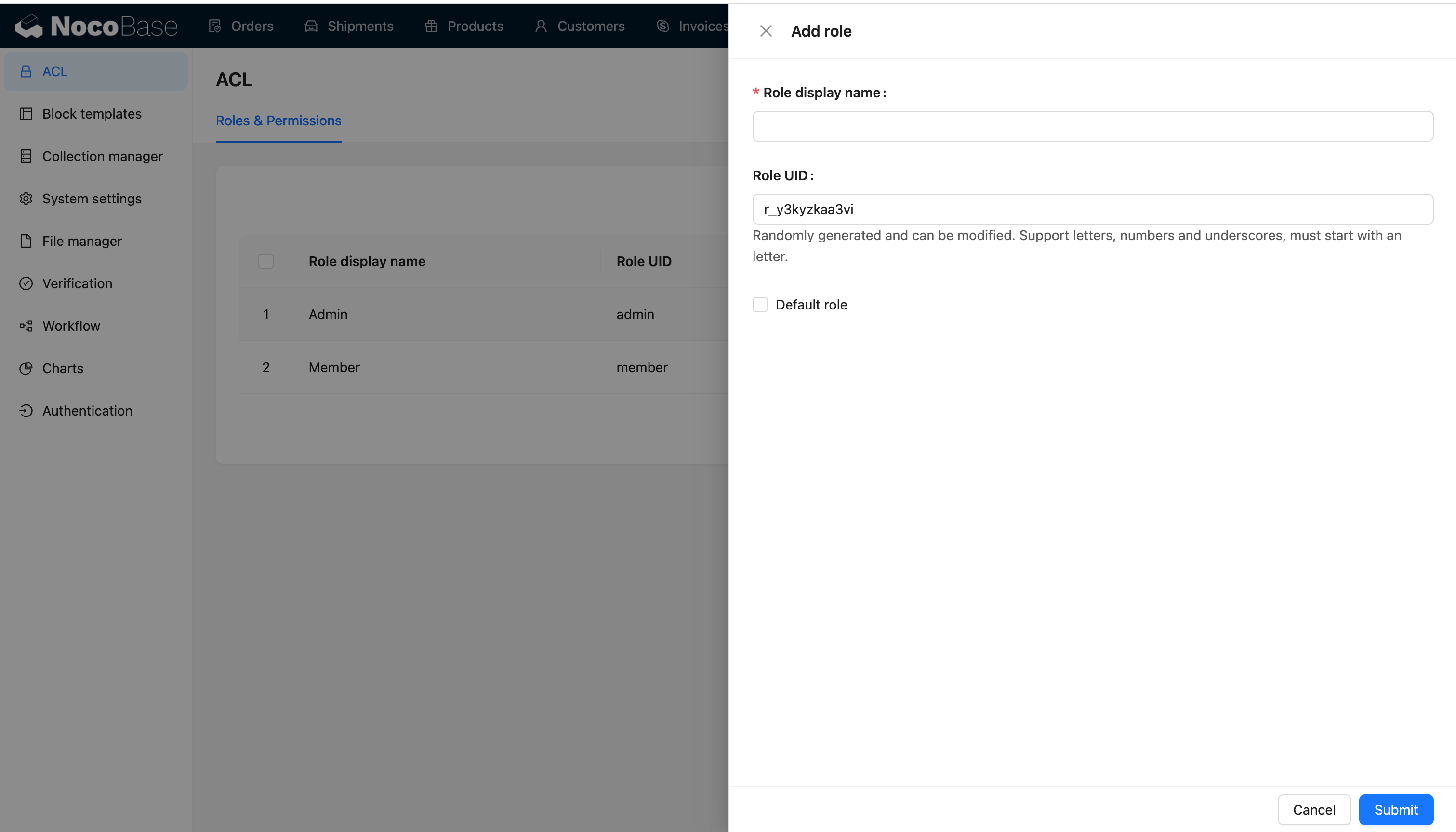
The role identifier, a unique system identifier, allows customization of default roles, but the system's predefined roles cannot be deleted.
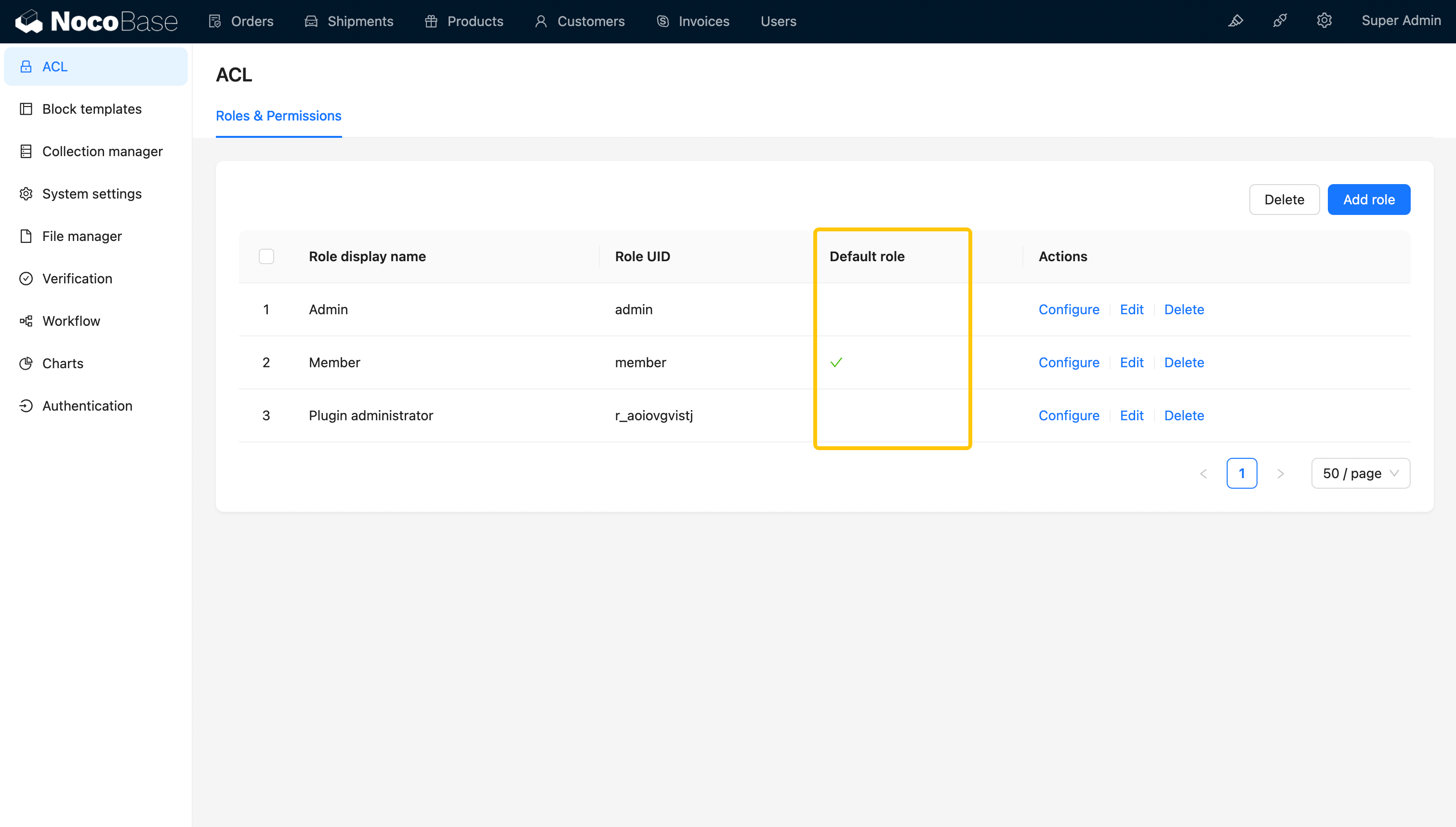
Setting the Default Role
The default role is the one automatically assigned to new users if no specific role is provided during their creation.
Personal Center
Role Switching
Users can be assigned multiple roles and switch between them in the personal center.
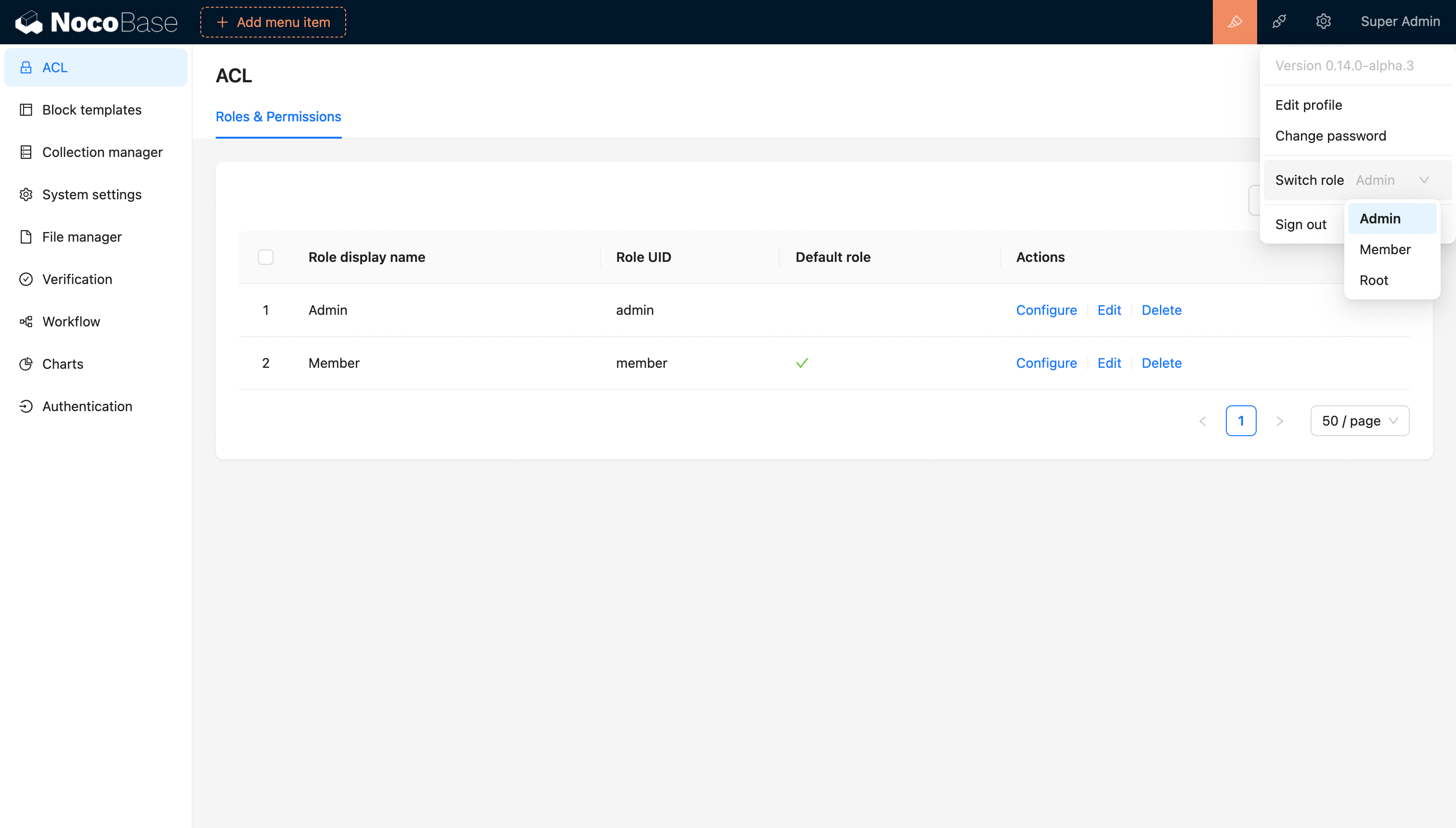
The default role when logging in is determined by the most recently switched role (this value updates with each switch) or, if not applicable, the first role (system default role).