How to Upgrade NocoBase from 2.0 to 2.1
Upgrading from NocoBase 2.0 to NocoBase 2.1 is smooth for the app itself. The bigger change is the NocoBase CLI.
Where:
- In 2.0 and earlier, CLI commands usually start with
yarn nocobase - In 2.1 and later, CLI commands use the globally installed
nb
Old apps do not have to move to nb right away. If you only need to upgrade an already stable NocoBase 2.0 app to 2.1, continue using the original installation and upgrade method by default. For newly installed apps, we recommend using the new nb CLI.
Continue Using the Original Installation and Upgrade Method
If you are already used to the previous installation method, you can keep using it. Follow the original installation and upgrade docs as before.
Install NocoBase
Upgrade NocoBase
- Upgrade a Docker installation
- Upgrade a create-nocobase-app installation
- Upgrade a Git source installation
Use nb CLI for New Apps
For new apps, we recommend the more convenient nb installation and upgrade flow.
Install NocoBase
Upgrade NocoBase
How to Migrate to nb CLI
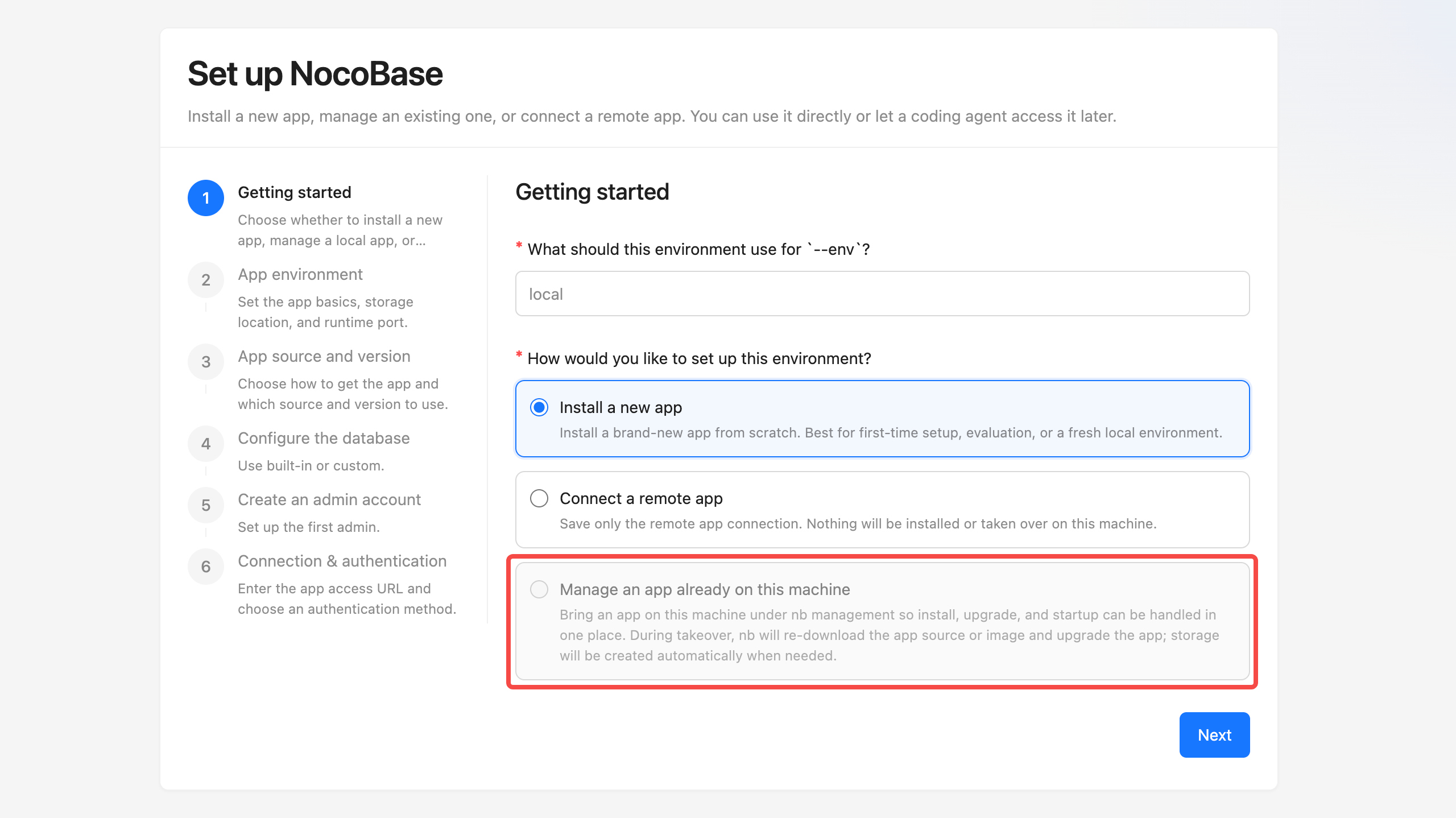
If you want to manage apps with nb consistently in the future, the more reliable approach for now is to create a new app and migrate the old app data into it.
Migration steps:
- Create a new CLI app with
nb init - Migrate the old app's database,
storage, and required environment variables - After verifying that the new app works properly, switch the production environment over to it
You can also wait for a while. The ability for nb to take over existing local apps is still under development.