
Creating a NocoBase application gives you a source project you can continue developing. Ask a coding agent to create it or run the commands yourself; both approaches use the same creation tool.
This guide uses the default template and SQLite. SQLite requires no separate database service and is convenient for a first local run.
Prerequisites
Check that Node.js 24 or later and pnpm 11 are installed:
node --version
pnpm --version
On Windows, use WSL. Commands below assume a POSIX shell such as Bash. Choose one creation path. The agent path also requires a coding agent with Skills support.
With an agent
1. Install the creation Skill
npx skills@latest add nocobase/skills-v3 --skill nocobase-create-app -gSelect your agent when prompted, then start a new session so it loads the Skill. nocobase/skills-v3 supplies NocoBase 3 Skills.
2. Open the agent in an empty directory
mkdir my-app
cd my-app
Open your coding agent in that directory and send:
Please create a NocoBase 3 application for local development in this empty directory.
Use the default template and SQLite, following the application creation guidance.
Complete the setup and checks, start the app, and tell me which URL to open and how to sign in for the first time.
The agent invokes the creation tool, installs dependencies, initializes configuration and starts the application. It then provides the entry URL and sign-in information.
3. Open the application
Follow Open the application and sign in below using the URL supplied by the agent.
The created project contains AGENTS.md and .agents/skills/. For further development, start an agent session in this application directory so it loads the project's own guidance and version-matched Skills.
Without an agent
You do not need an agent Skill for manual creation. From the parent directory where you keep projects, run:
PNPM_CONFIG_MINIMUM_RELEASE_AGE=0 pnpm create @nocobase/app@beta my-app --template-tag=betaThe command creates my-app and installs dependencies. @beta selects the NocoBase 3 creation tool's beta channel; --template-tag=beta selects the template's beta channel. The environment variable permits newly published dependencies for this command only.
Use a new or empty directory. Its name must start with a lowercase letter or digit and contain only lowercase letters, digits, dots, hyphens or underscores. The command does not accept
.as the project name; if you are already inside an emptymy-app, return to its parent before running it.
1. Initialize configuration
cd my-app
pnpm nocobase config init --dialect sqlite
This generates config.yml from config.example.yml and initializes required secrets. The local configuration is ignored by Git.
2. Check configuration
pnpm nocobase config checkResolve any reported findings and check again. Start the application only after the check passes.
3. Start the application
pnpm devKeep the terminal running. Once ready, the server prints its complete Local: URL.
Open the application and sign in
Use the full Local: URL, including the application's base path, such as /main/. Ports may advance when occupied. Do not infer the address from a default port or use the frontend Vite port as the full application entry.
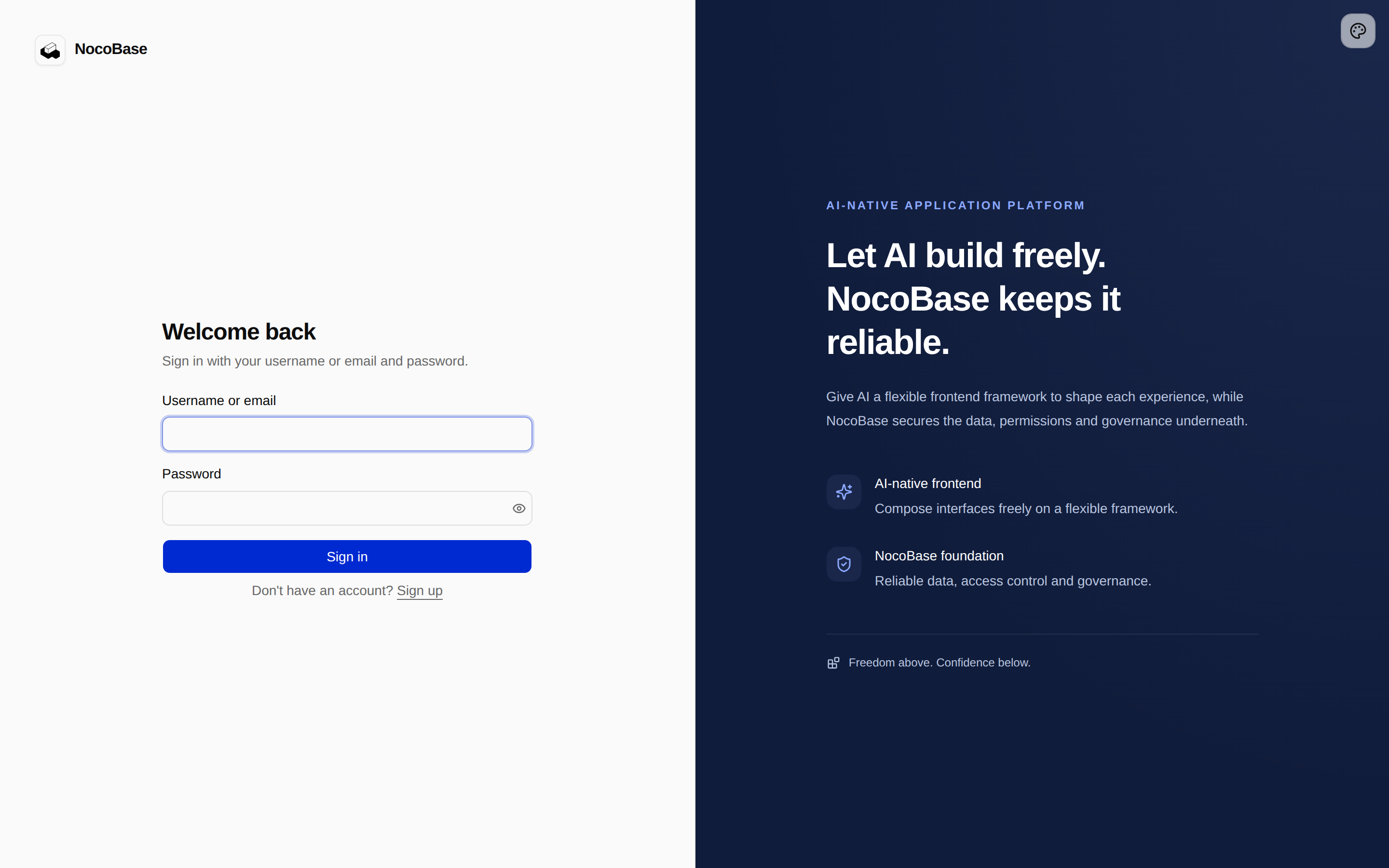
Unless you changed the initial administrator configuration, the local defaults are:
- Username:
nocobase - Password:
admin123
The account comes from users.initialAdmin in config.yml. Use your actual configuration if it differs, and change the default password after signing in.
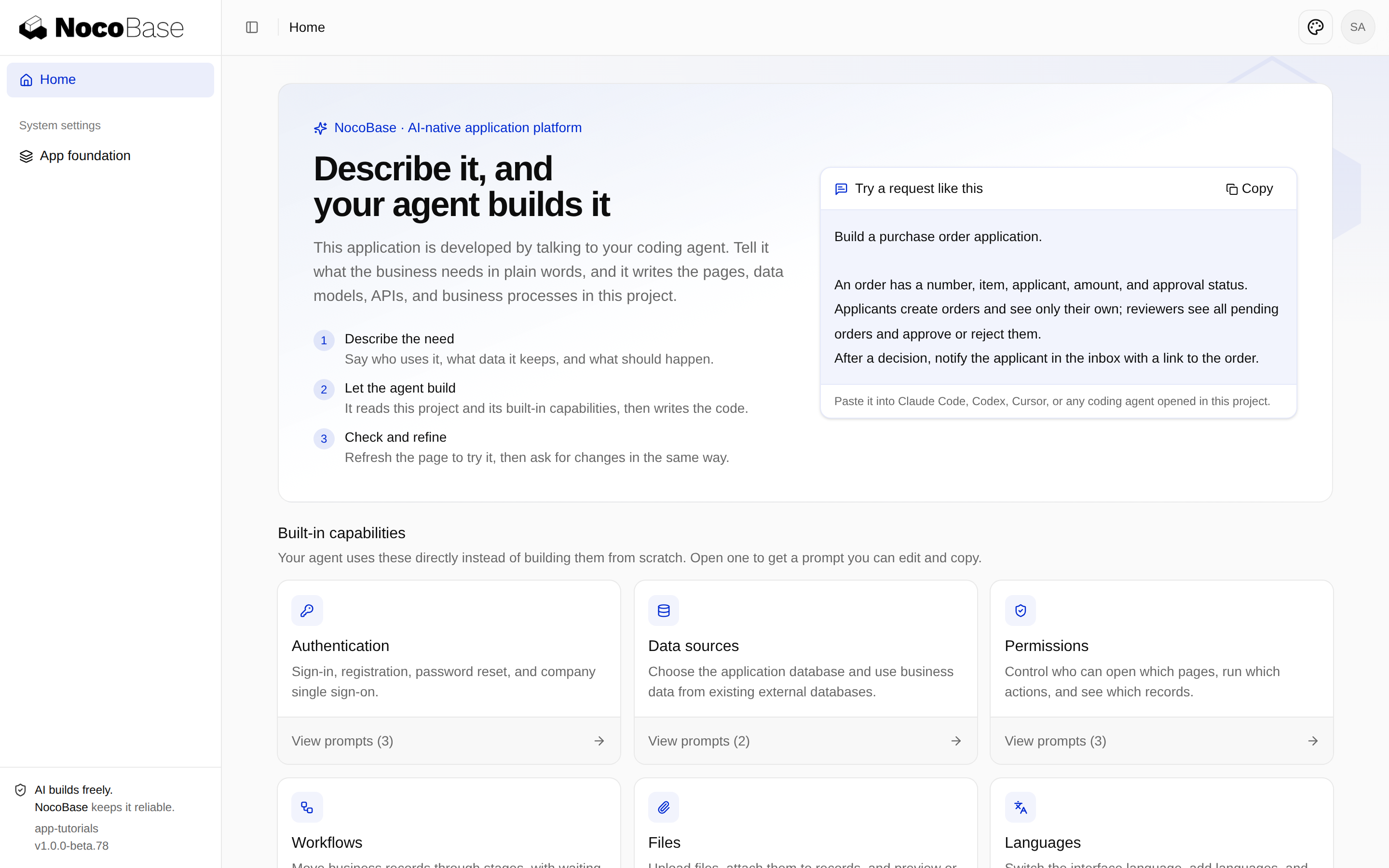
The homepage introduces available capabilities and includes example requirements you can give an agent. You now have both application source and a running application.
These screenshots show the historical 00-create-app example generated from default template 1.0.0-beta.78; your installed version may look different. Build your first app uses the npmjs.org-published 1.0.0-beta.81 template baseline and does not require checking out this old tag.
Troubleshooting
The agent cannot find the creation Skill
Check that you selected the correct agent during installation and started a new session afterward. Creation uses the global nocobase-create-app Skill; subsequent development follows the application's own guidance.
The application exists but its Skills are missing
Run this inside the application, then start a new agent session there:
pnpm nocobase skills syncStartup reports missing configuration
Confirm that the terminal is in the application directory and run pnpm nocobase config init --dialect sqlite followed by pnpm nocobase config check. Investigate existing configuration errors rather than deleting configuration or resetting the database to retry.
Next step
Read Project structure to locate application code, configuration and agent guidance.