

Page filters and linkage
The page filter (filter block) provides a unified input for filter conditions at the page level and merges them into chart queries to keep multiple charts filtered consistently and linked.
Feature overview
- Add a filter block to the page to provide a unified filter entry for all charts.
- Use “Filter”, “Reset”, and “Collapse” buttons to apply, clear, and collapse.
- If the filter selects fields associated with a chart, their values are automatically merged into the chart query and trigger a refresh.
- Filters can define custom fields and register them in context variables so they can be referenced in charts, tables, forms, and other data blocks.
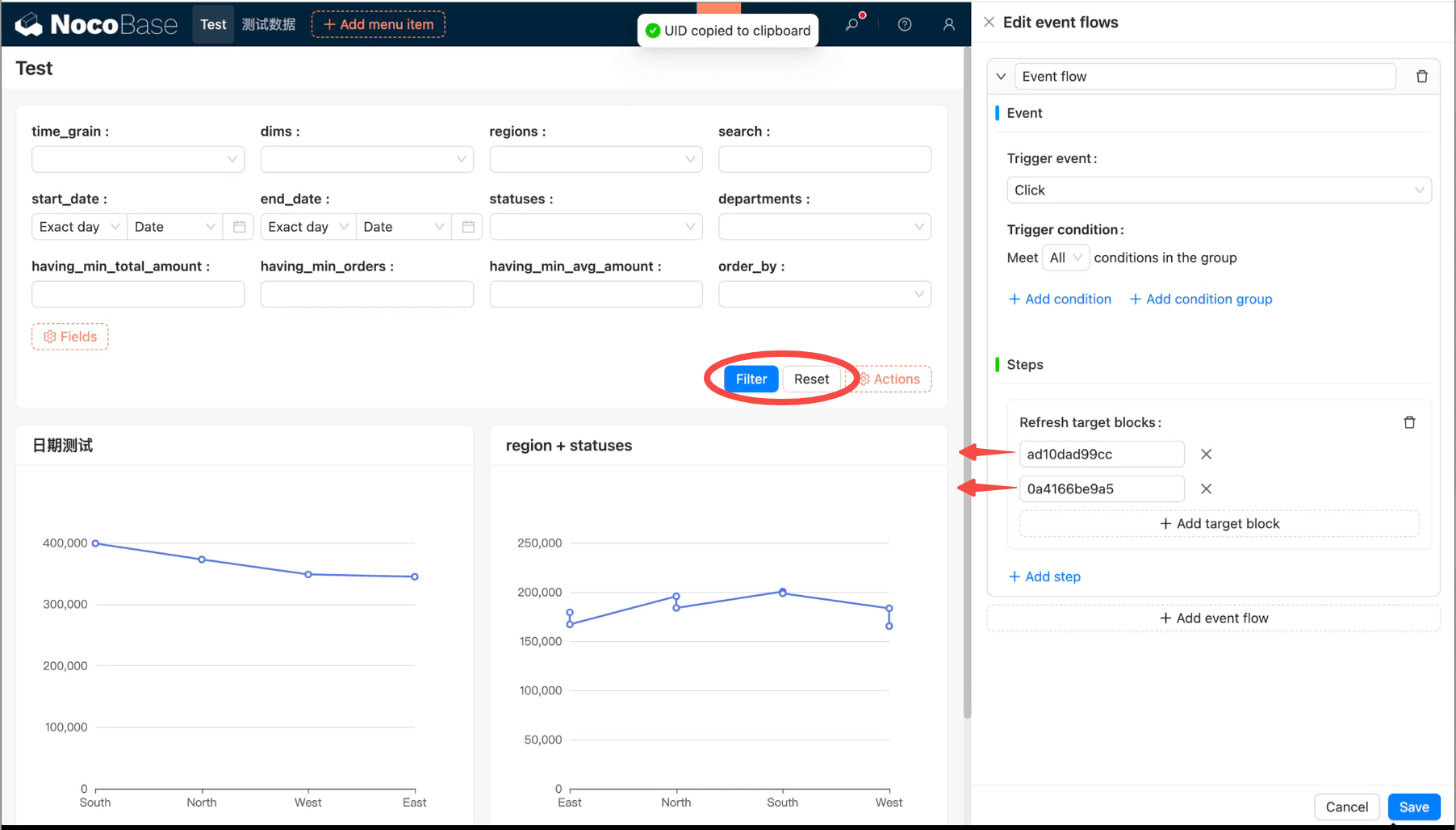
For more on using page filters and linking with charts or other data blocks, see the page filter documentation.
Use page filter values in chart queries
-
Builder mode (recommended)
- Auto merge: When the data source and collection match, you do not need to write variables in the chart query; page filters are merged with
$and. - Manual selection: You can also select values from filter block custom fields in chart filter conditions.
- Auto merge: When the data source and collection match, you do not need to write variables in the chart query; page filters are merged with
-
SQL mode (via variable injection)
- In SQL, use “Choose variable” to insert values from filter block custom fields.