

Storage Engine: Amazon S3
A storage engine based on Amazon S3. You need to prepare the relevant account and permissions before use.
This engine does not support private access. After a file is uploaded, NocoBase generates a directly accessible URL, and anyone who has that URL can access the file.
Even if the S3 bucket itself is private, the built-in Amazon S3 engine does not generate temporary signed URLs for file access. If you need private access, use S3 Pro. If historical files already exist, see Migrate to S3 Pro.
Configuration Parameters
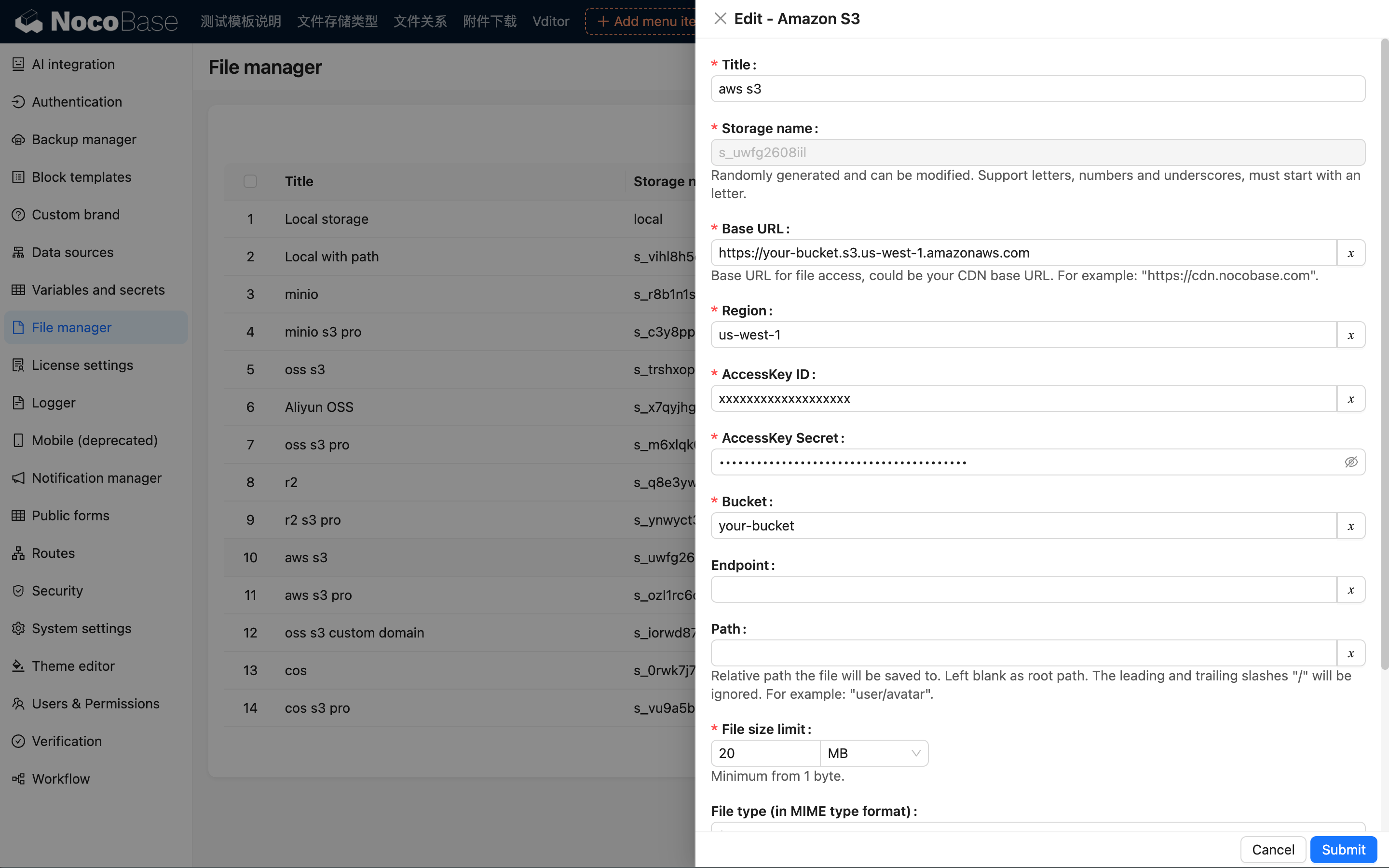
This section only introduces the specific parameters for the Amazon S3 storage engine. For common parameters, please refer to Common Engine Parameters.
Region
Enter the S3 storage region, for example: us-west-1.
You can view the region information for your bucket in the Amazon S3 console, and you only need to use the region prefix (not the full domain name).
AccessKey ID
Enter the Amazon S3 AccessKey ID.
AccessKey Secret
Enter the Amazon S3 AccessKey Secret.
Bucket
Enter the S3 bucket name.