

Storage Engine: Local Storage
Uploaded files will be saved in a local directory on the server's hard drive. This is suitable for scenarios with a small total volume of uploaded files managed by the system or for experimental purposes.
Use /files/ stable URLs for local files whenever possible so NocoBase can check the file record and the current role's view permission. Legacy /storage/uploads/ URLs do not enforce record-level permissions, but Docker, the built-in Nginx, and Nginx configurations generated by the NocoBase CLI restrict them to signed-in users by default.
If you need to store contracts, identity documents, internal materials, or other files that should not be public, use S3 Pro. If historical files already exist, see Migrate to S3 Pro.
If custom Nginx serves local uploads through alias, its /storage/uploads/ location must use auth_request to call the NocoBase auth endpoint. Otherwise, it bypasses the default login check. Also set X-Content-Type-Options: nosniff and return active content files such as html, svg, xhtml, and pdf as attachments. See Nginx Reverse Proxy for a complete example and sub-application configuration, and Security guide: File storage for the associated risks.
If an existing integration depends on anonymous access to legacy URLs, set LEGACY_LOCAL_STORAGE_PUBLIC_ACCESS=true and restart the application. This compatibility switch affects only /storage/uploads/ and does not change record-level permissions for /files/.
Configuration Parameters
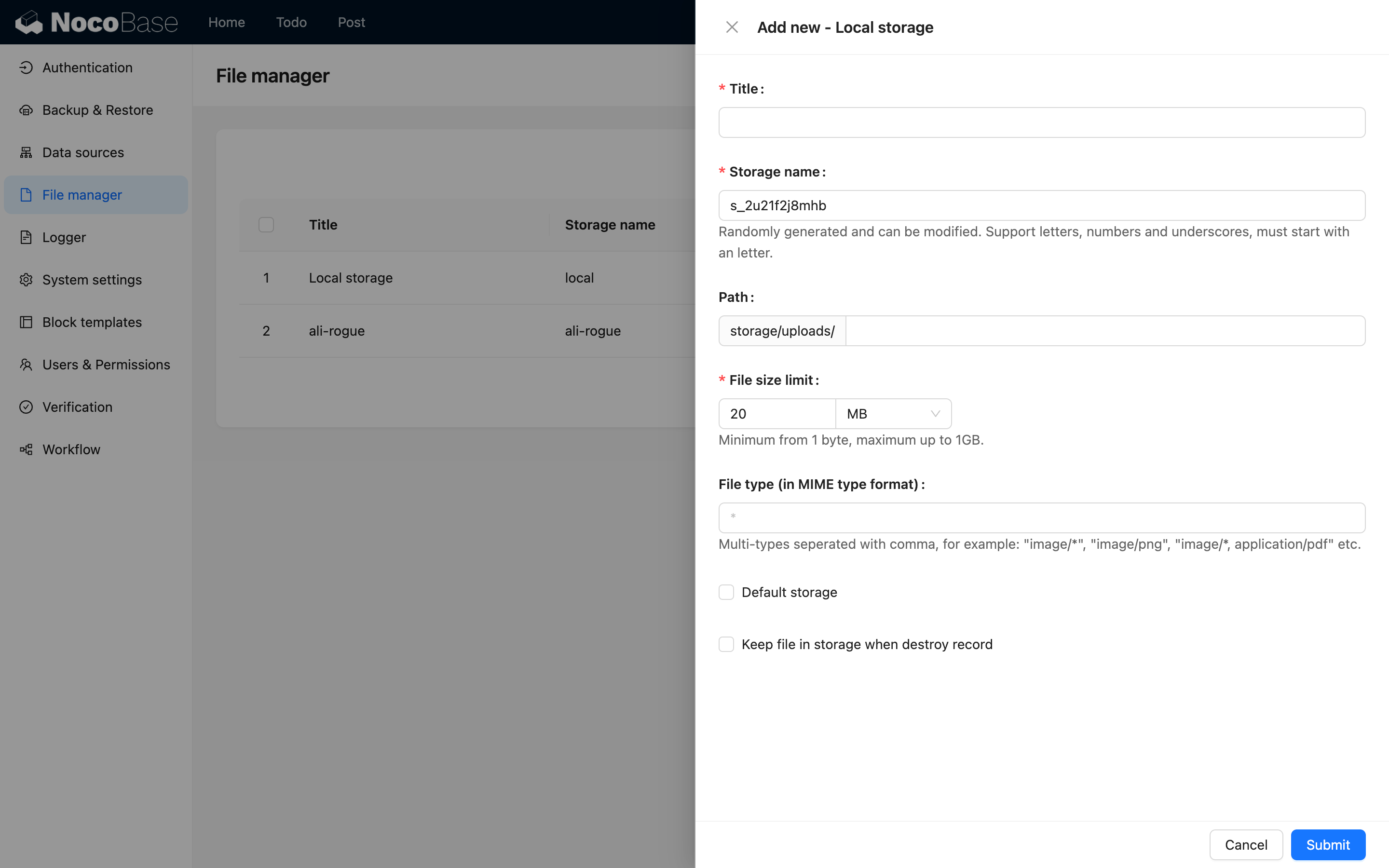
This section only introduces parameters specific to the local storage engine. For general parameters, please refer to General Engine Parameters.
Path
Represents both the relative path for file storage on the server and the URL access path. For example, "user/avatar" (without leading or trailing slashes) represents:
- The relative path on the server where uploaded files are stored:
/path/to/nocobase-app/storage/uploads/user/avatar. - The URL prefix for accessing the files:
http://localhost:13000/storage/uploads/user/avatar.