

ACL Configuration
Before reading this page, make sure you have installed the NocoBase CLI and completed initialization as described in AI Builder Quick Start.
Introduction
The ACL Configuration Skill manages NocoBase roles, permission policies, user bindings, and ACL risk assessments through natural language — you describe the business objective, and it selects the commands and parameters.
Capabilities
- Create new roles
- Switch global role modes (independent mode / union mode)
- Batch configure action permissions and data scopes for data tables
- Unbind users from roles
- Generate risk assessment reports at the role, user, and system levels
Prompt Examples
Scenario A: Batch binding users
The current environment must have a Member role and multiple users
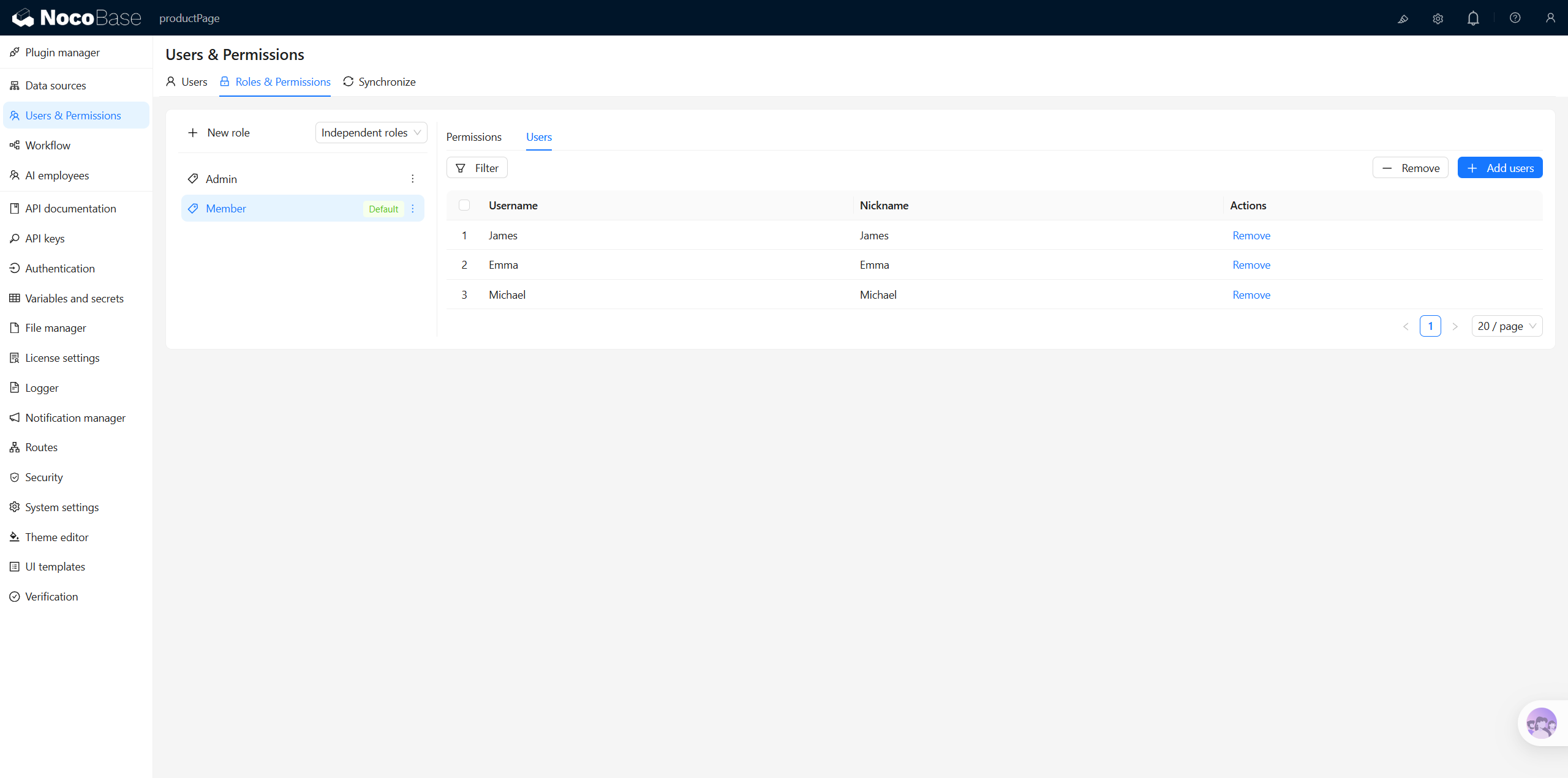
Scenario B: Batch configuring page permissions
The current environment must have a Member role and multiple pages
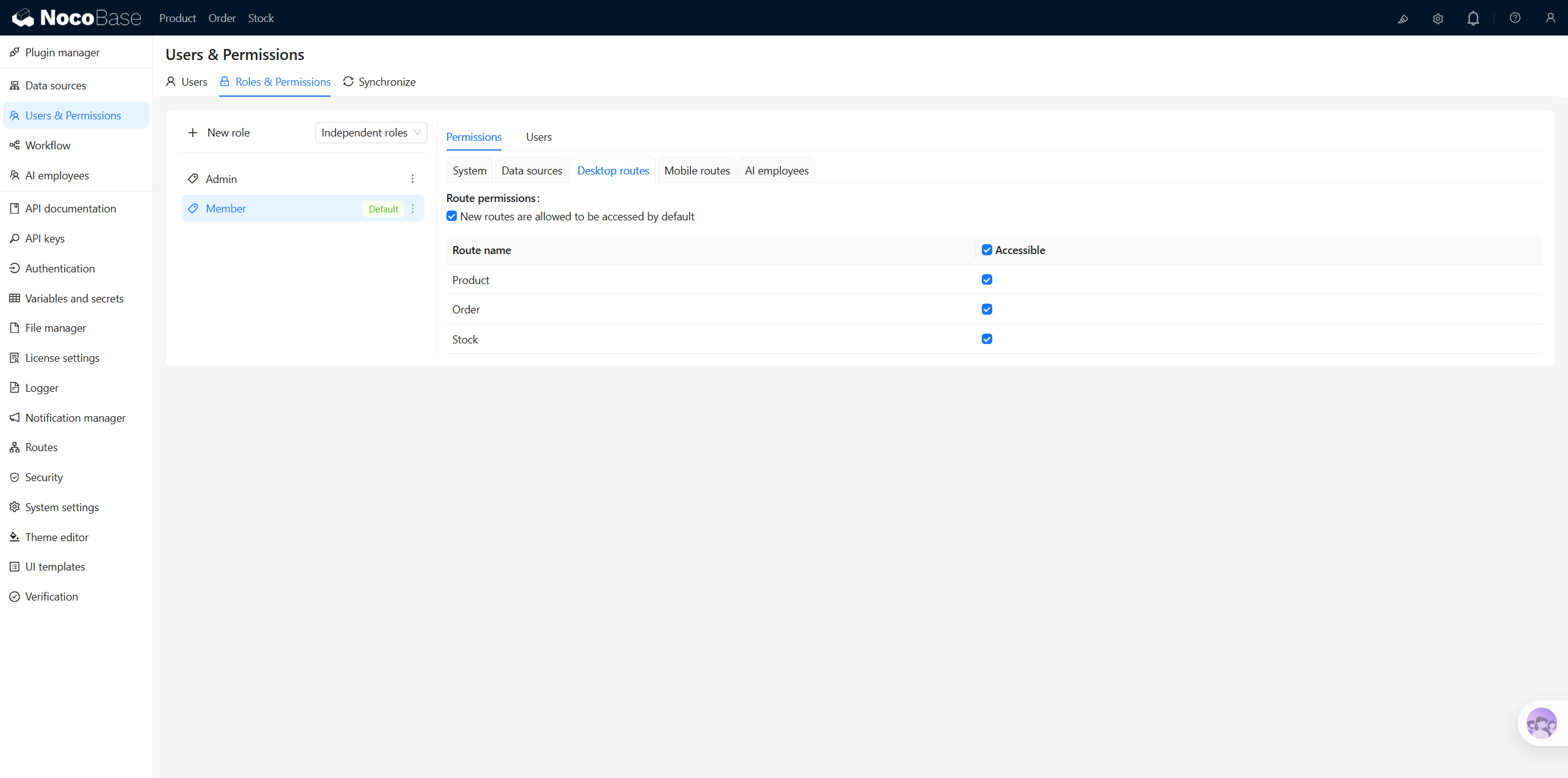
Scenario C: Batch configuring multi-table permissions
The current environment must have a Member role and multiple data tables
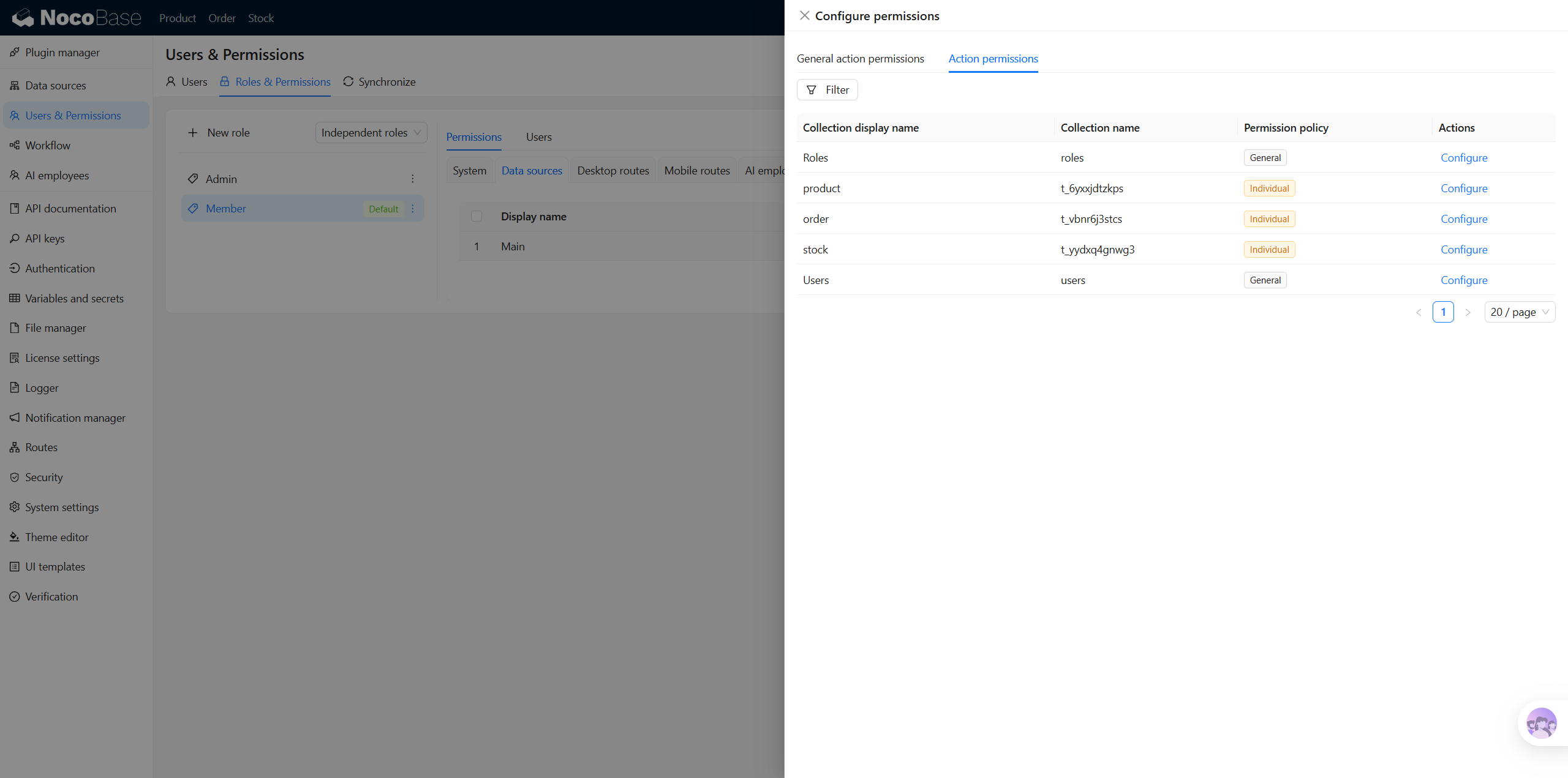
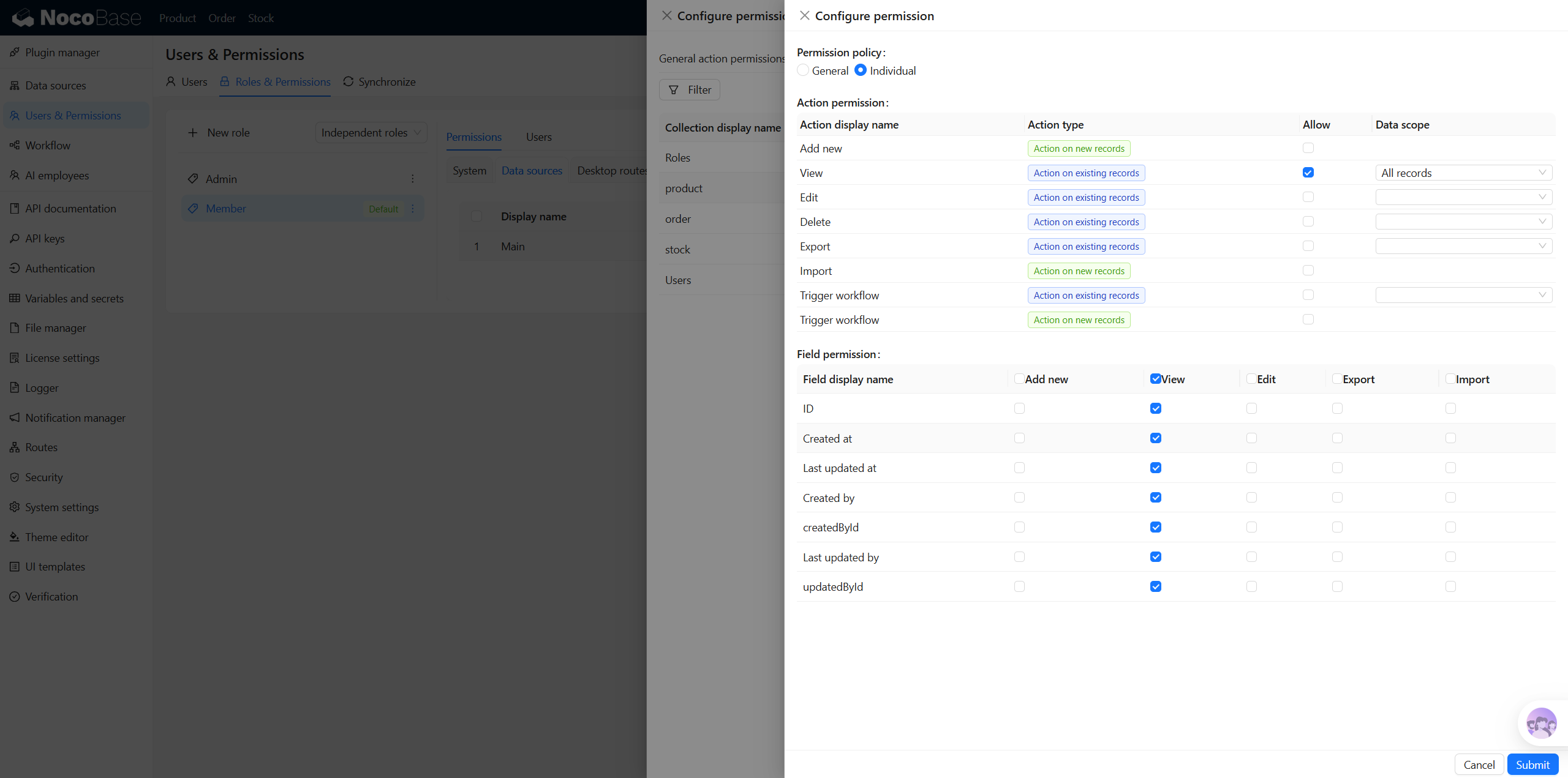
Scenario D: Multi-role multi-table permission configuration
The current environment must have multiple roles and multiple data tables
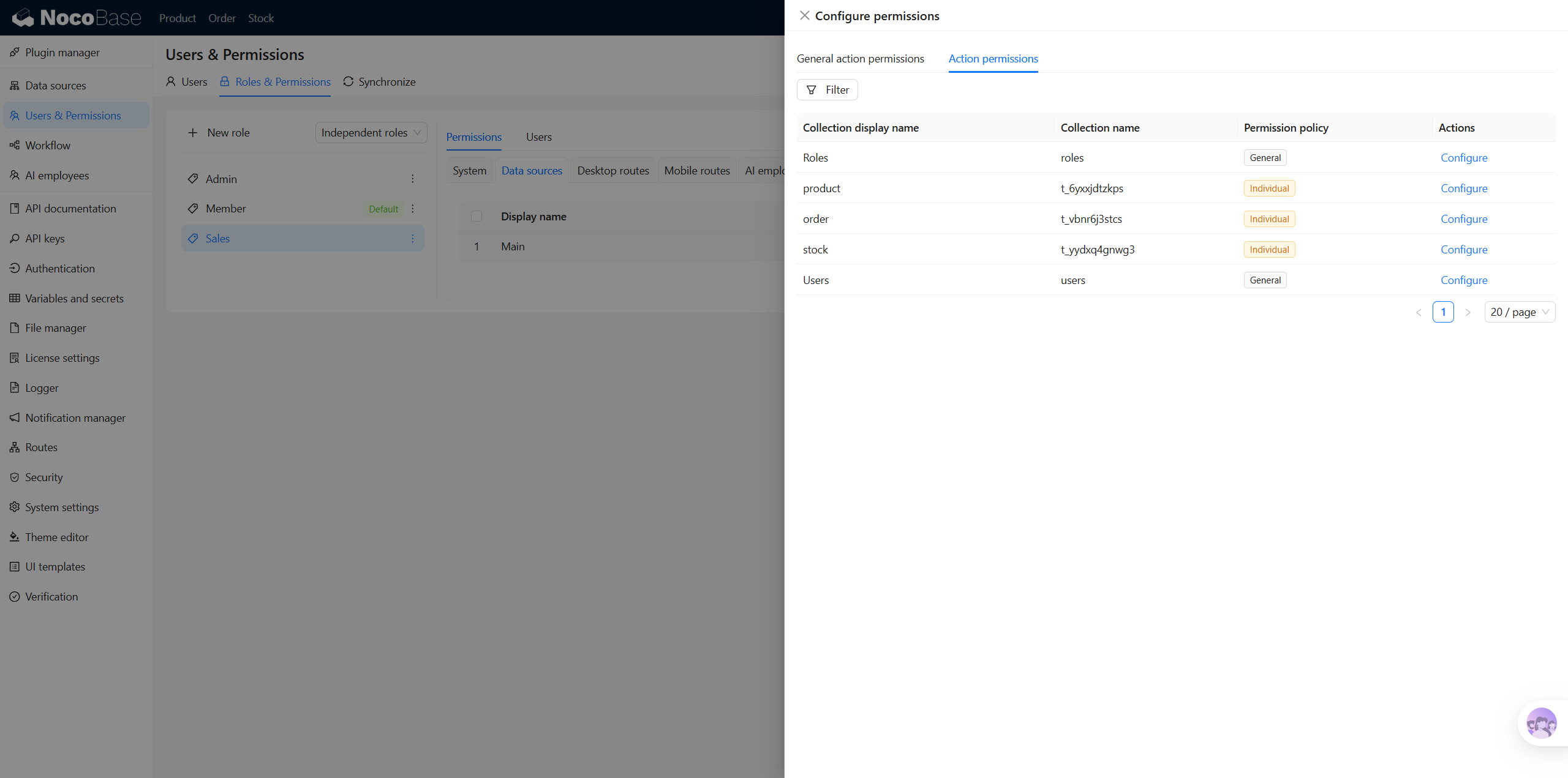
Scenario E: Risk assessment
This will output a risk score, impact scope description, and improvement recommendations.
FAQ
What should I do if permissions are configured but not taking effect?
First check whether the global role mode is correct — if a user has multiple roles simultaneously, the behavior difference between union mode and independent mode is significant. You can check the current mode to confirm the issue.
Related Links
- AI Builder Overview — Overview and installation guide for all AI Builder Skills
- NocoBase CLI — Command-line tool for installing and managing NocoBase