

UI Configuration
Before reading this page, make sure you have installed the NocoBase CLI and completed initialization as described in AI Builder Quick Start.
Introduction
The UI Configuration Skill creates and edits NocoBase pages, blocks, fields, and action configurations — you describe the page you want in business language, and it handles blueprint generation, block layout, and interactive linkage.
Capabilities
Can do:
- Create complete pages: Tables, filter forms, and detail popups in one step
- Edit existing pages: Add blocks, adjust fields, configure popups, adjust layouts
- Set up interactive linkage: Default values, field visibility, calculated linkage, action button states
- Use template reuse: Save repetitive popups and blocks as templates
- Support multi-page tasks: Build pages sequentially in order
Cannot do:
- Cannot configure ACL permissions (use the ACL Configuration Skill)
- Cannot design data table structures (use the Data Modeling Skill)
- Cannot orchestrate workflows (use the Workflow Management Skill)
- Cannot handle non-modern page (v1) navigation, only supports v2 pages.
- Does not handle AI Portal frontend source (use AI Portal)
Prompt Examples
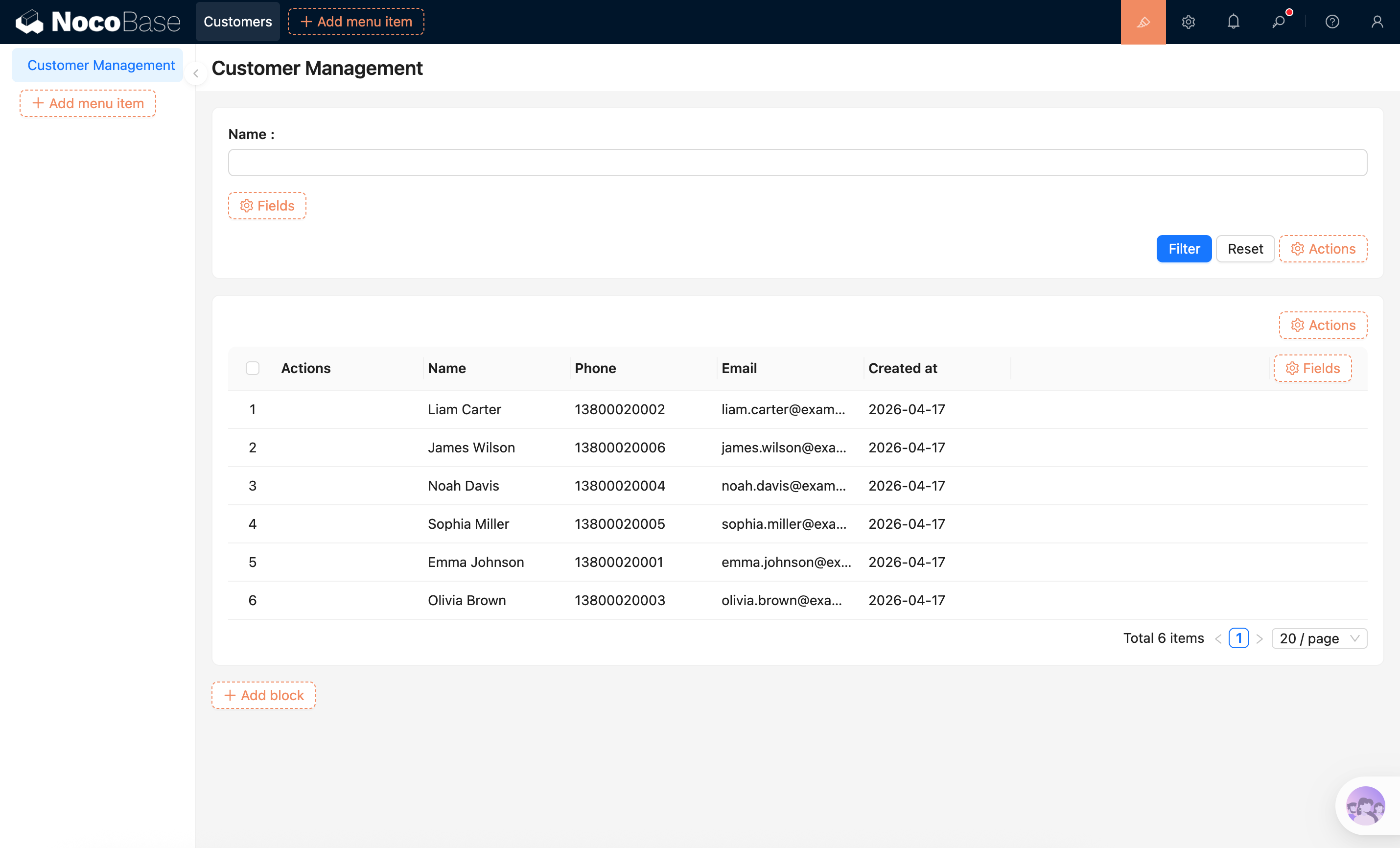
Scenario A: Creating a management page
The Skill will first read the collection fields, then generate and write the page blueprint.
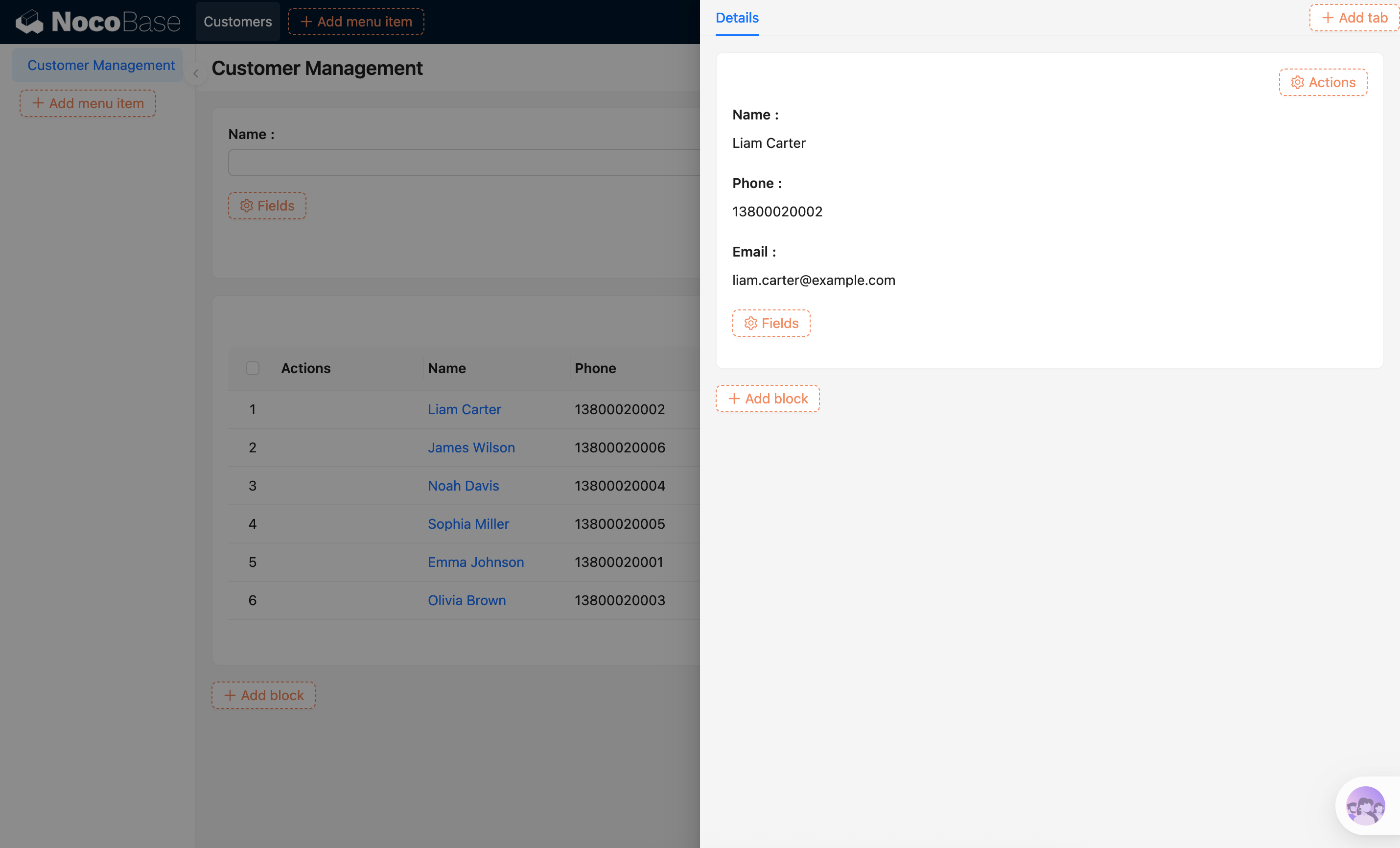
Scenario B: Configuring popups
It will prefer a field popup (click to pop up) rather than adding an extra action button.
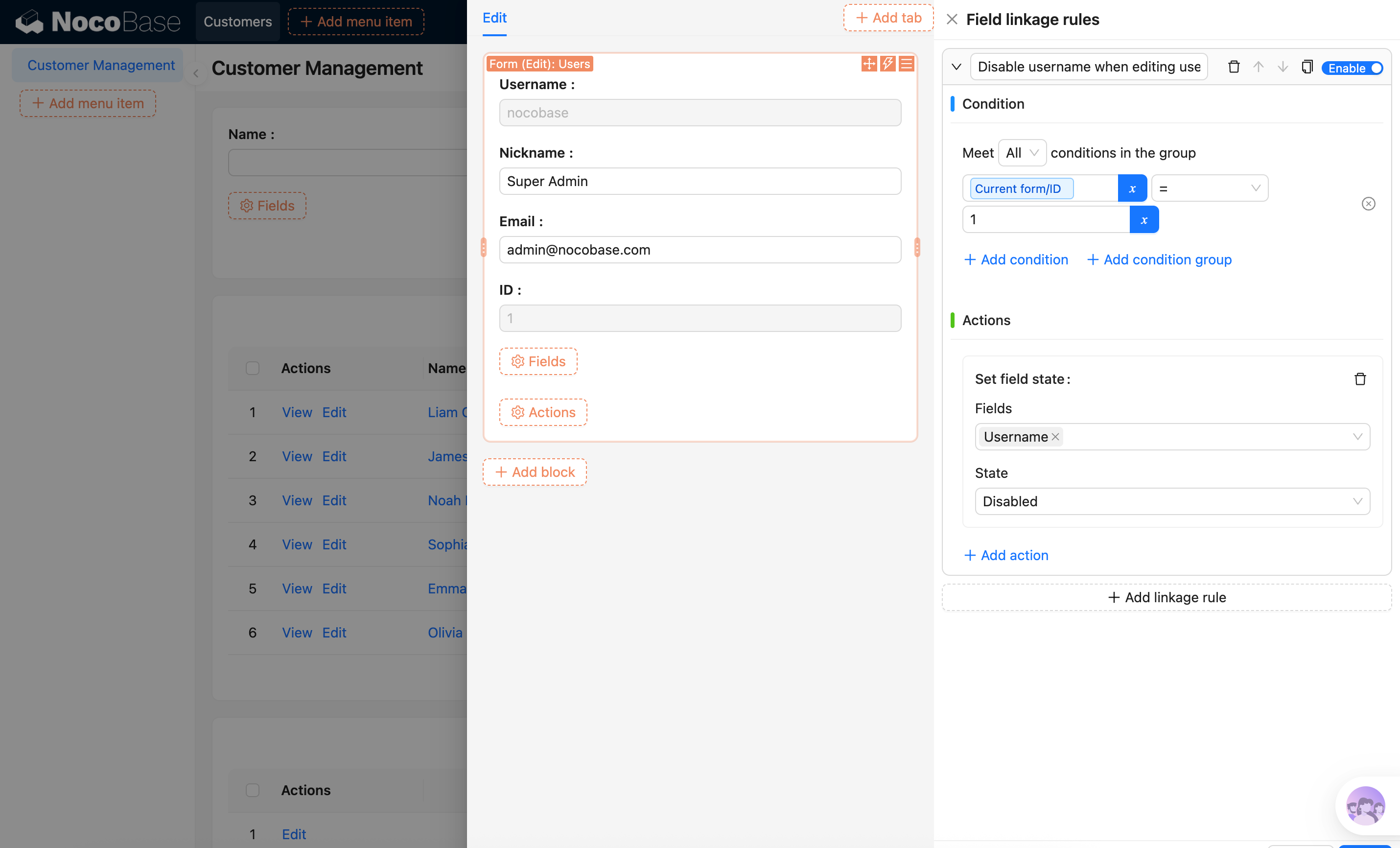
Scenario C: Setting up linkage rules
This is implemented through linkage rules without manually writing configuration.
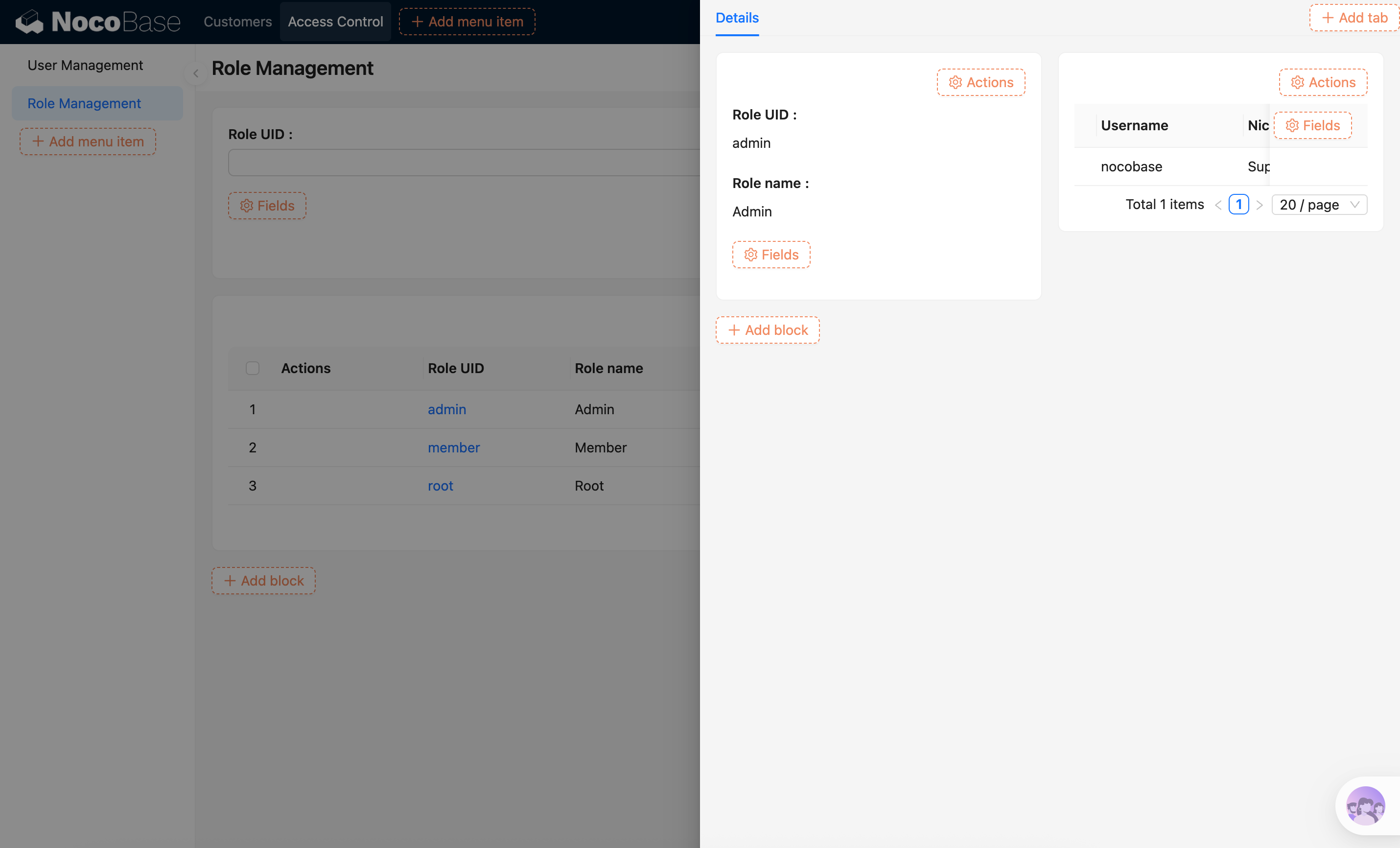
Scenario D: Multi-page building
It will provide a simple multi-page design, which can be adjusted and confirmed before building.
FAQ
What should I do if the block shows no data after page creation?
First confirm that the corresponding data table actually has records. Also check whether the block's bound collection and data source are correct. You can also use the Data Modeling Skill to create mock data directly.
What if I want multiple blocks in a popup?
You can describe the popup content in the prompt, such as "Put a form and a related table in the edit popup." The Skill will generate a custom popup layout containing multiple blocks.
Will manual configuration and AI configuration interfere with each other?
If manual configuration and AI configuration are done simultaneously, they may interfere with each other. If they are not done at the same time, there will be no interference.
Related Links
- AI Builder Overview — Overview and installation guide for all AI Builder Skills
- Data Modeling — Create and manage data tables, fields, and relationships with AI
- ACL Configuration — Configure roles and data access permissions
- Workflow Management — Create, edit, and diagnose workflows
- AI Portal — The other way to go when a page needs custom code