

Solutions
Before reading this page, make sure you have installed the NocoBase CLI and completed initialization as described in AI Builder Quick Start.
The Solutions feature is currently in testing with limited stability, available for early access only.
Introduction
The Solutions Skill batch-builds NocoBase applications from YAML configuration files — creating data tables, configuring pages, and generating dashboards and charts all at once.
Ideal for scenarios that require quickly building complete business systems, such as CRM, ticket management, inventory management, and more.
Capabilities
Can do:
- Design complete application solutions based on requirement descriptions, including data tables, pages, and dashboards
- Batch-create data tables and pages via
structure.yaml - Configure popups and forms via
enhance.yaml - Automatically generate dashboards with KPI cards and charts
- Incremental updates — always uses
--forcemode without destroying existing data
Cannot do:
- Not suitable for field-level fine-tuning (the Data Modeling Skill is more appropriate)
- Cannot perform data migration or data import
- Cannot configure permissions or workflows (requires other Skills)
Prompt Examples
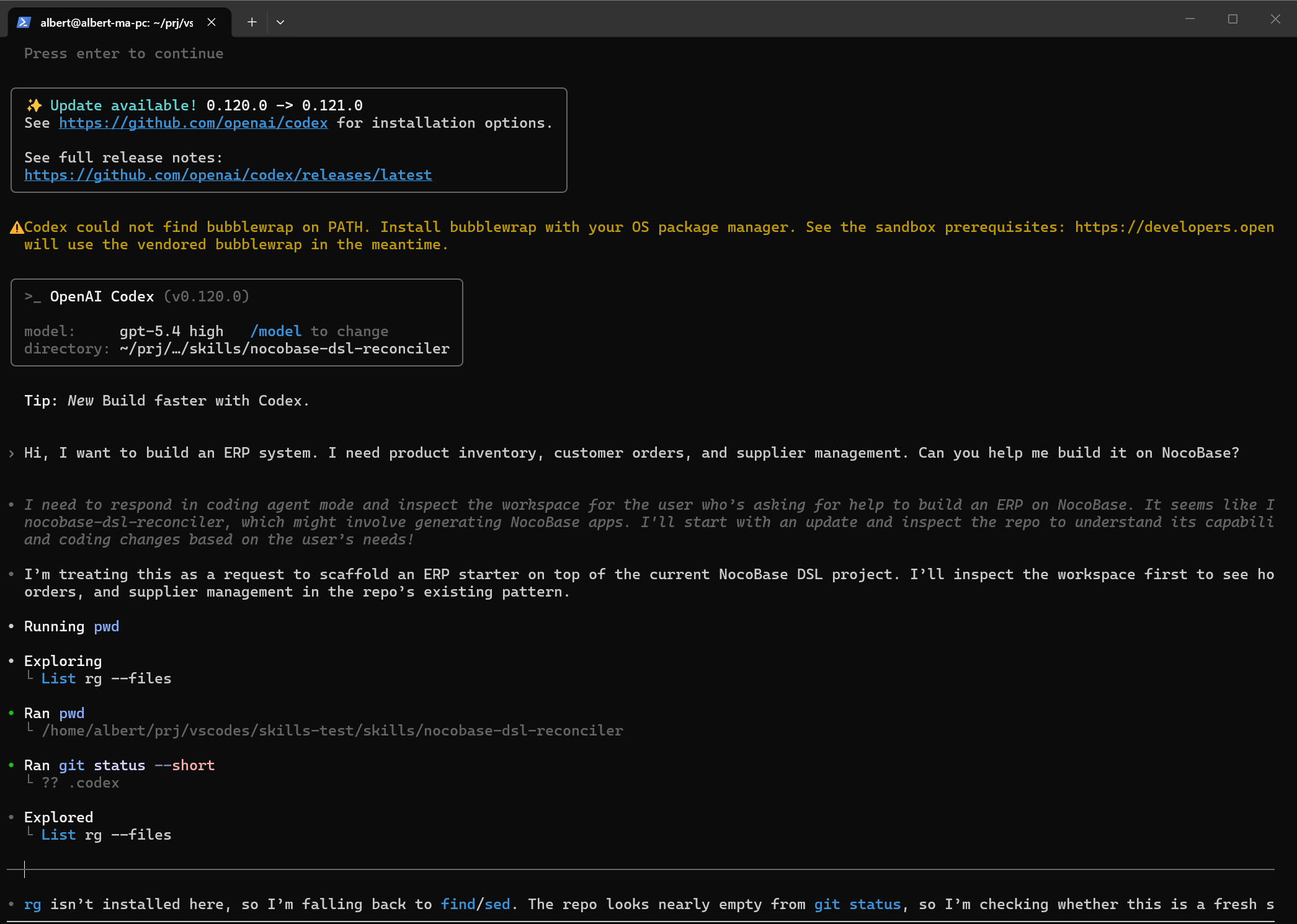
Scenario A: Building a complete system
The Skill will first output a design plan — listing all data tables and page structures — then execute the build in rounds after confirmation.
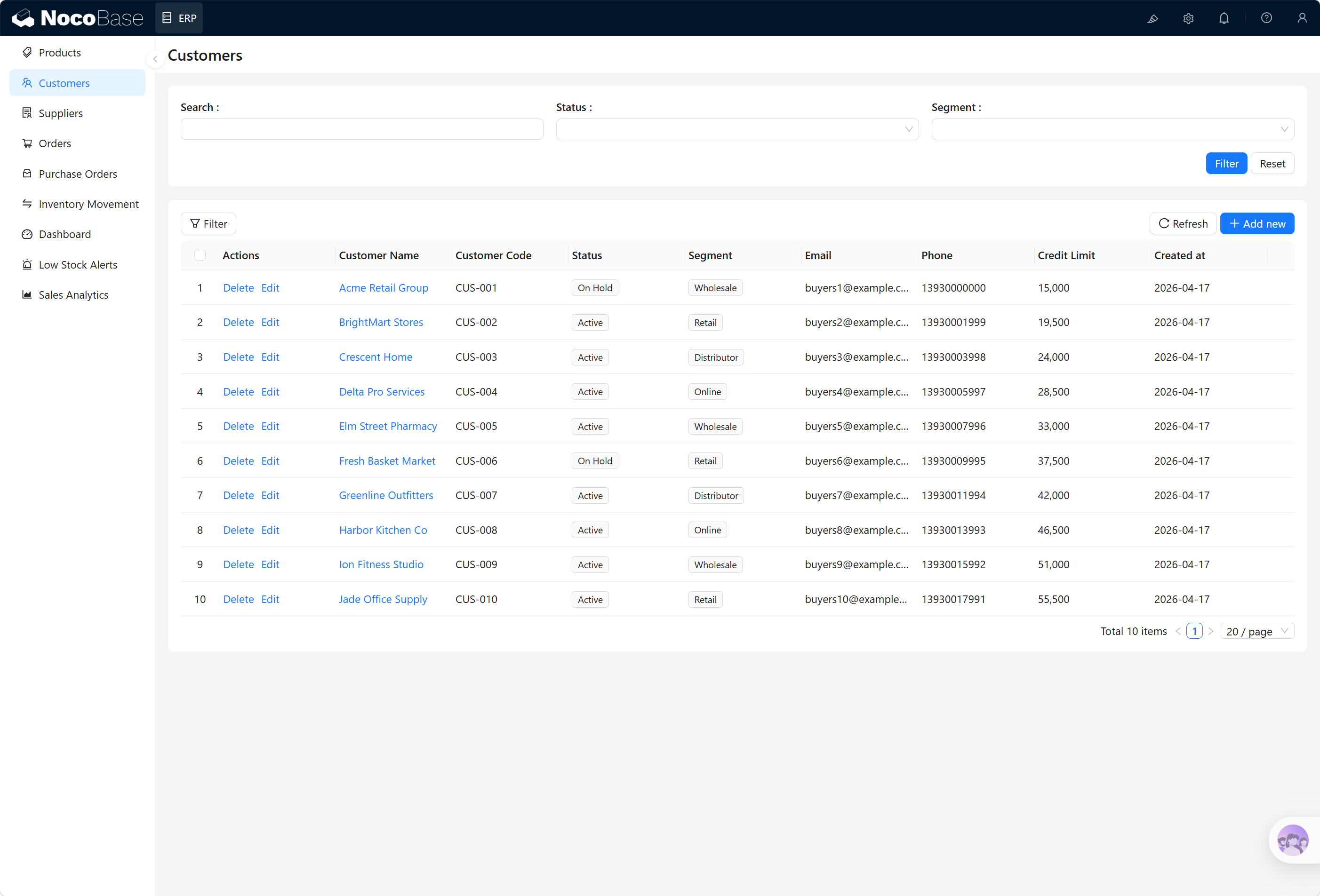
Scenario B: Modifying an existing module
Modify structure.yaml and update with --force.
Scenario C: Customizing charts
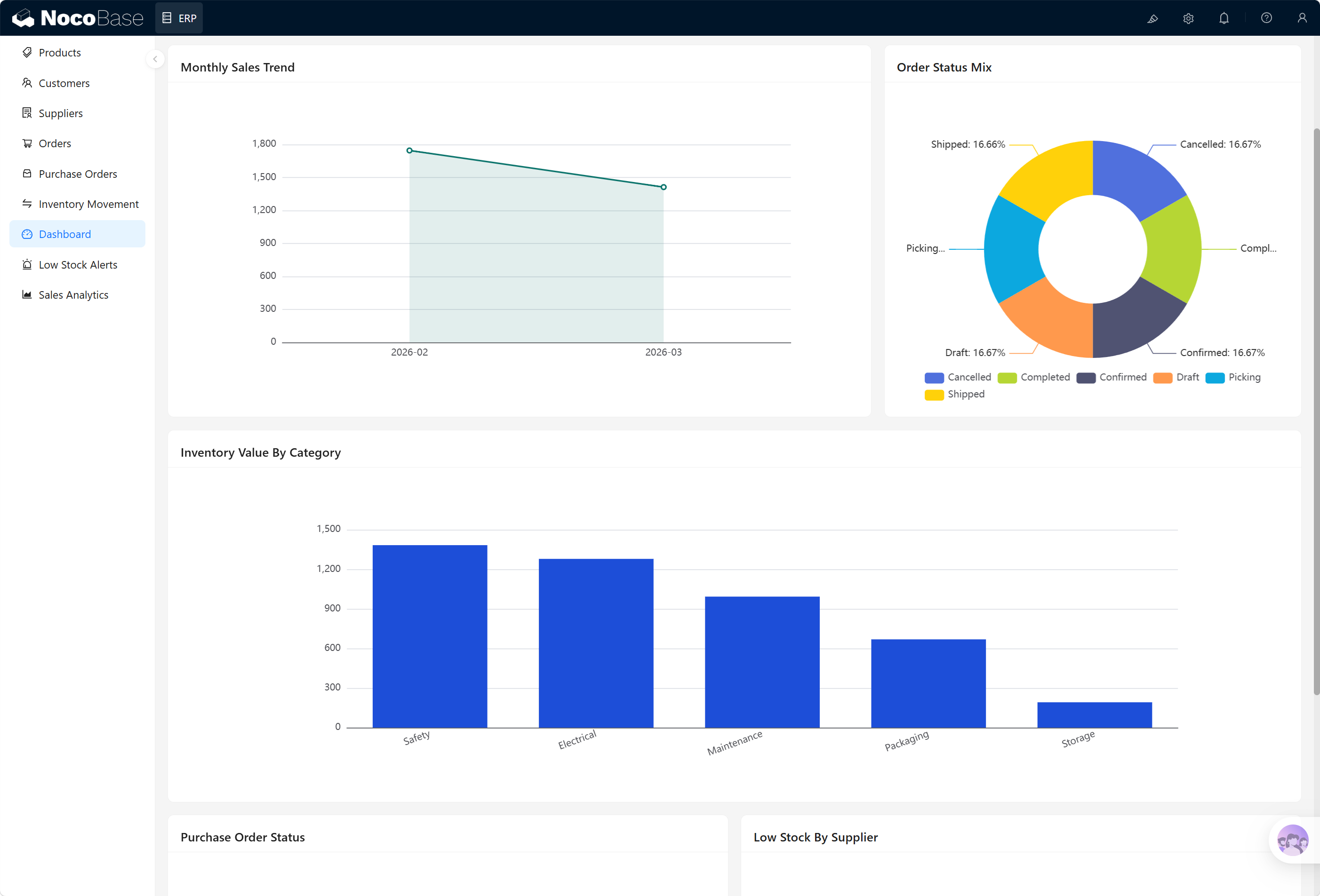
Edit the corresponding SQL file, changing the time range from '7 days' to '1 month', then run --verify-sql to validate.
FAQ
What should I do if SQL verification fails?
NocoBase uses PostgreSQL. Column names must use camelCase and be quoted with double quotes (e.g., "createdAt"). Date functions should use NOW() - '7 days'::interval instead of SQLite syntax. Running --verify-sql can catch these issues before deployment.
What if I want to fine-tune a specific field after building?
Use the Solutions Skill for the initial full build, then use the Data Modeling Skill or UI Configuration Skill for subsequent fine-tuning — they're more flexible for individual adjustments.
Related Links
- AI Builder Overview — Overview and installation guide for all AI Builder Skills
- Data Modeling — Use the Data Modeling Skill for field-level fine-tuning
- UI Configuration — Fine-tune pages and block layouts after building