Auth: SMS
Auth: SMSCommunity Edition+Introduction
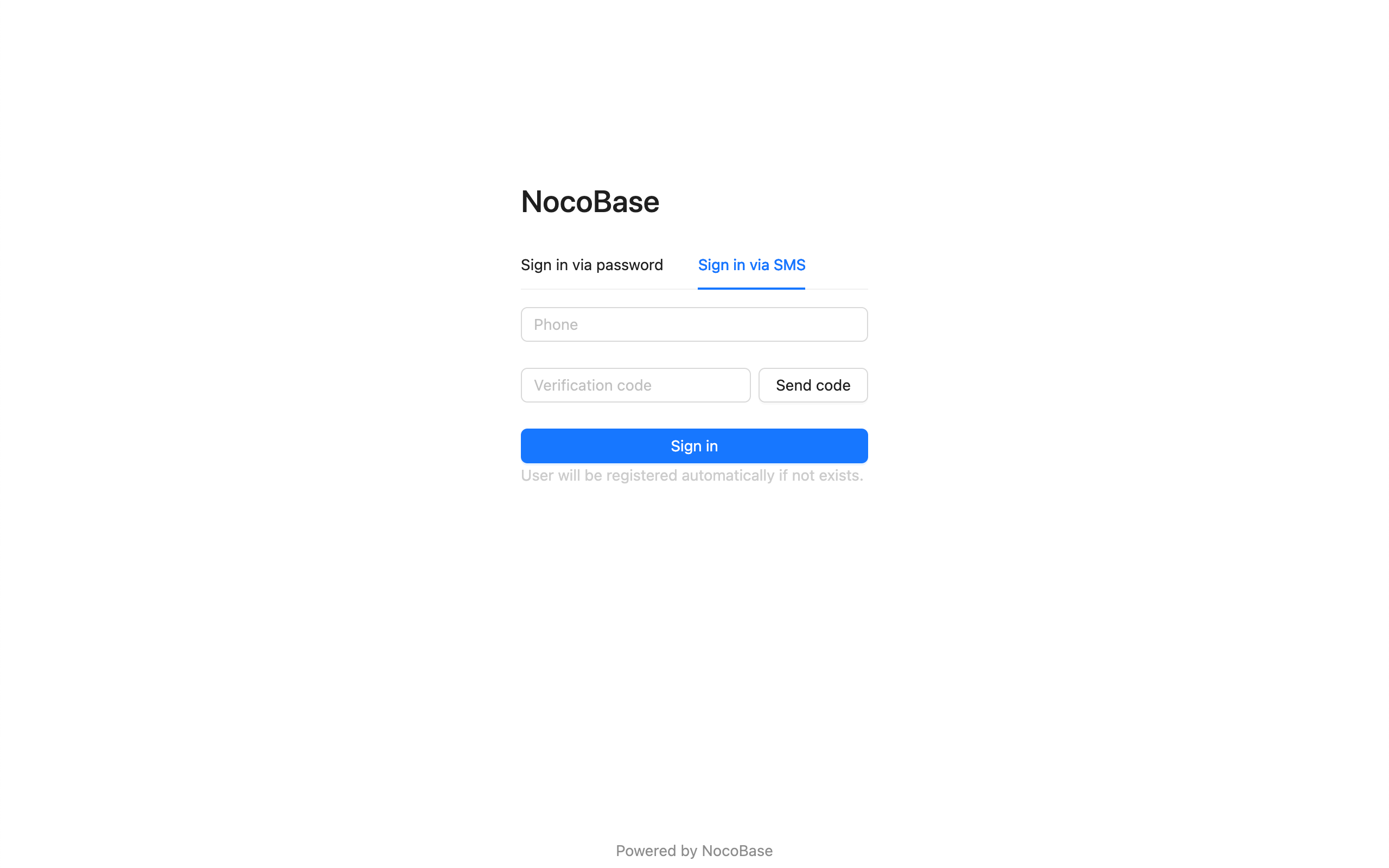
The SMS authentication plugin supports users to register through SMS and log in to NocoBase.
It needs to be used in conjunction with the SMS verification code function provided by the
@nocobase/plugin-verificationplugin
Add SMS Authentication
Enter the user authentication plugin management page.
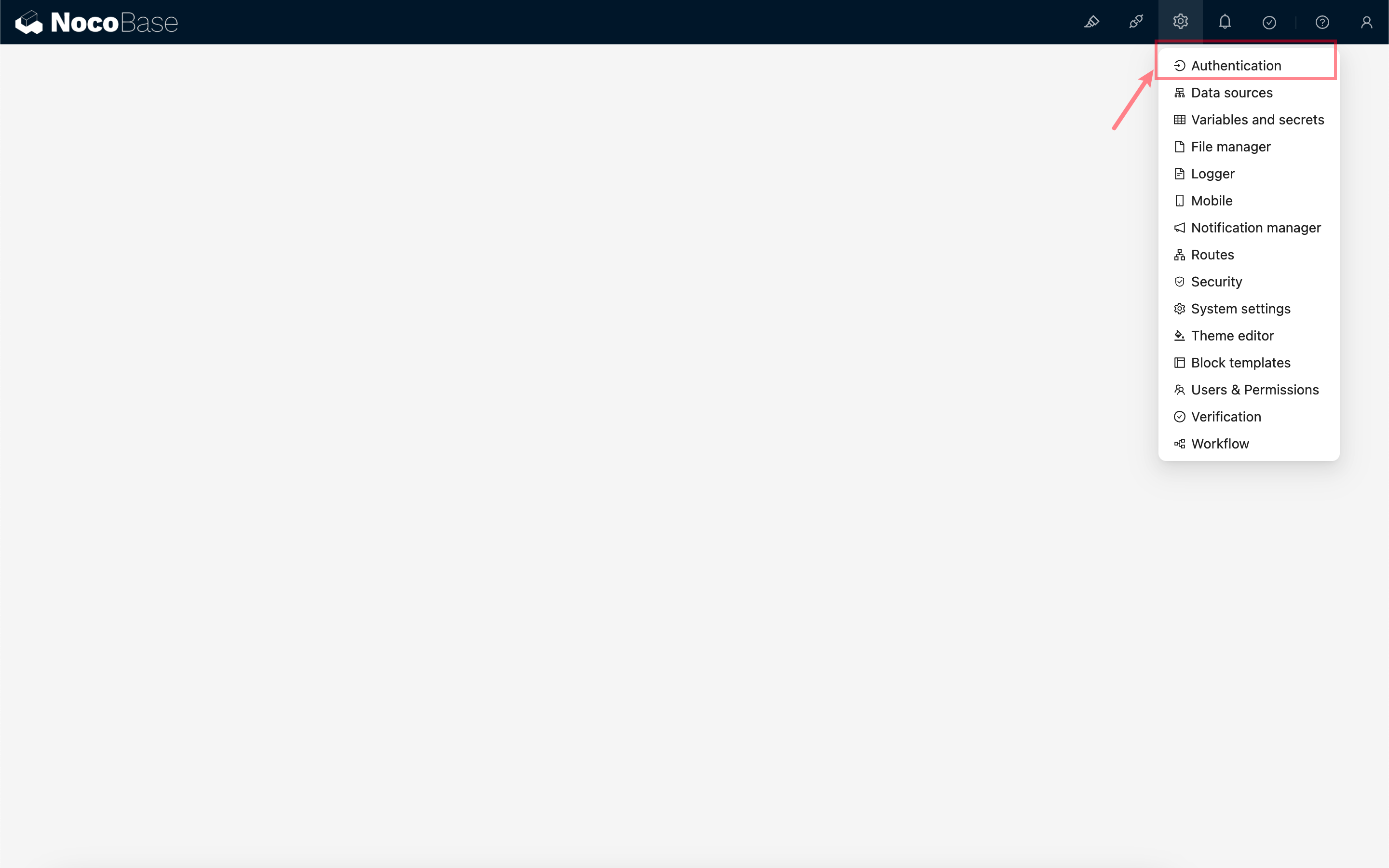
Add - SMS
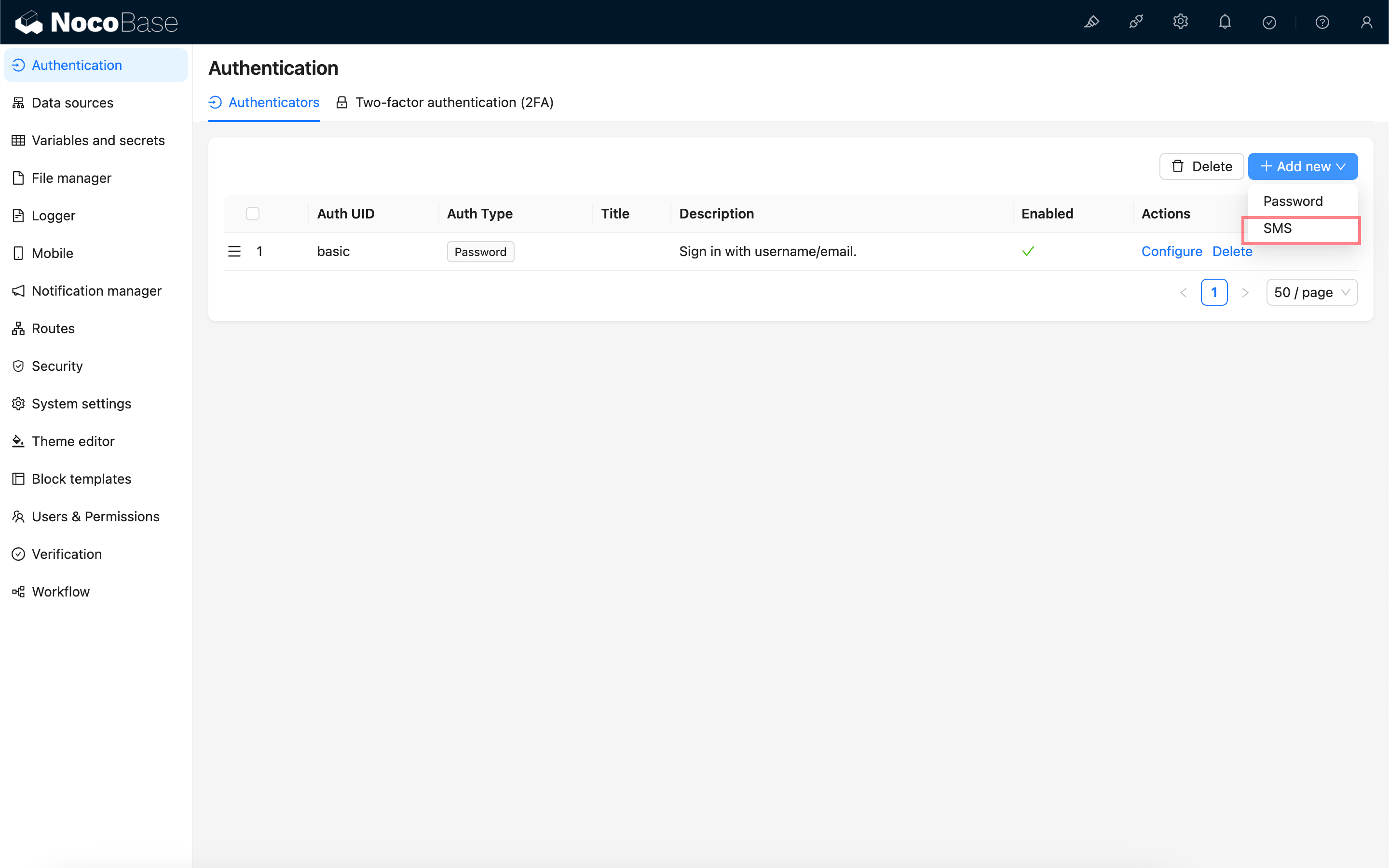
New Version Configuration
The new configuration was introduced in 1.6.0-alpha.30 and is planned for stable support starting from 1.7.0.
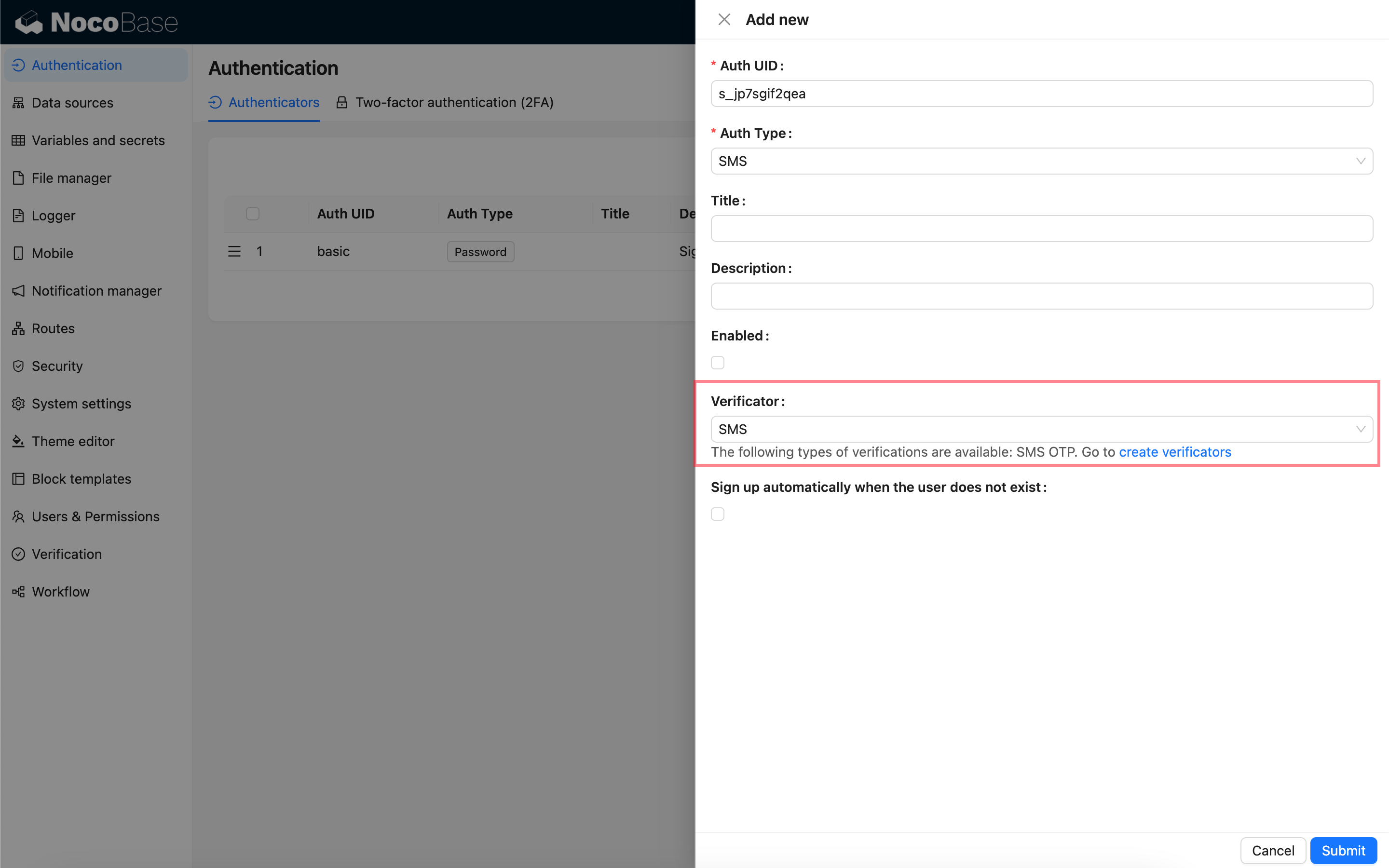
Verificator: Bind an SMS verificator to send SMS verification codes. If no verificator is available, you need to go to the Verification management page to create an SMS verificator first. See also:
Sign up automatically when the user does not exist: When this option is checked, if the user's phone number does not exist, a new user will be registered using the phone number as the nickname.
Old Version Configuration
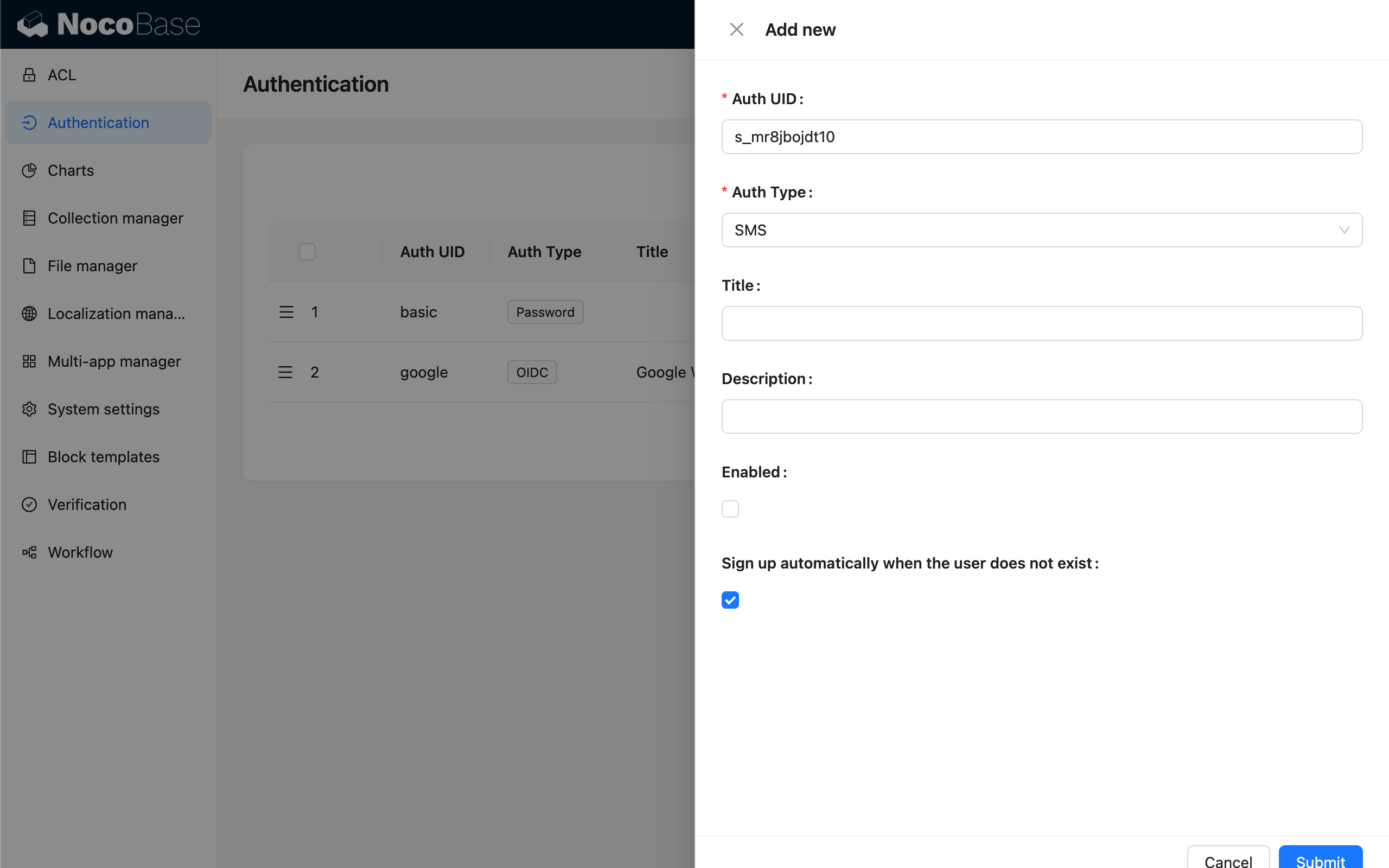
The SMS login authentication feature will use the configured and default SMS verification code Provider to send text messages.
Sign up automatically when the user does not exist: When this option is checked, if the user's phone number does not exist, a new user will be registered using the phone number as the nickname.
Log In
Visit the login page to use.