Auth: SAML 2.0
Auth: SAML 2.0Professional Edition+Introduction
The Auth: SAML 2.0 plugin follows the SAML 2.0 (Security Assertion Markup Language 2.0) protocol standard, allowing users to sign in to NocoBase using accounts provided by third-party identity authentication service providers (IdP).
Activate Plugin
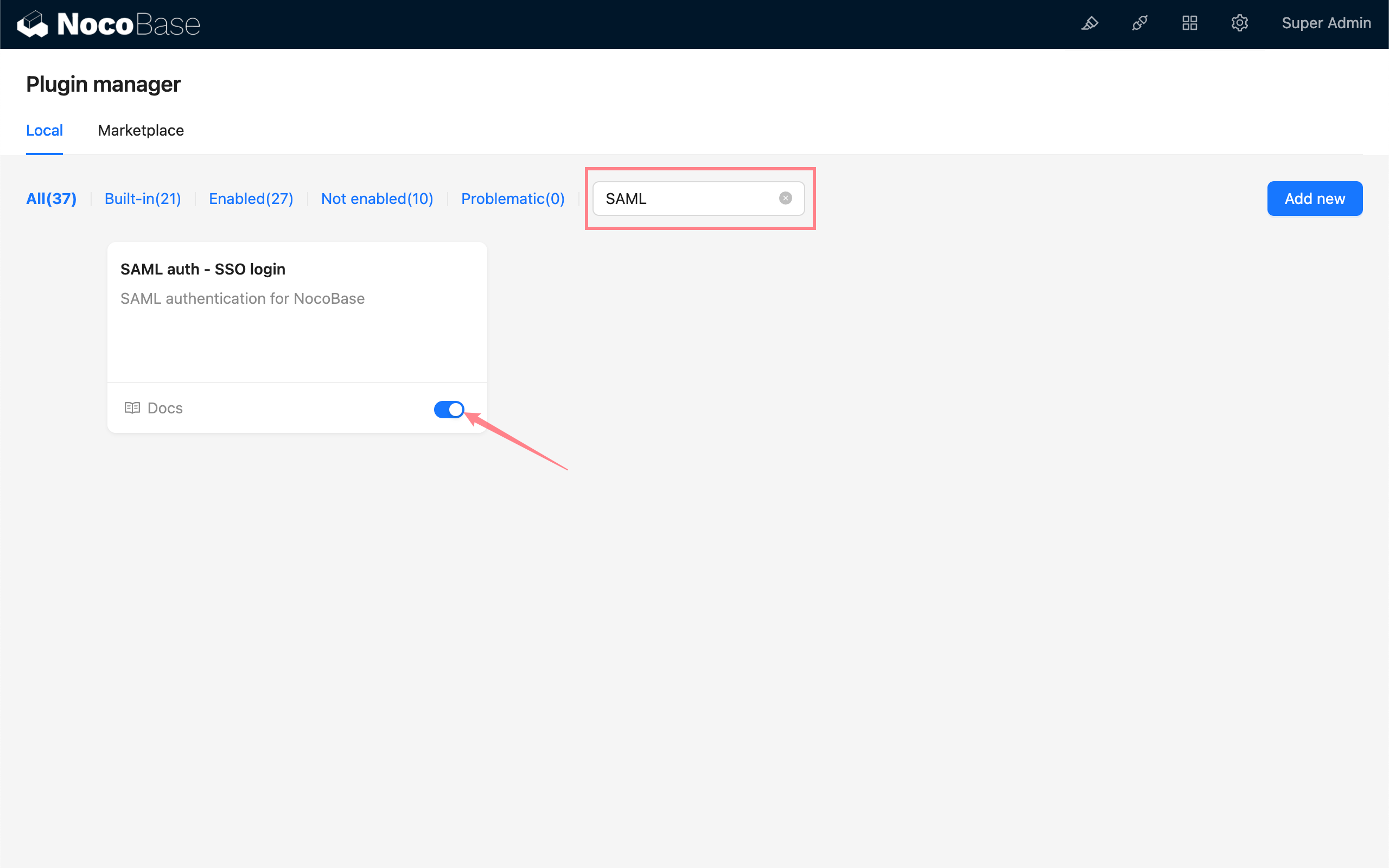
Add SAML Authentication
Enter the user authentication plugin management page.
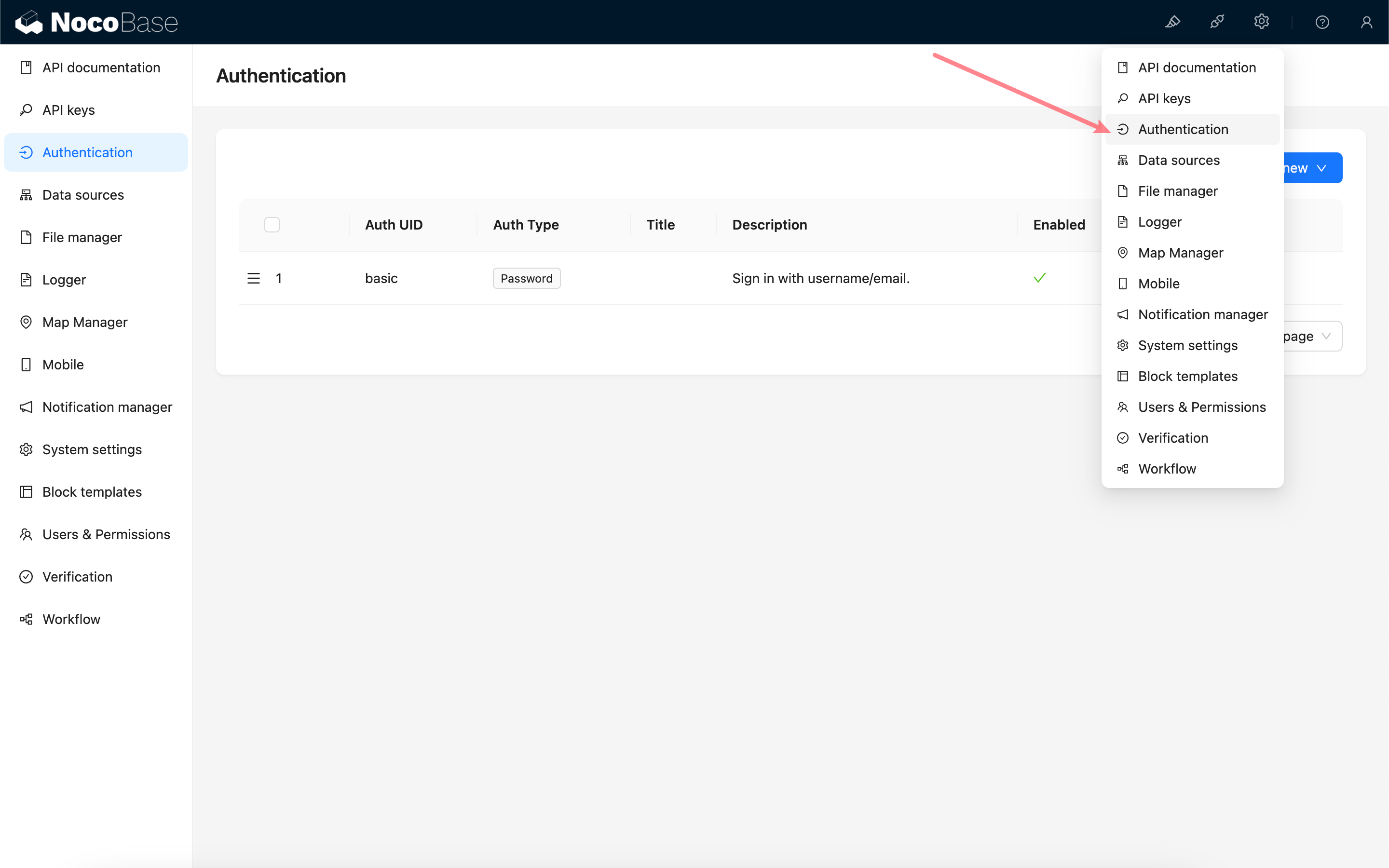
Add - SAML
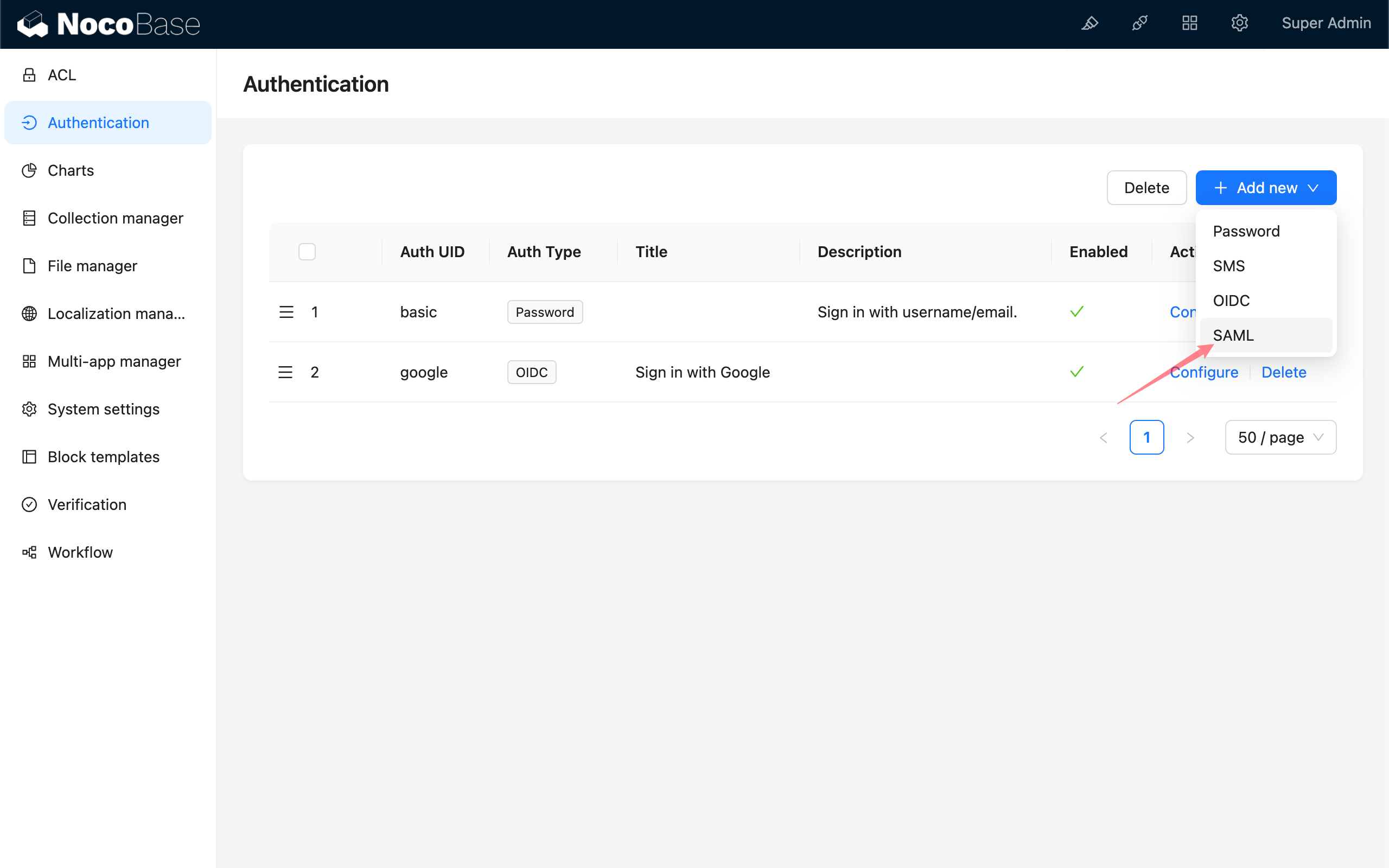
Configuration
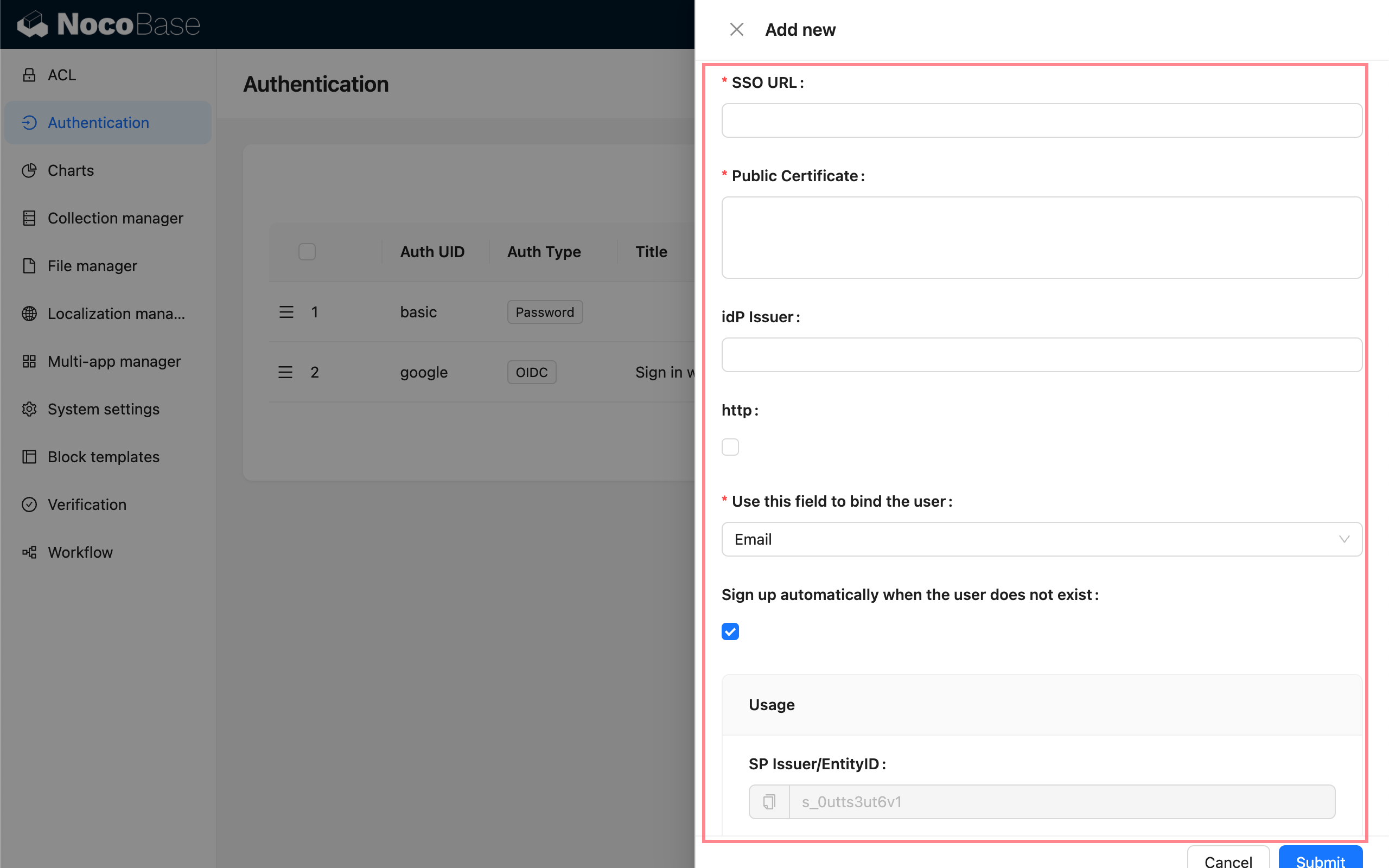
- SSO URL - Provided by IdP, used for single sign-on
- Public Certificate - Provided by IdP
- Entity ID (IdP Issuer) - Optional, provided by IdP
- http - If your NocoBase application is http protocol, please check
- Use this field to bind the user - The field used to match and bind with existing users, can choose email or username, default is email. The user information carried by IdP needs to contain the
emailorusernamefield. - Sign up automatically when the user does not exist - Whether to automatically create a new user when no matching existing user is found.
- Usage -
SP Issuer / EntityIDandACS URLare used to copy and fill in the corresponding configuration in the IdP.
Field Mapping
Field mapping needs to be configured on the IdP's configuration platform, you can refer to the example.
The fields available for mapping in NocoBase are:
- email (required)
- phone (only effective for IdPs that support
phonein their scope) - nickname
- username
- firstName
- lastName
nameID is carried by the SAML protocol and does not need to be mapped, it will be saved as a unique user identifier.
The priority of the new user nickname use rule is: nickname > firstName lastName > username > nameID
Currently, user organization and role mapping are not supported.
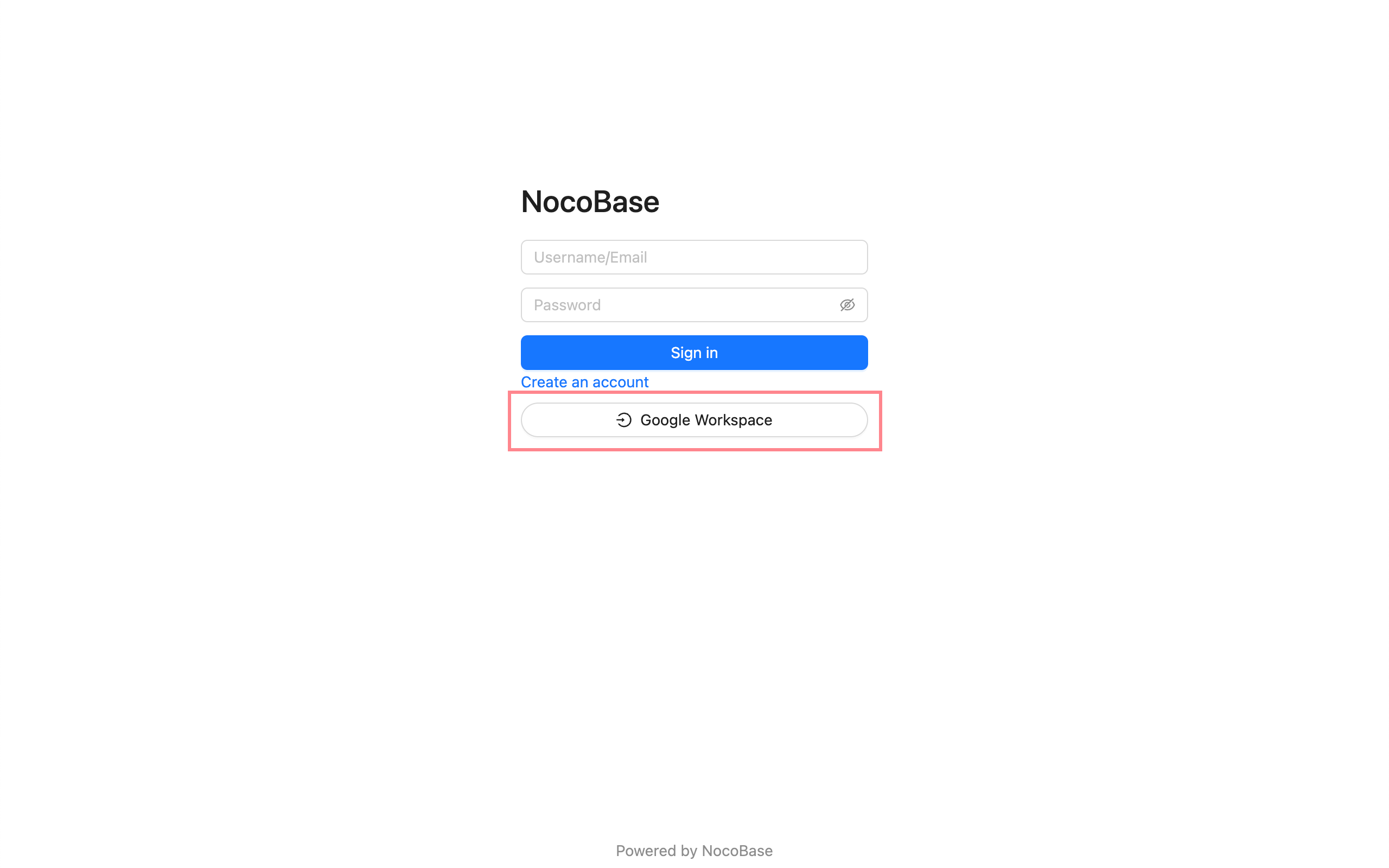
Sign In
Visit the sign in page and click the button under the sign in form to initiate third-party login.