Auth: OIDC
Auth: OIDCProfessional Edition+Introduction
The Auth: OIDC plugin follows the OIDC (Open ConnectID) protocol standard, using the Authorization Code Flow, to allow users to sign in to NocoBase using accounts provided by third-party identity authentication service providers (IdP).
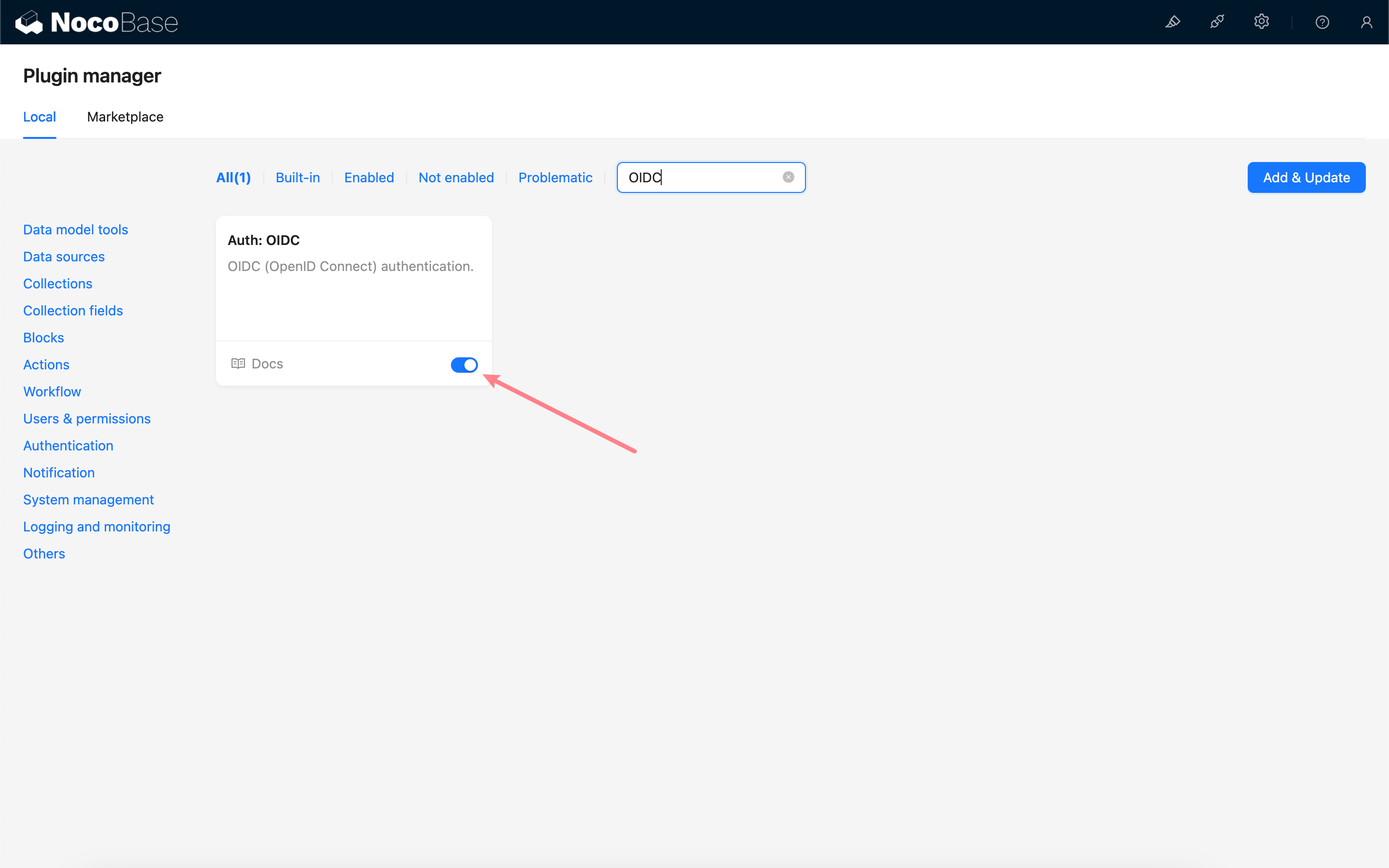
Activate Plugin
Add OIDC Authentication
Enter the user authentication plugin management page.
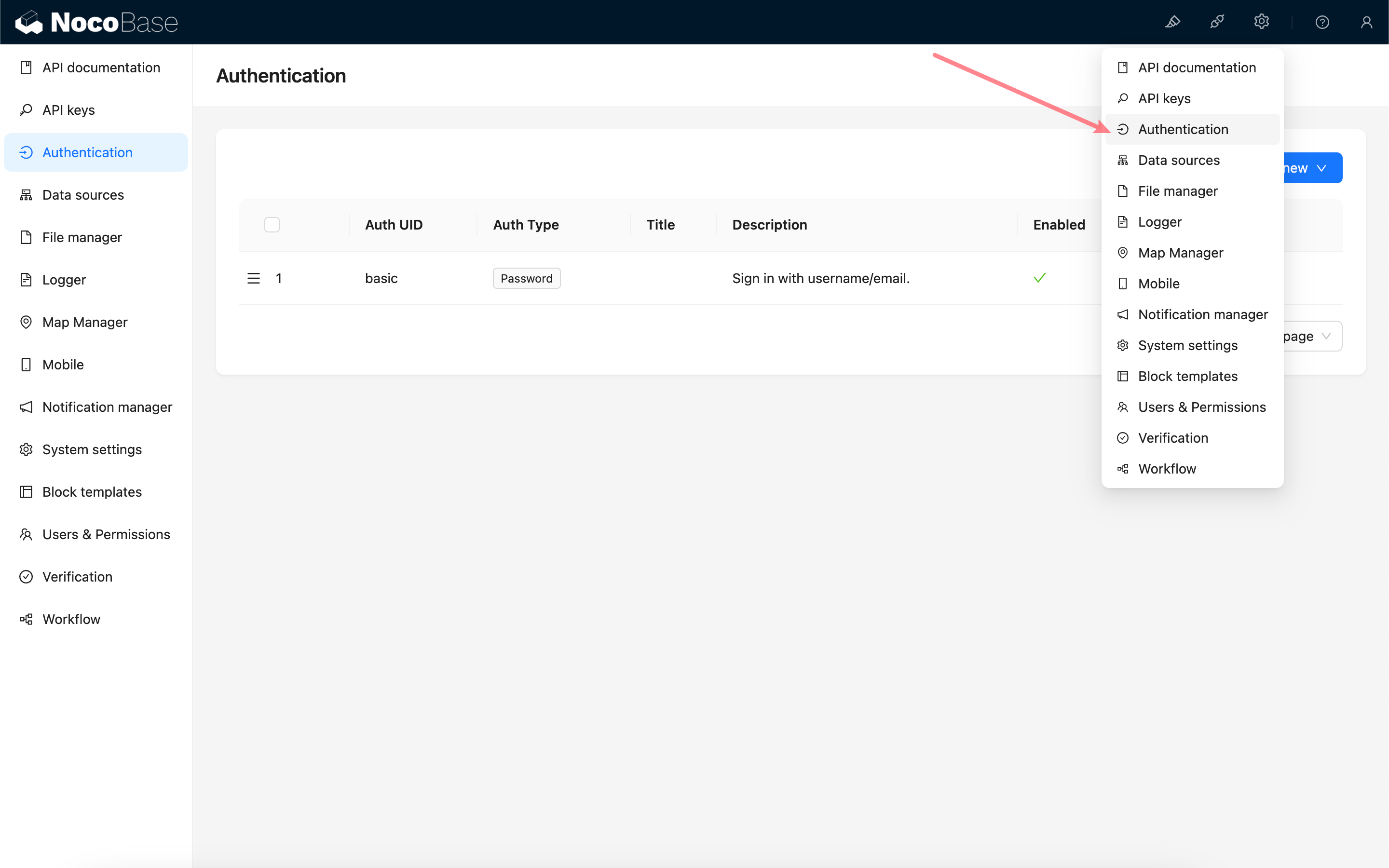
Add - OIDC
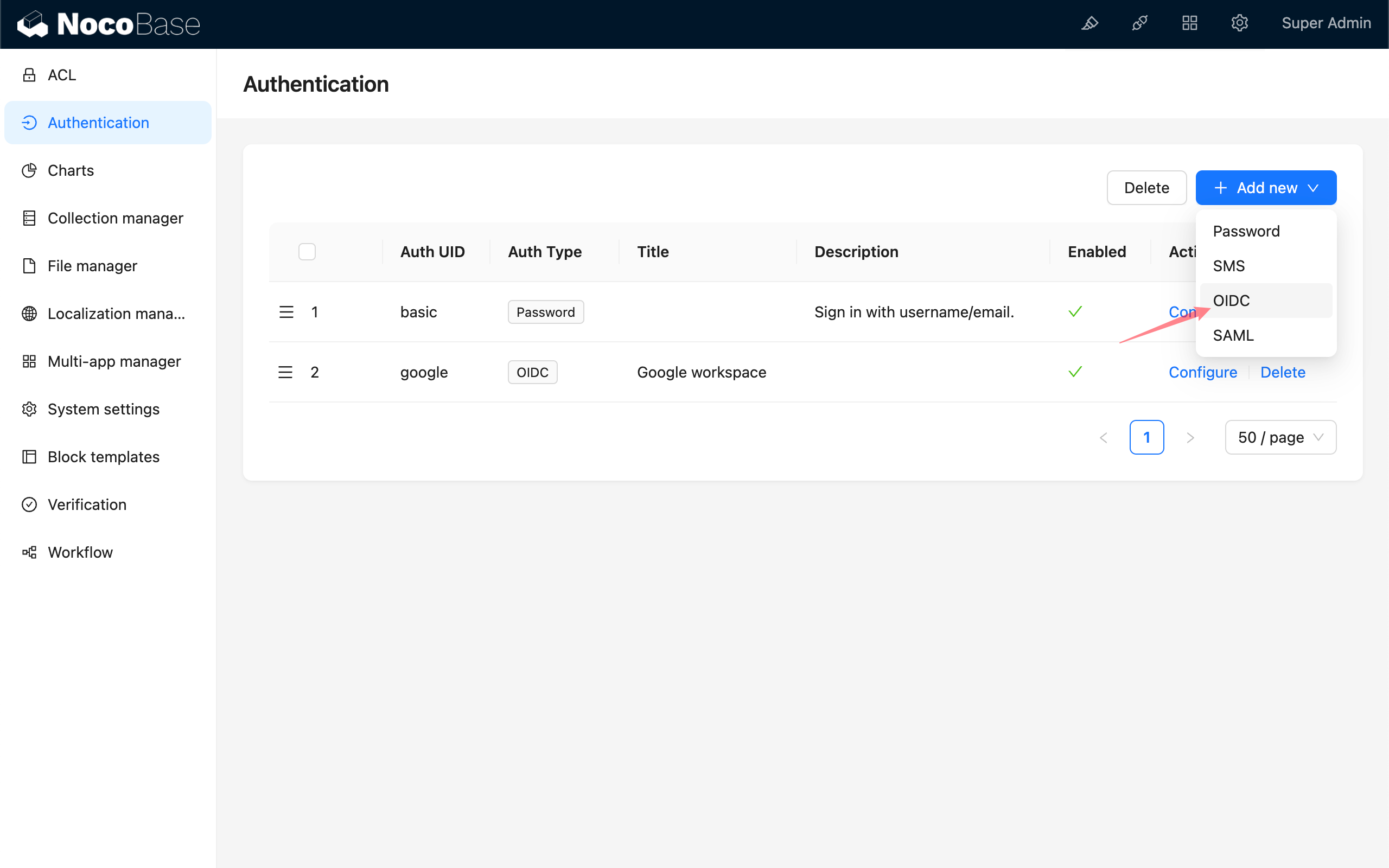
Configuration
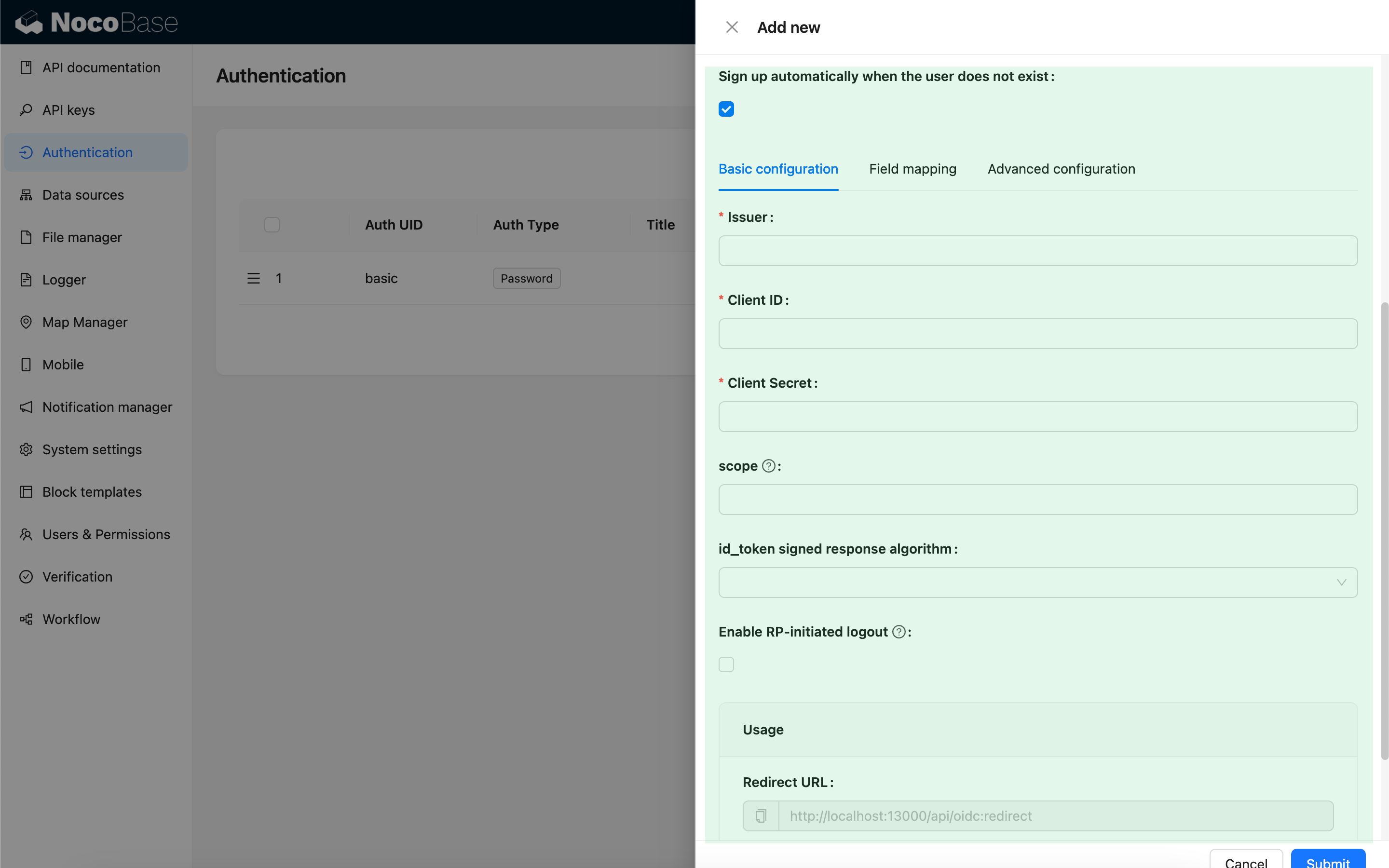
Basic Configuration
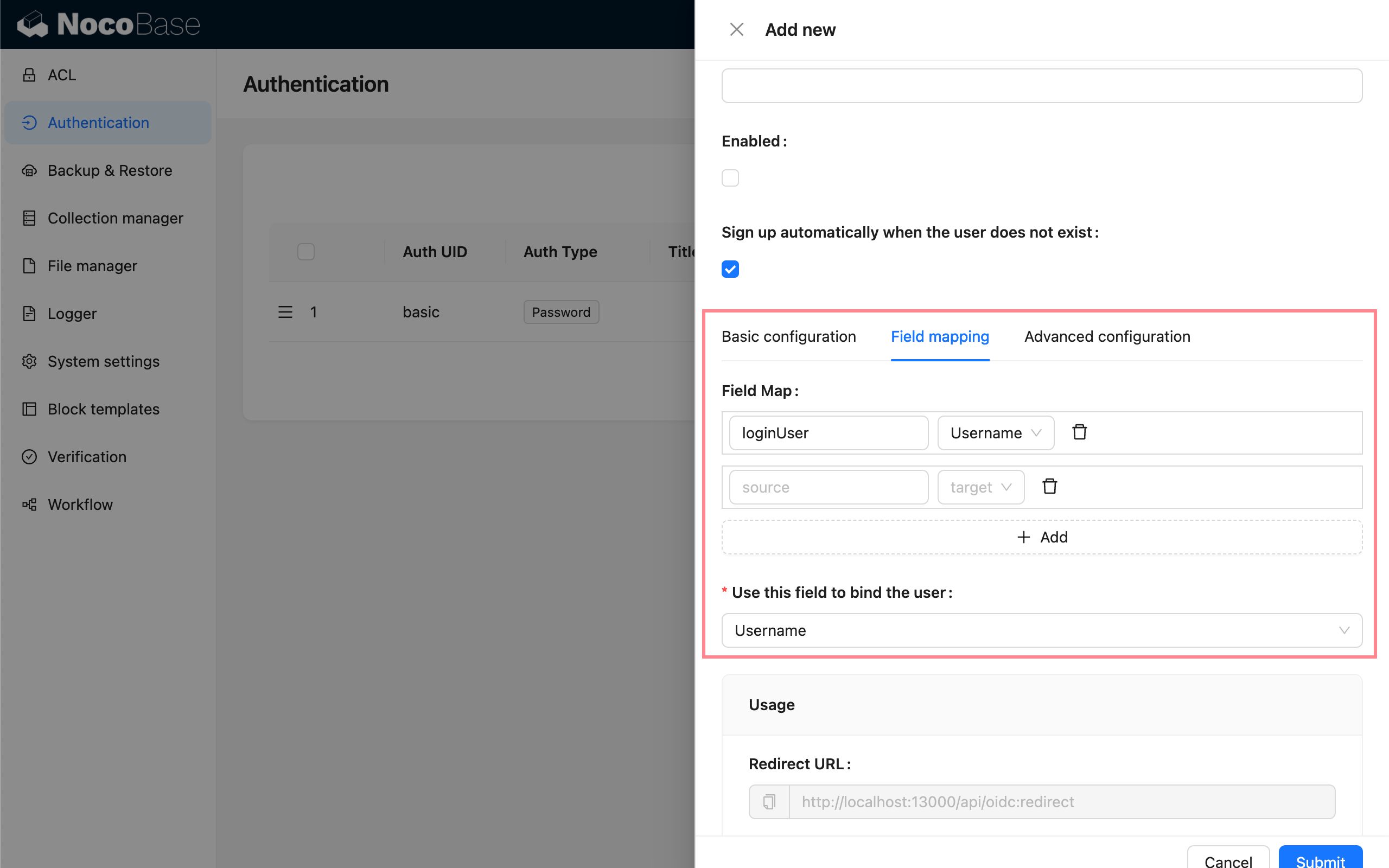
Field Mapping
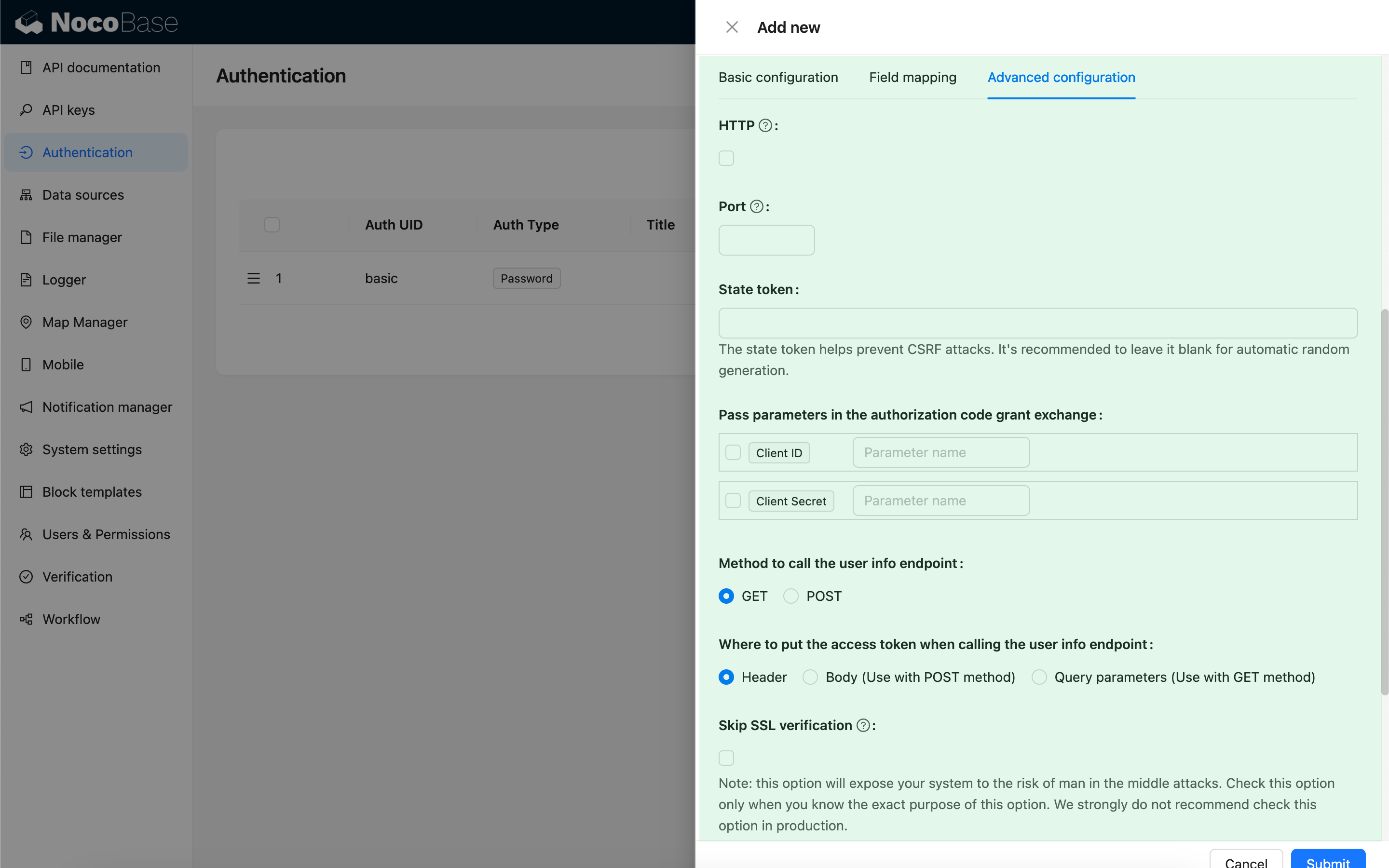
Advanced Configuration
Usage
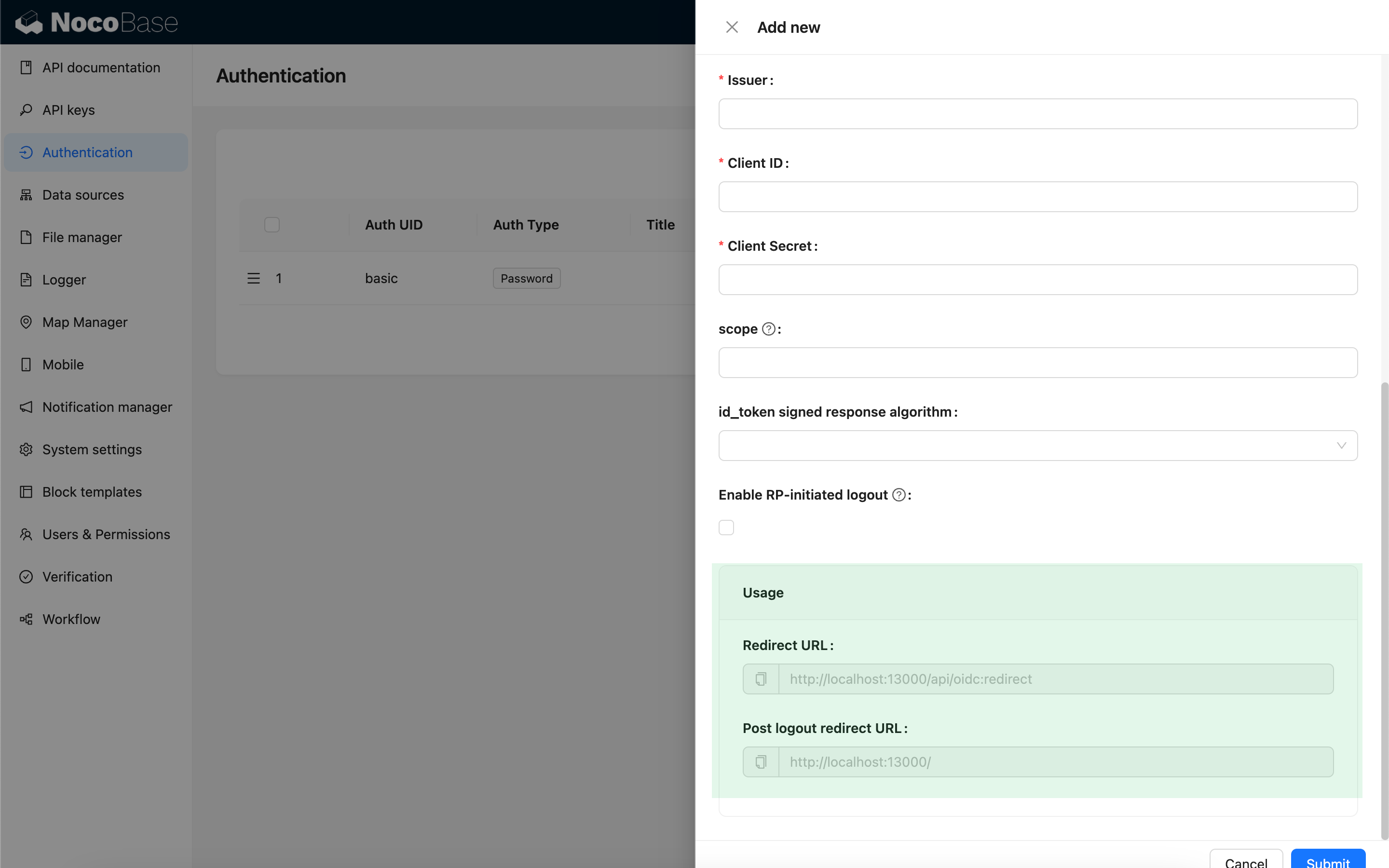
When testing locally, use 127.0.0.1 instead of localhost for the URL, as OIDC login requires writing state to the client cookie for security validation. If you see a flash of the login window but fail to log in successfully, check the server logs for state mismatch issues and ensure the state parameter is included in the request cookie. This issue often occurs when the state in the client cookie does not match the state in the request.
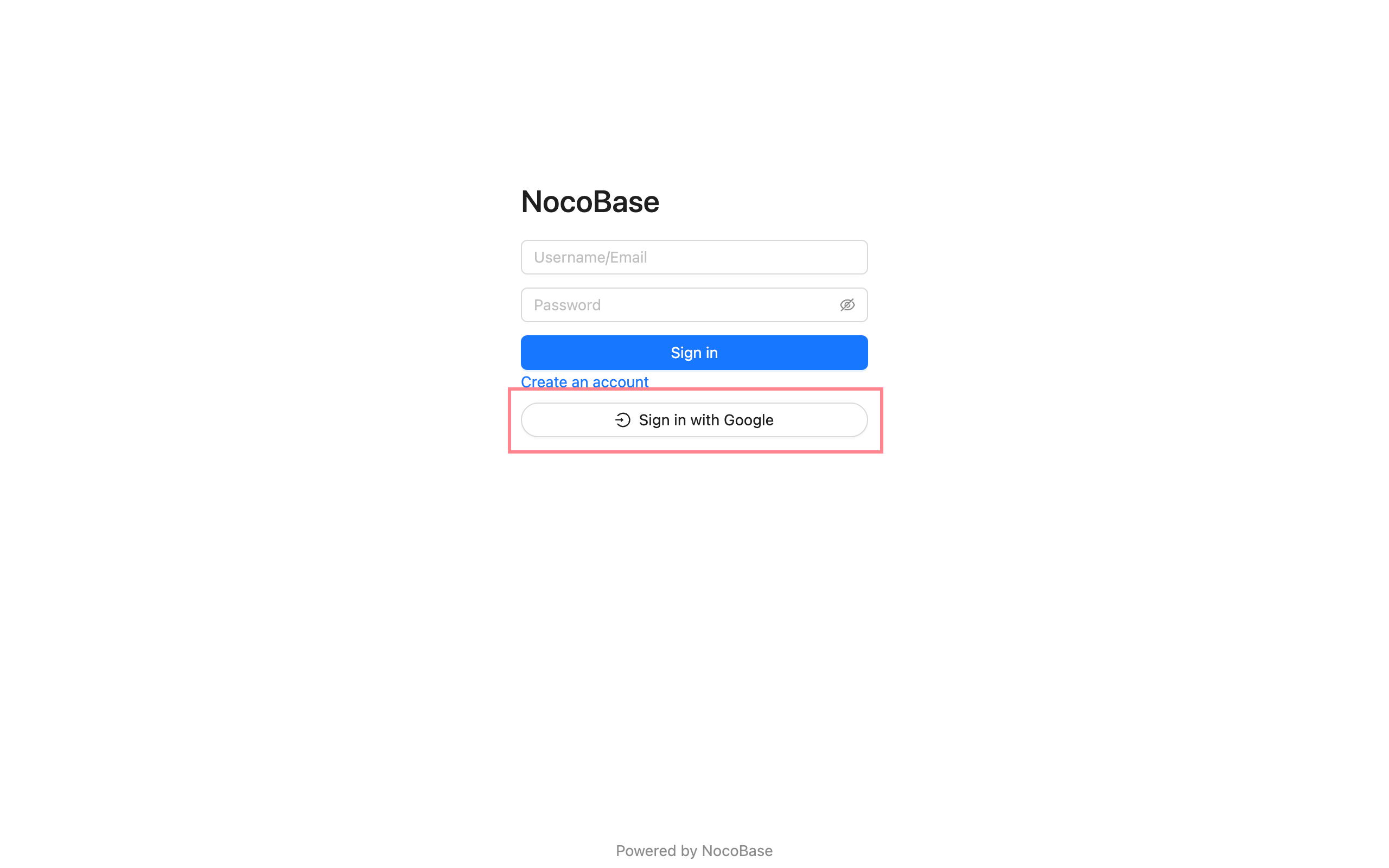
Login
Visit the login page and click the button below the login form to initiate third-party login.