

Memperluas Provider SMS

Artikel ini terutama menjelaskan cara memperluas provider SMS dalam fungsi Verifikasi: SMS melalui bentuk plugin.

Klien

Mendaftarkan Formulir Konfigurasi

Saat pengguna mengkonfigurasi verifier SMS, setelah memilih tipe provider SMS, akan muncul formulir konfigurasi yang terkait dengan tipe provider tersebut. Formulir konfigurasi ini perlu didaftarkan sendiri oleh developer di klien.
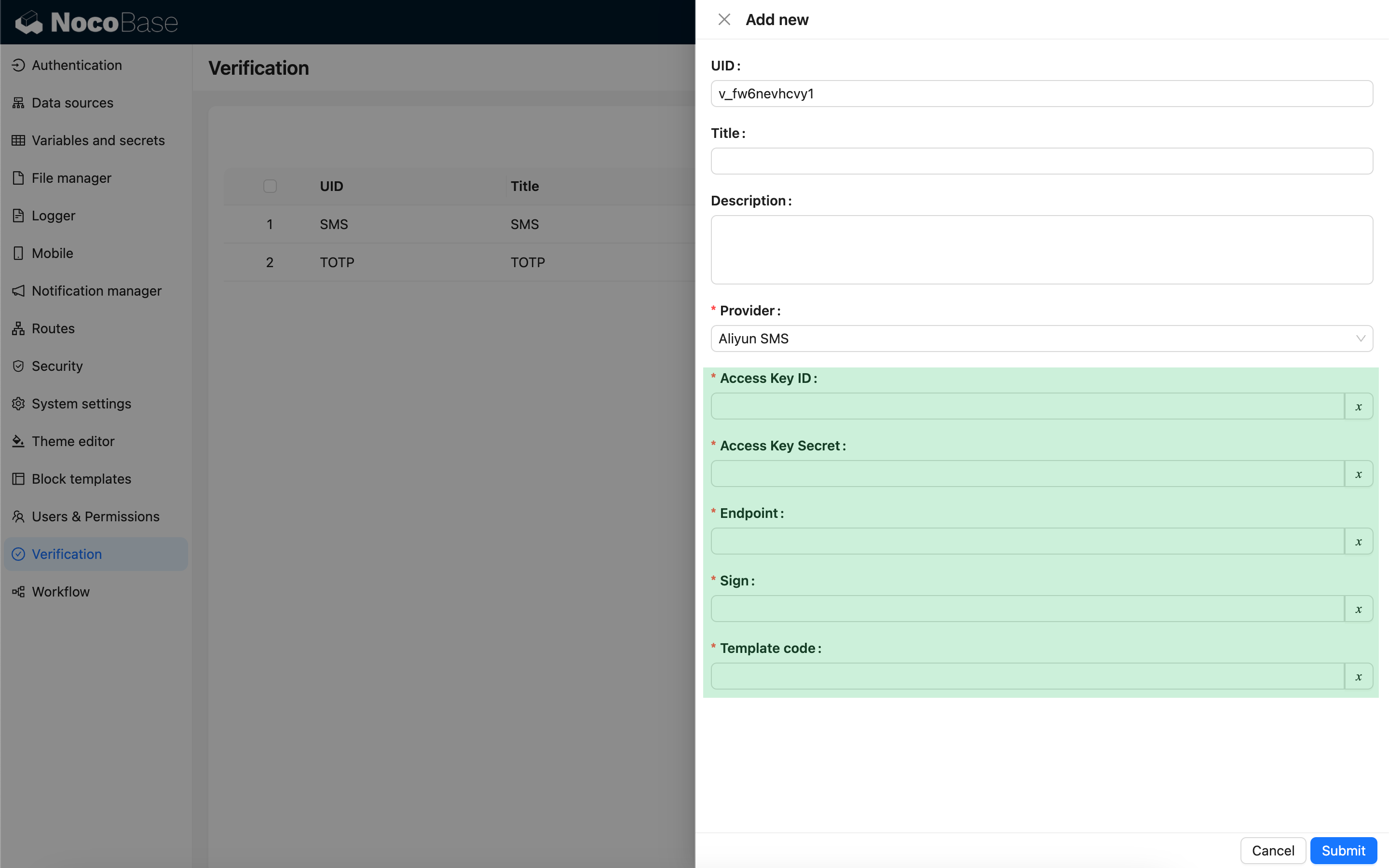
import { Plugin, SchemaComponent } from '@nocobase/client';
import PluginVerificationClient from '@nocobase/plugin-verification/client';
import React from 'react';

const CustomSMSProviderSettingsForm: React.FC = () => {
  return <SchemaComponent schema={{
    type: 'void',
    properties: {
      accessKeyId: {
        title: `{{t("Access Key ID", { ns: "${NAMESPACE}" })}}`,
        type: 'string',
        'x-decorator': 'FormItem',
        'x-component': 'TextAreaWithGlobalScope',
        required: true,
      },
      accessKeySecret: {
        title: `{{t("Access Key Secret", { ns: "${NAMESPACE}" })}}`,
        type: 'string',
        'x-decorator': 'FormItem',
        'x-component': 'TextAreaWithGlobalScope',
        'x-component-props': { password: true },
        required: true,
      },
    }
  }} />
}

class PluginCustomSMSProviderClient extends Plugin {
  async load() {
    const plugin = this.app.pm.get('verification') as PluginVerificationClient;
    plugin.smsOTPProviderManager.registerProvider('custom-sms-provider-name', {
      components: {
        AdminSettingsForm: CustomSMSProviderSettingsForm,
      },
    });
  }
}

Server

Mengimplementasikan Antarmuka Pengiriman

Plugin verifikasi telah mengenkapsulasi alur pembuatan one-time password (OTP). Developer hanya perlu mengimplementasikan logika pengiriman yang berinteraksi dengan provider SMS.

class CustomSMSProvider extends SMSProvider {
  constructor(options) {
    super(options);
    // options adalah objek konfigurasi dari klien
    const options = this.options;
    // ...
  }

  async send(phoneNumber: string, data: { code: string }) {
    // ...
  }
}

Mendaftarkan Tipe Verifikasi

Setelah antarmuka pengiriman diimplementasikan, perlu didaftarkan.

import { Plugin } from '@nocobase/server';
import PluginVerificationServer from '@nocobase/plugin-verification';
import { tval } from '@nocobase/utils';

class PluginCustomSMSProviderServer extends Plugin {
  async load() {
    const plugin = this.app.pm.get('verification') as PluginVerificationServer;
    // name harus sesuai dengan klien
    plugin.smsOTPProviderManager.registerProvider('custom-sms-provider-name', {
      title: tval('Custom SMS provider', { ns: namespace }),
      provider: CustomSMSProvider,
    });
  }
}