

Router 路由

在 NocoBase 中,插件通过路由来注册页面。两种常用方式:

  • this.router.add() — 注册普通页面路由
  • this.pluginSettingsManager.addMenuItem() + addPageTabItem() — 注册插件设置页

路由的注册通常在插件的 load() 方法中完成,详见 Plugin 插件

注意

NocoBase v2 的插件,路由注册后会默认加上 /v2 前缀,访问时需要带上这个前缀。

默认路由

NocoBase 已经注册了以下默认路由:

名称路径组件说明
admin/v2/admin/*AdminLayout后台管理页面
admin.page/v2/admin/:nameAdminDynamicPage动态创建的页面
admin.settings/v2/admin/settings/*AdminSettingsLayout插件配置页面

页面路由

通过 this.router.add() 注册页面路由。页面组件建议使用 componentLoader 按需加载,这样页面代码会在真正访问时才被加载。

注意

页面文件必须使用 export default 导出组件。

// pages/HelloPage.tsx
export default function HelloPage() {
  return <h1>Hello, NocoBase!</h1>;
}

在插件 load() 中注册:

import { Plugin } from '@nocobase/client-v2';

class MyPlugin extends Plugin {
  async load() {
    this.router.add('hello', {
      path: '/hello',
      // 按需加载,访问 /v2/hello 时才加载该模块
      componentLoader: () => import('./pages/HelloPage'),
    });
  }
}

router.add() 的第一个参数是路由名称,支持用点号 . 表示父子关系。比如 root.home 表示 root 的子路由。

在组件中,可以通过 ctx.router.navigate('/hello') 来导航到这个路由。

import { useFlowContext } from '@nocobase/flow-engine';
import { Button } from 'antd';

export default function SomeComponent() {
  const ctx = useFlowContext();
  return (
    <Button onClick={() => ctx.router.navigate('/hello')}>
      Go to Hello Page
    </Button>
  );
}

详情可以参考 Component 组件开发 中的路由部分。

嵌套路由

通过点号命名实现嵌套,父级路由使用 <Outlet /> 渲染子路由内容:

import { Outlet } from 'react-router-dom';

class MyPlugin extends Plugin {
  async load() {
    // 父级路由,用 element 直接写布局
    this.router.add('root', {
      element: (
        <div>
          <nav>导航栏</nav>
          <Outlet />
        </div>
      ),
    });

    // 子路由,用 componentLoader 按需加载
    this.router.add('root.home', {
      path: '/', // -> /v2/
      componentLoader: () => import('./pages/HomePage'),
    });

    this.router.add('root.about', {
      path: '/about', // -> /v2/about
      componentLoader: () => import('./pages/AboutPage'),
    });
  }
}

动态参数

路由路径支持动态参数:

this.router.add('root.user', {
  path: '/user/:id', // -> /v2/user/:id
  componentLoader: () => import('./pages/UserPage'),
});

在组件中,可以通过 ctx.route.params 获取动态参数:

import { useFlowContext } from '@nocobase/flow-engine';

export default function UserPage() {
  const ctx = useFlowContext();
  const { id } = ctx.route.params; // 获取动态参数 id
  return <h1>User ID: {id}</h1>;
}

详情可以参考 Component 组件开发 中的路由部分。

componentLoader vs element

  • componentLoader(推荐):按需加载,适合页面组件,页面文件需要 export default
  • element:直接传入 JSX,适合布局组件或非常轻量的内联页面

如果页面本身依赖较重,建议优先使用 componentLoader

插件设置页

通过 this.pluginSettingsManager 注册插件设置页。注册分两步——先用 addMenuItem() 注册菜单入口,再用 addPageTabItem() 注册实际页面。设置页会出现在 NocoBase 的「插件配置」菜单中。
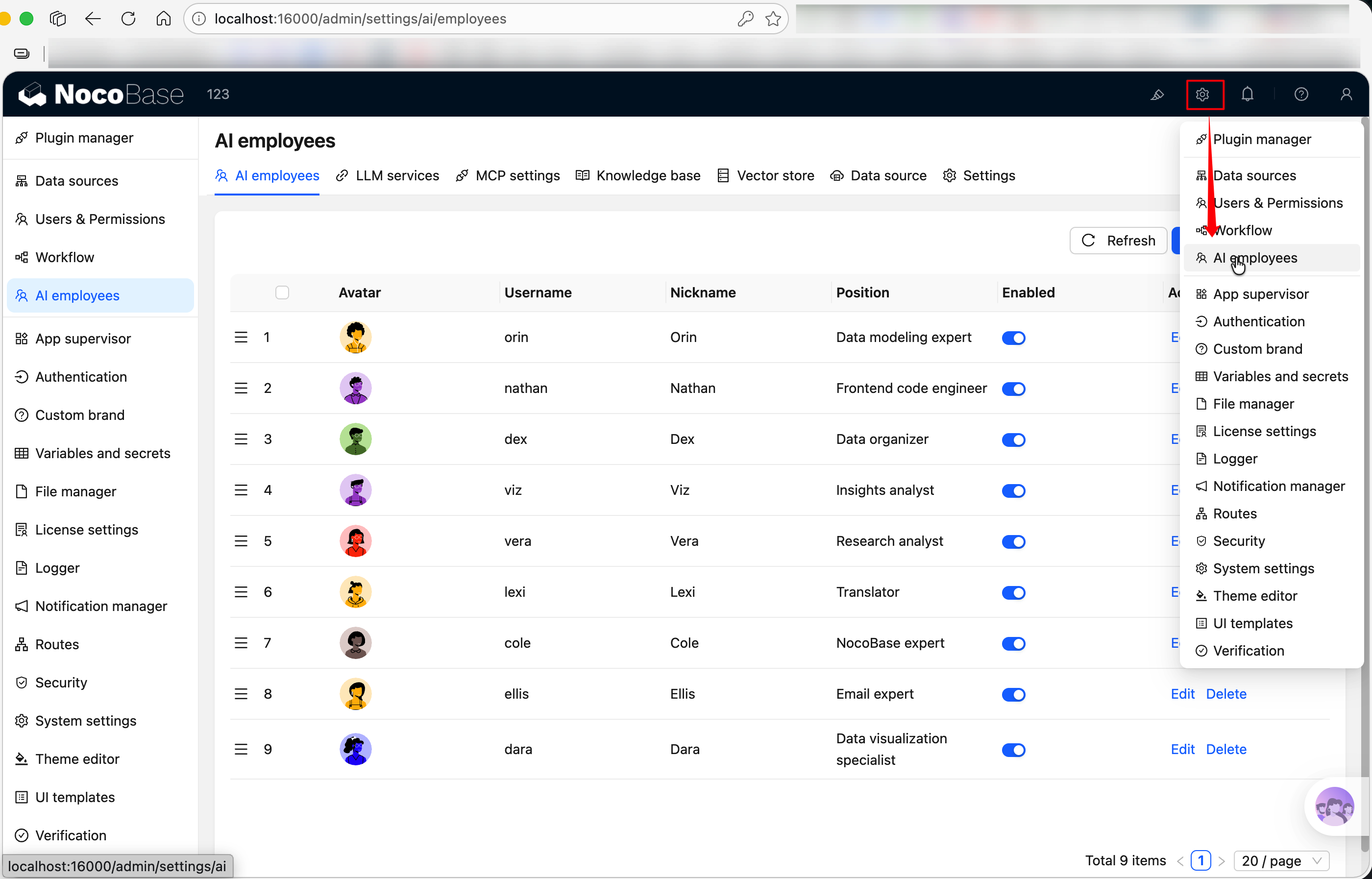
20260403155201

import { Plugin, Application } from '@nocobase/client-v2';

export class HelloPlugin extends Plugin<any, Application> {
  async load() {
    // 注册菜单入口
    this.pluginSettingsManager.addMenuItem({
      key: 'hello',
      title: this.t('Hello 设置'),
      icon: 'ApiOutlined', // Ant Design 图标名称,参考 https://5x.ant.design/components/icon
    });

    // 注册页面(key 为 'index' 时映射到菜单根路径)
    this.pluginSettingsManager.addPageTabItem({
      menuKey: 'hello',
      key: 'index',
      title: this.t('Hello 设置'),
      componentLoader: () => import('./settings/HelloSettingPage'),
    });
  }
}

注册后,访问路径为 /admin/settings/hello。当菜单下只有一个页面时,顶部 tab 栏会自动隐藏。

多 Tab 设置页

如果设置页需要多个子页面,给同一个 menuKey 注册多个 addPageTabItem 即可——顶部会自动出现 tab 栏:

import { Plugin, Application } from '@nocobase/client-v2';

class HelloPlugin extends Plugin<any, Application> {
  async load() {
    // 注册菜单入口
    this.pluginSettingsManager.addMenuItem({
      key: 'hello',
      title: this.t('HelloWorld'),
      icon: 'ApiOutlined',
    });

    // Tab 1:基础设置(key 为 'index',映射到 /admin/settings/hello)
    this.pluginSettingsManager.addPageTabItem({
      menuKey: 'hello',
      key: 'index',
      title: this.t('基础设置'),
      componentLoader: () => import('./settings/GeneralPage'),
    });

    // Tab 2:高级设置(映射到 /admin/settings/hello/advanced)
    this.pluginSettingsManager.addPageTabItem({
      menuKey: 'hello',
      key: 'advanced',
      title: this.t('高级设置'),
      componentLoader: () => import('./settings/AdvancedPage'),
    });
  }
}

addMenuItem 参数

字段类型必填说明
keystring菜单唯一标识,不能包含 .
titleReactNode菜单标题
iconstring | ReactNode菜单图标,字符串时按内置 Icon 渲染
sortnumber排序值,越小越靠前,默认 0
showTabsboolean是否显示顶部 tab 栏,默认按页面数量自动决定
hiddenboolean是否隐藏导航入口

addPageTabItem 参数

字段类型必填说明
menuKeystring所属菜单的 key,对应 addMenuItemkey
keystring页面唯一标识。'index' 表示默认页面,映射到菜单根路径
titleReactNode页面标题(显示在 tab 上)
componentLoaderFunction懒加载页面组件(推荐)
ComponentComponent直接传入组件(和 componentLoader 二选一)
sortnumber排序值,越小越靠前
hiddenboolean是否在 tab 中隐藏
linkstring外部链接,设置后点击 tab 会跳转到外部地址

相关链接