

Маршрутизация
Клиент NocoBase предоставляет гибкий менеджер маршрутов, который поддерживает расширение обычных страниц и страниц настроек плагинов через router.add() и pluginSettingsRouter.add().
this.router.add()— регистрирует обычные маршруты страницthis.pluginSettingsManager.addMenuItem()+addPageTabItem()— регистрирует страницы настроек плагинов
Регистрация маршрутов обычно выполняется в методе load() плагина. Подробнее см. Plugin.
В плагинах NocoBase v2 зарегистрированные маршруты по умолчанию получают префикс /v. При обращении к маршрутам необходимо указывать этот префикс.
Зарегистрированные маршруты страниц по умолчанию
В NocoBase зарегистрированы следующие маршруты по умолчанию:
Расширение обычных страниц
Добавьте маршруты обычных страниц через router.add().
Файлы страниц должны экспортировать компонент через export default.
const About = () =>
About
;Поддерживаются динамические параметры
Вложенные маршруты
Вложенность реализуется через точечную нотацию. Родительские маршруты используют <Outlet /> для отображения содержимого дочерних маршрутов:
Расширение страниц настроек плагина
Добавьте страницы настроек плагина через pluginSettingsRouter.add().
async load() {
}
componentLoader или element
componentLoader(рекомендуется): отложенная загрузка, подходит для компонентов страниц. Файлам страниц нуженexport default.element: передаёт JSX напрямую, подходит для компонентов макета или очень лёгких встроенных страниц.
Если страница сама по себе имеет тяжёлые зависимости, предпочтительнее использовать componentLoader.
Страницы настроек плагинов
Регистрируйте страницы настроек плагинов через this.pluginSettingsManager. Регистрация состоит из двух шагов — сначала используйте addMenuItem() для регистрации пункта меню, затем addPageTabItem() для регистрации самой страницы. Страницы настроек появляются в меню «Настройки плагинов» NocoBase.
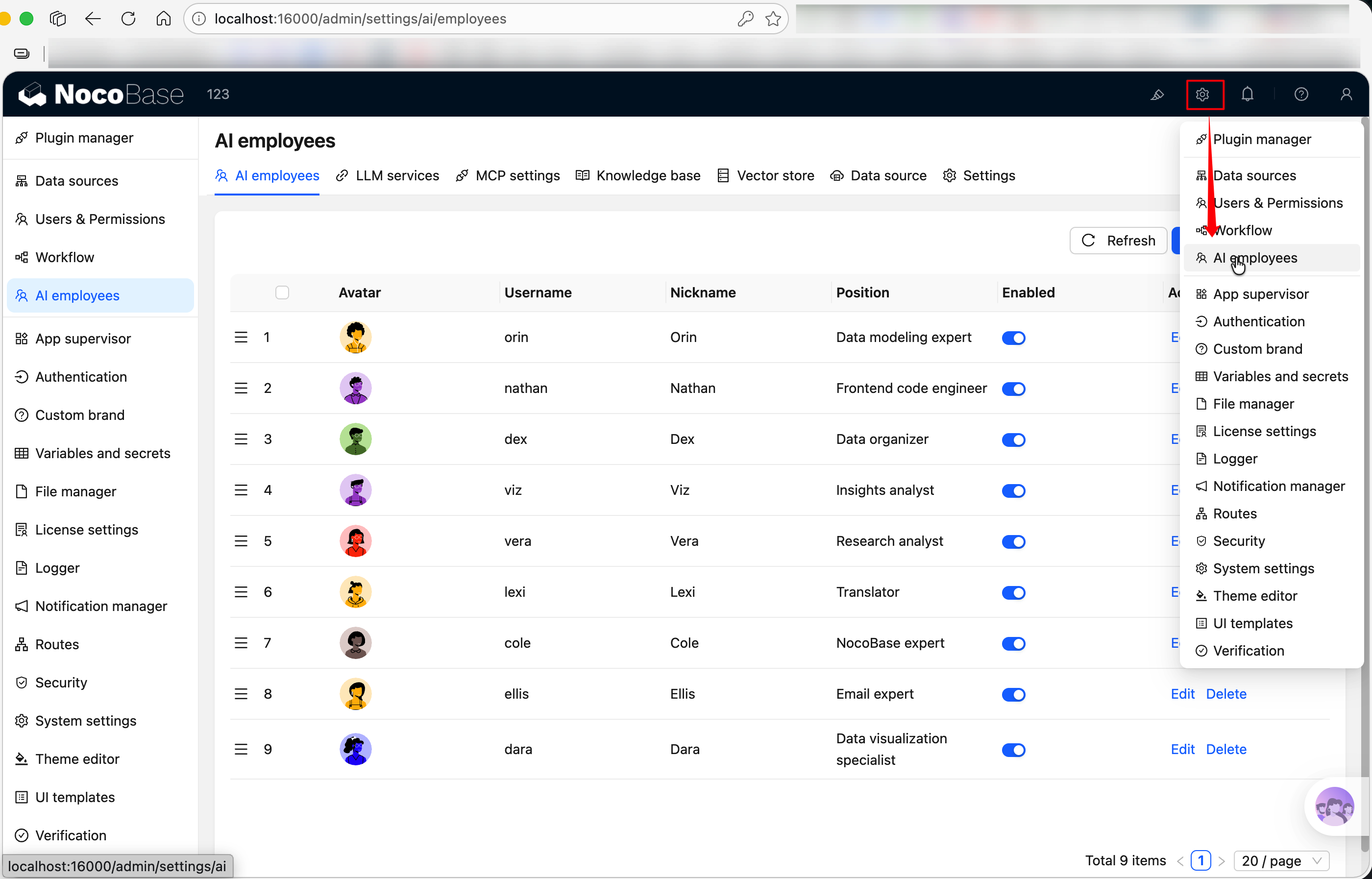
Параметры addMenuItem
Параметры addPageTabItem
Связанные ссылки
- Plugin — маршруты регистрируются в
load() - Component — как писать компоненты страниц, монтируемые маршрутами
- Пример плагина: создание страницы настроек — полный пример страницы настроек