

Router
In NocoBase, plugins register pages through routes. Two common approaches:
this.router.add()-- Register regular page routesthis.pluginSettingsManager.addMenuItem()+addPageTabItem()-- Register plugin settings pages
Route registration is typically done in the plugin's load() method. See Plugin for details.
For NocoBase v2 plugins, registered routes automatically get a /v prefix. You need to include this prefix when accessing the routes.
Default Routes
NocoBase has the following default routes registered:
Page Routes
Register page routes via this.router.add(). Page components should use componentLoader for lazy loading, so page code is only loaded when actually visited.
Page files must use export default to export the component.
Register in the plugin's load():
The first argument of router.add() is the route name, which supports dot notation . to express parent-child relationships. For example, root.home represents a child route of root.
In components, you can navigate to a route via ctx.router.navigate('/hello').
For more details, see the routing section in Component.
Nested Routes
Implement nesting through dot notation. Parent routes use <Outlet /> to render child route content:
Dynamic Parameters
Route paths support dynamic parameters:
In components, you can get dynamic parameters via ctx.route.params:
For more details, see the routing section in Component.
componentLoader vs element
componentLoader(recommended): Lazy loading, suitable for page components. Page files needexport default.element: Pass JSX directly, suitable for layout components or very lightweight inline pages.
If the page itself has heavy dependencies, prefer componentLoader.
Plugin Settings Pages
Register plugin settings pages via this.pluginSettingsManager. Registration has two steps -- first use addMenuItem() to register the menu entry, then use addPageTabItem() to register the actual page. Settings pages appear in the NocoBase "Plugin Settings" menu.
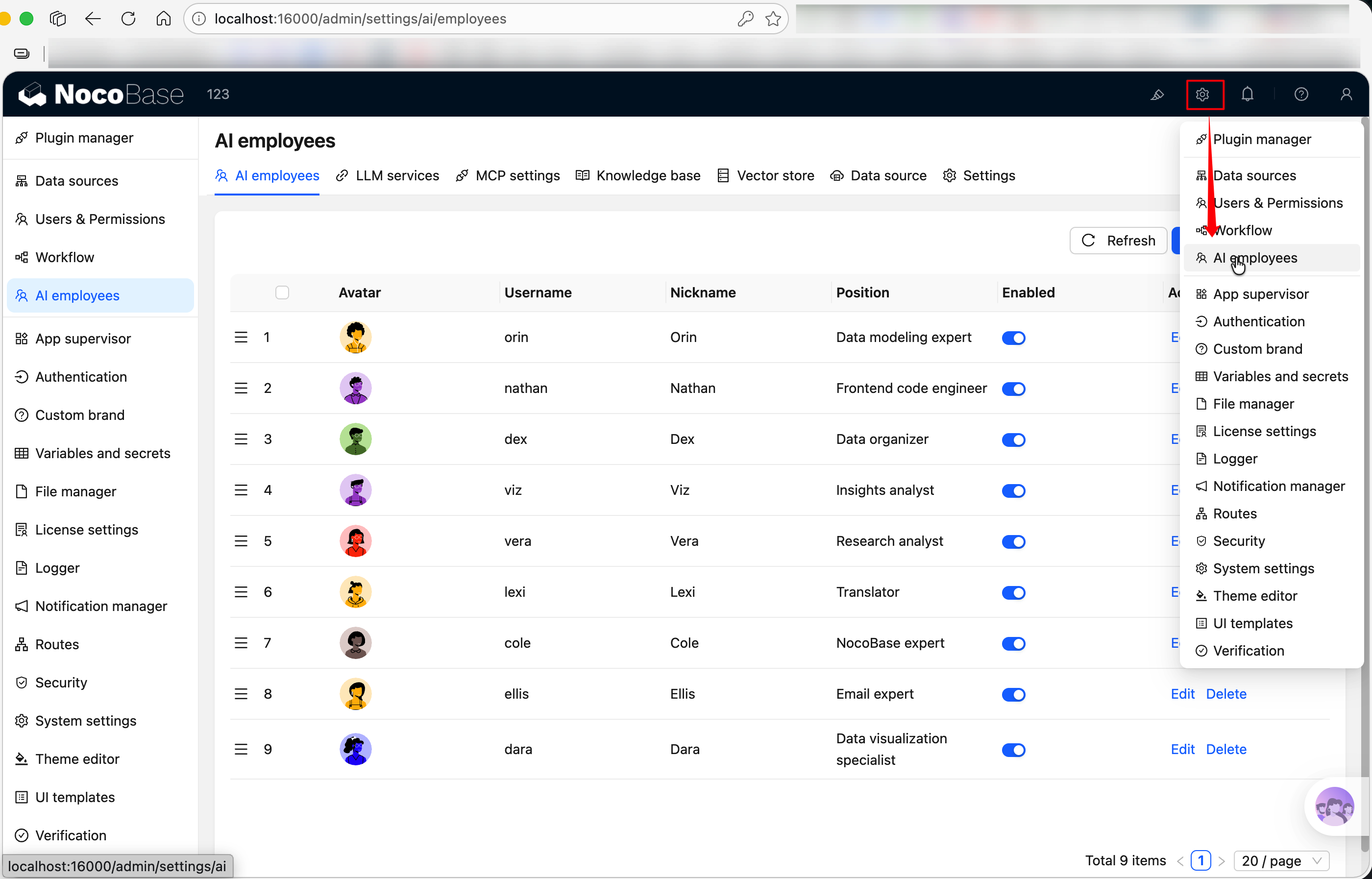
After registration, the access path is /v/admin/settings/hello. When there is only one page under the menu, the top tab bar is automatically hidden.
Multi-Tab Settings Page
If the settings page needs multiple sub-pages, register multiple addPageTabItem calls with the same menuKey -- tabs will appear automatically at the top:
addMenuItem Parameters
addPageTabItem Parameters
Related Links
- Plugin -- Routes are registered in
load() - Component -- How to write page components mounted by routes
- Plugin Example: Building a Settings Page -- Complete settings page example