
Administrators manage team connections under Settings › Git. Projects use them to access repositories, create PRs, and read check results. For a member's personal Git authorization, see Sign in and preferences.
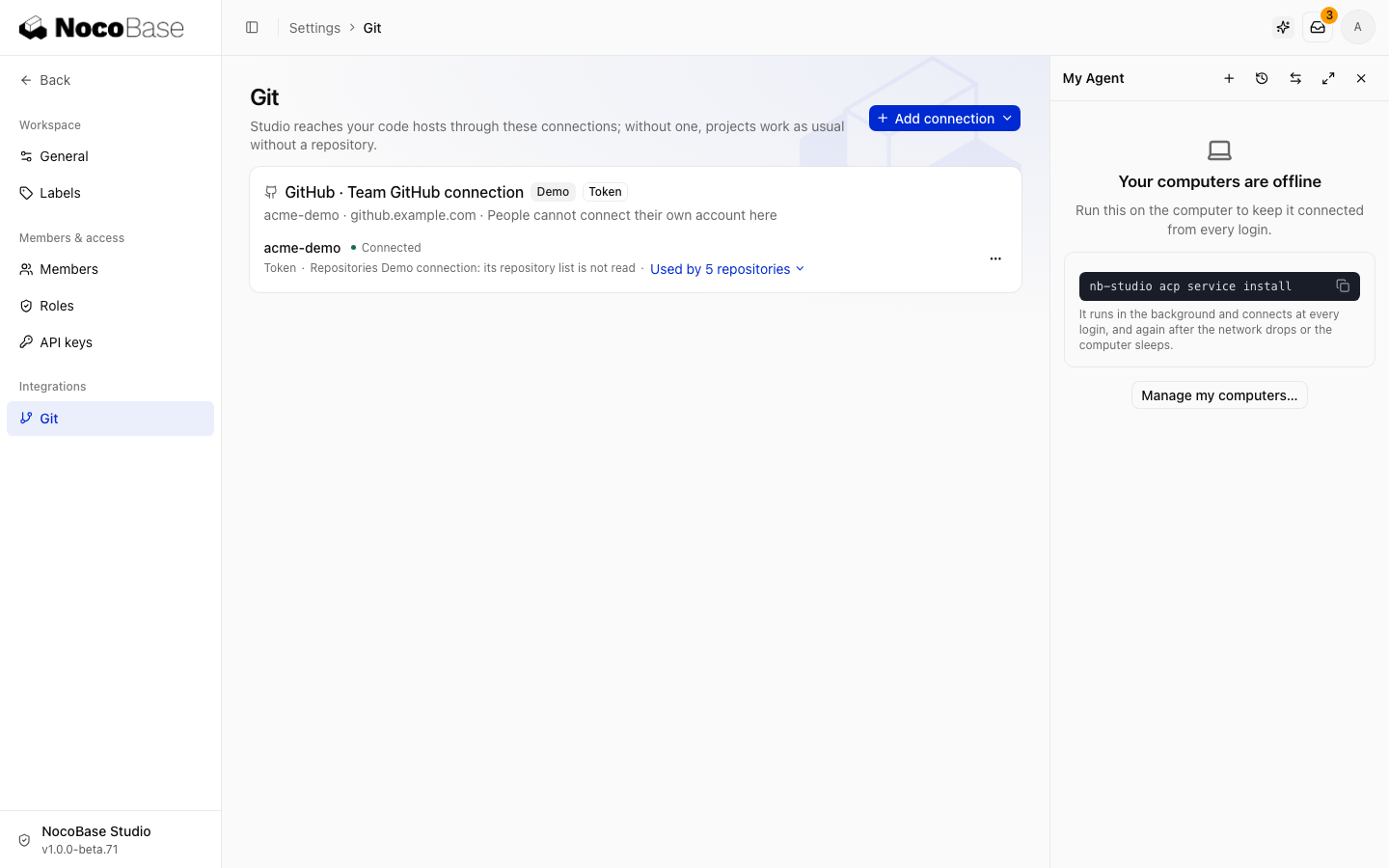
GitHub
Connect GitHub or GitHub Enterprise Server with a GitHub App. See Connect a Git platform for creation and installation steps.
| Repository access | Use it when |
|---|---|
| All repositories | Studio needs to create new repositories |
| Only select repositories | You only need selected existing repositories |
You can enter an existing GitHub App's configuration manually. Use Add installation for another installation of the same App. If a new repository is missing, check the installation account and repository access.
GitLab
- Create a group access token with the
apiscope and Developer role. - Add a GitLab connection in Studio with the server address and credential.
- Check the group, permissions, and expiry after saving.
Developer access supports branch pushes, merge requests, and pipeline reads. Automatically creating webhooks requires Maintainer access; otherwise use polling.
Webhooks and polling
Enable webhooks when the code host can reach Studio over HTTPS. For a private network or local address, disable webhooks. Studio polls PRs and check results once per minute.
Connection cards show connectivity, repository counts, and webhook status. Update credentials before they expire. To connect existing code, see Project settings.