
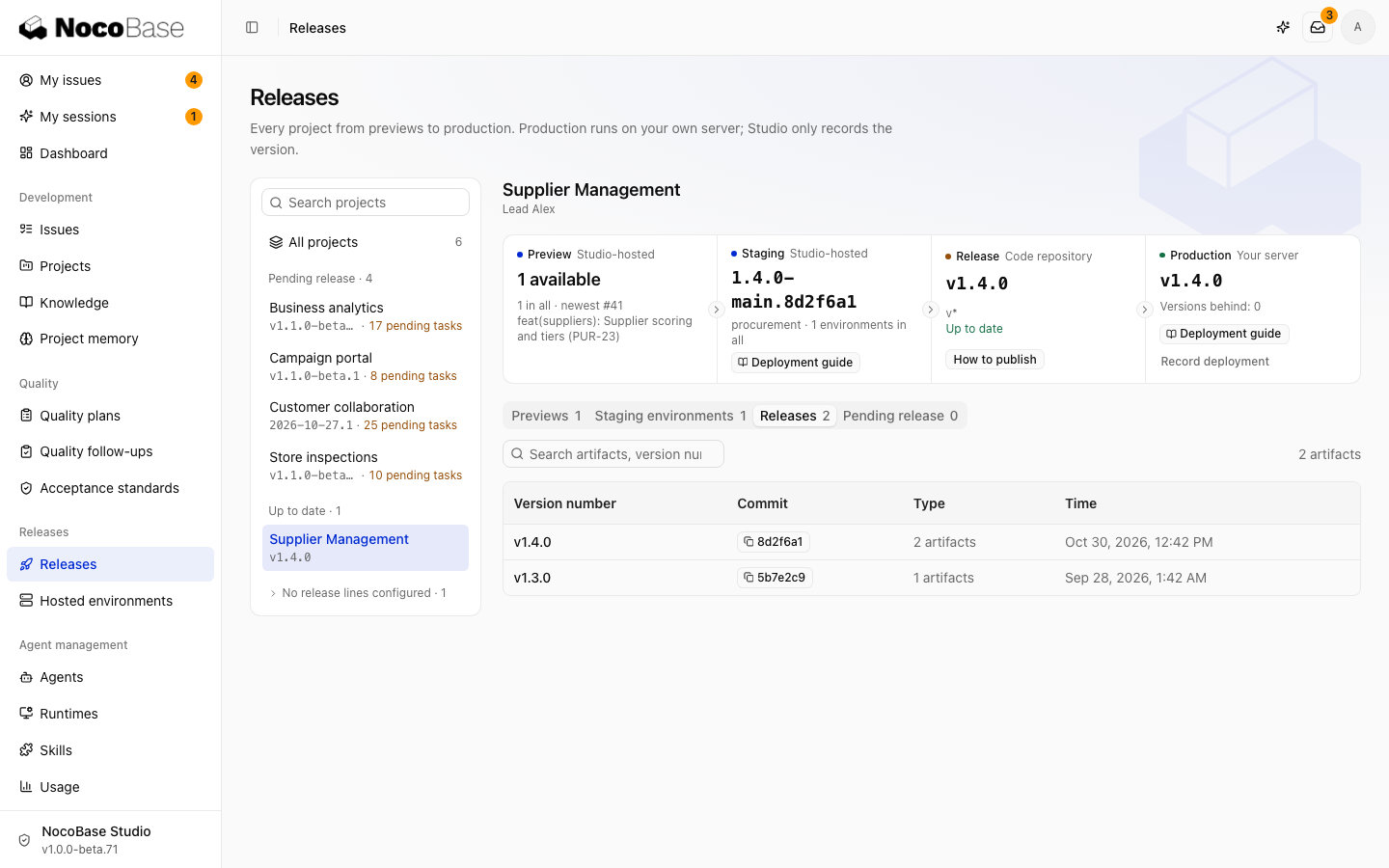
Studio identifies versions from Git tags and calculates which tasks they contain. A release line defines a tag sequence. Artifacts contain the files or images used for deployment.
Configure release lines
Edit Release lines under Project settings › Code repositories. Select a prefix suggested from existing tags, or enter a pattern ending in *, such as v* or release-beta/*.
A repository can have multiple non-overlapping lines. Hide a prefix to display release-beta/1.2.0 as 1.2.0. If the repository has no tags, create its first version tag.
Publish a version
- Select a project in Releases and open How to publish.
- Choose the release line, branch, and target commit. Use a running test application's commit or enter a full SHA.
- Review included tasks and pending tasks outside that commit.
- Confirm the tag, then copy and run the generated commands to create and push it.
Studio discovers new versions through webhooks and polling. Changing a release line recalculates version and task relationships while preserving artifacts and deployment history.
Artifacts
An artifact can be an application archive or an image. NocoBase applications produce deployment archives with pnpm build --tar. CI or a Coding Agent builds images and pushes them to a registry.
From the version list, inspect artifacts, download archives, or open deployment actions. See Checks and CI for builds and uploads, Hosted environments for testing, and Production delivery for production.