
Once an administrator prepares your project, you can submit requests and follow tasks. The team's Agents carry out development in the configured runtimes.
We recommend talking to a Runner Agent in Studio or installing the nb-studio CLI to use Studio from your local Coding Agent.
Start work
- Accept your invitation and sign in. Check that you can open your project.
- Walk through your first request: submit a small change, follow progress, and accept the result.
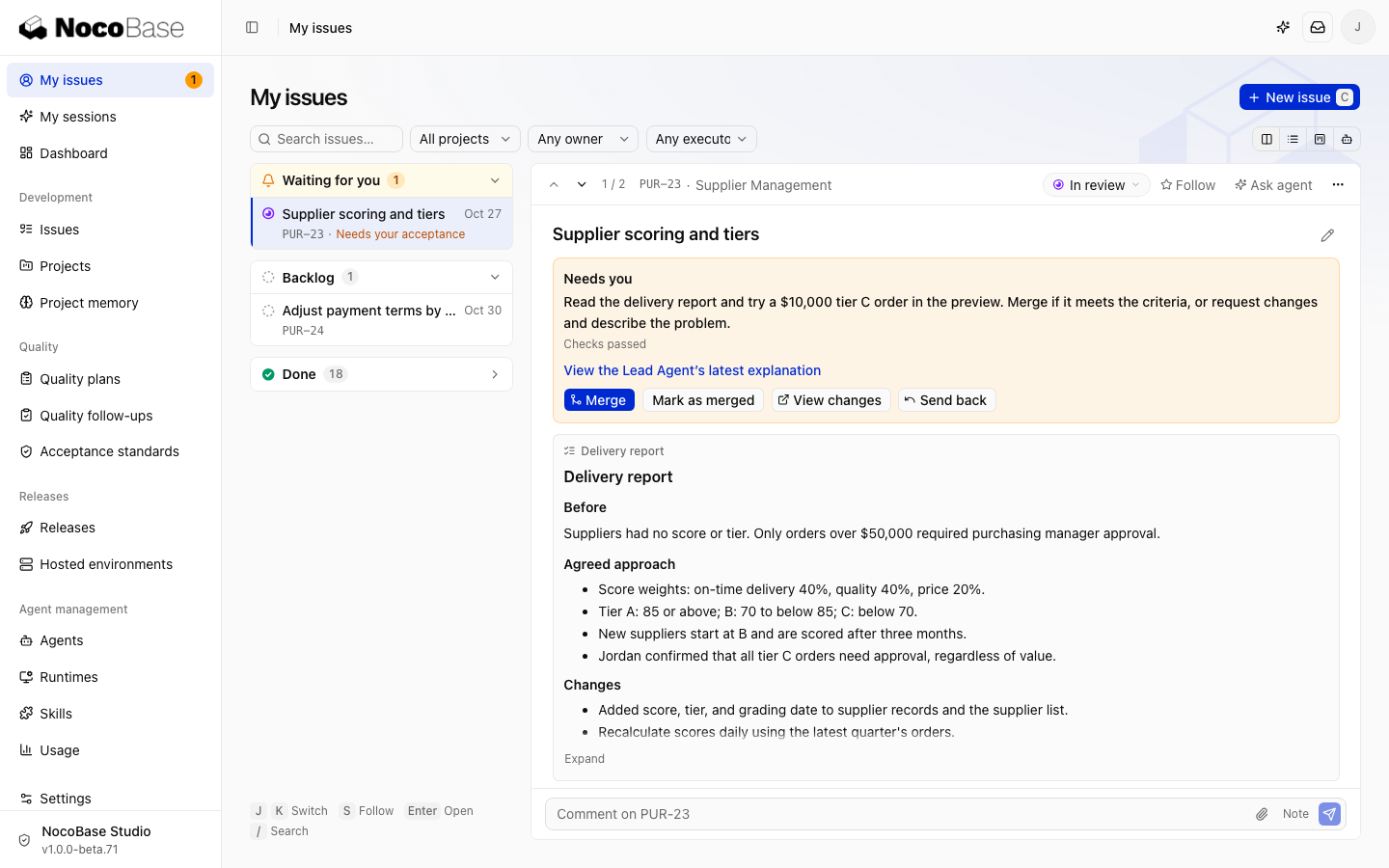
- Use My issues for questions and deliveries that need your attention.
If your team does not have Studio or a project yet, an administrator can start with Install and configure.
Choose how to work
| Goal | Use |
|---|---|
| Discuss requirements or inspect a project in Studio | Talk to a Runner Agent |
| Manage tasks through the CLI from your local Claude Code or Codex session | Use a local Coding Agent |
| Use a coding tool on your computer through the browser | Connect your computer |
| Provide execution resources for your own tasks | Connect a personal runtime |
Both approaches can use the team's shared runtime to execute tasks. Connect your computer or a personal runtime when needed.
Follow tasks
- Follow progress: check the current step, handoffs, and run history.
- Answer questions: confirm rules, add information, or resolve execution problems.
- Accept a result: review the delivery, then merge or request changes.