
The asset manager has a new request: devices are counted once a quarter, and today that means exporting a spreadsheet and ticking items off by hand, which makes it easy to miss some. This page hands the request to the agent team and follows it from raising it to merging it.
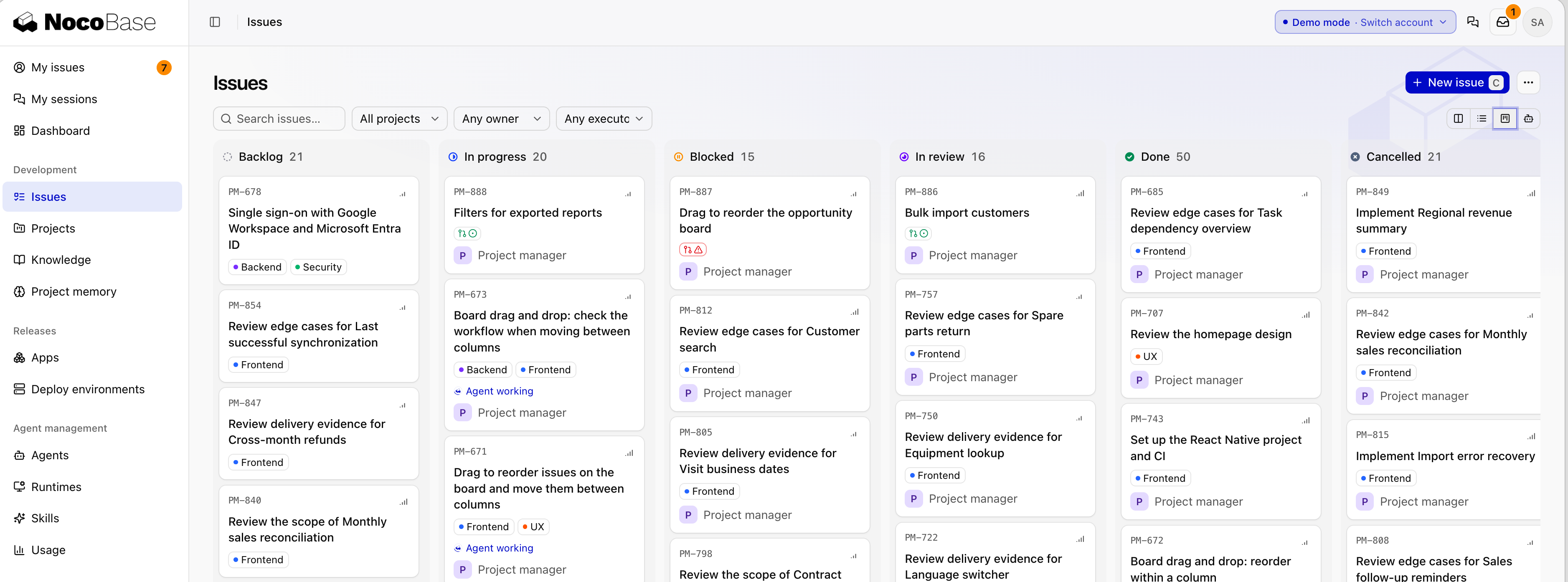
In Studio, a request is an issue. Only two statuses need a person to decide, Blocked (you answer) and In review (you accept). The lead agent moves it through the rest. For what each status means, see Issue statuses and permissions.
1. Raise the request and turn it into an issue
In My sessions, click New session, choose your coding agent and the local itam-lite directory, and choose itam-lite as the project (you need to connect your computer first):
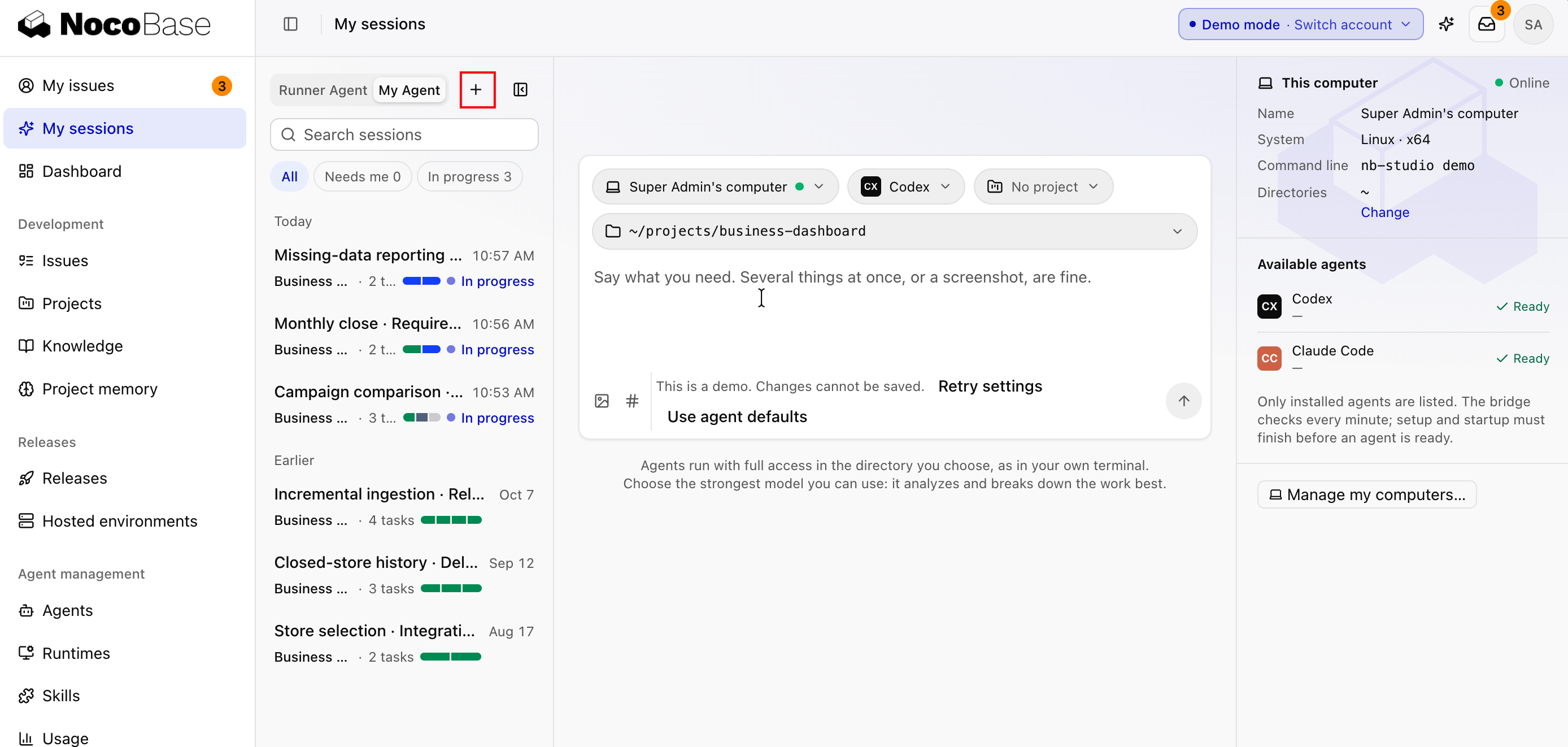
The asset manager does a device stocktake every quarter. Here's what I want:
- The asset manager starts a stocktake and chooses which devices it covers.
- IT support checks each device: is it there, is the location right, is the assignee right. If not, record what's actually the case.
- When the stocktake ends, it produces a result: how many devices were counted, how many were fine, and every discrepancy listed one by one.
Ask me about anything unclear before creating the issue.
The agent asks a few questions. You decide: the scope is chosen by location, device requests aren't restricted during a stocktake, and employees can't see stocktakes. The agent writes these into the issue description and acceptance scenarios and creates ITAM-12 Device stocktake.
Done whenthe itam-lite project has a "Device stocktake" issue, and its description contains the rules you decided and the acceptance scenarios.
2. Start
Click Start in the session. The issue moves to In progress. The lead agent first has an agent write the plan (two new tables, stocktakes and stocktake items, two statuses, and permissions for two roles), then hands it to another agent to develop on the agent/ITAM-12 branch, write tests, take screenshots and open a PR.
Now and Up next at the top of the issue page show who is working and what comes next, and Activity shows each handoff. To add requirements, comment on the issue. See Follow progress.
Done whenthe issue is In progress and its executor is the lead agent.
3. Answer questions
While writing the plan, the agent hits a business question a person needs to decide: when a stocktake finds a discrepancy, should the device register be updated automatically? The issue moves to Blocked and is marked Needs your reply in My issues.
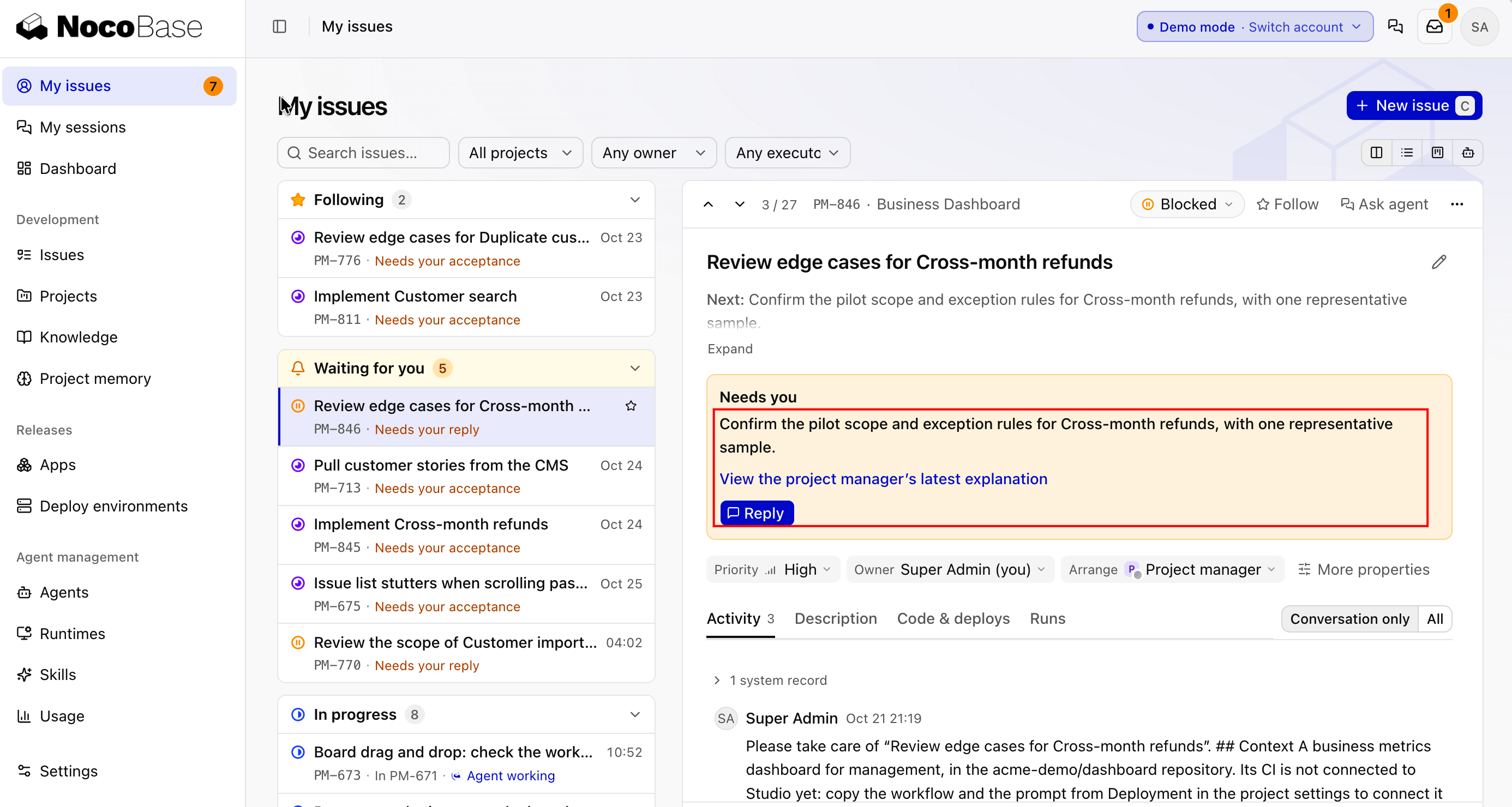
Open the issue and click Reply:
Don't update the register automatically. When the stocktake ends, list the discrepancies, and the asset manager confirms them one by one. Only confirmed ones update the register.See Answer the agents' questions.
Done whenthe issue is back In progress.
4. Checks and review
Once the PR is open, CI runs first, then an agent from another vendor reviews it. The developing agent fixes any problems and the PR is reviewed again. Only when everything passes does it come to you. See Checks and review.
5. Accept and merge
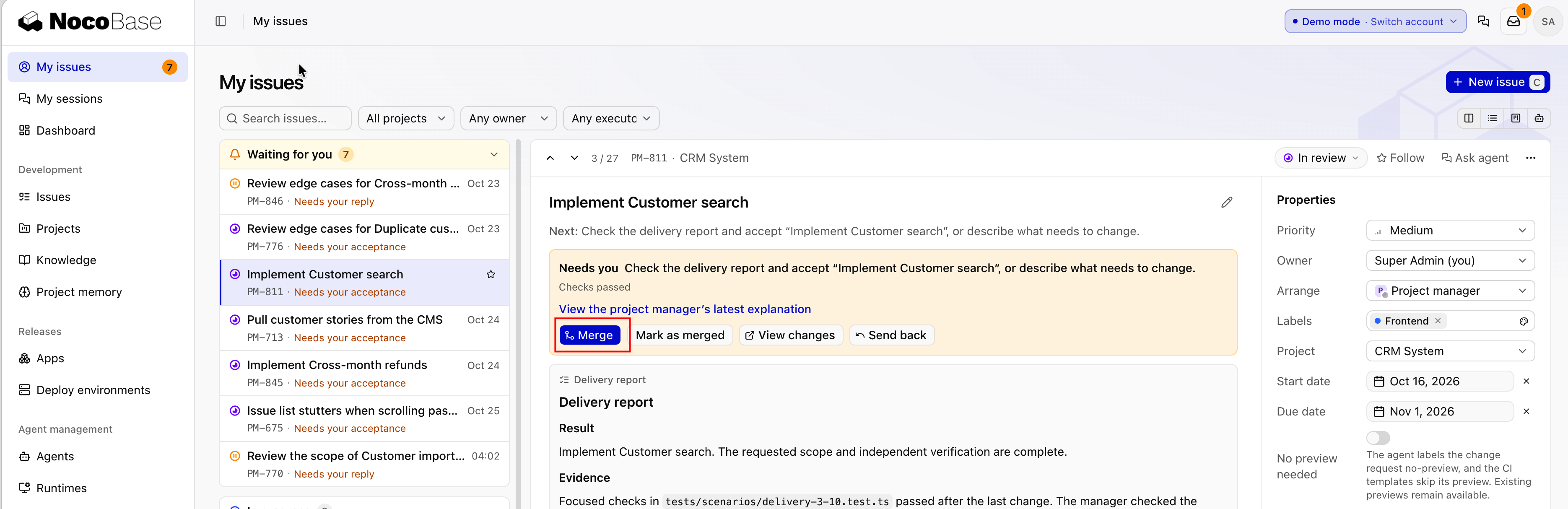
The issue moves to In review and is marked Needs your acceptance in My issues. Read the delivery report and screenshots, then open the preview from the issue page and try it as the first administrator: as the asset manager, start a stocktake by location; switch to IT support and check a few devices, deliberately entering one with the wrong location; end the stocktake, and see whether the result lists that discrepancy and whether the register was left unchanged. See Accept the result.
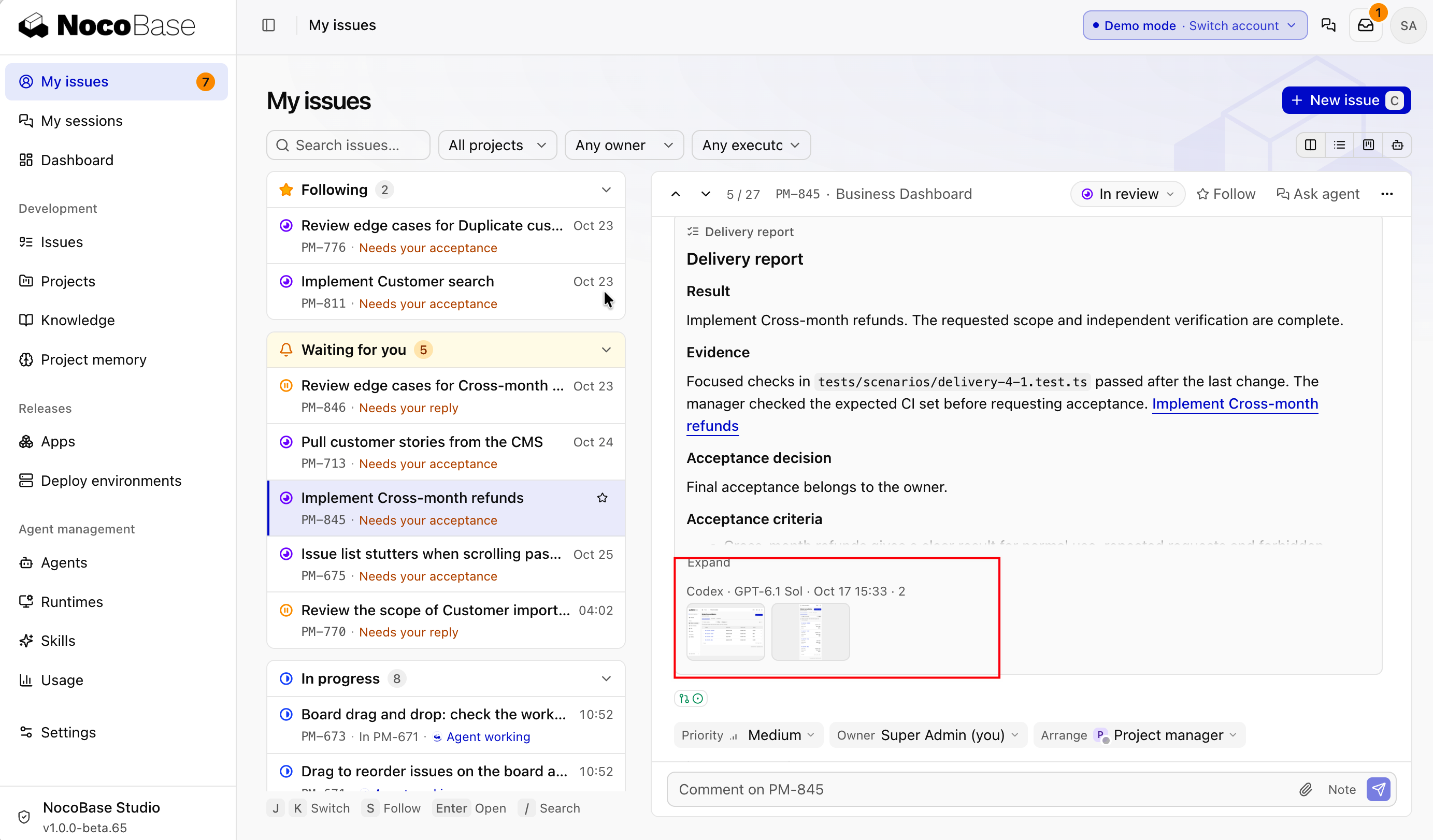
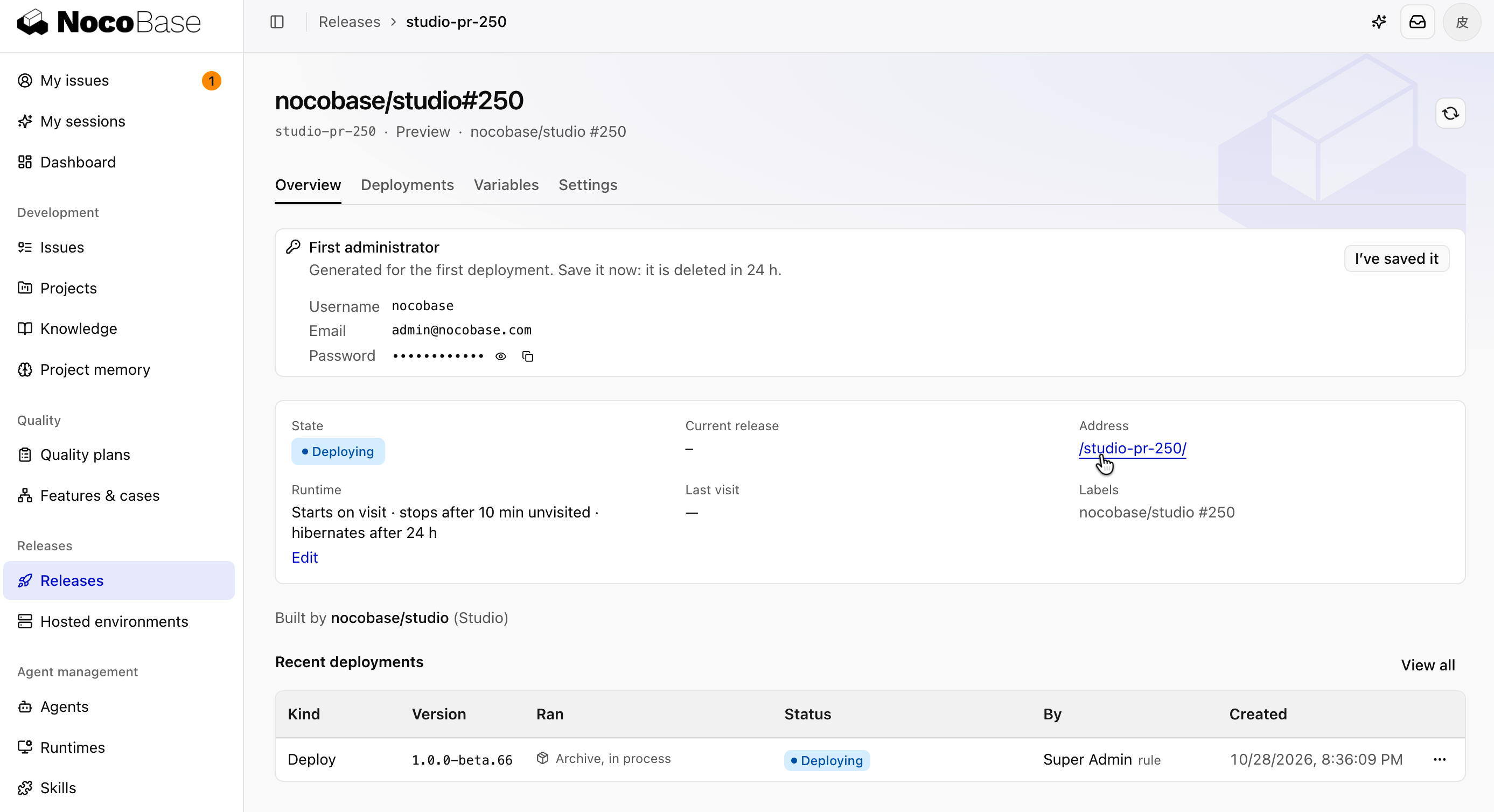
If it works as expected, click Merge. If not, click Send back for changes and say what needs to change.
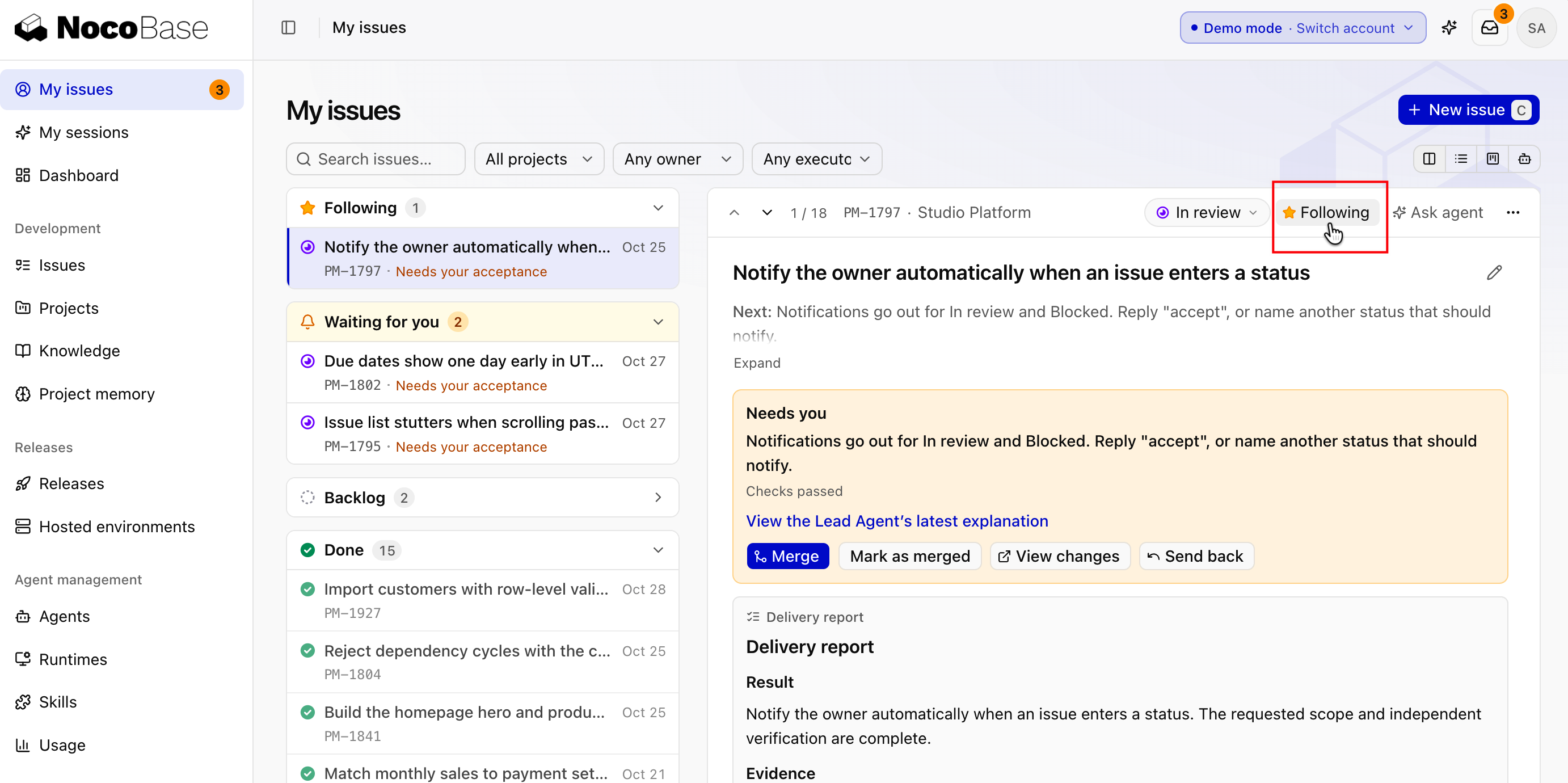
For issues you care about, click the star at the top right to follow them, and they show up at the very top of My issues.
Done whenthe issue is Done, and device stocktaking is merged into itam-lite's default branch.