
This page creates the ITAM app itam-lite. Every later page keeps developing on top of it.
1. Install the skill that creates apps
npx skills@latest add nocobase/skills-v3 --skill nocobase-create-app -gSelect the coding tool you use when prompted. This skill only creates the app; once the app exists, the development skills that come with the app take over.
2. Have the agent create the app
Create an empty directory itam-lite and start a coding agent session in it:
Create a NocoBase 3 app in the current directory with SQLite as the database. Once it's running, tell me the URL and the sign-in account.The agent checks the Node.js and pnpm versions, creates the project, installs dependencies, generates the configuration, then starts the app and gives you the URL (for example http://127.0.0.1:13000/main/) and the account. To create the app by hand, or if you run into problems, see Core's Create an app.
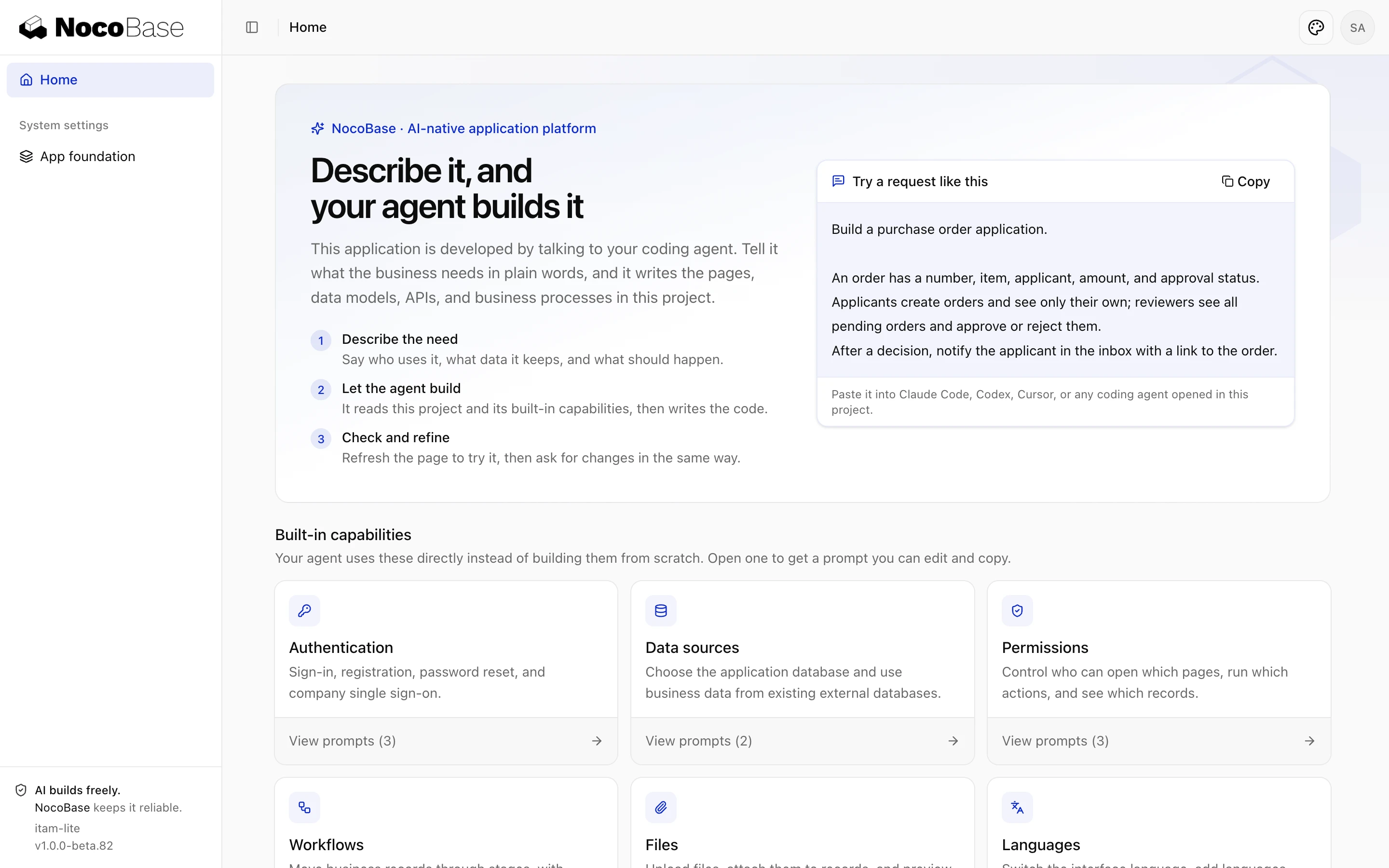
Sign in with nocobase / admin123 and you'll see the home page.
3. Four things in the project
| Location | What it is | Maintained by |
|---|---|---|
AGENTS.md | The rules and index the agent reads before starting any work: where code goes, which capabilities to use straight from plugins | People and agents; keep it short |
.agents/rules/ | This app's own conventions, such as business rules and naming | People and agents; committed with the code |
.agents/skills/ | Development skills synced from dependencies, matching the installed versions | Synced automatically; don't edit by hand |
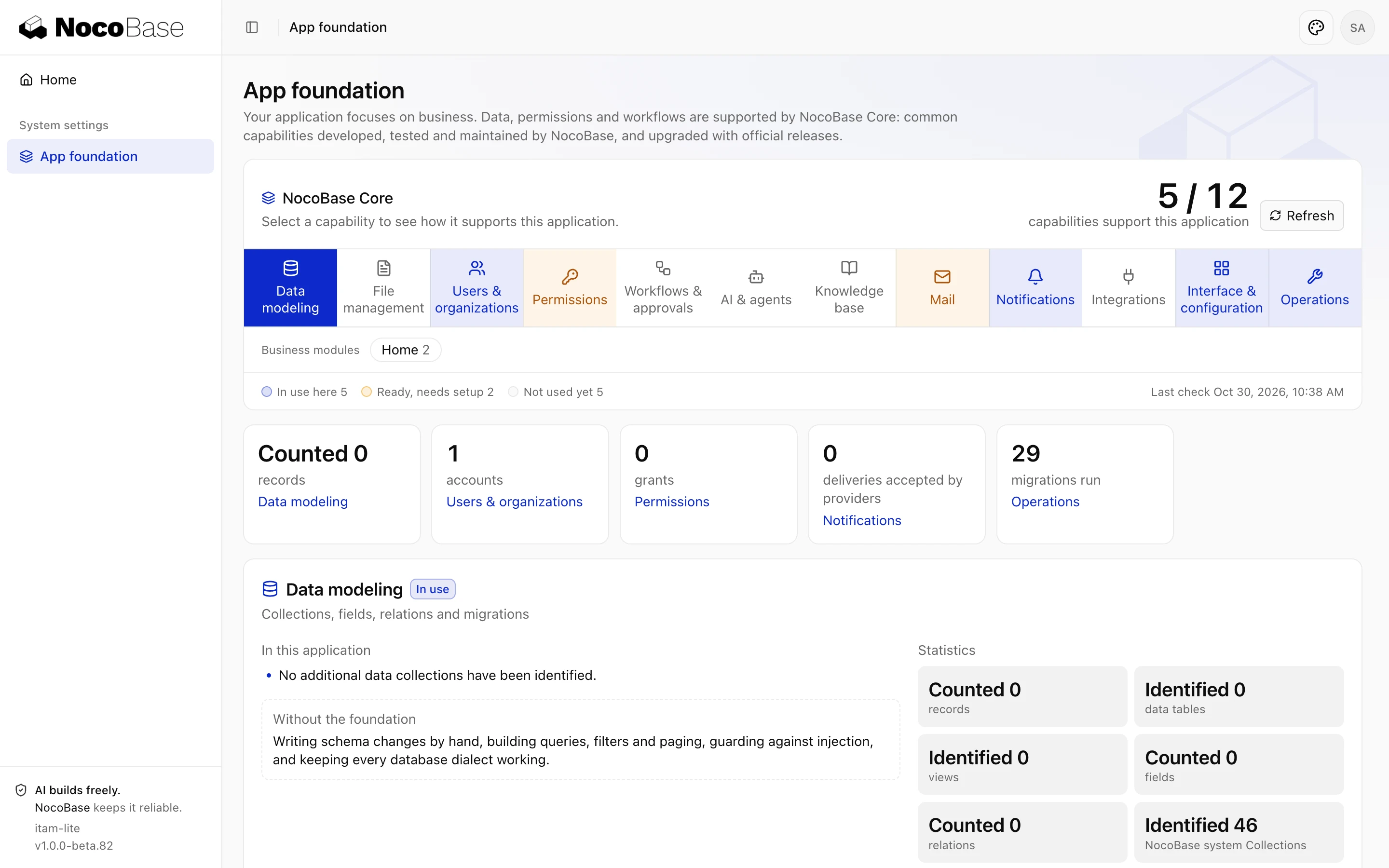
| App foundation | The System settings › App foundation page, listing the Core capabilities the app uses | NocoBase |
Open App foundation now and you'll see capabilities such as data modeling, users and organizations, permissions, notifications, and workflows and approvals. When you build the device register, device requests and approval, and roles and permissions later, the agent uses them directly instead of writing them from scratch.
4. First commit
Initialize a Git repository and make the first commit.config.yml (which holds secrets), the SQLite database, node_modules/ and .agents/skills/ are already excluded by .gitignore. From now on the agent commits after every step.
Done whenyou see the home page after signing in as the administrator, and git log shows the first commit.