
In Studio, talk the request through before creating issues
Don't jump straight to creating an issue and starting it. First talk the request through with the agent in My sessions: what to build, the rules and boundaries, and how it will be accepted. Once that is settled, have the agent create the issues and start them.
When the request is settled before the issue starts, the agent team asks fewer questions and redoes less work, and the issue description keeps the full rules and acceptance criteria.
<The request, in two or three sentences>
Ask me about anything unclear first. Once we've settled it, write the rules and acceptance criteria into the issue description and create the issue.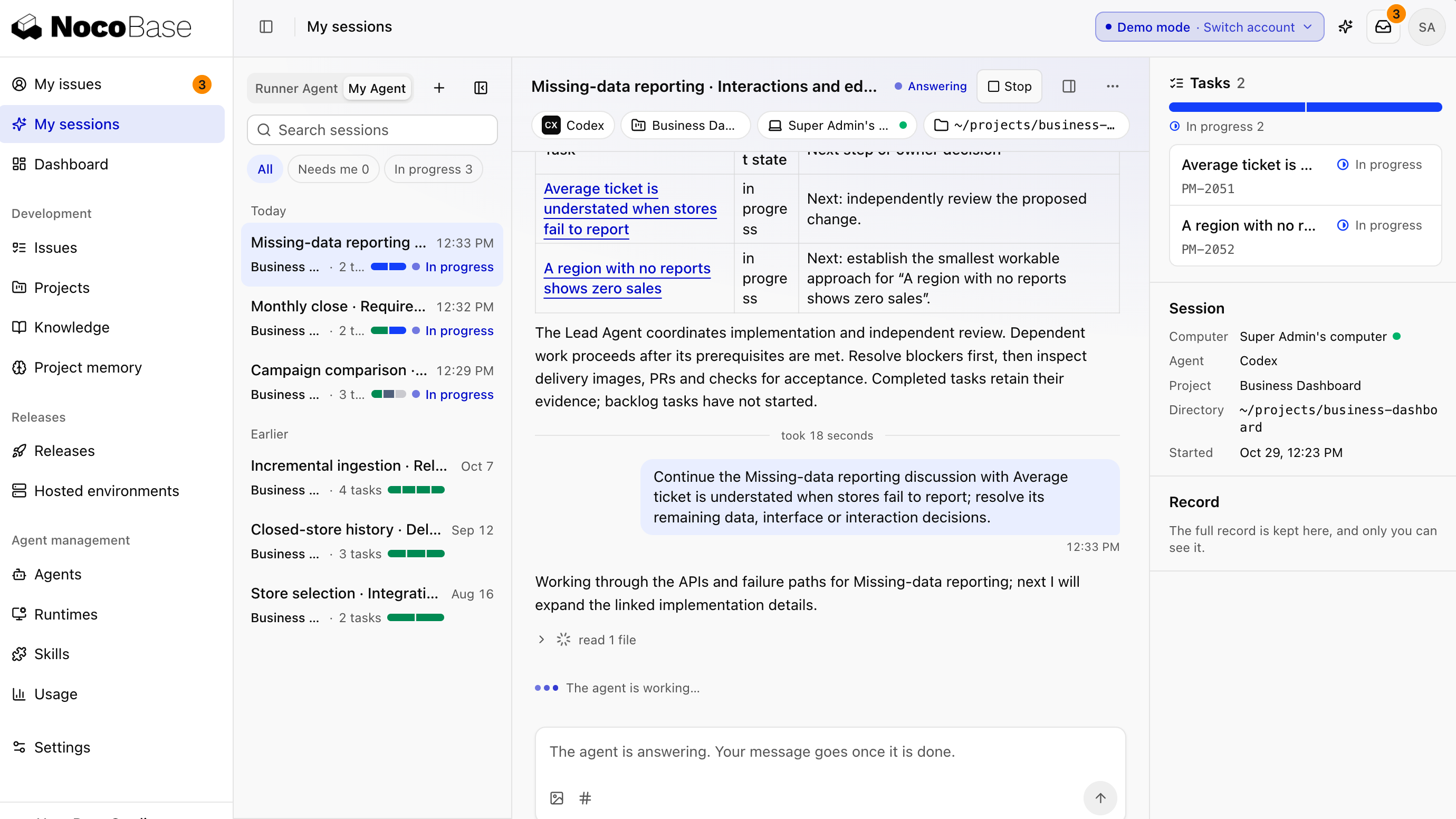
Ask Studio when you have questions about a project
Business colleagues and developers alike can ask the agent how a project's business logic works or how a feature behaves, without reading the code or tracking someone down. Click Ask agent on a project or issue page to start a session with the current page as context:
When does a device request need approval from the asset manager? After it is approved, how do the device's status and user change?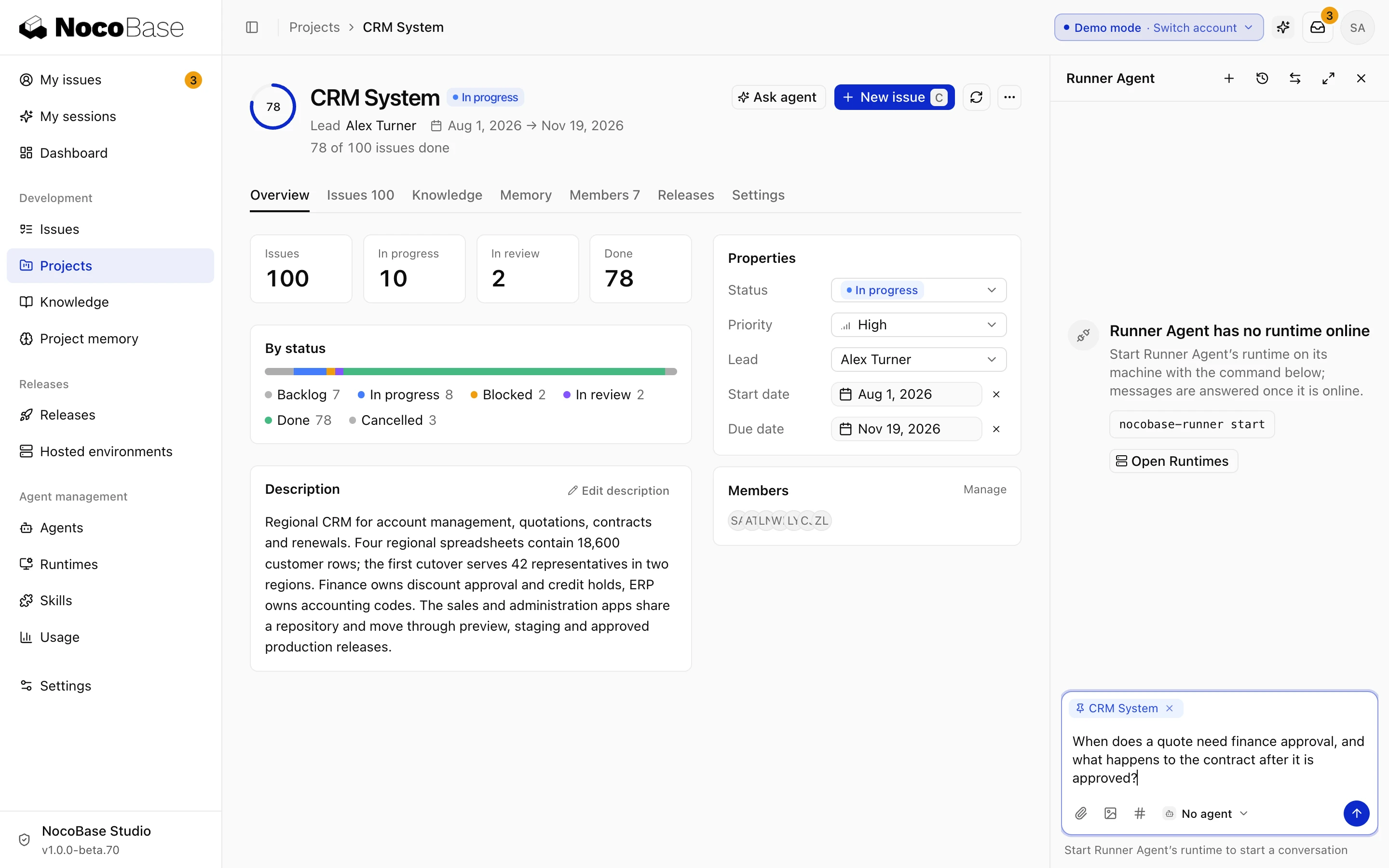
You can also ask directly in My sessions and pick the project you're asking about:
Other teams should also write requests with an agent first
When teams such as administration or finance bring a request, ask them to have their own agent write it up first: who uses it, what to do and what the rules are. When the pages are hard to describe, attach an HTML demo.
I want to send the IT department a request: <one sentence>. Ask me a few questions first, write it up as a requirements document, then make a single-file HTML demo of the main pages.When developers receive it, they first update the design with the agent against the design doc, then build it.