
The rules Xu Ning (the business colleague) decided, such as the retirement ages and that stocktake discrepancies need a person to confirm them, are now scattered across the sessions and comments of two issues. Studio keeps them in three places:
| What goes in it | Who writes it | |
|---|---|---|
| Knowledge base | How the business works: policies, rules, key decisions | People |
| Skills | How work gets done: development standards, checklists | People |
| Project memory | Approaches agents were corrected on, pitfalls they hit | Agents |
1. Put the asset management policies in the knowledge base
Open Development › Knowledge, select the itam-lite project space, create a folder called "Asset management policies", and upload your existing policy files or create an article:
# Device request, retirement and stocktake rules

## Standard equipment
- New employees get a laptop and a monitor.
- Requests beyond the standard need the department head to give a reason in the device request, and the asset manager approves them.

## Retirement rules
- Laptops can be retired after 4 years and monitors after 5. Before that, describe the damage and attach photos.
- A device an employee still has can't be retired directly. It has to be returned first.
- Retired devices are hidden from the register by default and can be shown by filtering on status. Audits must be able to see who requested, who approved and why.

## Stocktake schedule
- A stocktake every quarter, in batches by location, and a full stocktake every December.
- Discrepancies found in a stocktake don't update the register automatically. The asset manager confirms each one before it's updated.
Write down only rules and decisions that can't be seen in the code. To let Xu Ning maintain it directly, give Xu Ning Edit permission on this folder. For spaces, permissions and how agents read them, see Knowledge base.
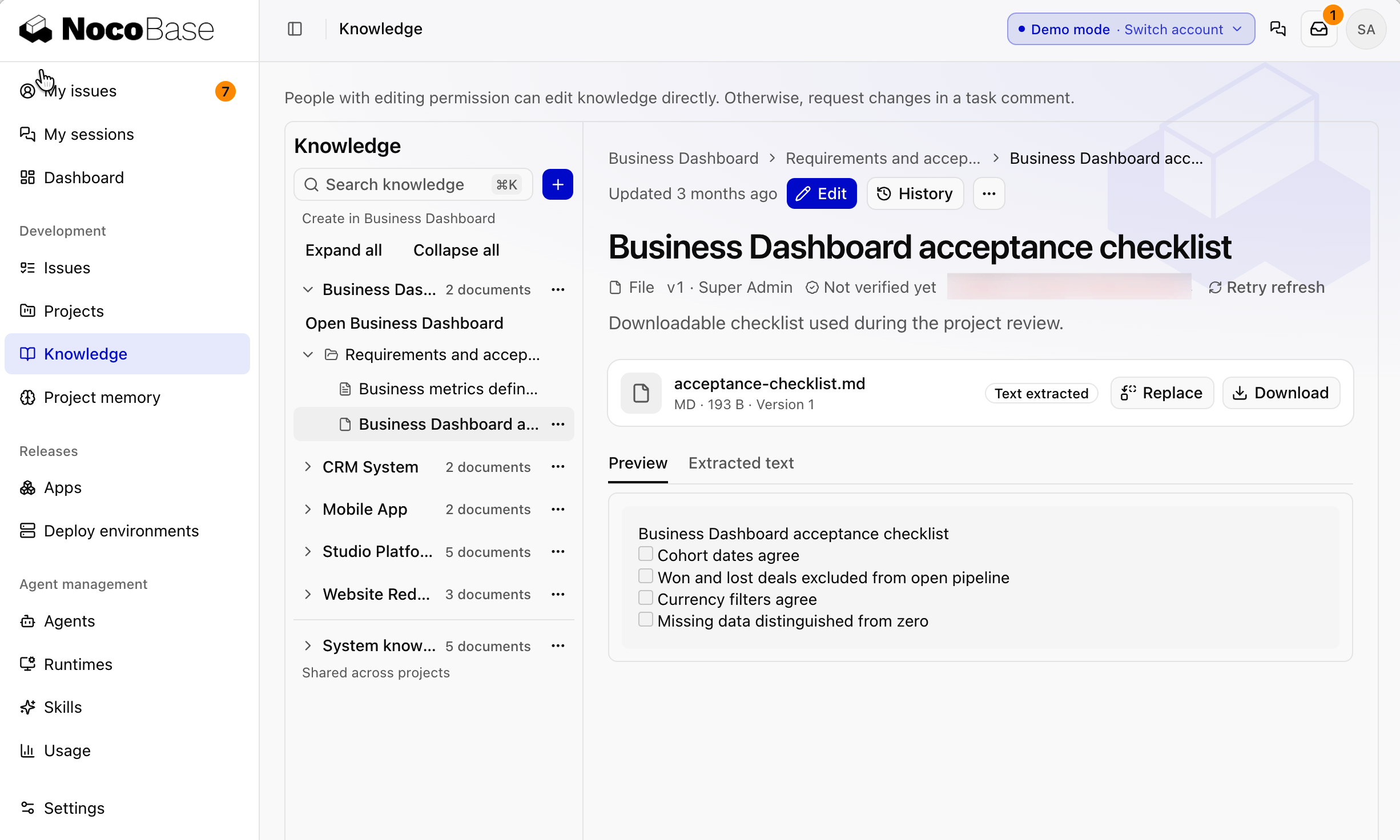
Done whenwhen you ask in a session "After how many years can a laptop be retired?", the agent answers 4 years and says it's citing this article.
2. Write a skill: the ITAM checklist
Every time you accept a result, you sign in as different roles to check permissions and whether register changes leave a trail. Write it as a skill, and the developing and reviewing agents check against it.
First have your local coding agent draft it:
Read the itam-lite code and the delivery reports of the device stocktake and device retirement issues, and draft a skill called itam-checklist: the permission and audit-trail requirements every change to this system must be checked against. Write only conventions specific to this project.It comes out roughly like this:
---
name: itam-checklist
description: Read when developing, self-testing or reviewing any change in itam-lite that involves devices, device requests, retirement or stocktakes. Lists the permission and audit-trail requirements this system must be checked against.
---

# ITAM checklist

## Try all three roles
- Employee: sees only the devices assigned to them, and can't see stocktakes or retirements.
- IT support: handles device requests, fills in stocktake check results and submits retirement requests, but can't approve.
- Asset manager: approves device requests and retirements, starts and ends stocktakes, and confirms stocktake discrepancies.
- For each acceptance scenario, sign in as at least two of the affected roles and attach screenshots to the delivery report.

## Register changes leave a trail
- When a device's status, location or assignee changes, it must be possible to see who changed it, when, and which request caused it.
- Device records must never be deleted directly. Retiring a device changes its status; it doesn't delete it.

## The knowledge base sets the business rules
- Standard equipment, retirement ages and the stocktake schedule follow "Device request, retirement and stocktake rules" in the knowledge base. Don't guess and hard-code them.
Once the content looks right, have the agent add it to Studio:
Use nb-studio to create itam-checklist as a Studio skill and apply it to the itam-lite project.Afterwards it appears in Agent management › Skills, and itam-lite's Project settings › Default skills lists it.
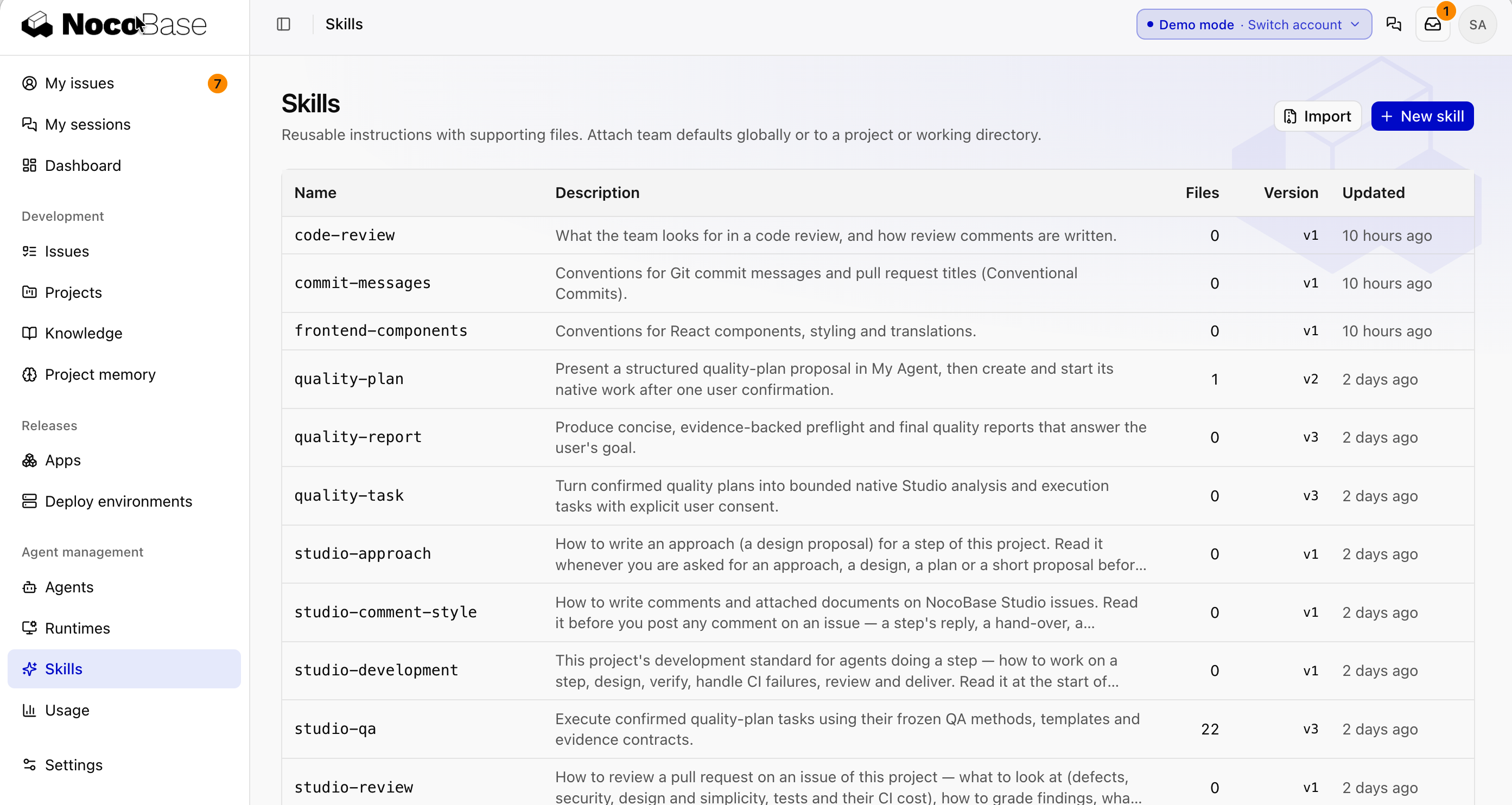
Skills can be attached at three levels: global, project and repository. See Skills.
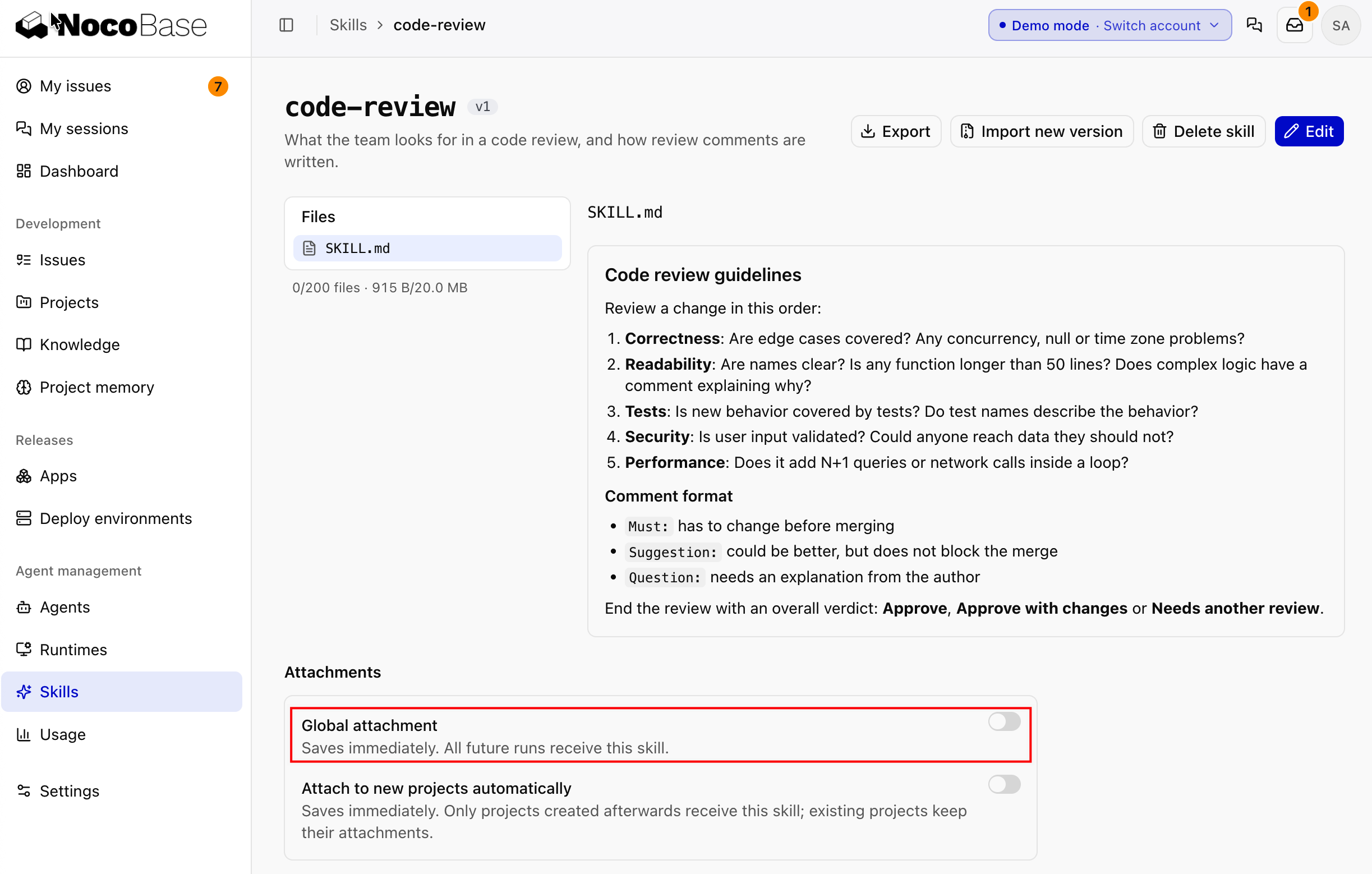
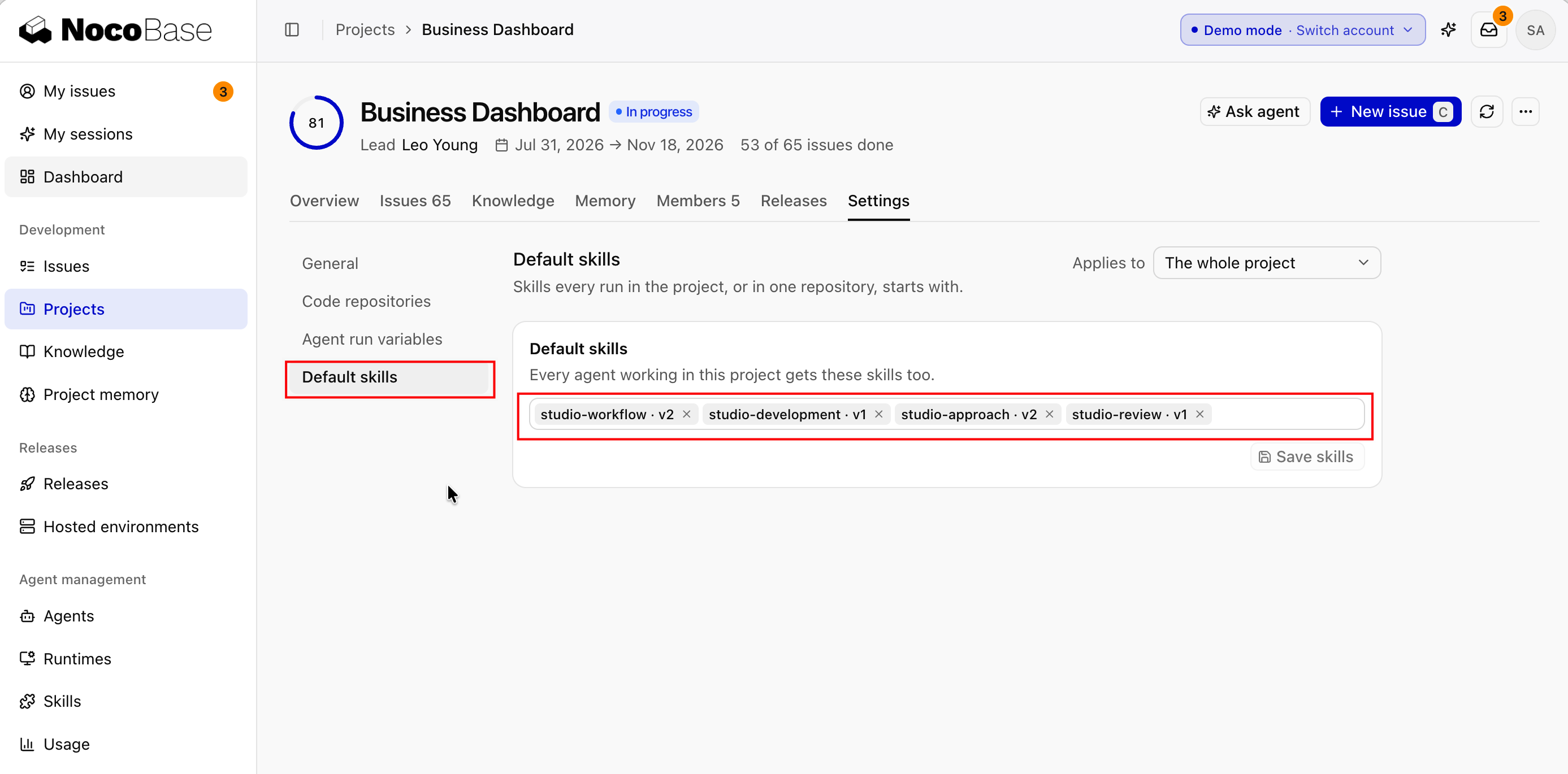
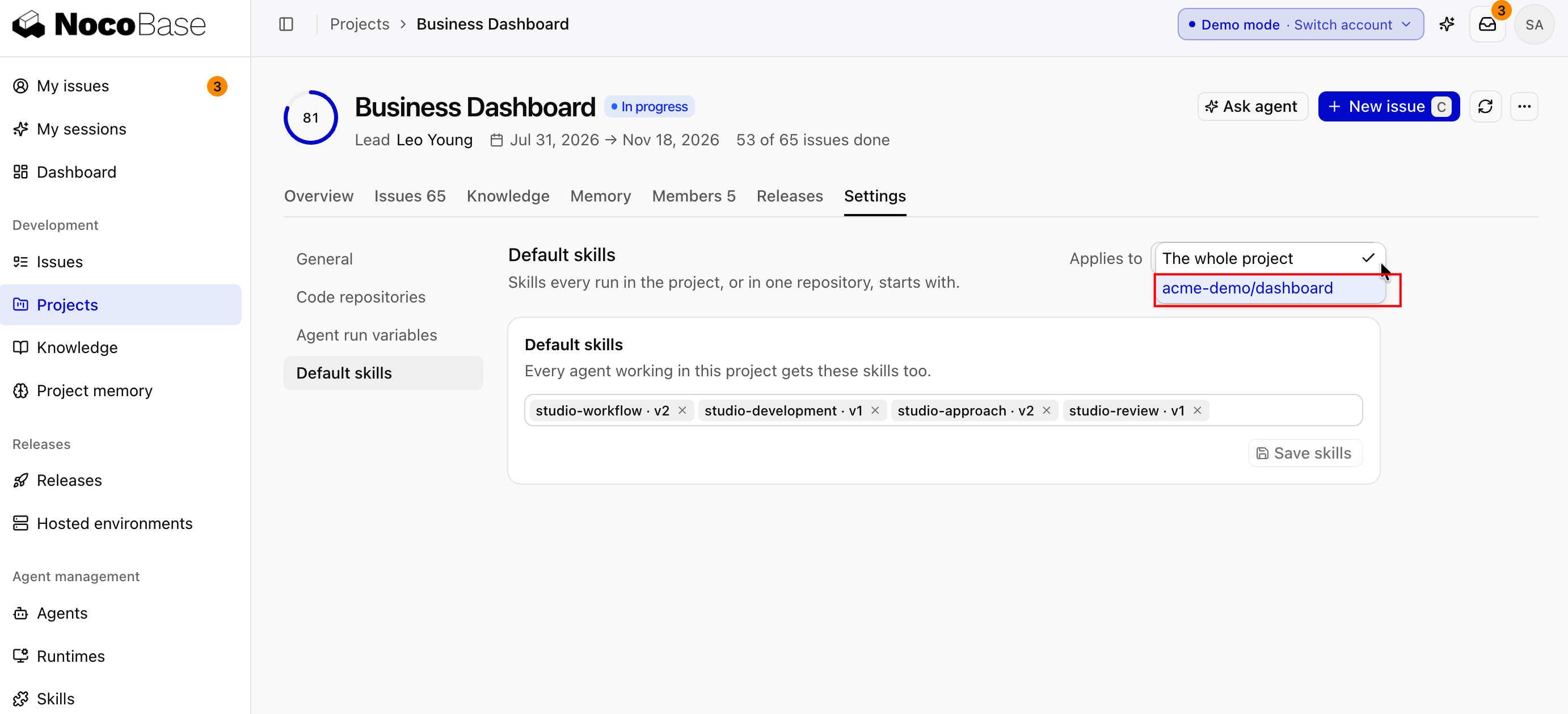
Done whenon the next issue that involves devices, the reviewing agent checks role permissions and audit trails against the checklist, and the delivery report has screenshots from different roles.
3. Look at project memory
Agents write project memory themselves. It's stored in the repository's .nb-studio/memory/, committed and reviewed with the PR, and Claude and Codex read the same copy. View it in Development › Project memory, for example:
| Type | Example |
|---|---|
| Feedback | Stocktake discrepancies don't update the register automatically; it's updated only after the asset manager confirms |
| Project | Retiring a device changes its status instead of deleting the record, because audits need the history |
| Reference | Retirement ages and the stocktake schedule follow "Device request, retirement and stocktake rules" in the knowledge base |
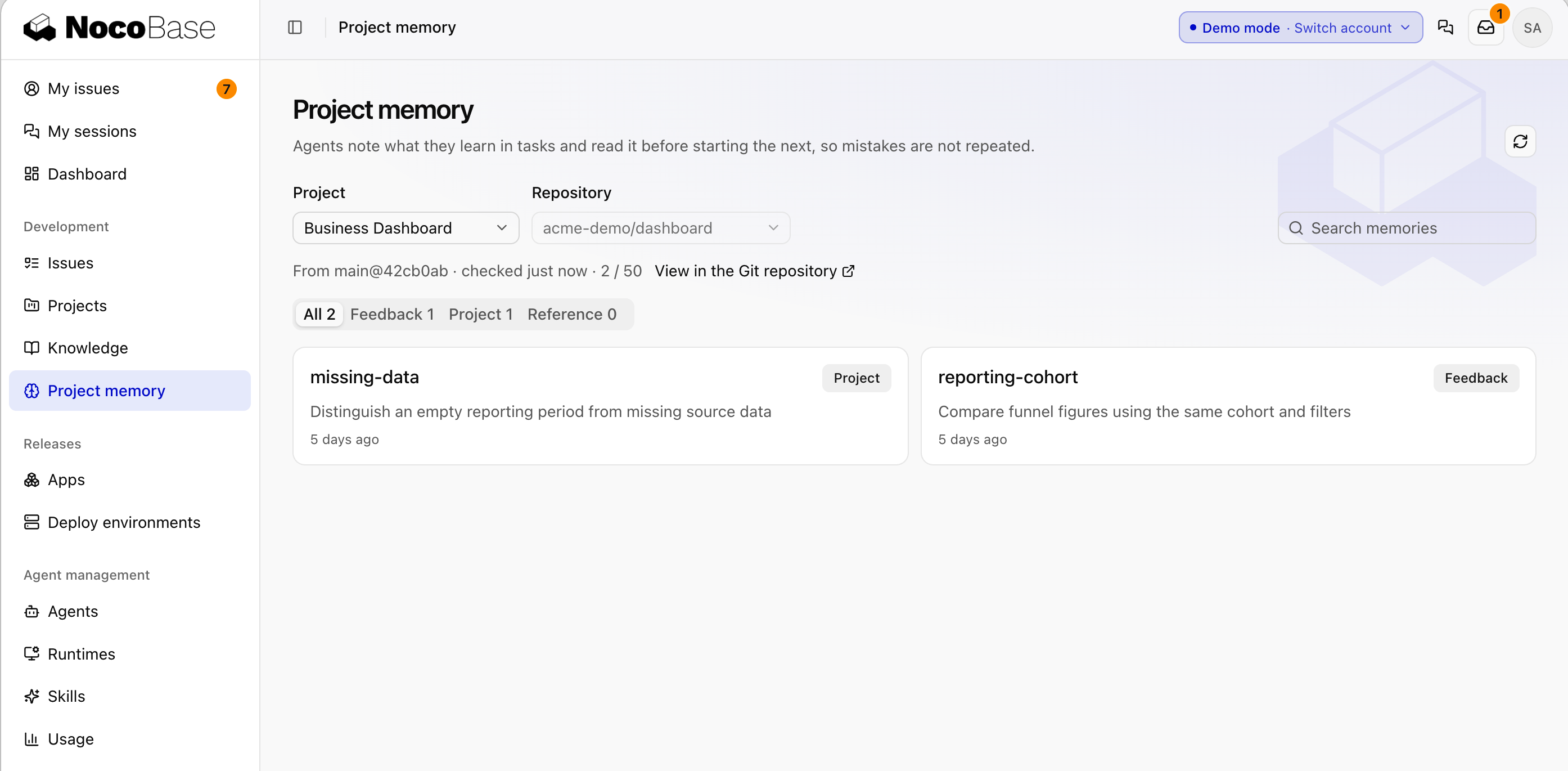
To have agents remember a rule, tell the agent on the issue. See Project memory.
Done whenthe asset management policies are in the knowledge base, and itam-checklist is attached to itam-lite.