Carbon Copy v1.8.2+
Workflow: CCCommunity Edition+
Introduction
The Carbon Copy node is used to send certain contextual content from the workflow execution process to specified users for their information and review. For example, in an approval or other process, relevant information can be carbon copied to other participants so they can stay informed about the progress.
You can set up multiple Carbon Copy nodes in a workflow. When the workflow execution reaches a node, the relevant information will be sent to the specified recipients.
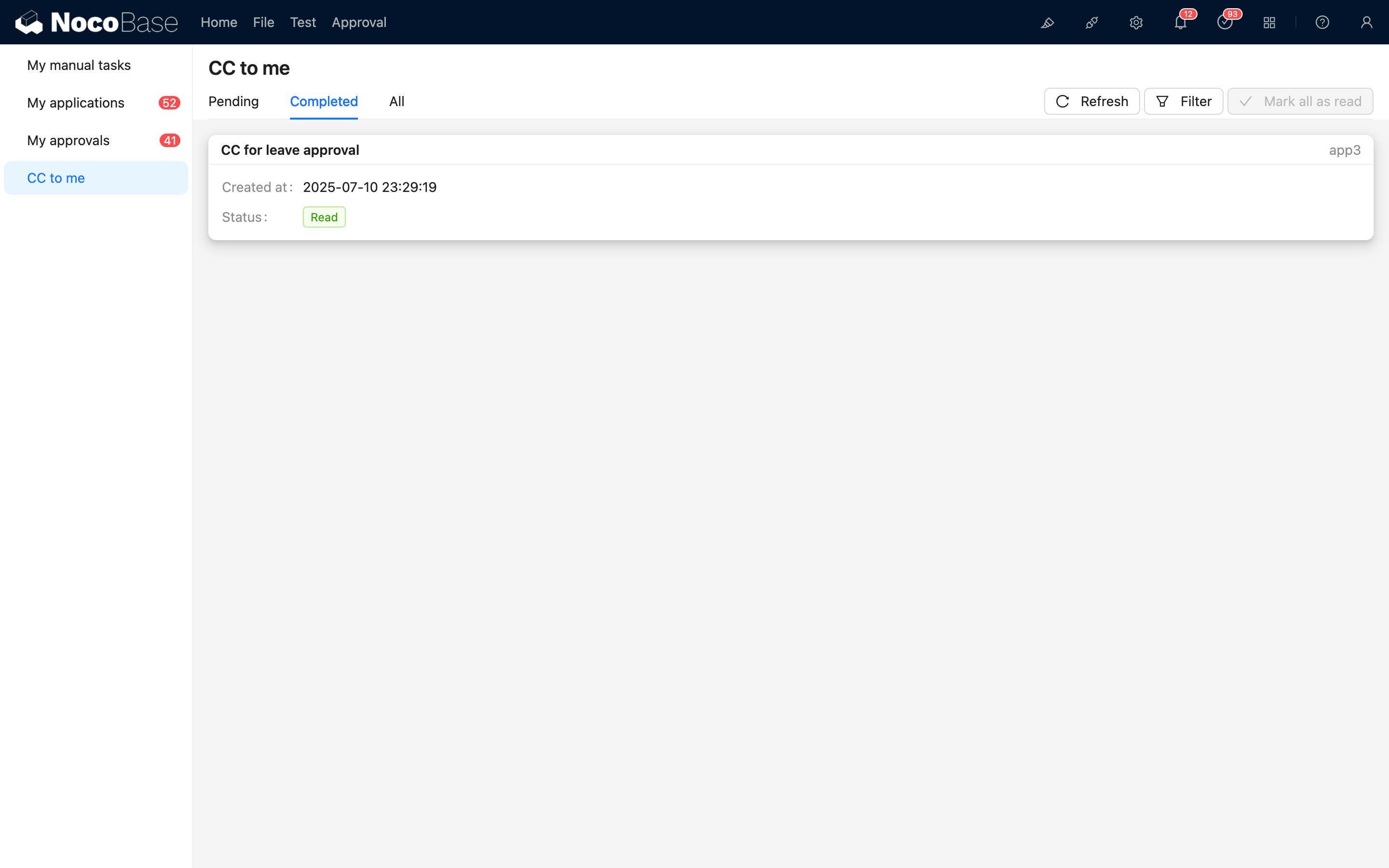
The carbon copied content will be displayed in the "CC to Me" menu of the To-Do Center, where users can view all content carbon copied to them. It will also indicate unread items, and users can manually mark them as read after viewing.
Create Node
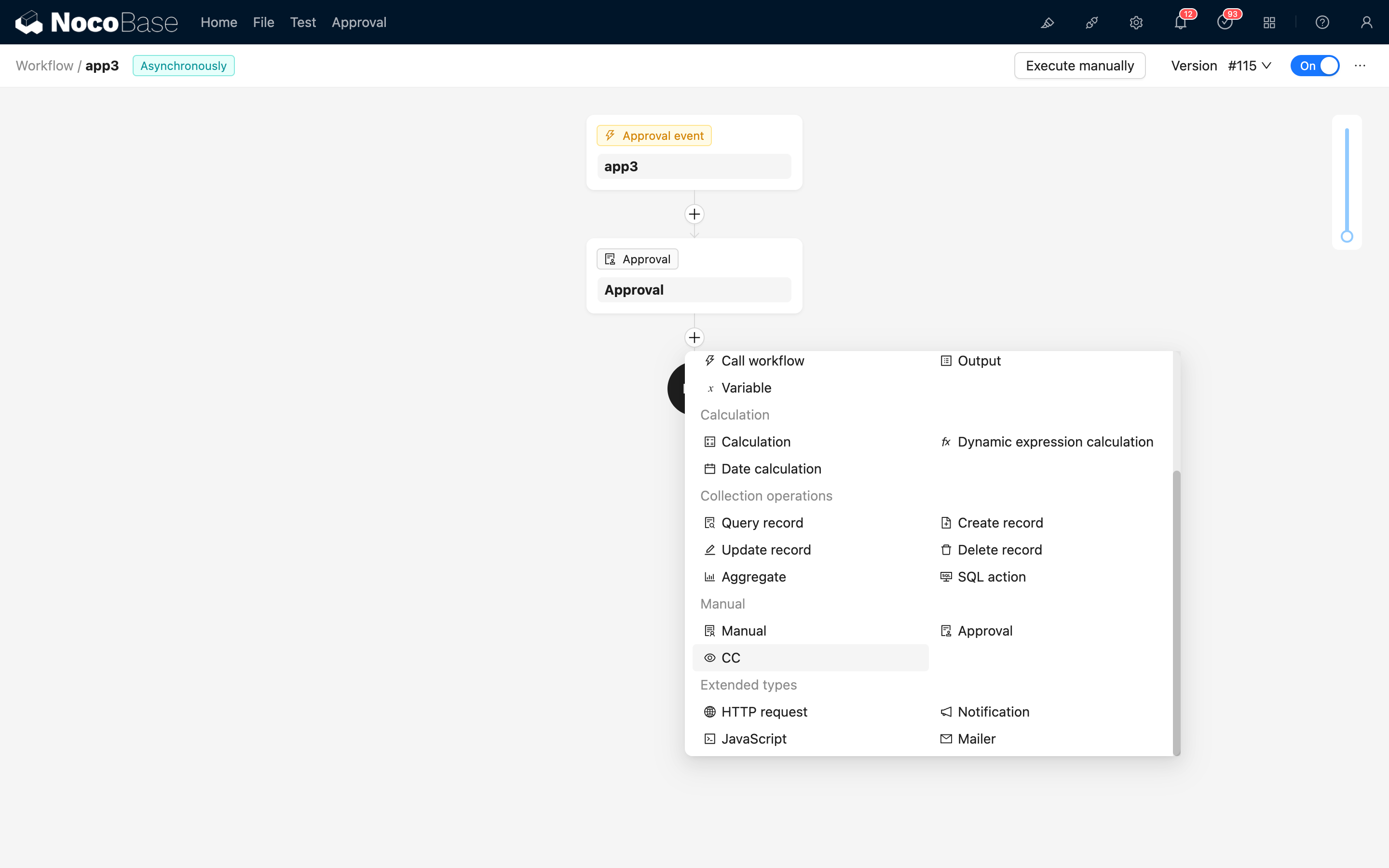
In the workflow configuration interface, click the plus ("+") button in the flow to add a "Carbon Copy" node:
Node Configuration
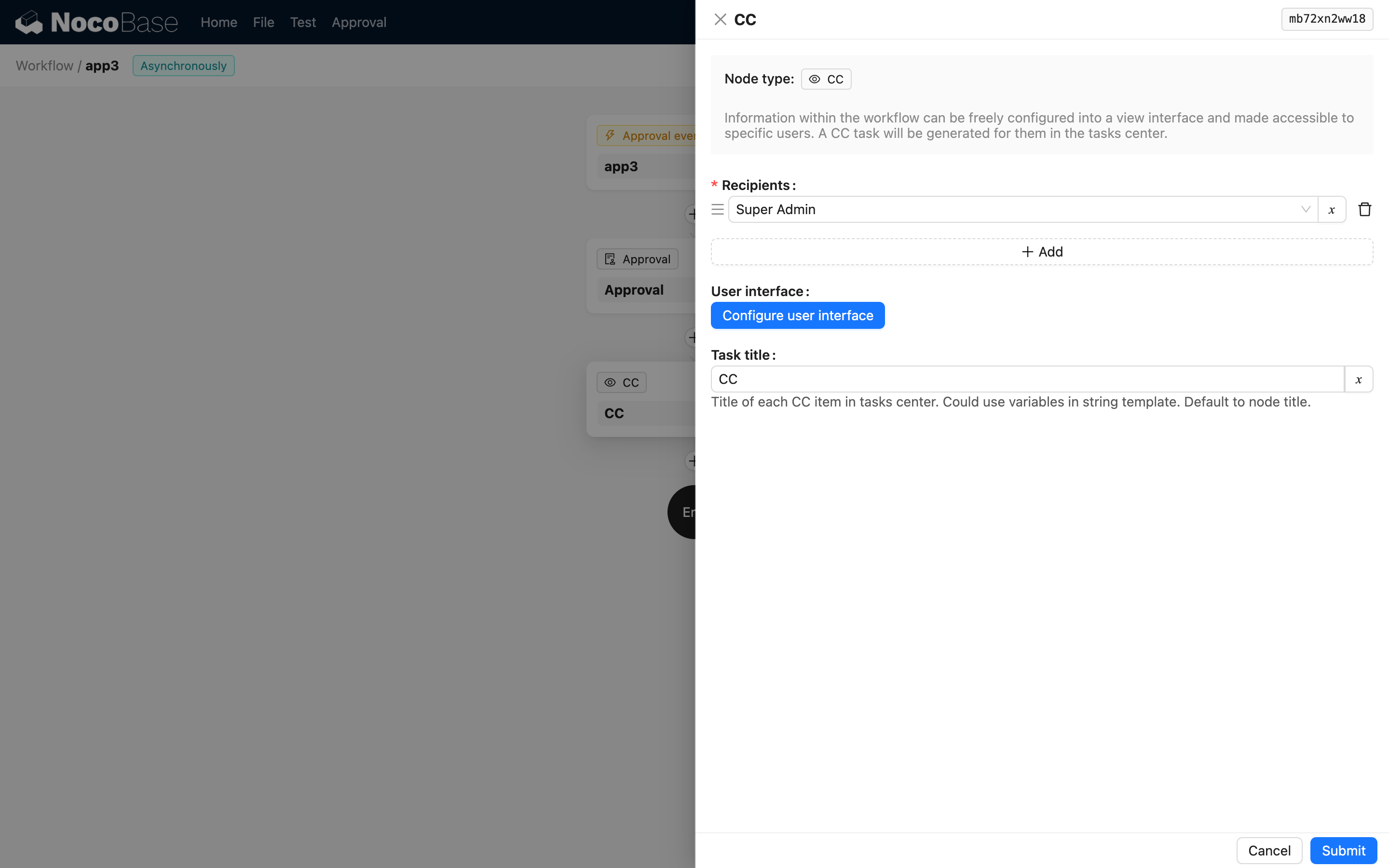
In the node configuration interface, you can set the following parameters:
Recipients
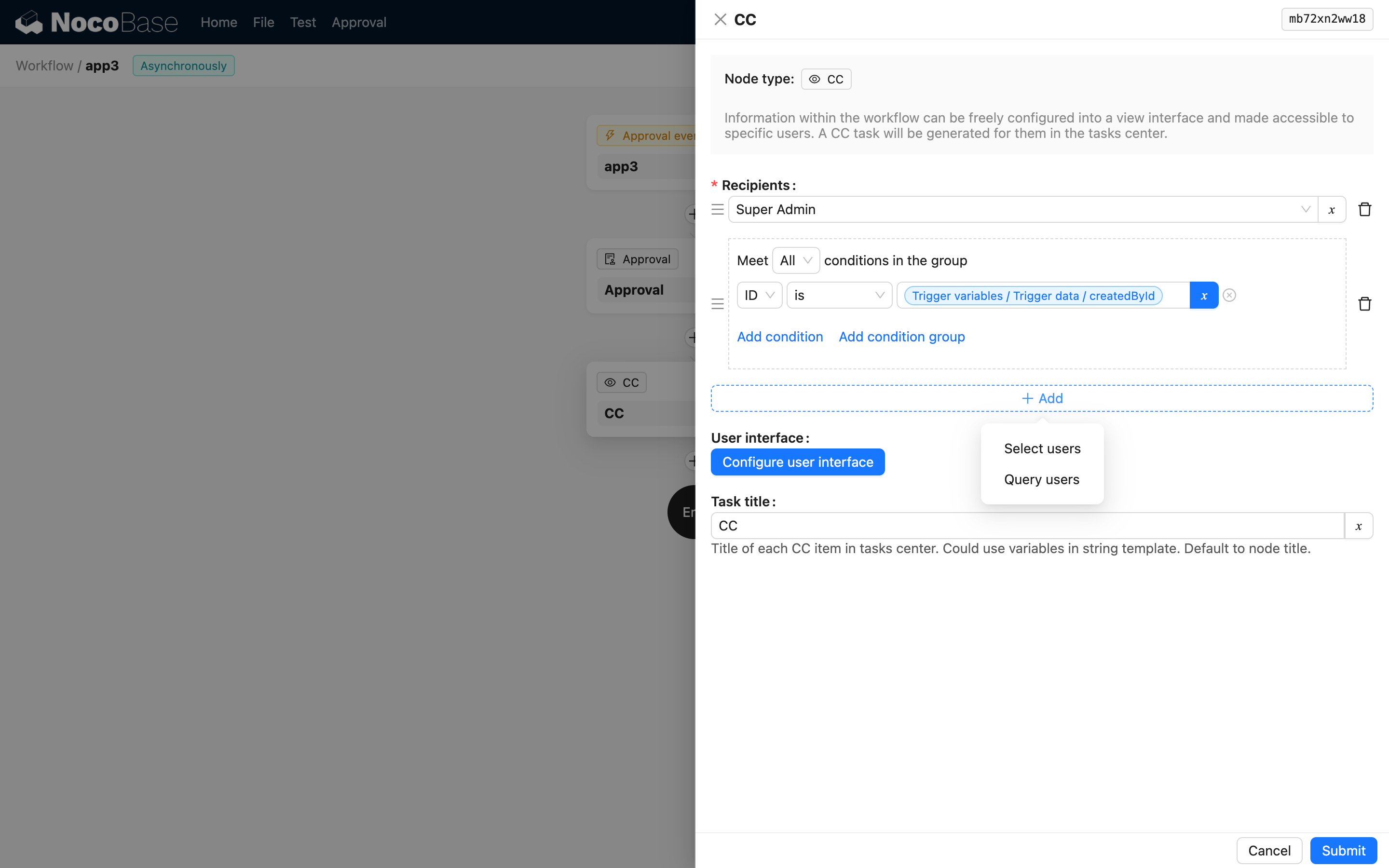
Recipients are the collection of target users for the carbon copy, which can be one or more users. The source can be a static value selected from the user list, a dynamic value specified by a variable, or the result of a query on the users collection.
User Interface
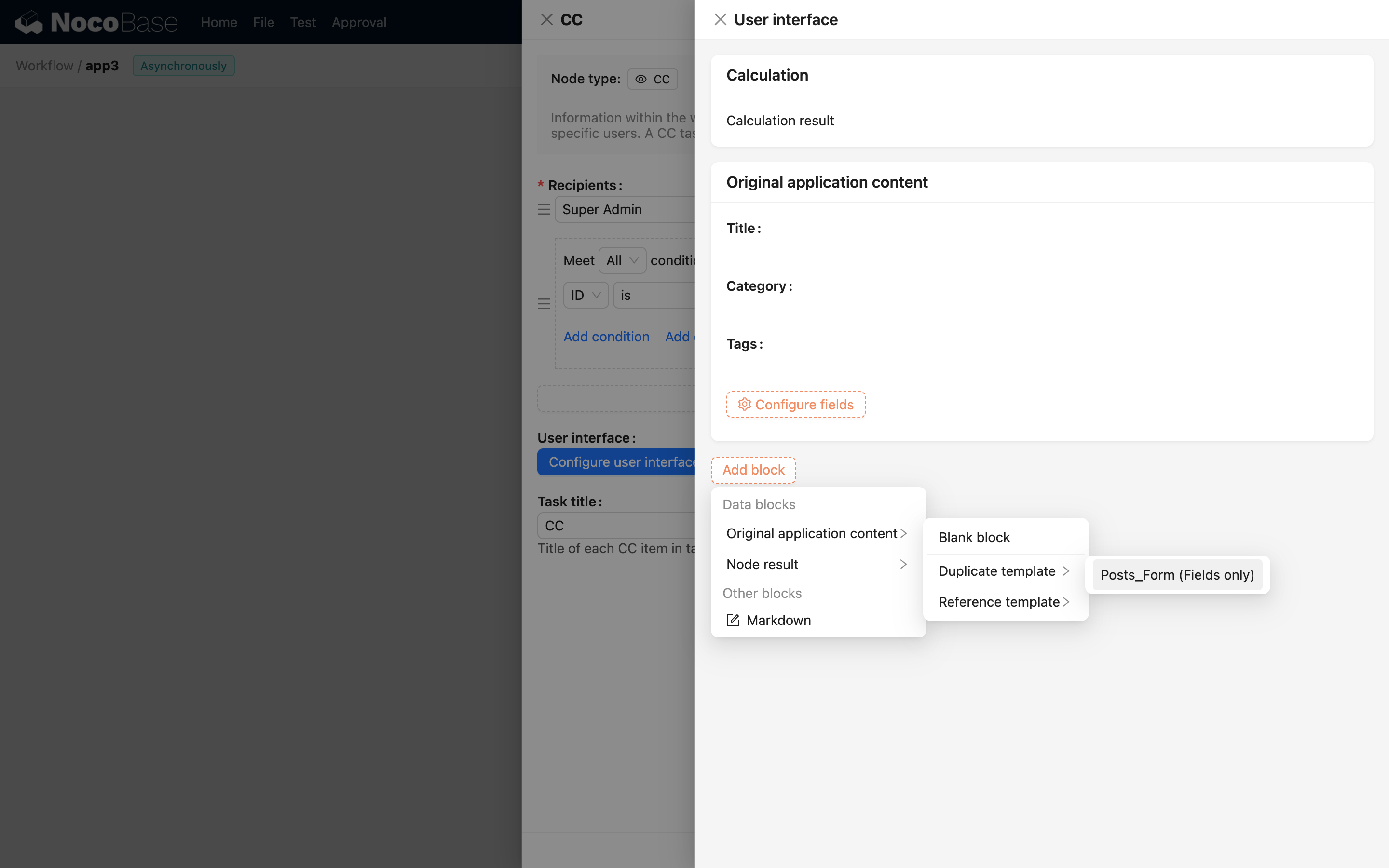
Recipients need to view the carbon copied content in the "CC to Me" menu of the To-Do Center. You can configure the results of the trigger and any node in the workflow context as content blocks.
Task Card 2.0+
Can be used to configure the task card in the "CC to Me" list in the To-Do Center.
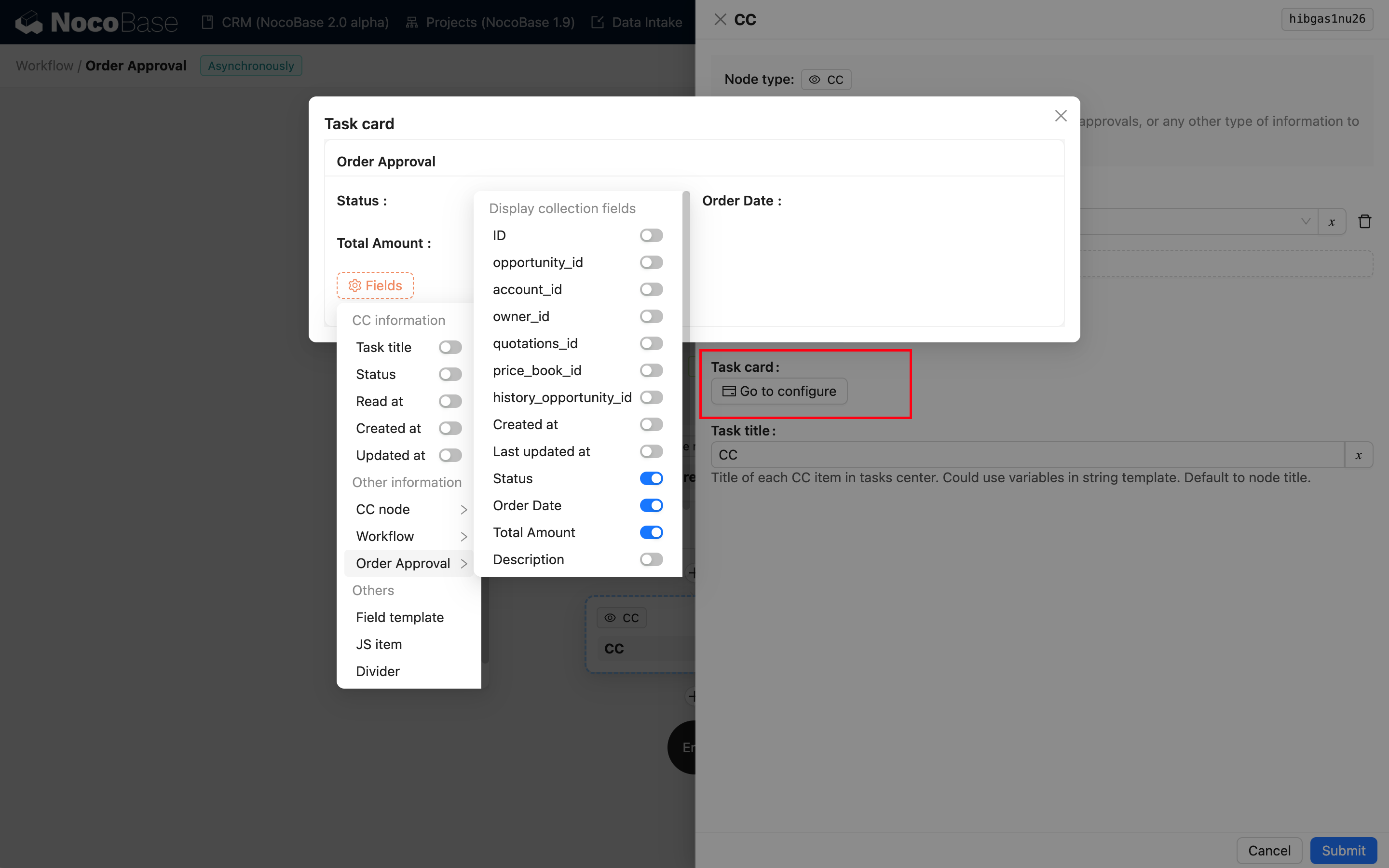
The card can be freely configured to display the desired business fields (excluding association fields).
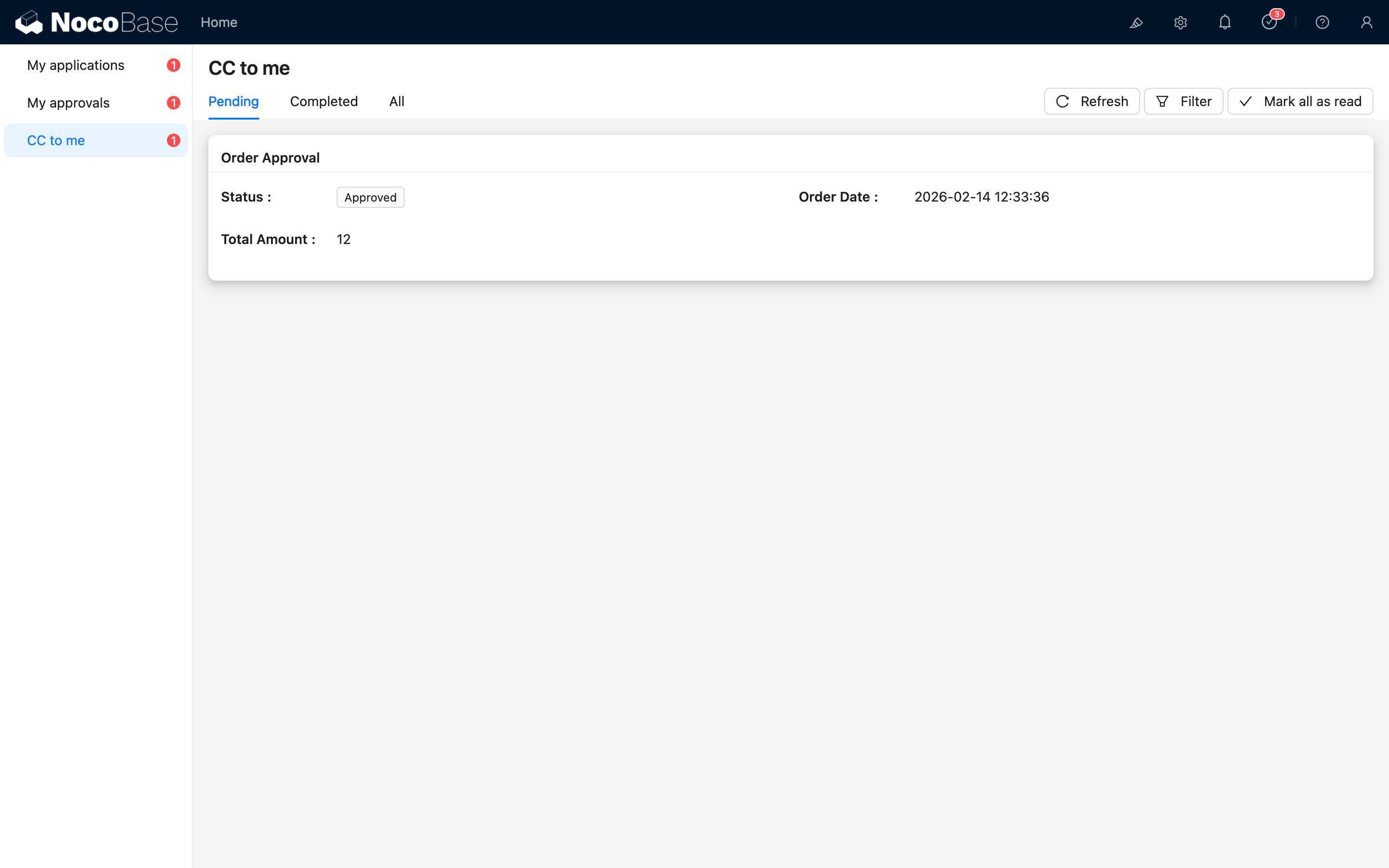
After the workflow carbon copy task is created, the customized task card will be visible in the To-Do Center list:
Task Title
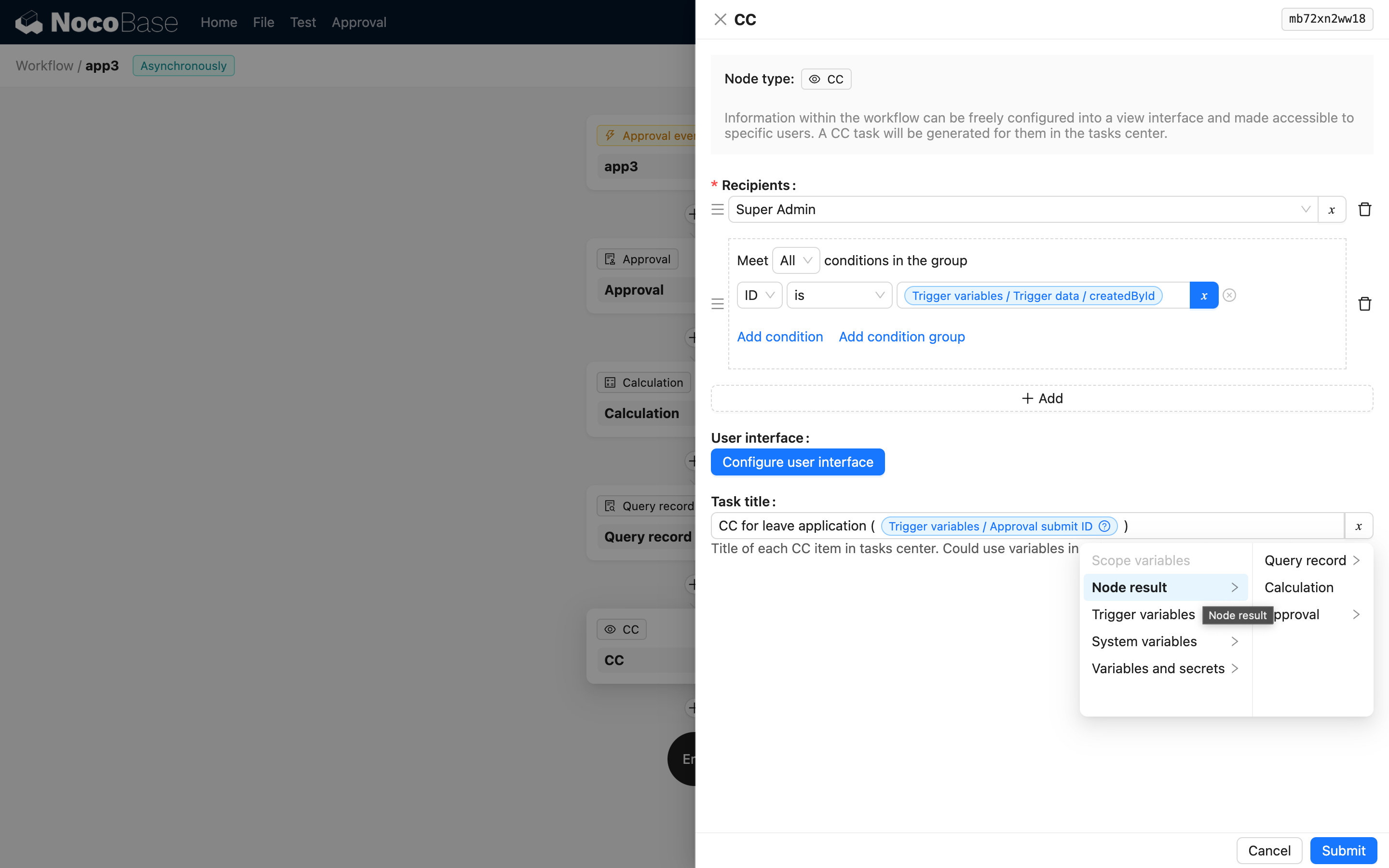
The task title is the title displayed in the To-Do Center. You can use variables from the workflow context to dynamically generate the title.
To-Do Center
Users can view and manage all content carbon copied to them in the To-Do Center, and filter and view based on read status.
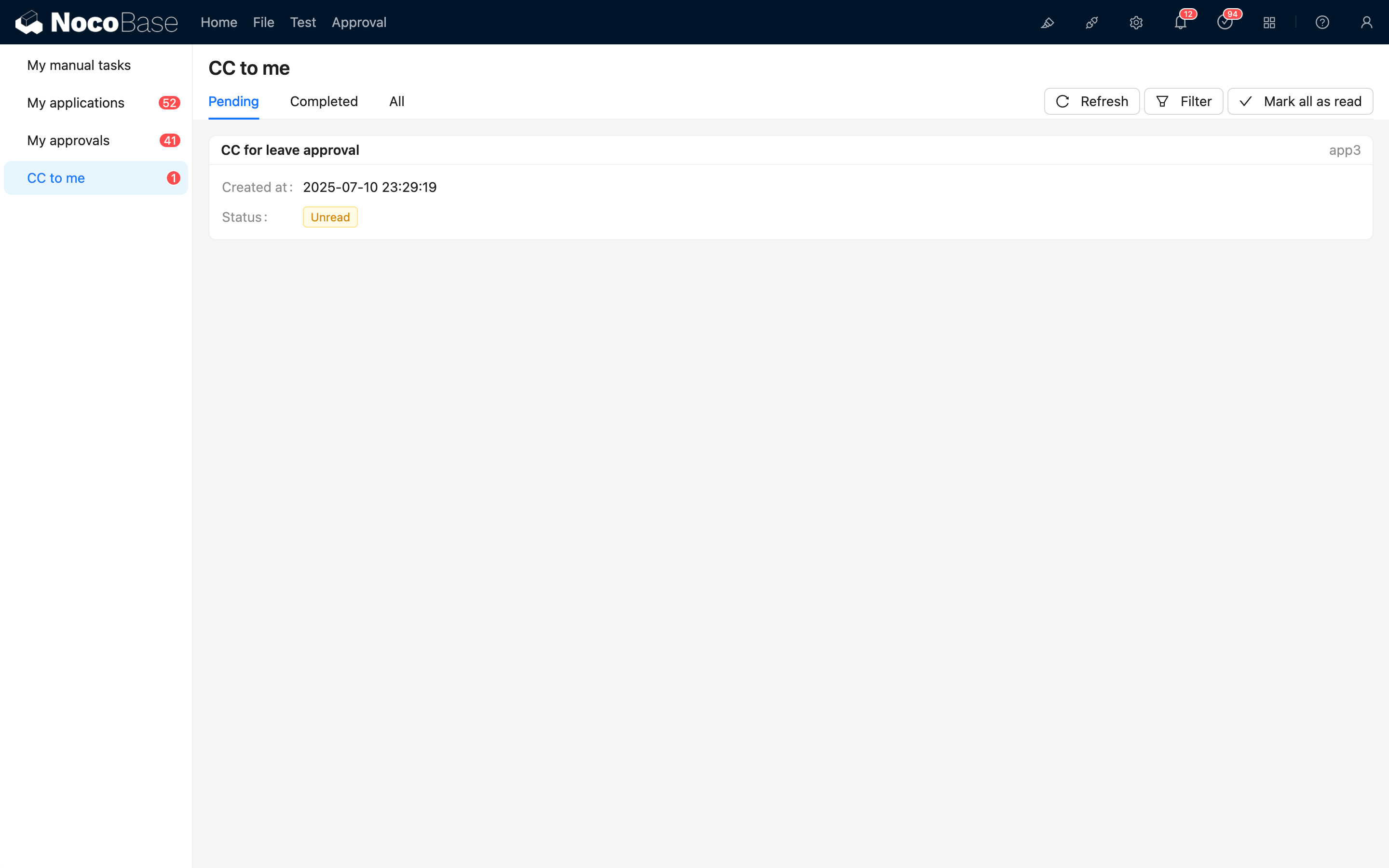
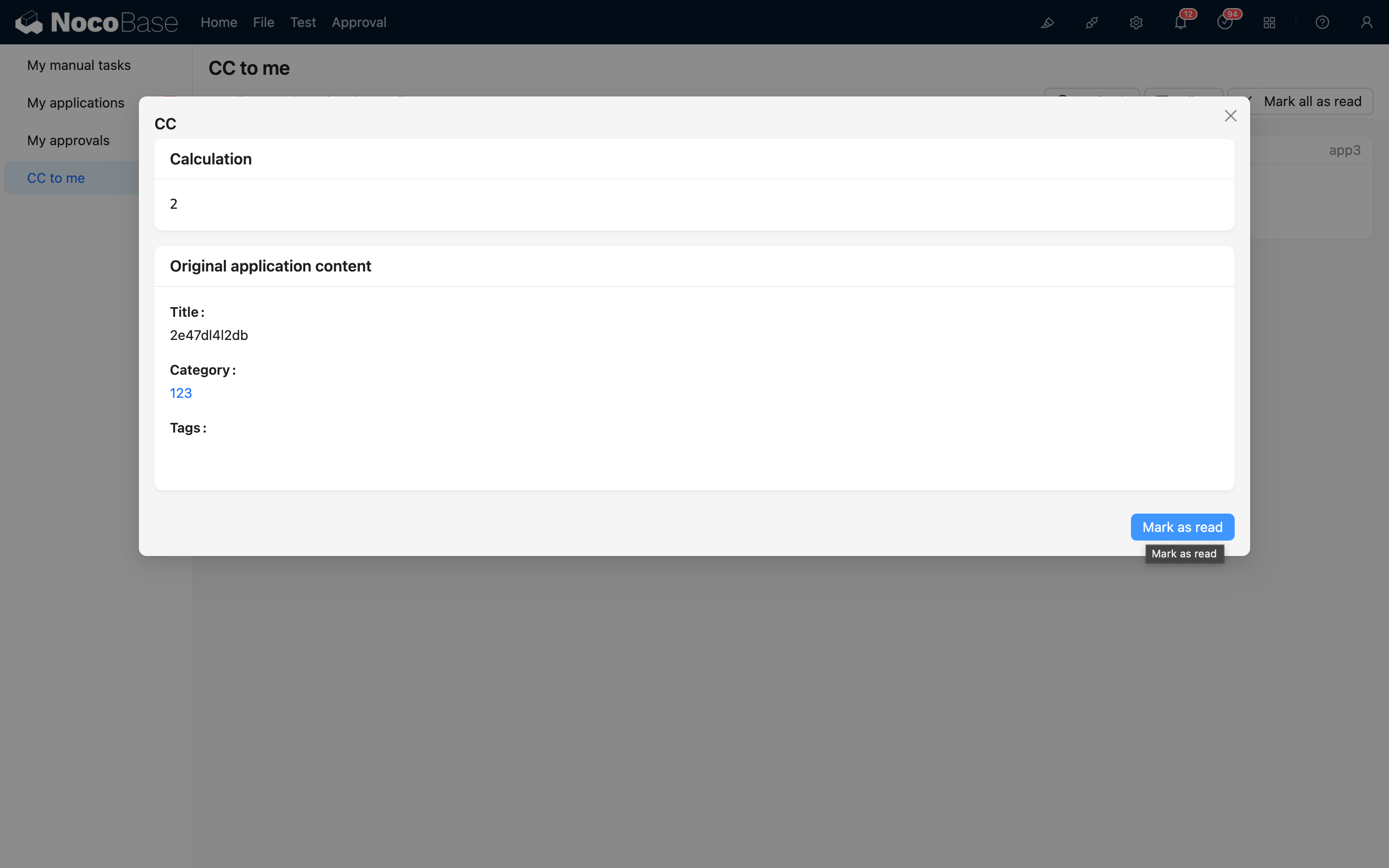
After viewing, you can mark it as read, and the unread count will decrease accordingly.