Overview
Introduction
The AI Knowledge Base plugin provides RAG retrieval capabilities for AI agents.
RAG retrieval capabilities allow AI agents to provide more accurate, professional, and enterprise-relevant answers when responding to user questions.
Using professional domain and internal enterprise documents from the administrator-maintained knowledge base improves the accuracy and traceability of AI agent responses.
What is RAG
RAG (Retrieval Augmented Generation) stands for "Retrieval-Augmented-Generation".
- Retrieval: The user's question is converted into a vector by an Embedding model (e.g., BERT). Top-K relevant text chunks are recalled from the vector library through dense retrieval (semantic similarity) or sparse retrieval (keyword matching).
- Augmentation: The retrieval results are concatenated with the original question to form an augmented prompt, which is then injected into the LLM's context window.
- Generation: The LLM combines the augmented prompt to generate the final answer, ensuring factuality and traceability.
Installation
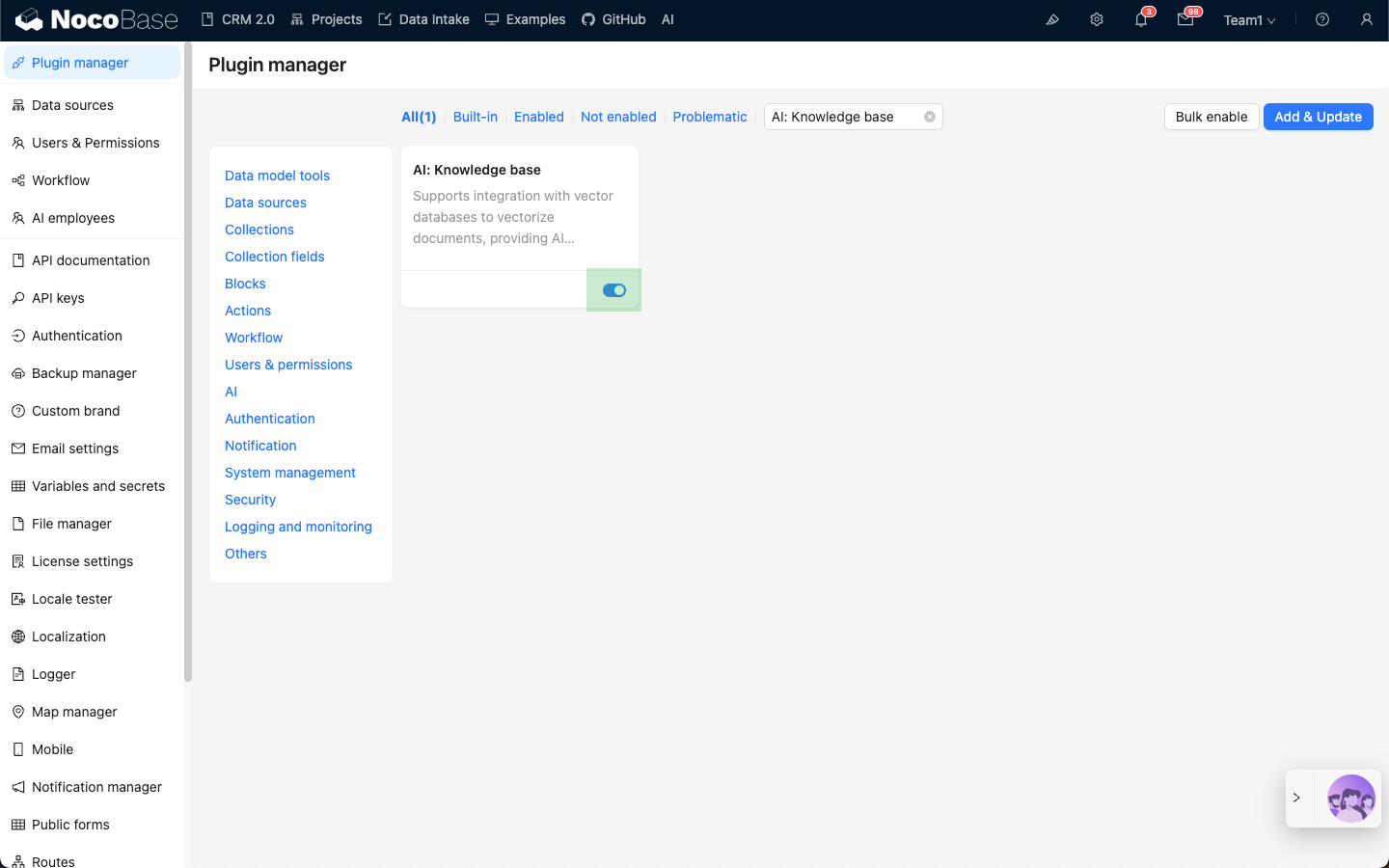
- Go to the Plugin Manager page
- Find the
AI: Knowledge baseplugin and enable it