

Web Search
AI employeesCommunity Edition+Web Search supplements the latest information beyond the model's training data.
How It Works
Whether Web Search is available depends on whether the model service selected in the current session supports Web Search.
- Supported: the Web Search toggle is displayed and can be enabled or disabled as needed.
- Not supported: the toggle is hidden, and search is disabled automatically.
Use in a Conversation
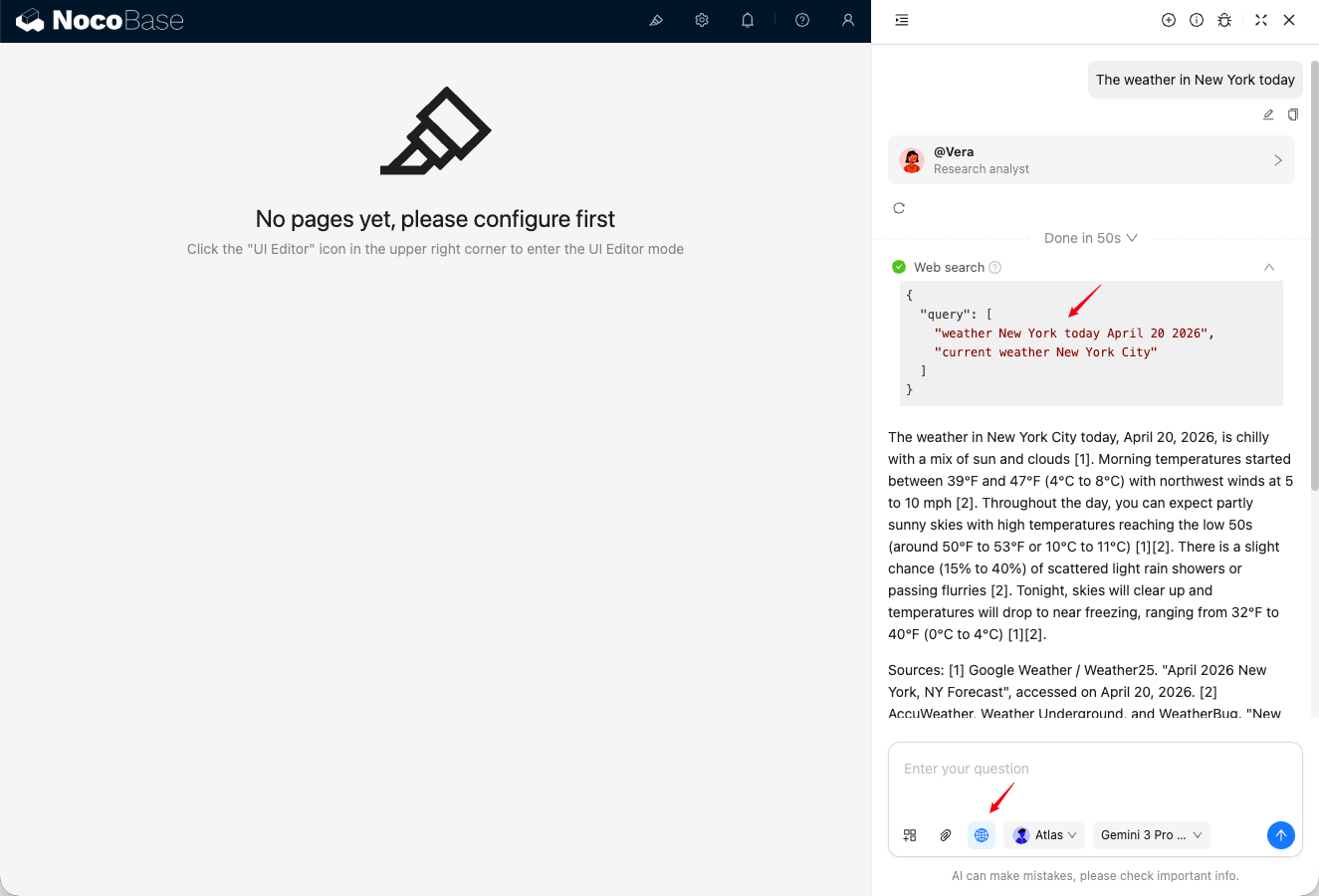
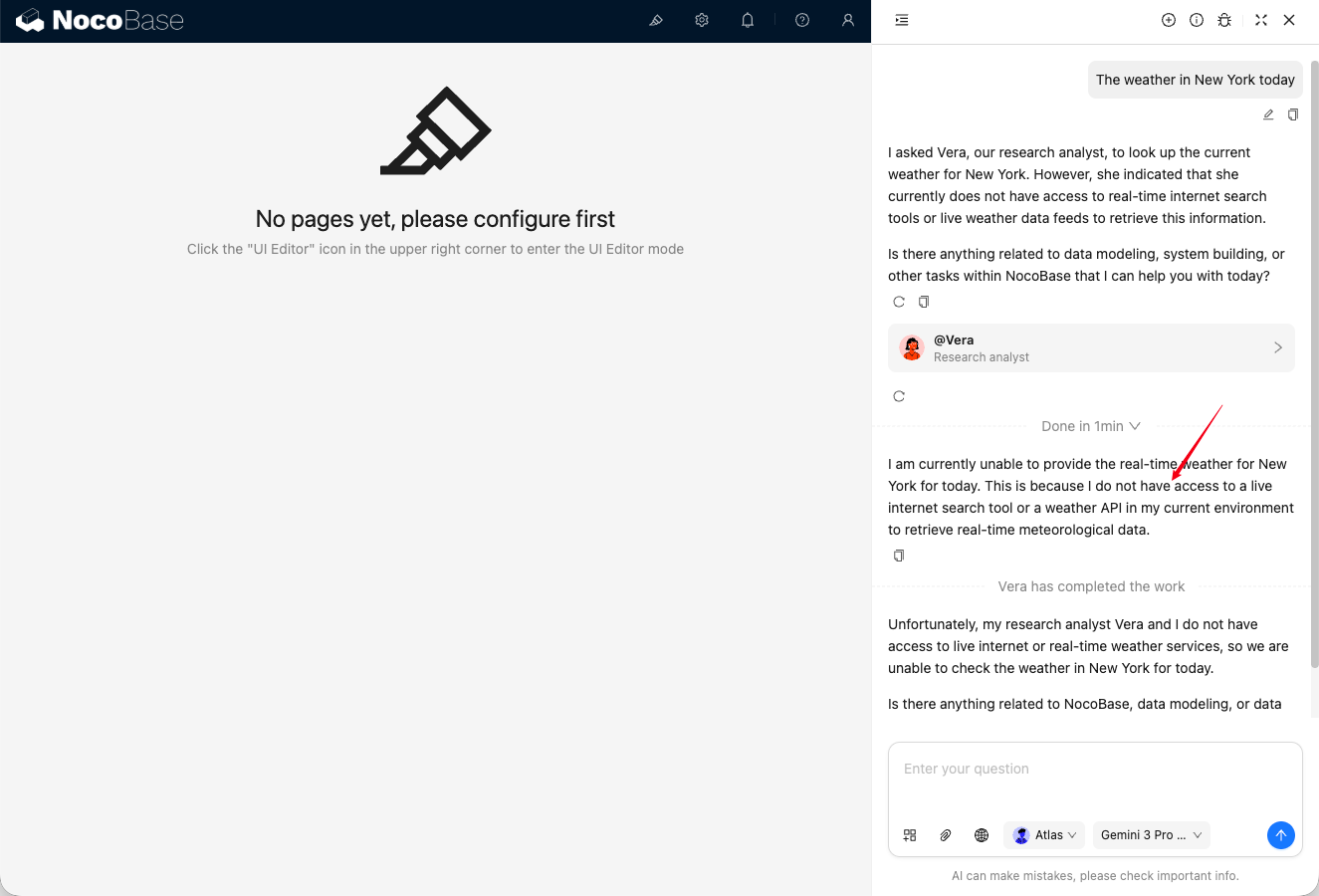
Use the Web Search toggle in the chat input area:
- When enabled, AI extracts keywords from the context, calls the search tool, and then replies based on the search results.
- When disabled, AI replies based only on the existing context.
Platform Differences
Support for Web Search varies across LLM service providers. Use it according to your actual provider and model.
The following LLM services support Web Search:
- OpenAI (note: OpenAI (completions) is not supported)
- Google Generative AI
- Dashscope