Vector Database
Introduction
In a knowledge base, the vector database stores vectorized knowledge base documents. Vectorized documents act as an index for the documents.
When RAG retrieval is enabled in an AI Agent conversation, the user's message is vectorized, and fragments of knowledge base documents are retrieved from the vector database to match relevant document paragraphs and original text.
Currently, the AI Knowledge Base plugin only has built-in support for PGVector, which is a PostgreSQL database plugin.
Vector Database Management
Go to the AI employees plugin configuration page and click the top-level Vector database tab to open the vector database management page.
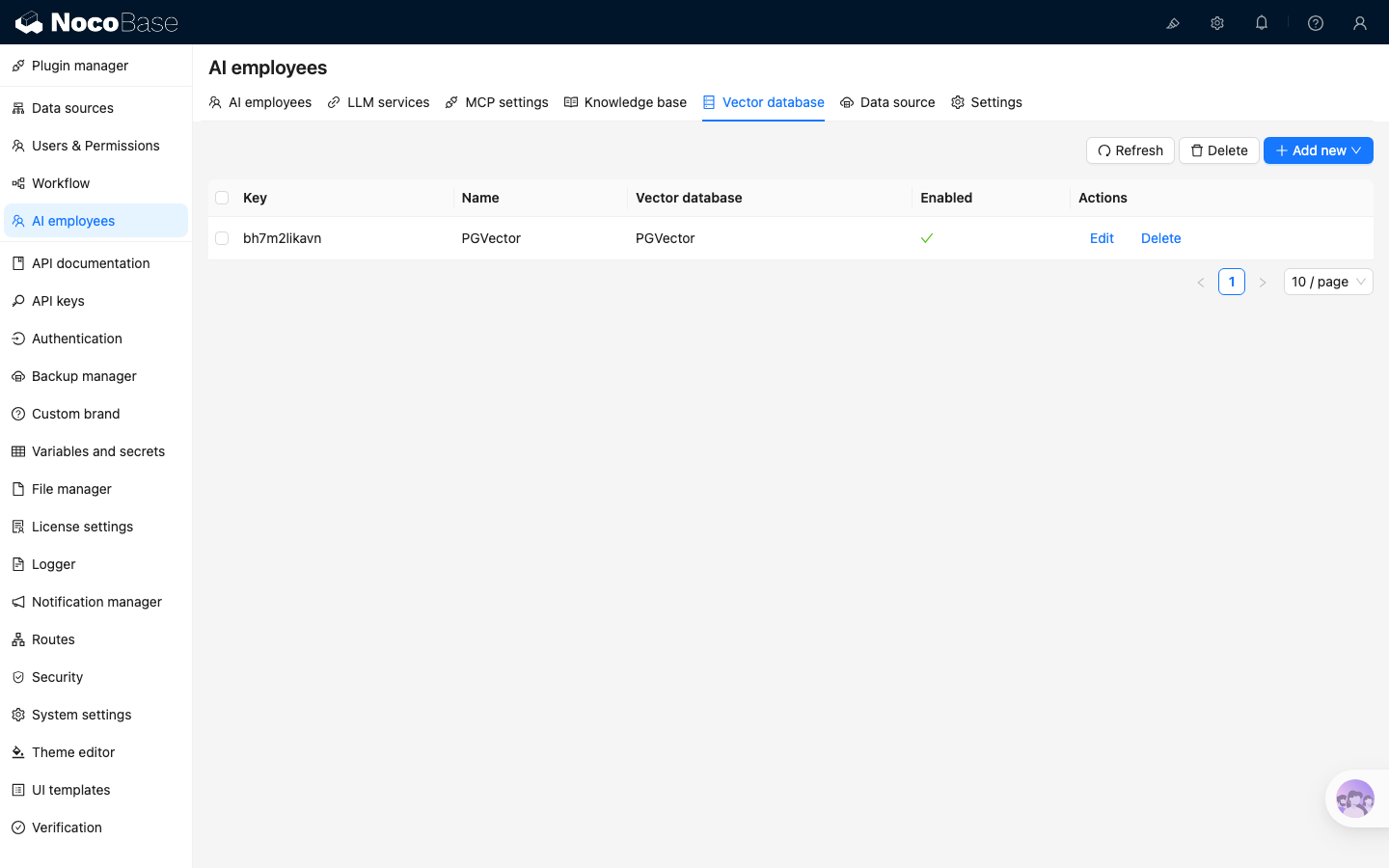
Click the Add new button in the upper right corner to add a new PGVector vector database connection:
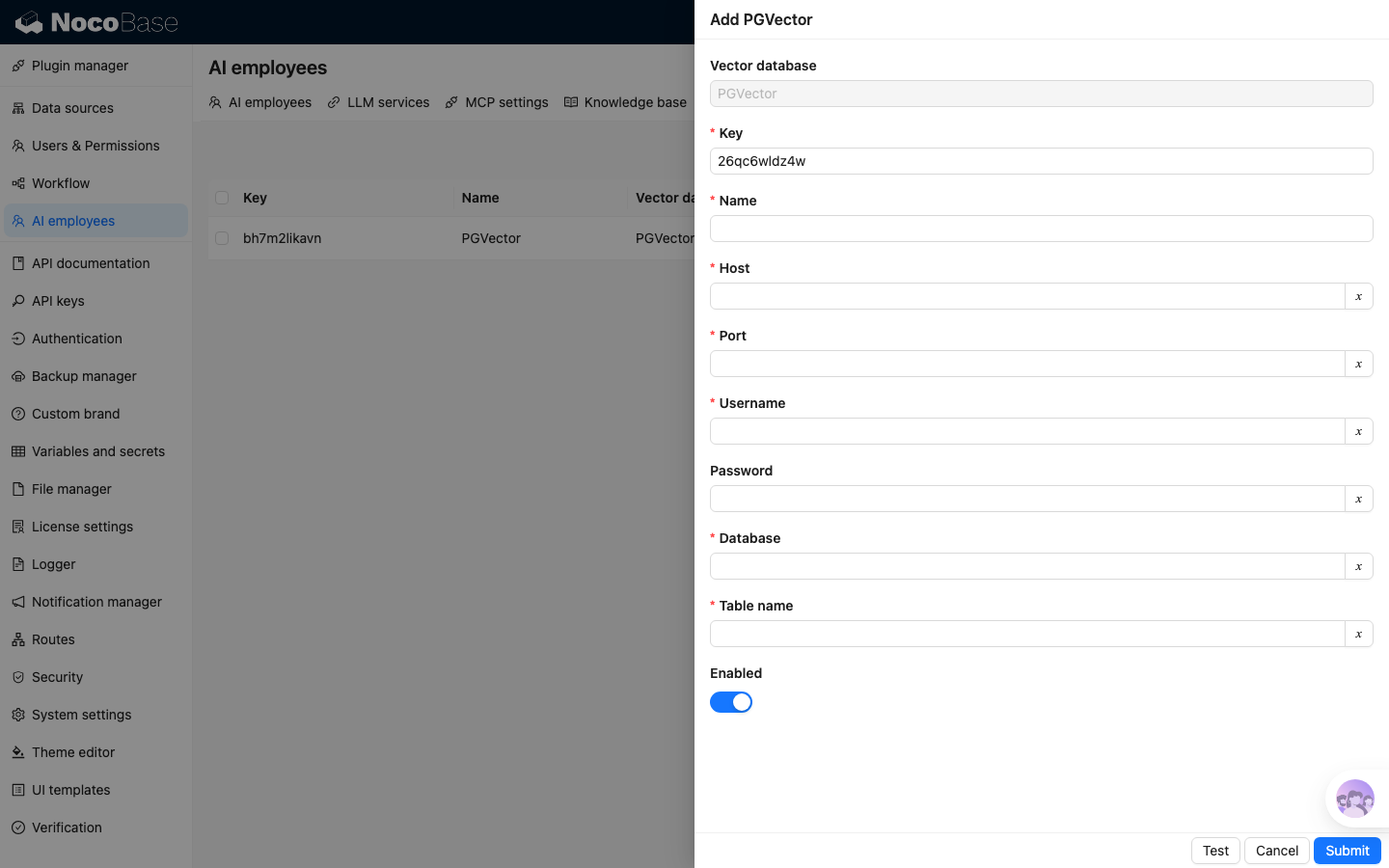
- In the
Nameinput box, enter the connection name. - In the
Hostinput box, enter the vector database IP address. - In the
Portinput box, enter the vector database port number. - In the
Usernameinput box, enter the vector database username. - In the
Passwordinput box, enter the vector database password. - In the
Databaseinput box, enter the database name. - In the
Table nameinput box, enter the table name, which is used when creating a new table to store vector data.
After entering all the necessary information, click the Test button to test if the vector database service is available, and click the Submit button to save the connection information.