Knowledge Base
Introduction
The knowledge base is the foundation of RAG retrieval. It organizes documents by category and builds an index. When an AI employee answers a question, it will prioritize searching for answers from the knowledge base.
Knowledge Base Management
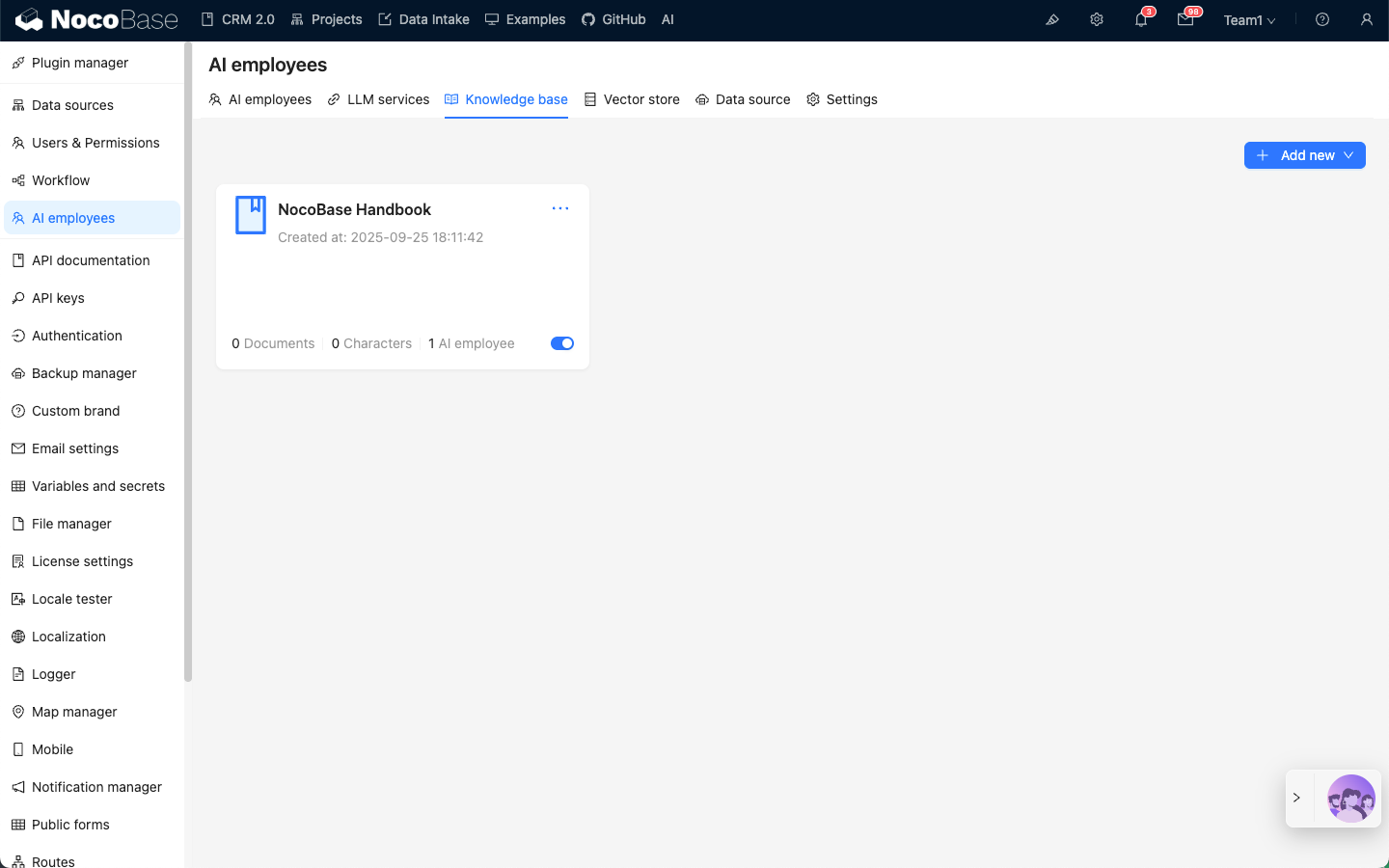
Go to the AI employee plugin configuration page, click the Knowledge base tab to enter the knowledge base management page.
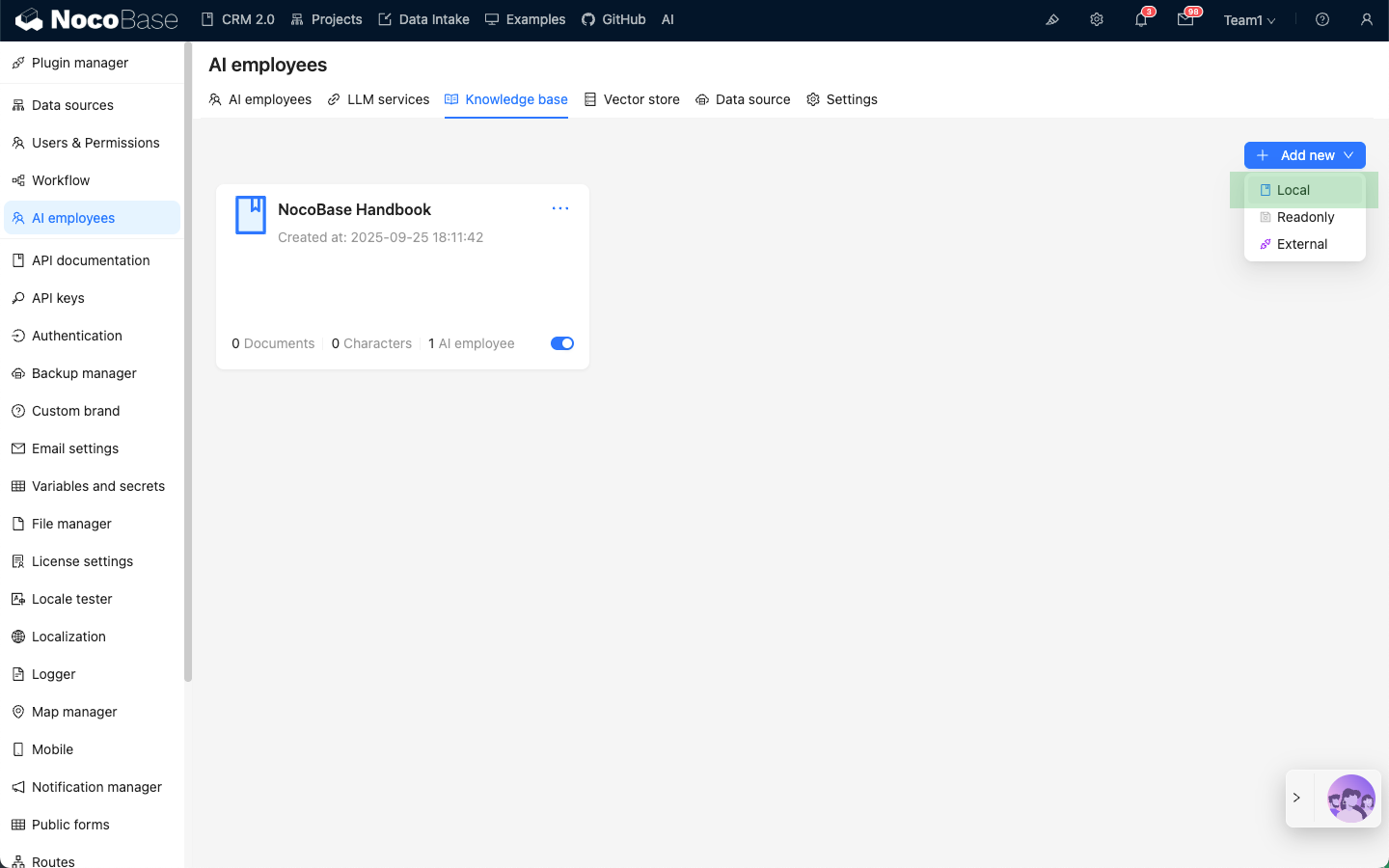
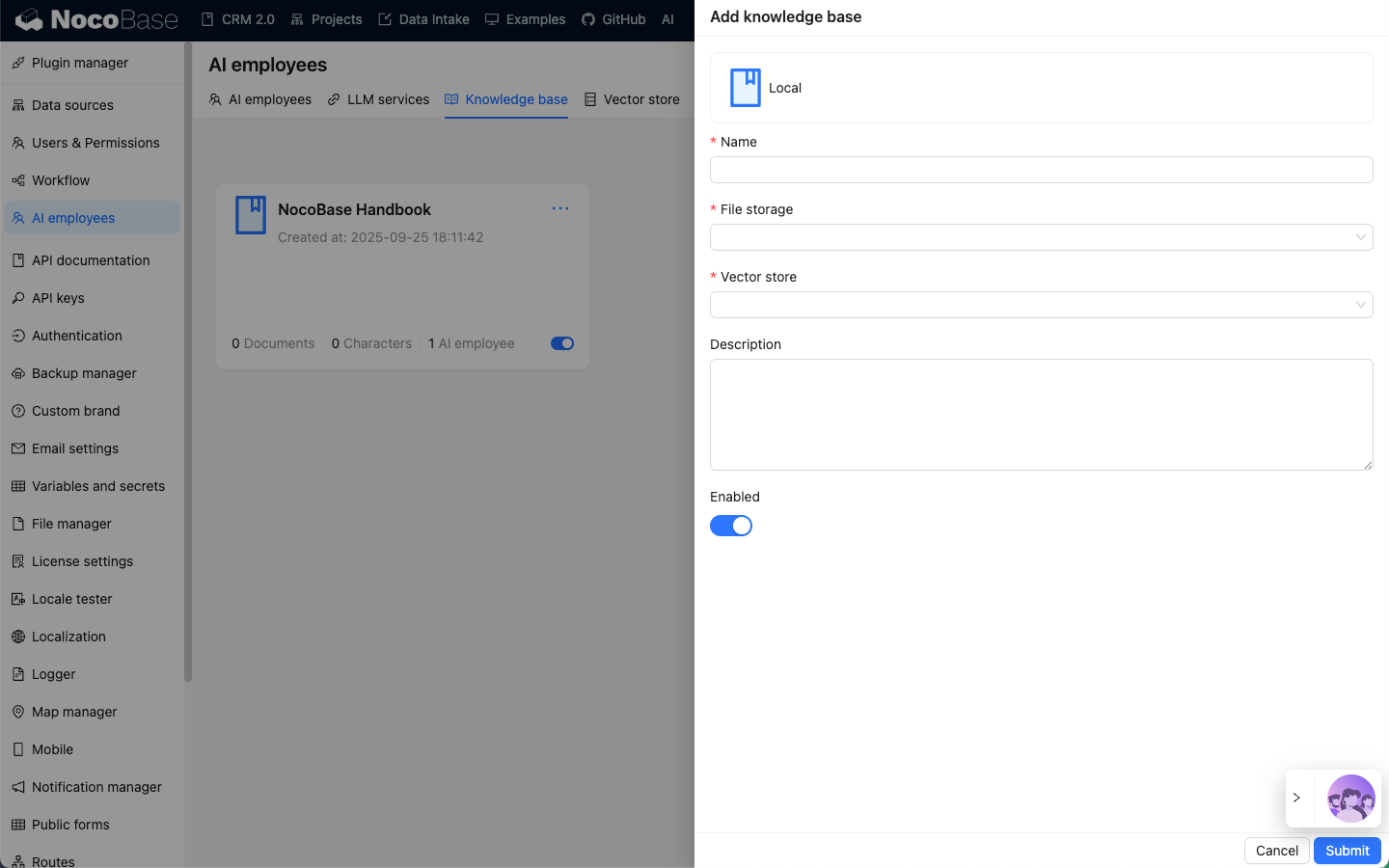
Click the Add new button in the upper right corner to add a Local knowledge base.
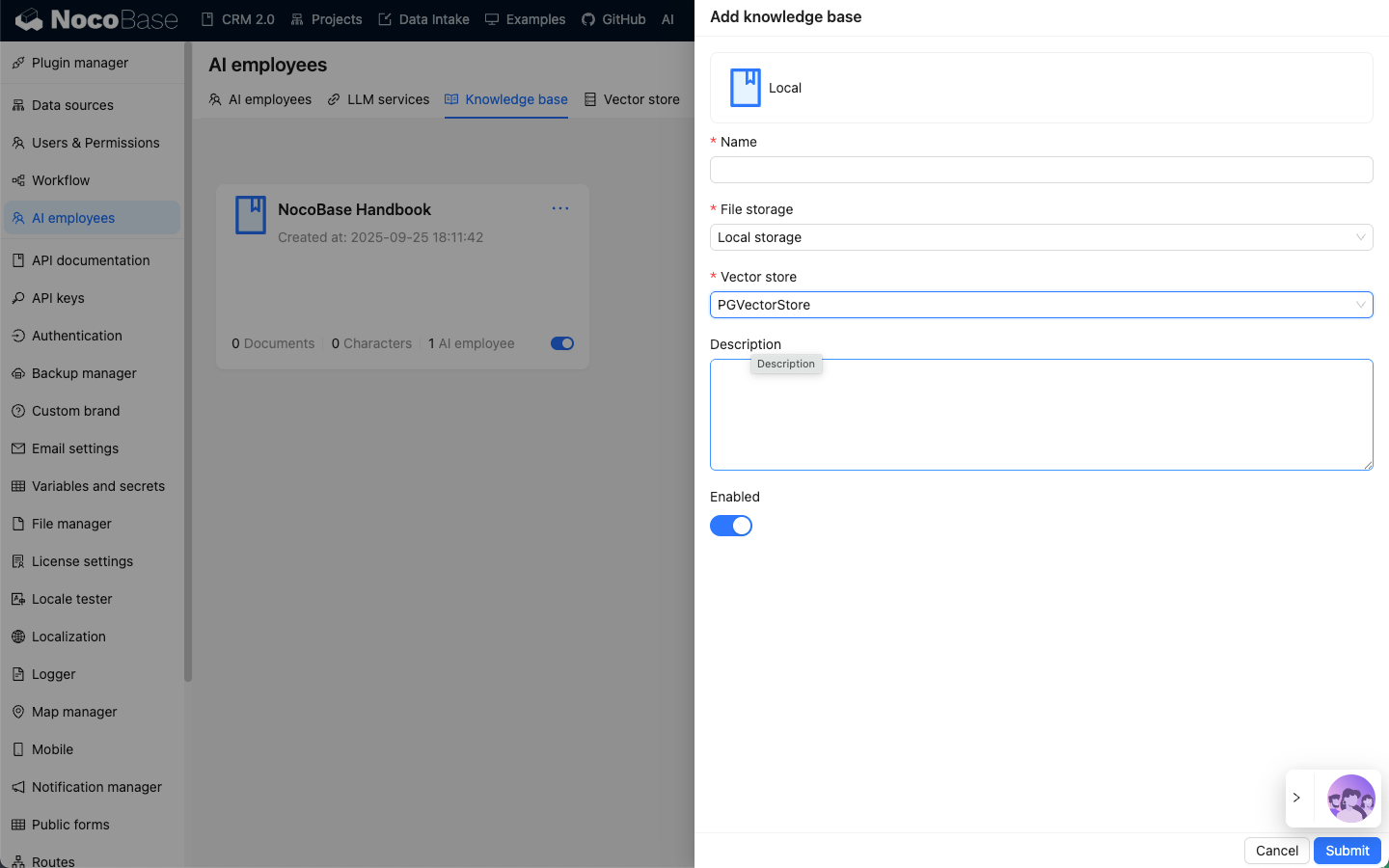
Enter the necessary information for the new knowledge base:
- In the
Nameinput box, enter the knowledge base name; - In
File storage, select the file storage location; - In
Vector store, select the vector store, refer to Vector Store; - In the
Descriptioninput box, enter the knowledge base description;
Click the Submit button to create the knowledge base.
Knowledge Base Document Management
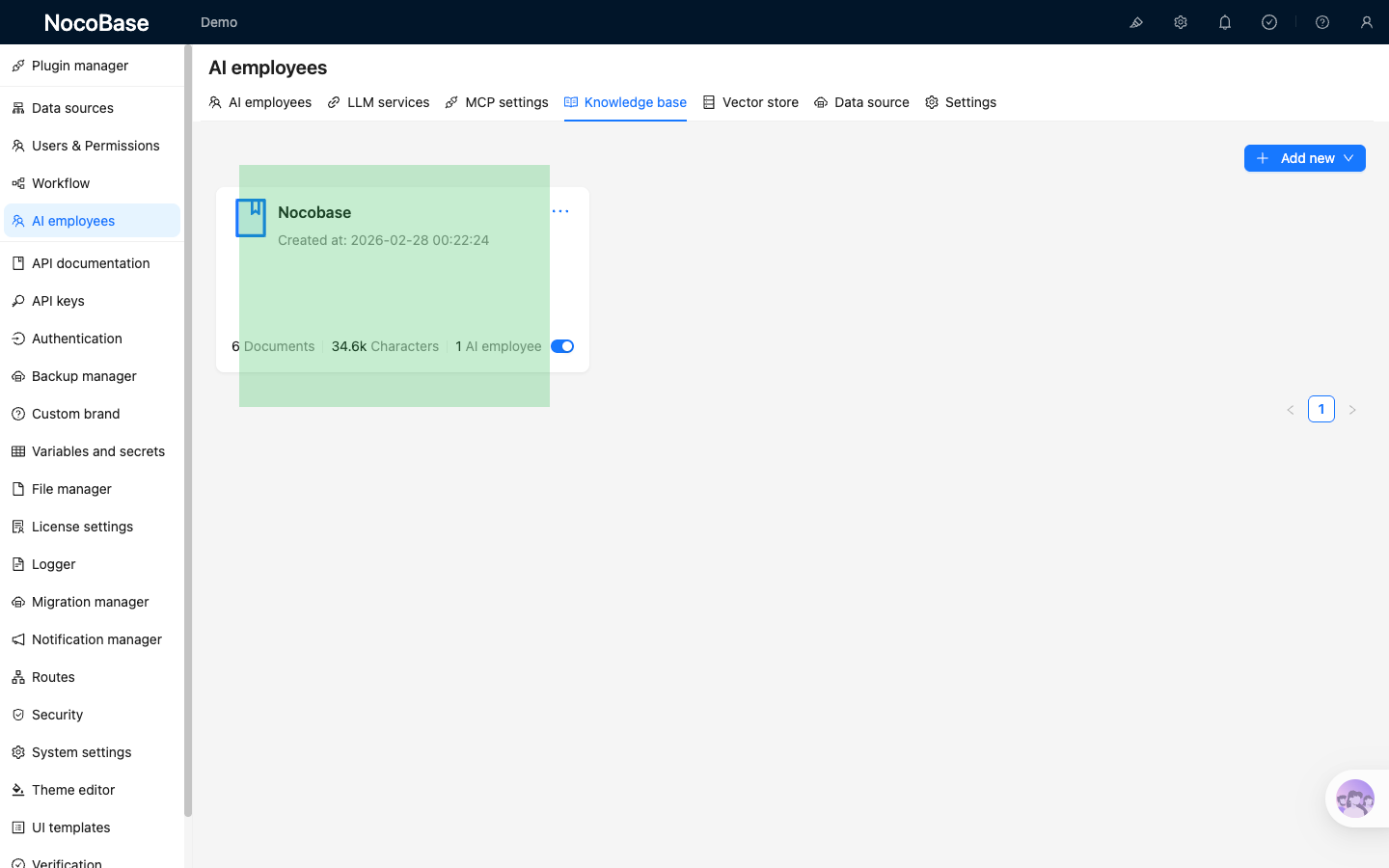
After creating the knowledge base, on the knowledge base list page, click the newly created knowledge base to enter the knowledge base document management page.
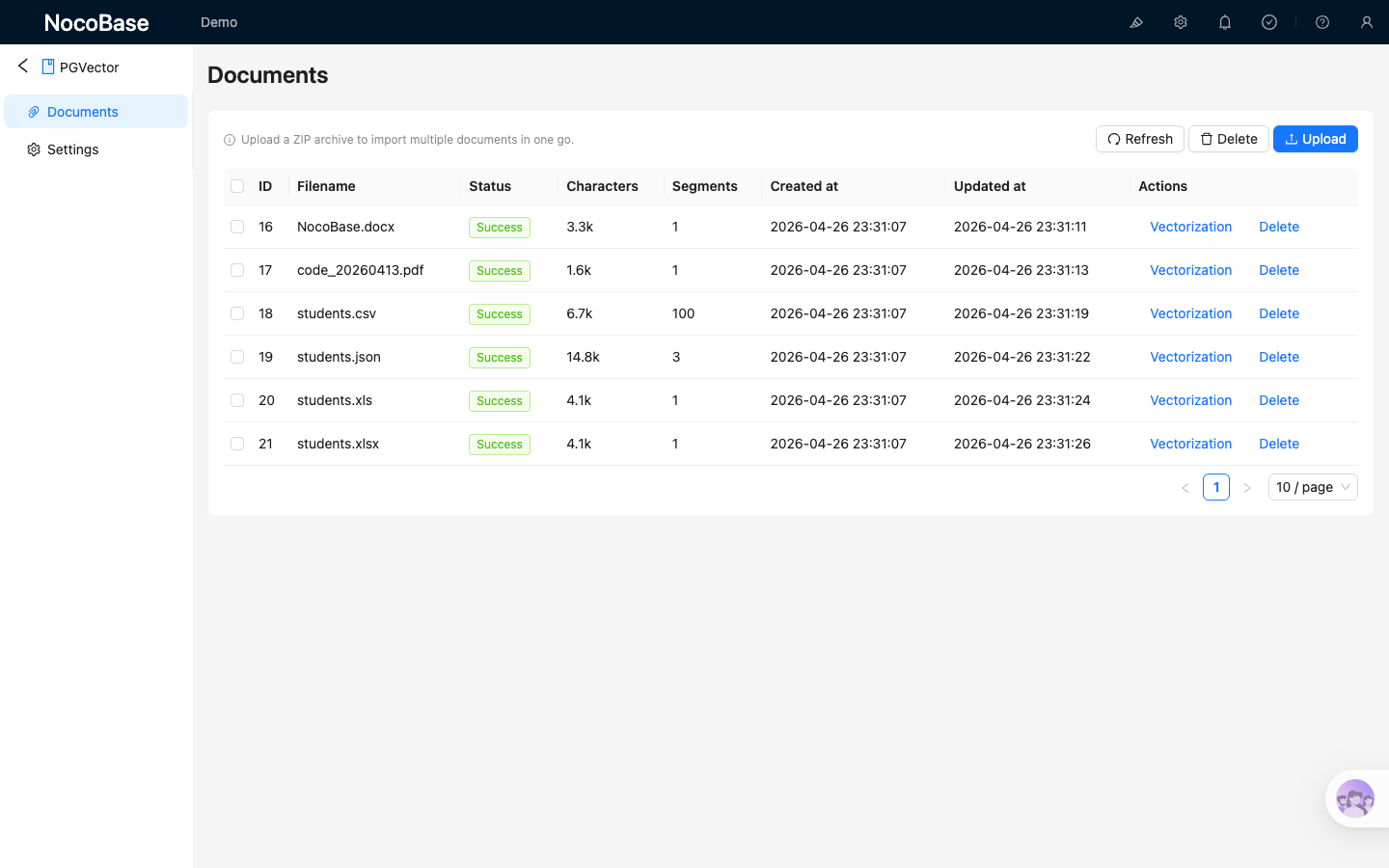
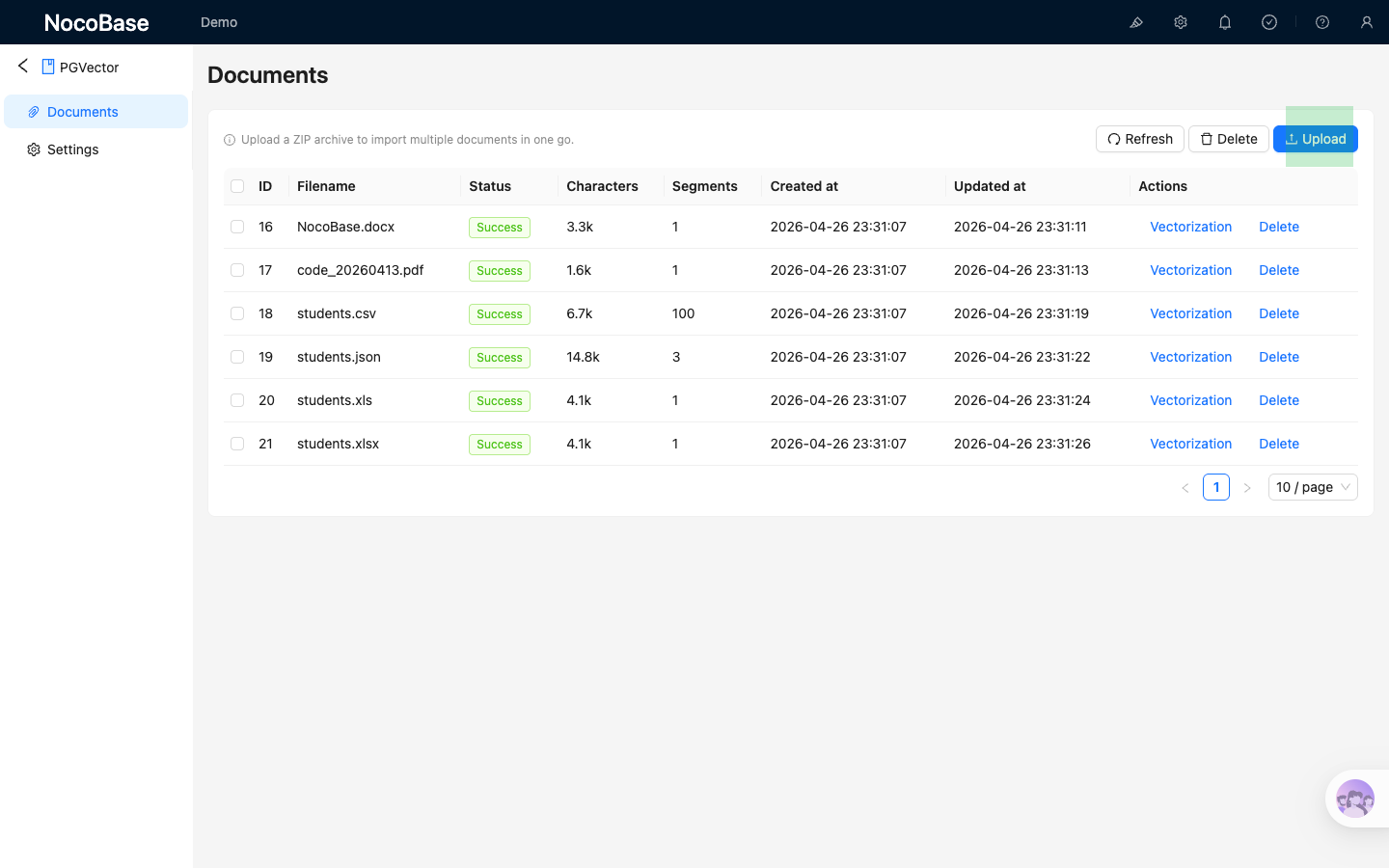
Click the Upload button to upload documents. After the documents are uploaded, vectorization will start automatically. Wait for the Status to change from Pending to Success.
Currently, the knowledge base supports the following document types: txt, md, json, cvs, xls, xlsx, pdf, doc, docx, ppt, pptx; pdf only supports plain text.
If you need to upload files in bulk, you can create a zip archive and upload it to the knowledge base. The backend will extract the zip archive and automatically import and vectorize the documents.
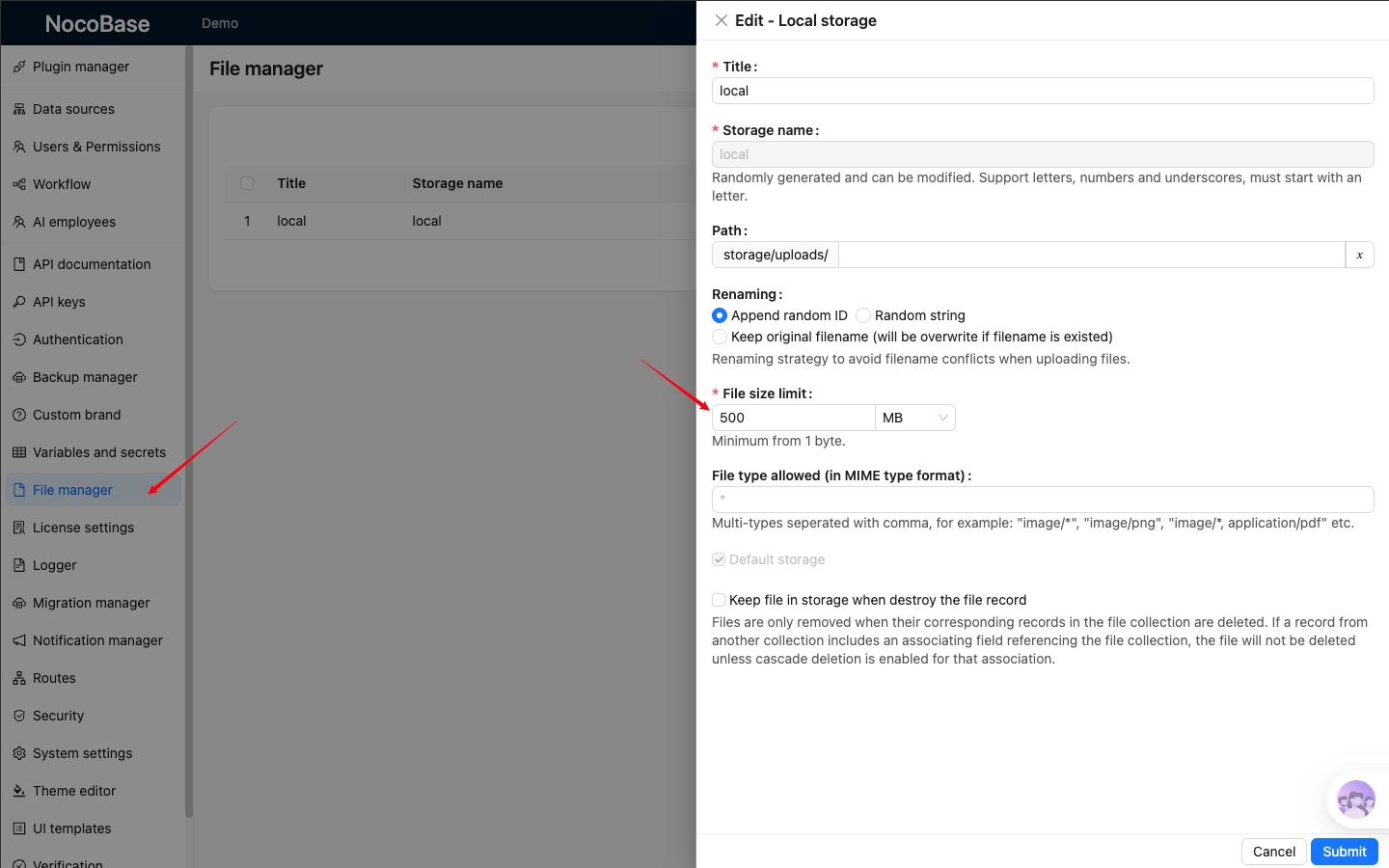
If uploading a zip archive fails because the file is too large, you can adjust the upload file size limit in the File Manager module.
Knowledge Base Types
Local Knowledge Base
A Local knowledge base is a knowledge base stored locally in NocoBase. The documents and their vector data are all stored locally by NocoBase.
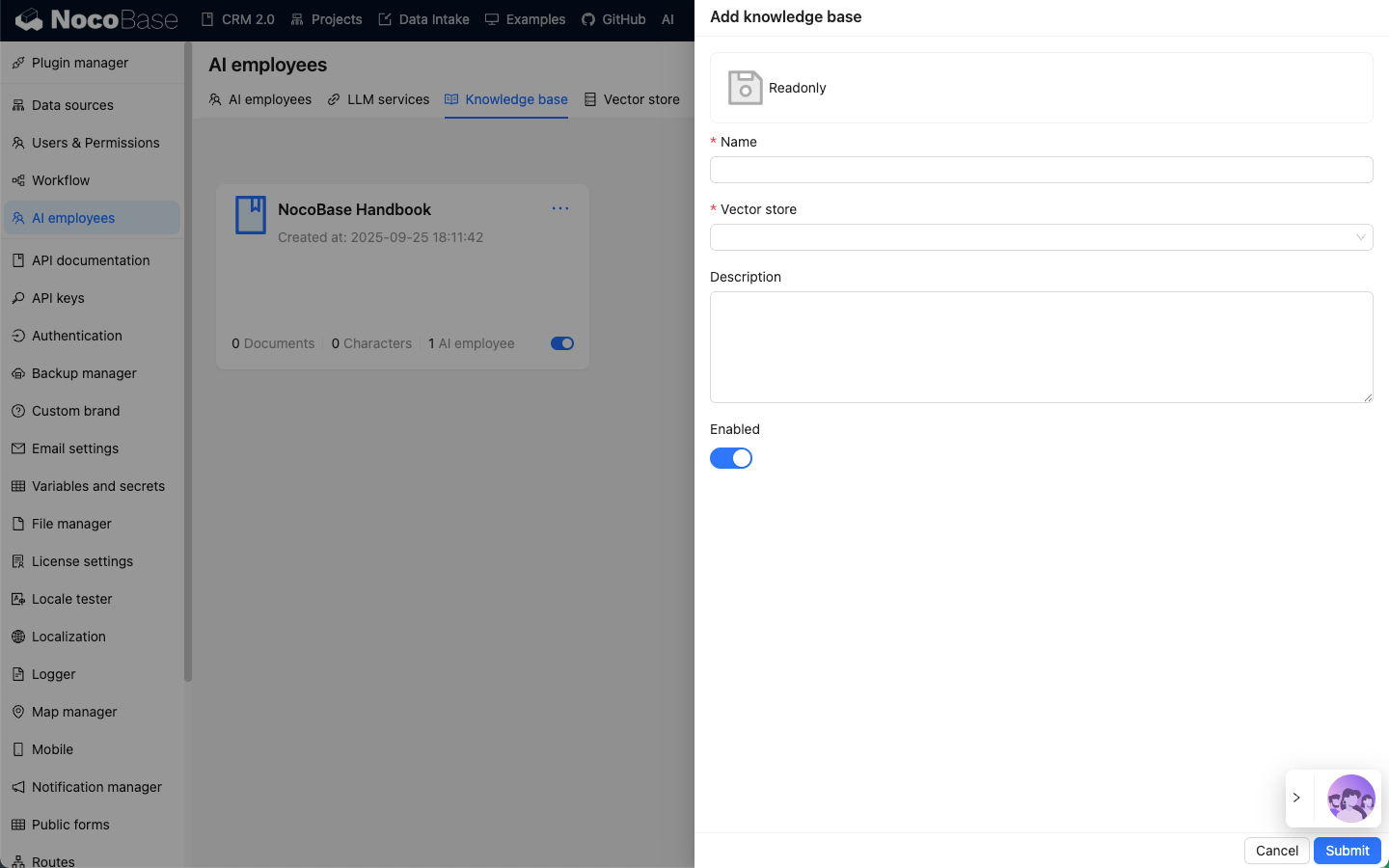
Readonly Knowledge Base
A Readonly knowledge base is a read-only knowledge base. The documents and vector data are maintained externally. Only a vector database connection is created in NocoBase (currently only PGVector is supported).
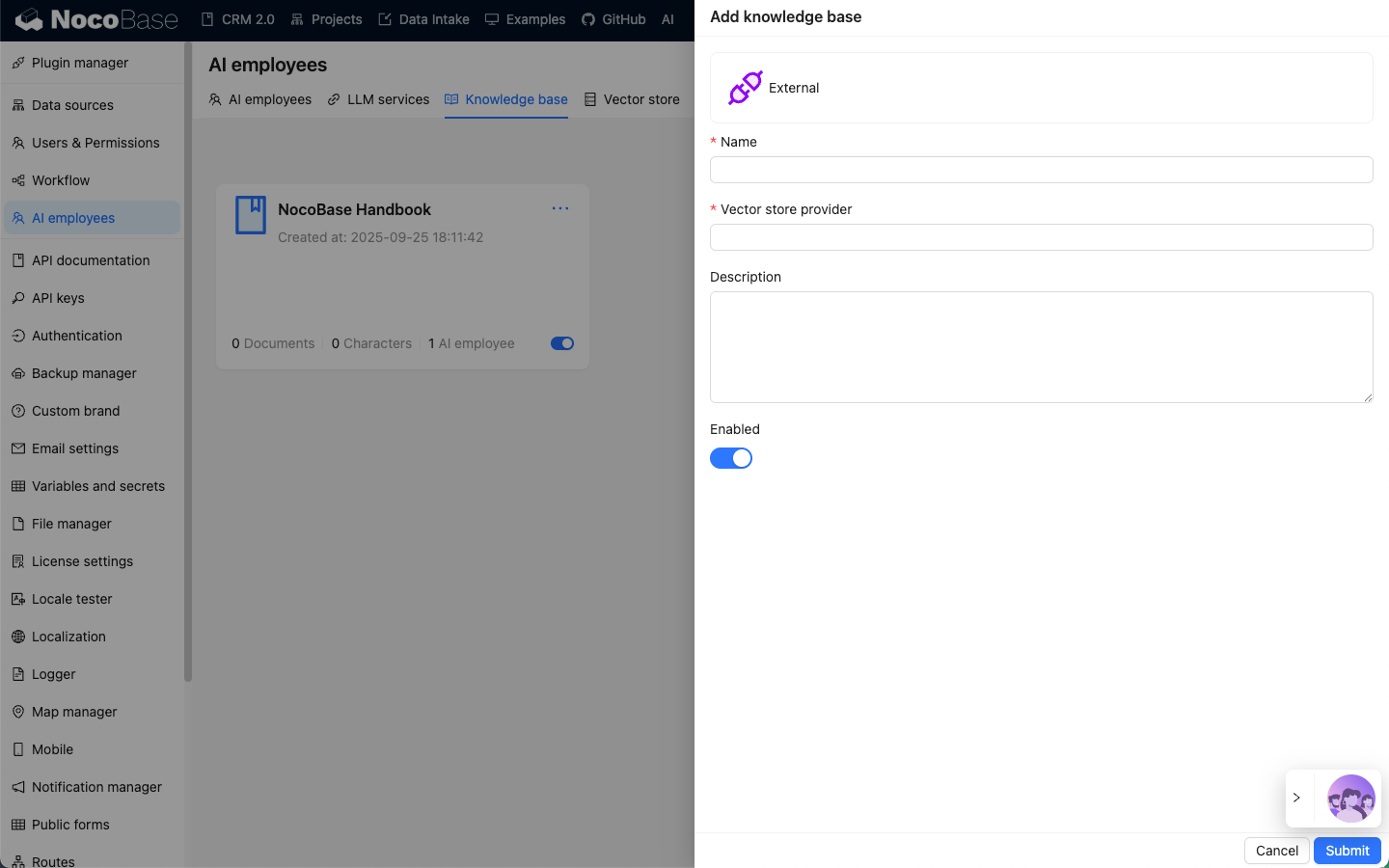
External Knowledge Base
An External knowledge base is an external knowledge base where documents and vector data are maintained externally. Vector database retrieval needs to be extended by developers, allowing the use of vector databases not currently supported by NocoBase.