Use Tools
AI employeesCommunity Edition+Tools define what an AI Employee can do.
Tool Structure
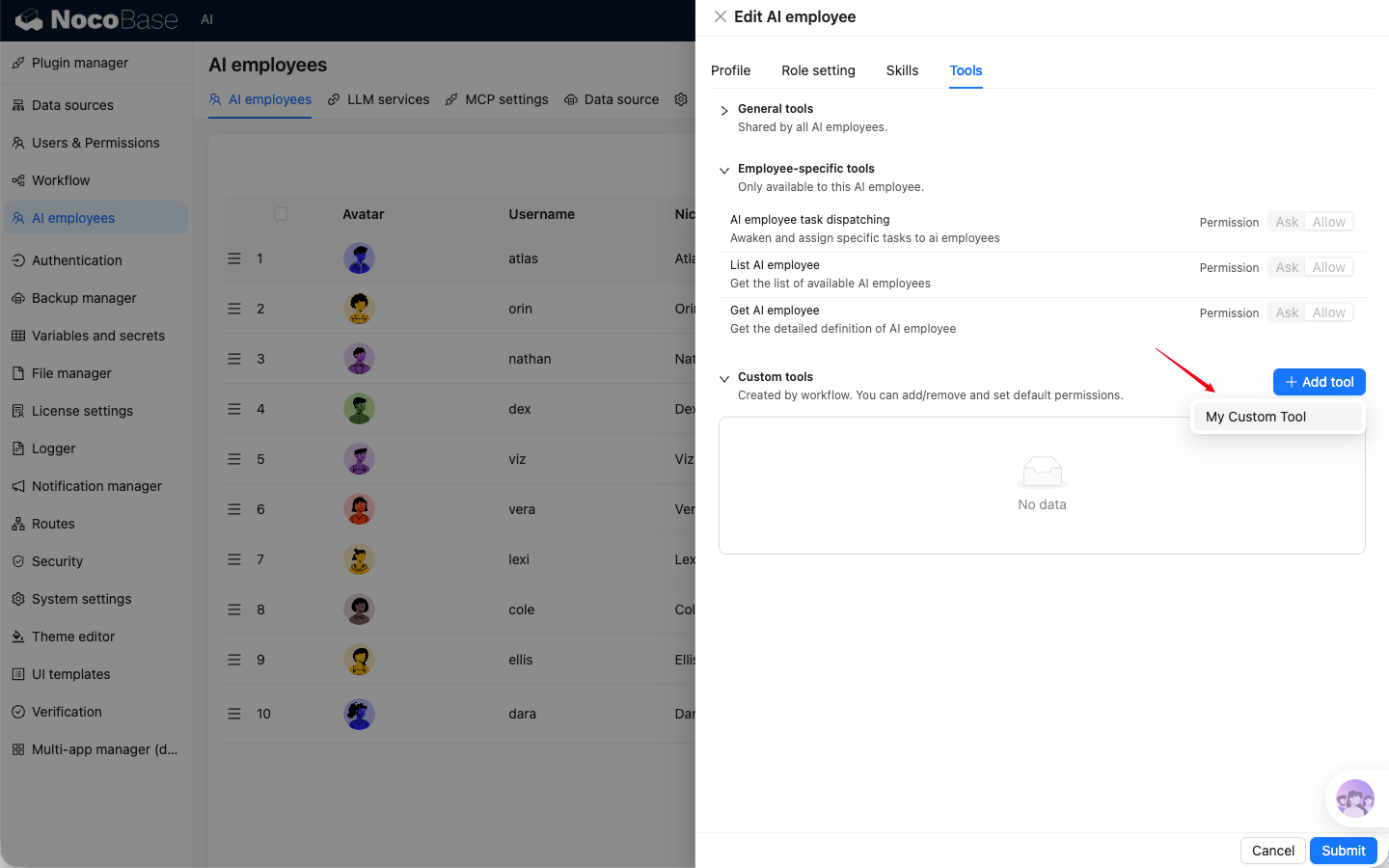
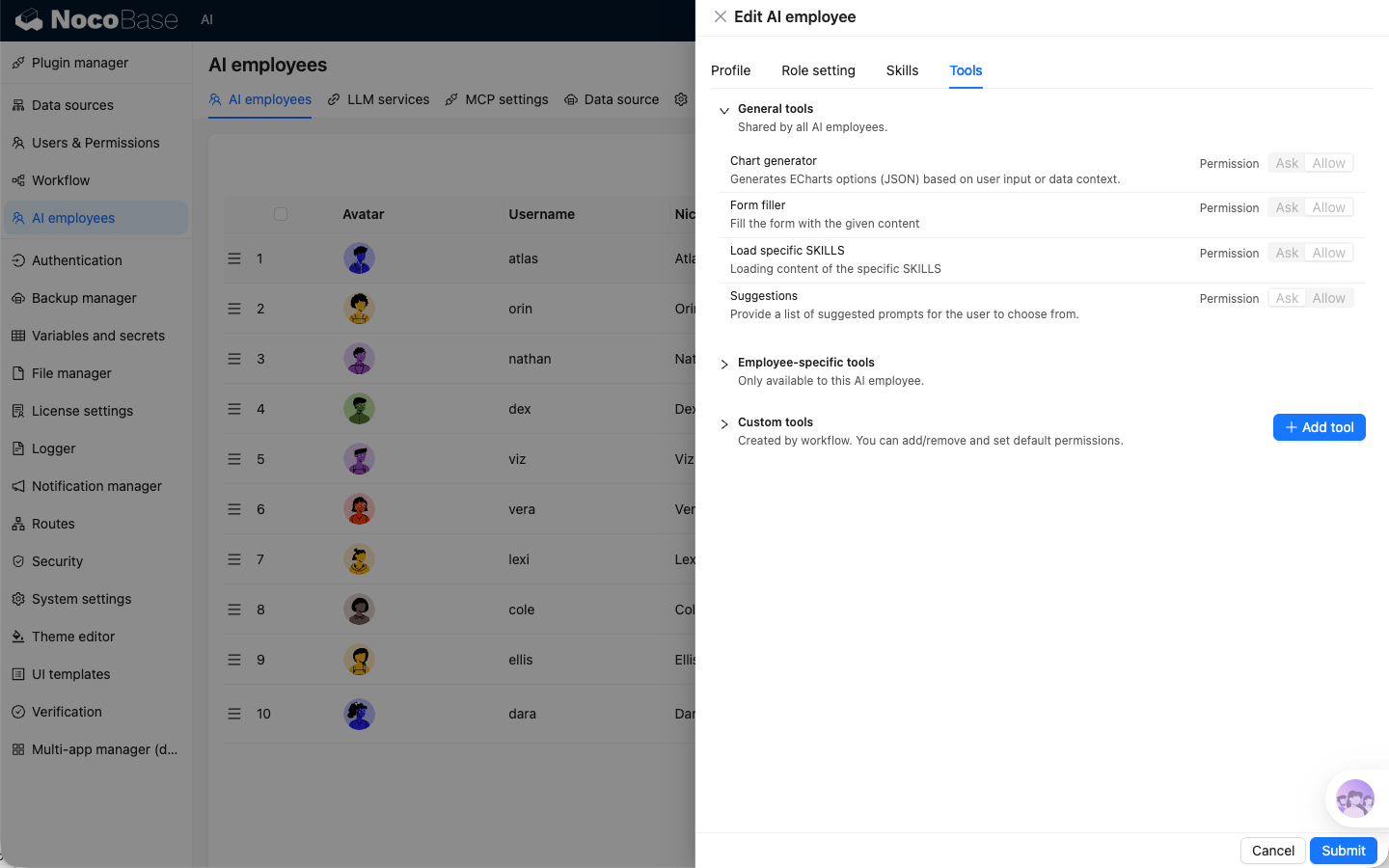
The tools page is split into three sections:
General tools: shared by all AI Employees, usually read-only.Employee-specific tools: exclusive to the current employee.Custom tools: custom tools created via the "AI employee event" trigger in workflows. Can be added/removed and configured with default permissions.
Tool Permissions
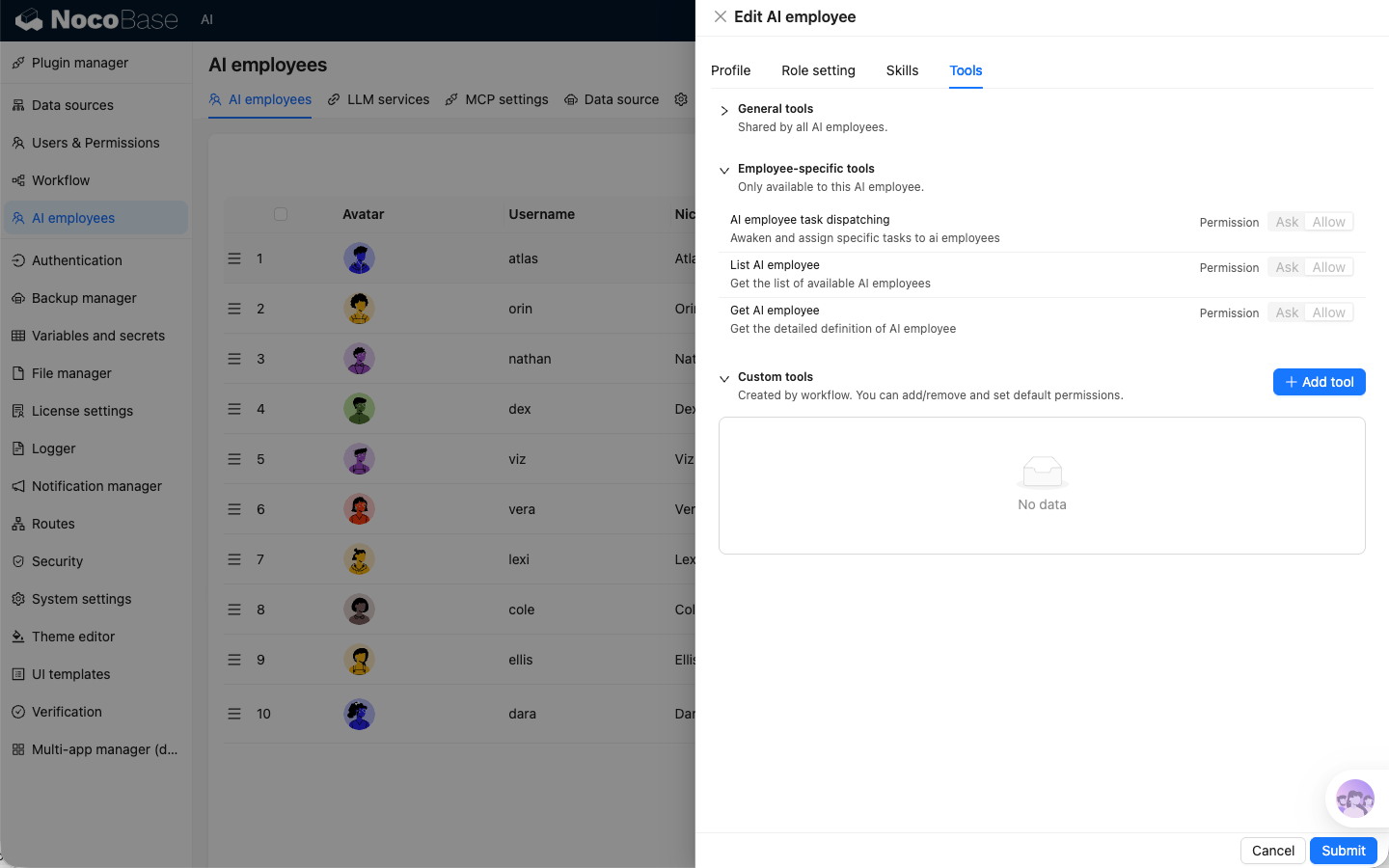
Tool permissions are unified as:
Ask: ask for confirmation before calling.Allow: allow direct calling.
Recommendation: use Ask by default for data-modifying tools.
Tool Descriptions
General Tools
Employee-specific Tools
Custom Tools
Create a workflow in the workflow module with the trigger type set to AI employee event.
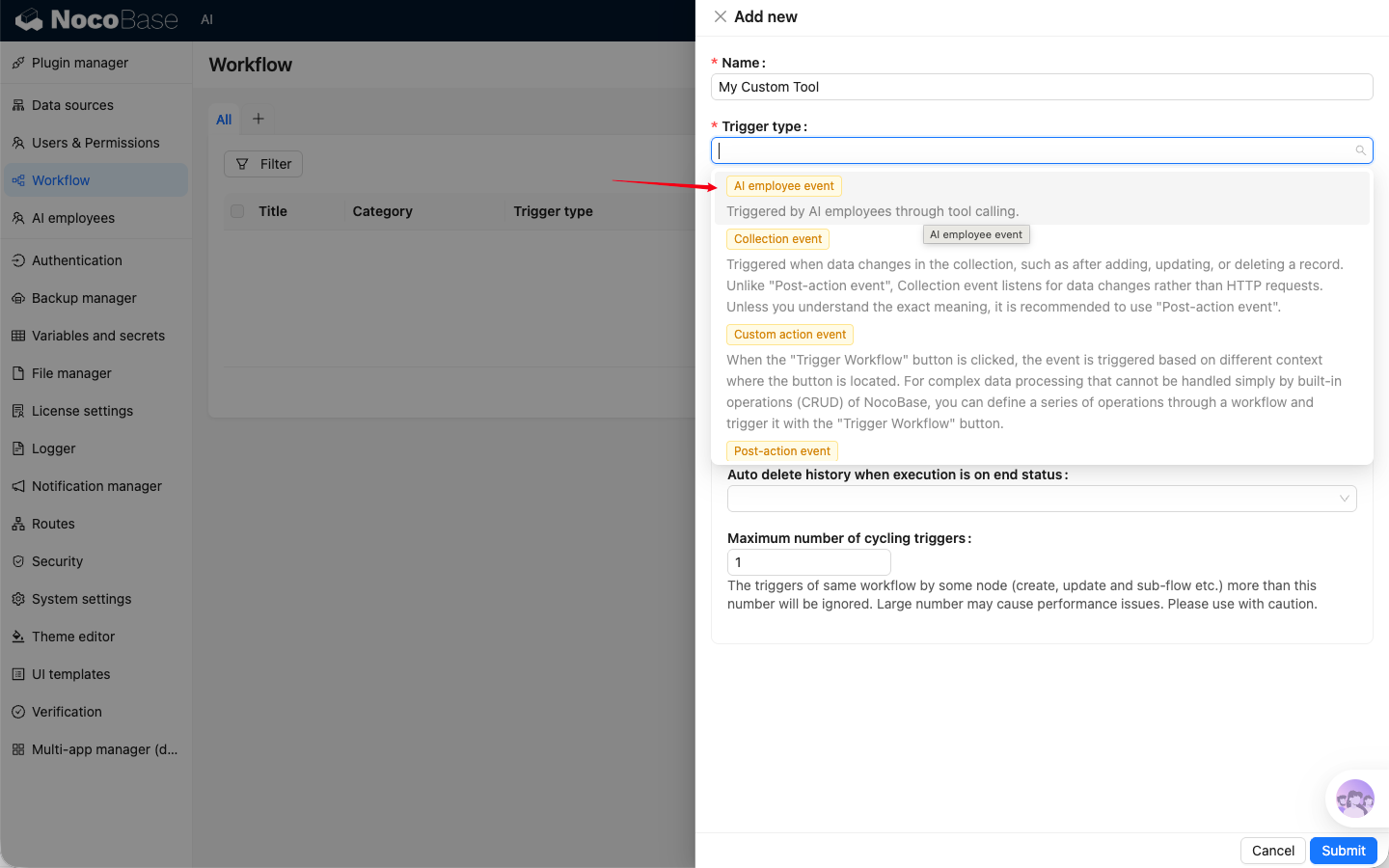
Click Add tool in Custom tools to add workflows as tools, and configure permissions based on business risk.