

Overview
AI employeesCommunity Edition+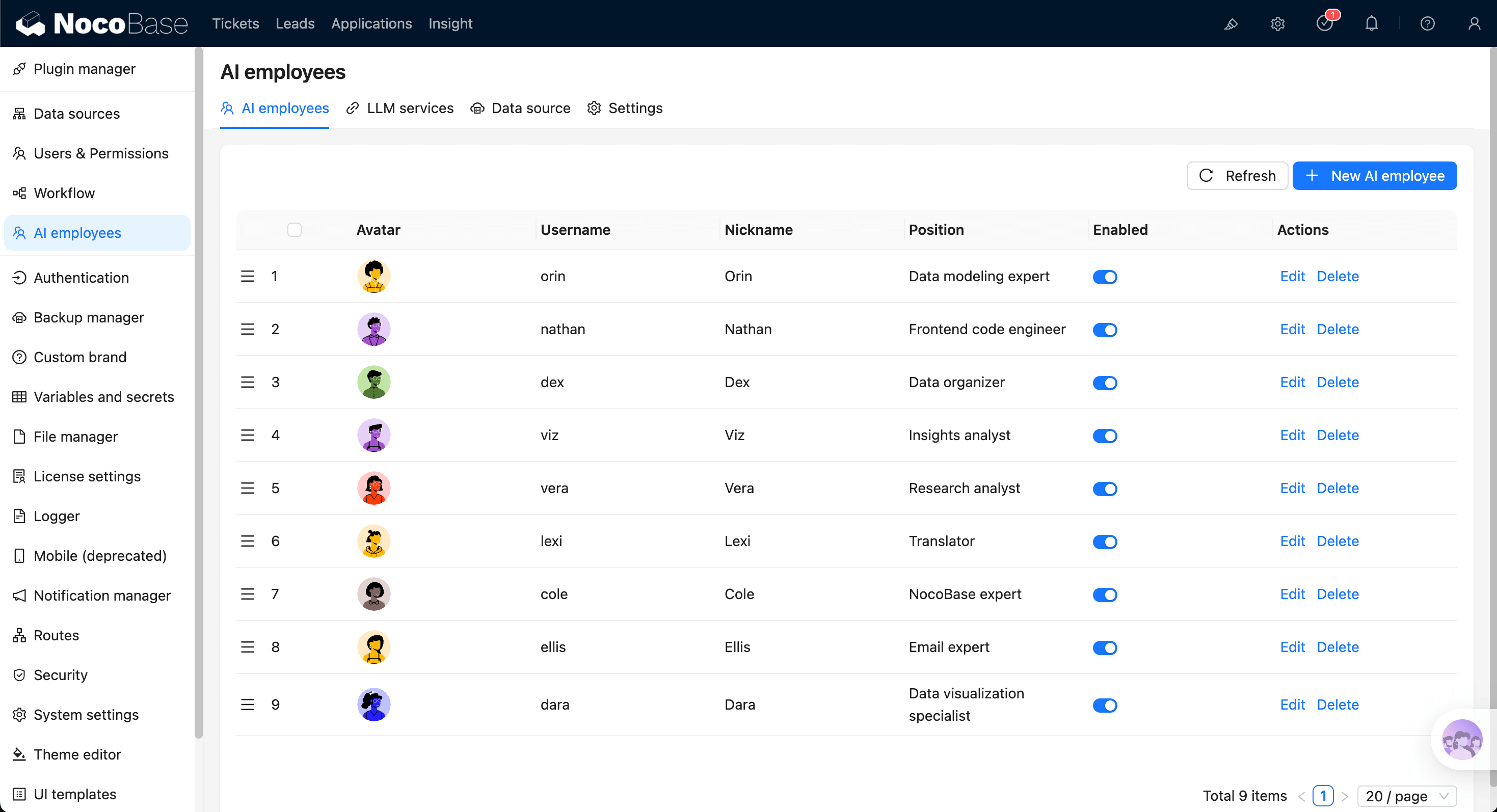
AI Employees (AI Employees) are intelligent agent capabilities deeply integrated into NocoBase business systems.
They are not just chatbots. They are "digital colleagues" that can understand business context in the UI and execute actions directly:
- Understand business context: perceive current pages, blocks, data structures, and selected content.
- Execute actions directly: call skills to query, analyze, fill, configure, and generate.
- Role-based collaboration: configure different employees by role and switch models in conversation.
5-Minute Getting Started Path
Start with Quick Start, and complete minimal setup in this order:
- Configure at least one LLM Service.
- Enable at least one AI Employee.
- Open a chat and start collaborating with AI Employees.
- Enable Web Search and Shortcut Tasks when needed.
Feature Map
A. Basic Configuration (Admin)
- Configure LLM Service: connect providers and manage available models.
- Enable AI Employees: enable/disable built-in employees and control scope.
- New AI Employee: define role, role setting, greeting message, and capability boundary.
- Use Skills: configure skill permissions (
Ask/Allow) and control execution risk.
B. Daily Collaboration (Business Users)
- Collaborate with AI Employees: switch employee and model in chat for continuous collaboration.
- Add Context - Blocks: send page blocks as context to AI.
- Shortcut Tasks: preset common tasks on pages/blocks and run with one click.
- Web Search: enable retrieval for up-to-date information when needed.
C. Advanced Capabilities (Extensions)
- Built-in AI Employees: understand built-in role positioning and suitable scenarios.
- Permission Control: control employee, skill, and data access by org permissions.
- AI Knowledge Base: import enterprise knowledge for stable and traceable answers.
- Workflow AI Employee Nodes: orchestrate AI Employee capabilities into automated workflows.
Core Concepts
Keep the following terms aligned with the glossary. It is recommended to use them consistently within your team:
- AI Employee: an executable agent composed of Role setting and Tool/Skill.
- LLM Service: model access and capability configuration unit for Provider and model list management.
- Provider: model supplier behind an LLM service.
- Enabled Models: model set that the current LLM service allows in chat.
- AI Employee Switcher: switch current collaborating employee in chat.
- Model Switcher: switch model in chat and remember preference per employee.
- Tool / Skill: executable capability unit callable by AI.
- Skill Permission (Ask / Allow): whether to require human confirmation before skill calls.
- Context: business environment information such as pages, blocks, and data structures.
- Chat: one continuous interaction between user and AI Employee.
- Web Search: capability that enhances answers with external retrieval.
- Knowledge Base / RAG: retrieval-augmented generation with enterprise knowledge.
- Vector Store: vectorized storage that provides semantic retrieval for knowledge base.
Installation
AI Employees are built into NocoBase (@nocobase/plugin-ai) and are ready to use without separate installation.