

Attachment URL
Introduction
In NocoBase, Attachment URL stores an external file access address.
It is suitable when files are already stored in an external system, object storage, or CDN and NocoBase only needs the access address. Use Attachment when NocoBase needs to upload and manage files, or URL for an ordinary web address.
Use cases
Attachment URL fields are suitable for these business scenarios:
- Files hosted in external systems
- Object-storage file addresses
- CDN image and document addresses
- External attachments referenced by business records
Create and configure
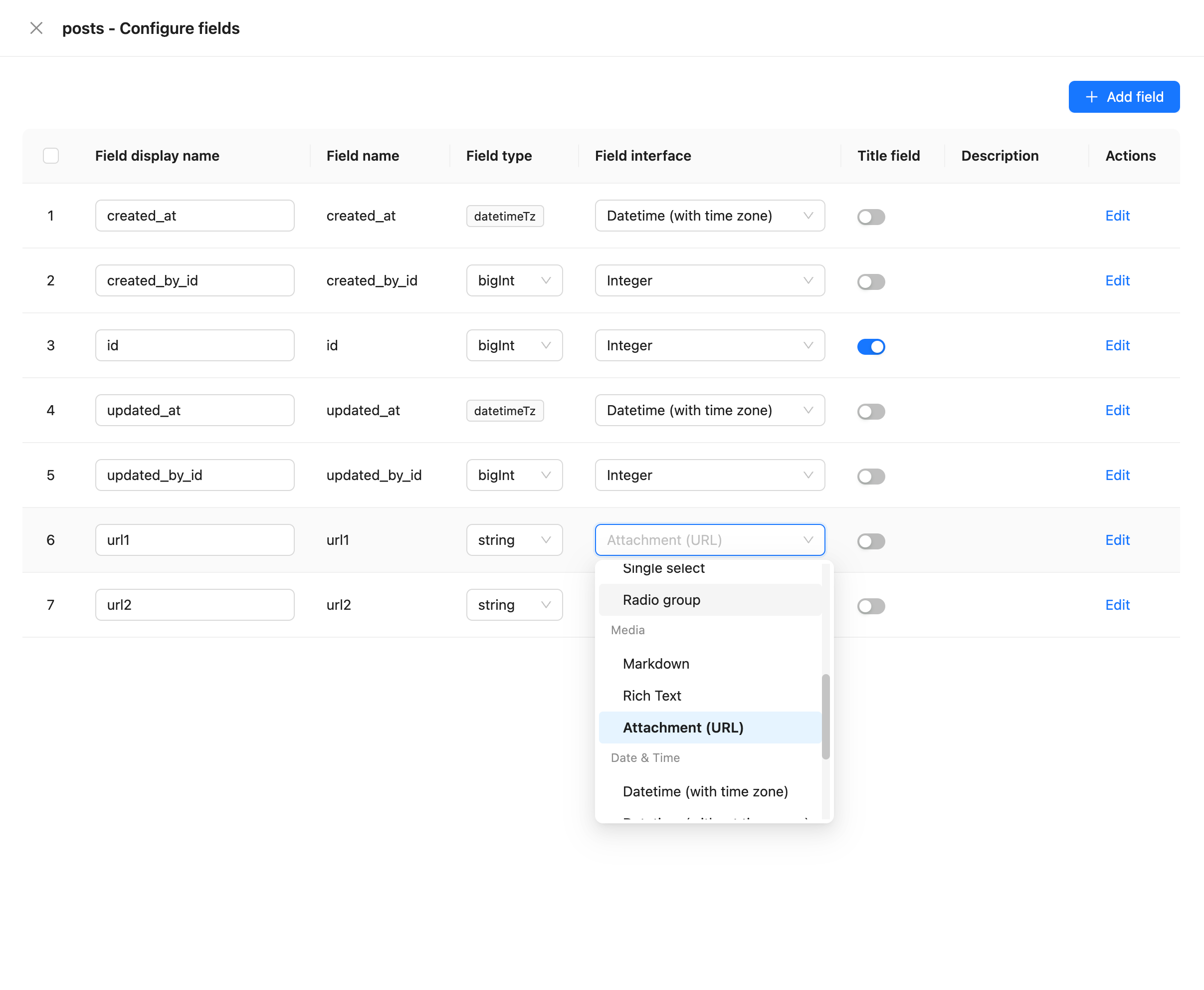
On the collection's Configure fields page, click Add field and select Attachment URL to create this field.
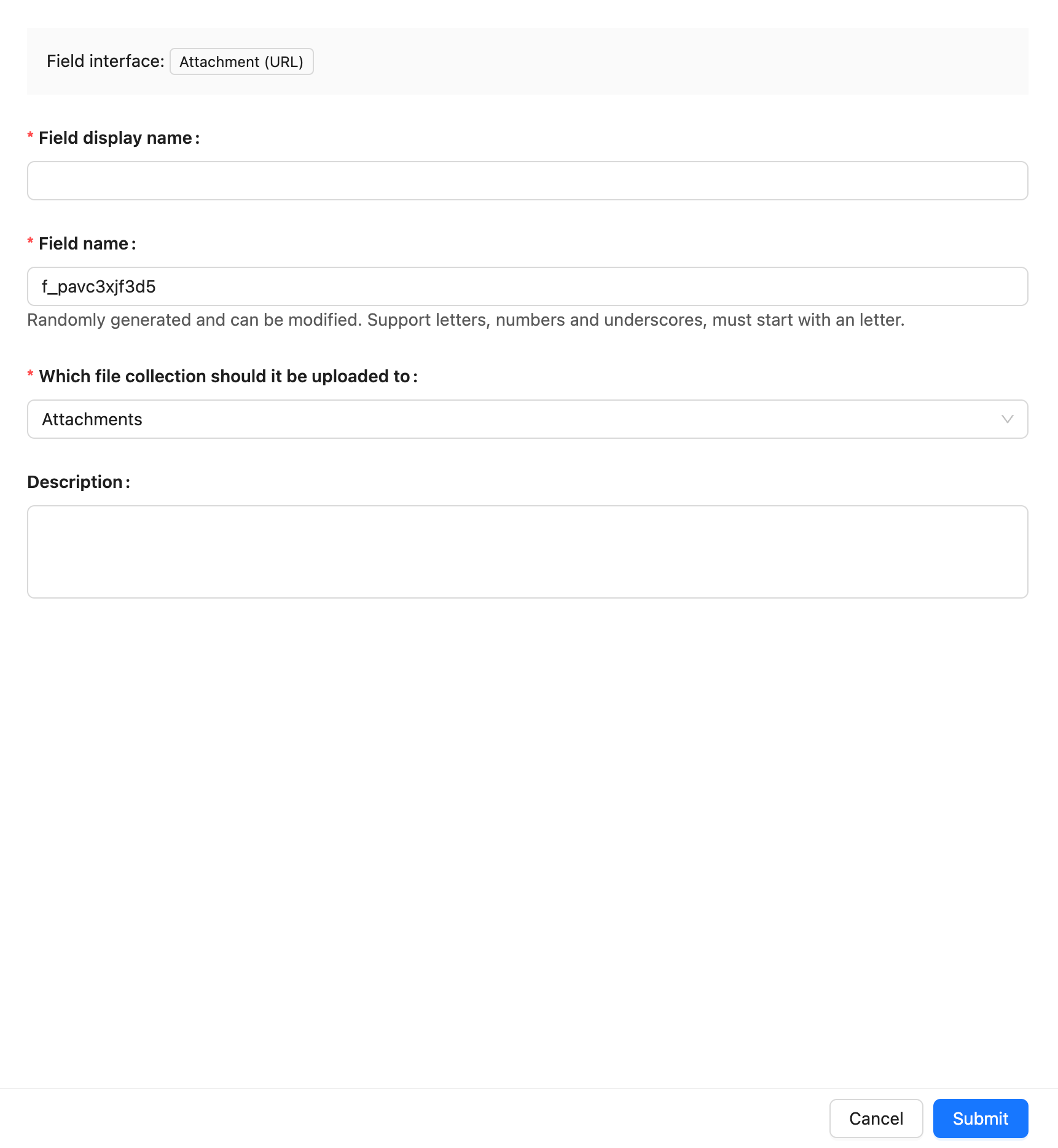
Field names are referenced by page blocks, permissions, workflows, and APIs after creation. Confirm the name before creating the field to avoid later configuration changes.
Field behavior
The default behavior of a Attachment URL field is as follows:
Edit configuration
After creation, click Edit beside the field to edit its configuration. Edit fields to adjust how they are displayed and used in NocoBase, such as the display name, description, default value, validation rules, or field-specific settings.
When a field comes from a synchronized main-database table, editing usually maps the database field to a NocoBase Field type and Field interface.
Changing a Field type or Field interface is more than changing a display name. It affects field storage, input components, validation rules, filters, and workflow-variable usage. When the field contains substantial existing data, confirm that its data format is compatible first.
Delete field
Click Delete beside a Attachment URL field to delete it. You can also select multiple fields and delete them in the main data source.
Deleting a Attachment URL field created in the main database usually also deletes the actual database column and its values. For a synchronized or external-data-source field, the impact depends on the corresponding data source and field origin.
Deleting a field can affect page blocks, forms, filters, permissions, workflows, APIs, imports and exports, and existing data. Confirm that the field is no longer referenced by business configuration before deleting it.
Use in pages
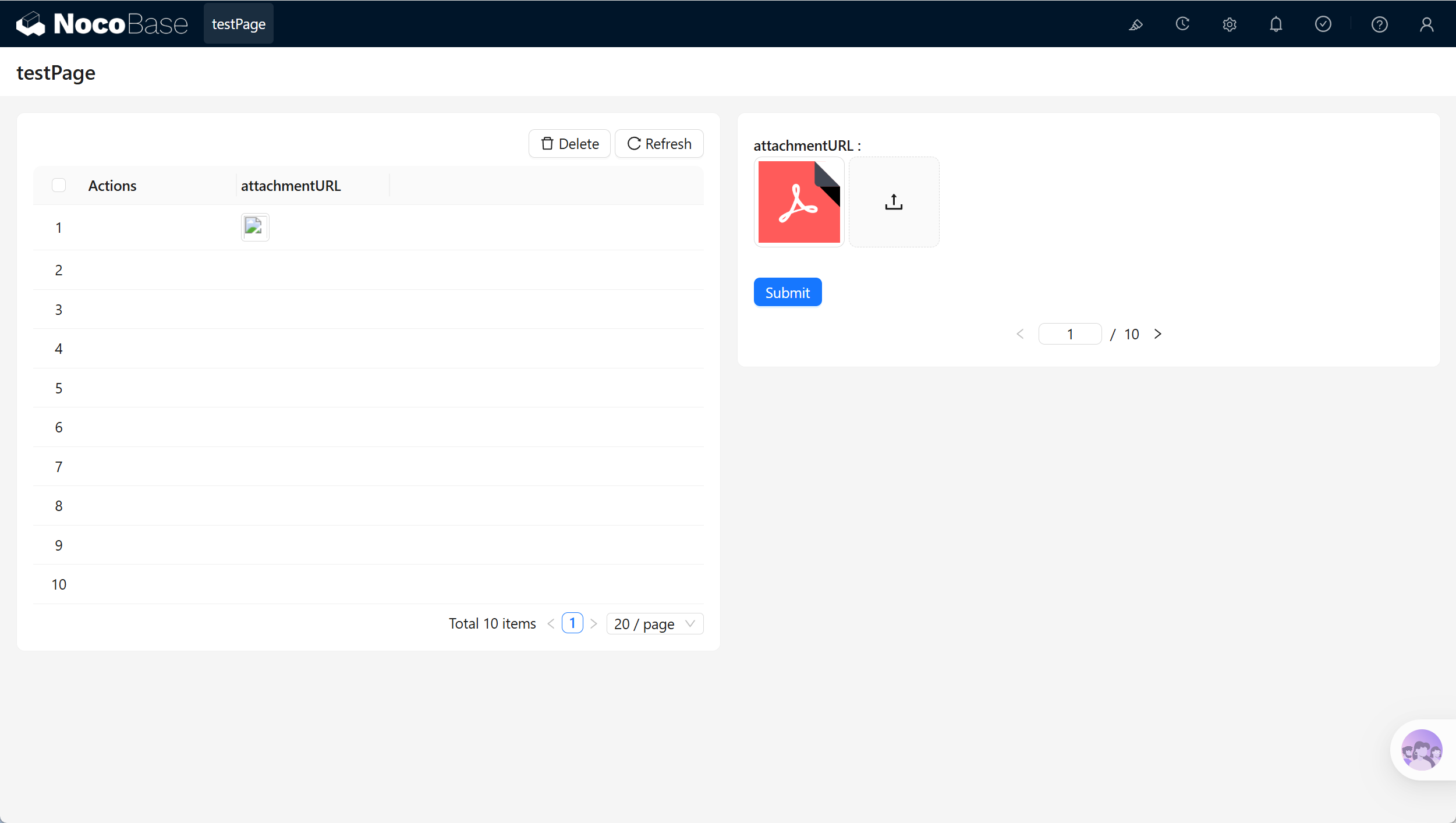
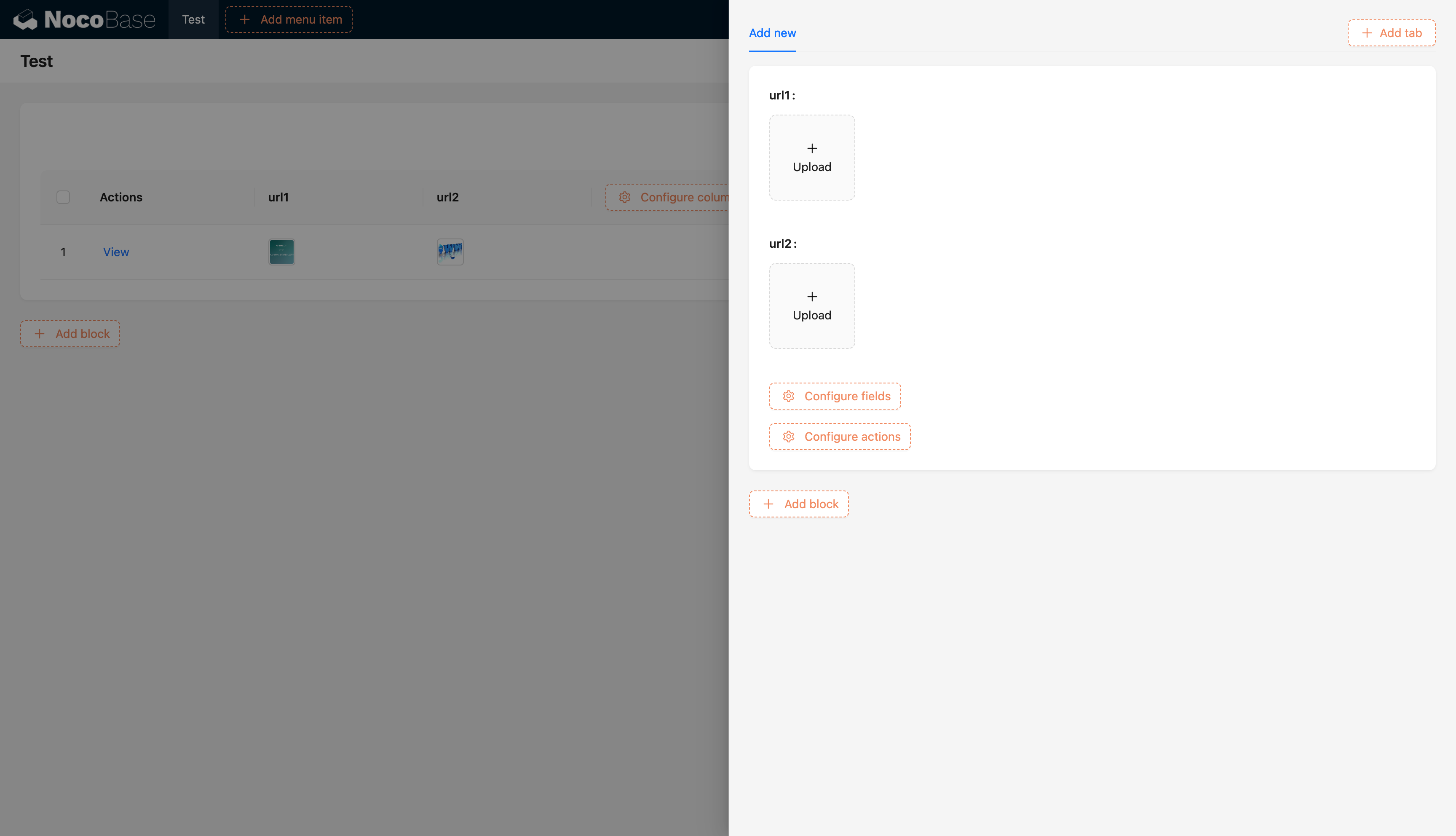
Attachment URL fields are suitable for external-file display, preview, and download.
Related links
- Fields - Learn about field categories and mapping.
- General collection - Create and manage fields in a collection.
- Attachment - Upload and manage files in NocoBase.
- URL - Store ordinary web addresses.