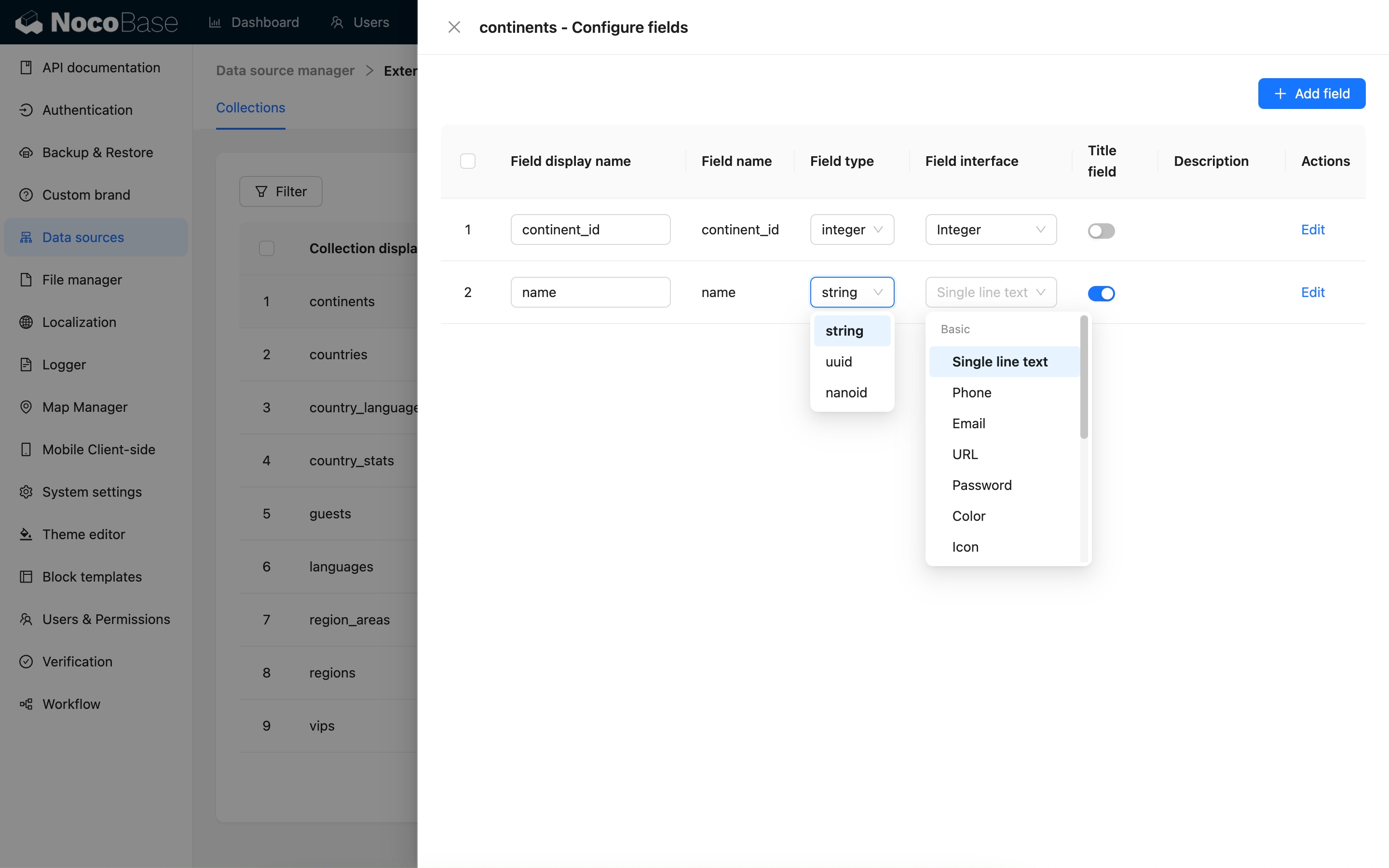
Fields
Introduction
In NocoBase, a Field is a business attribute in a Collection. It describes the information that can be stored in a record and how that information is entered, displayed, filtered, and used in business logic.
A Field can correspond to:
- An actual database column in the main database
- An existing database column in an external database
- A field in a database view
- A field returned by an SQL query
- A field in a REST API response
- A relation field, system field, or virtual field in a collection
Think of a Field as one attribute of a business object. For example:
Use cases
The following field categories help you decide which kind of field to choose. Open the relevant field documentation for configuration, type mapping, and cautions.
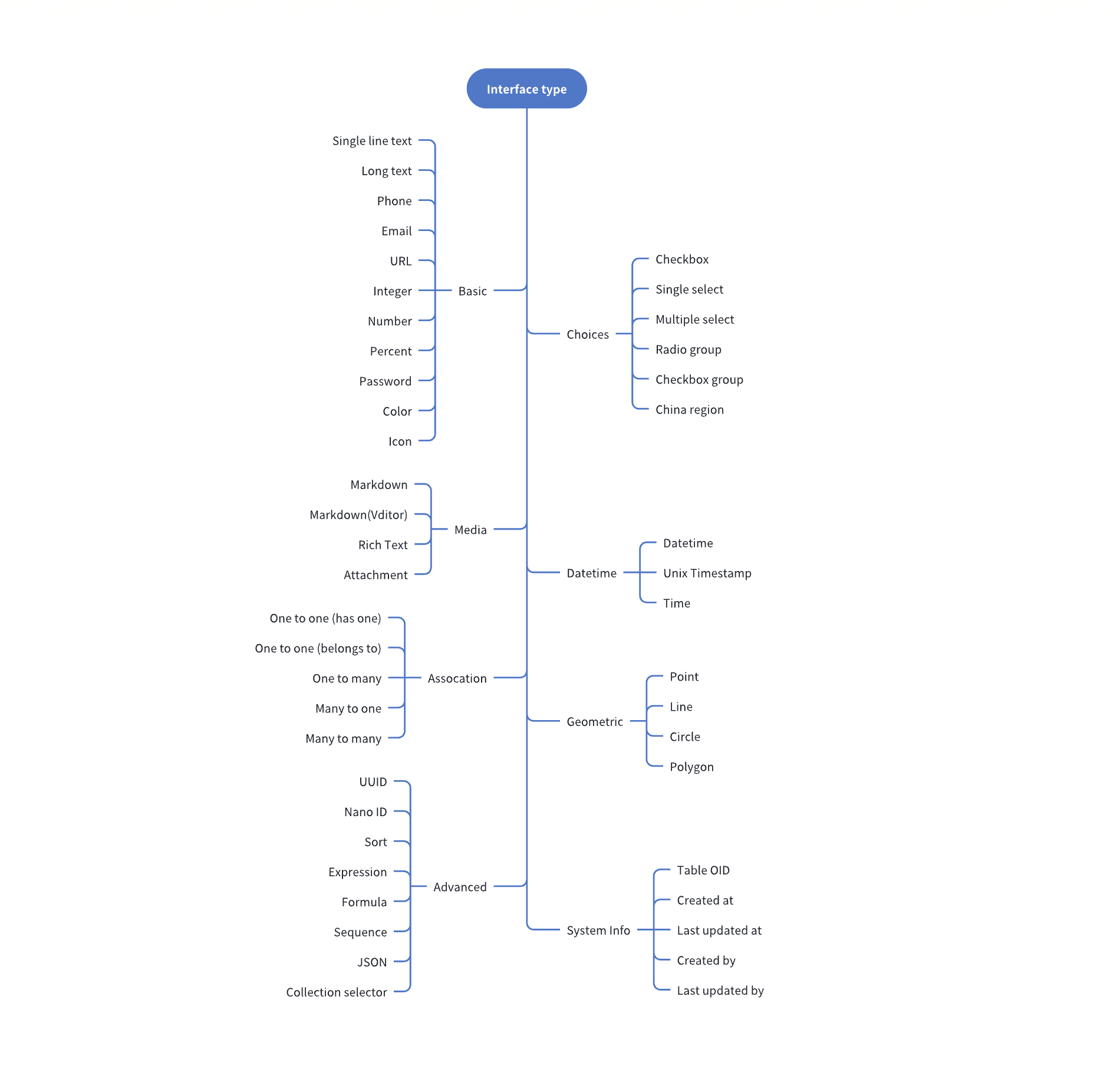
Field interface types
NocoBase groups fields into the following categories from the Field interface perspective:
Field data types
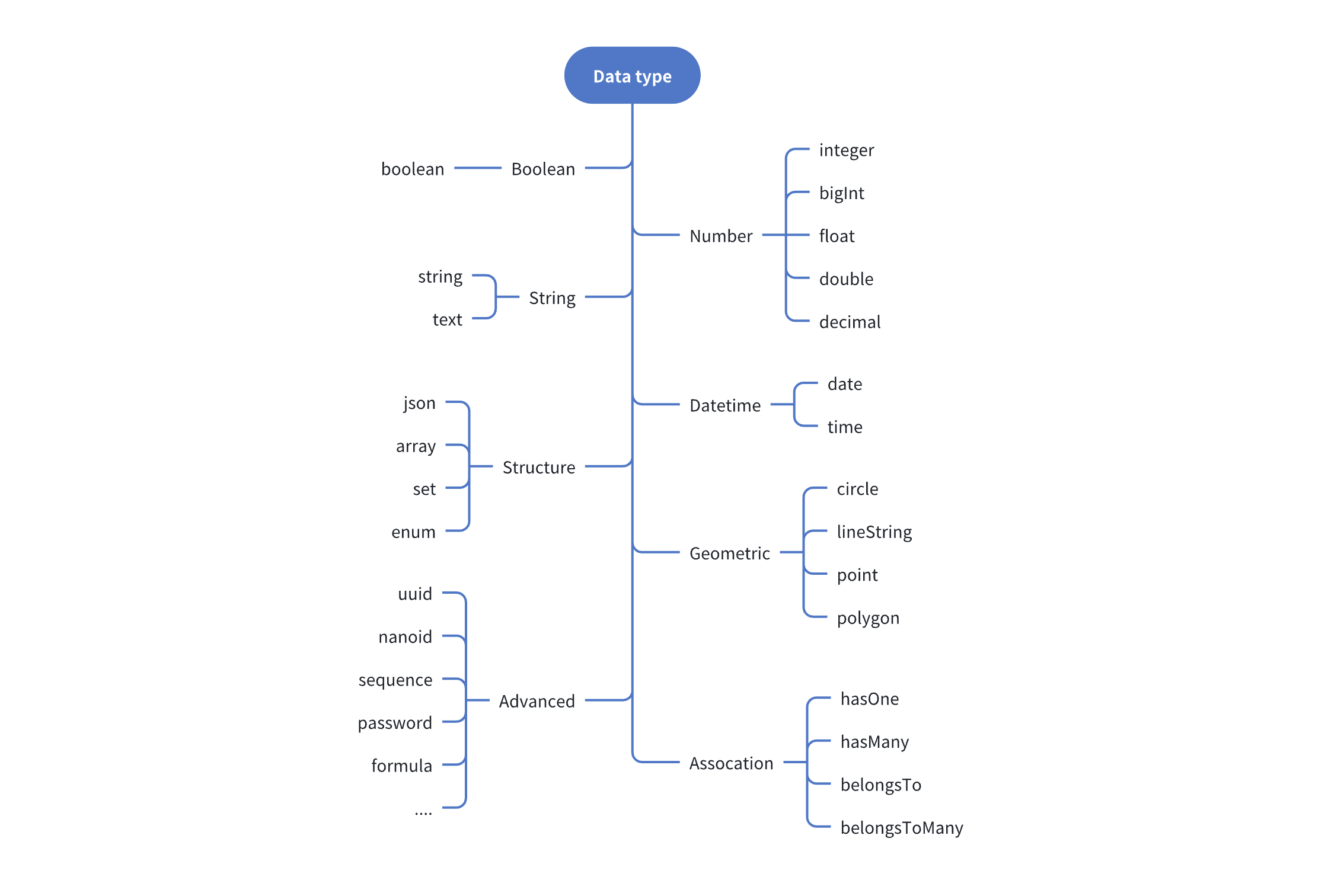
Each Field interface has a default data type. For example, a field with the Number interface uses double by default, but it can also use float, decimal, and other data types. The currently supported data types are:
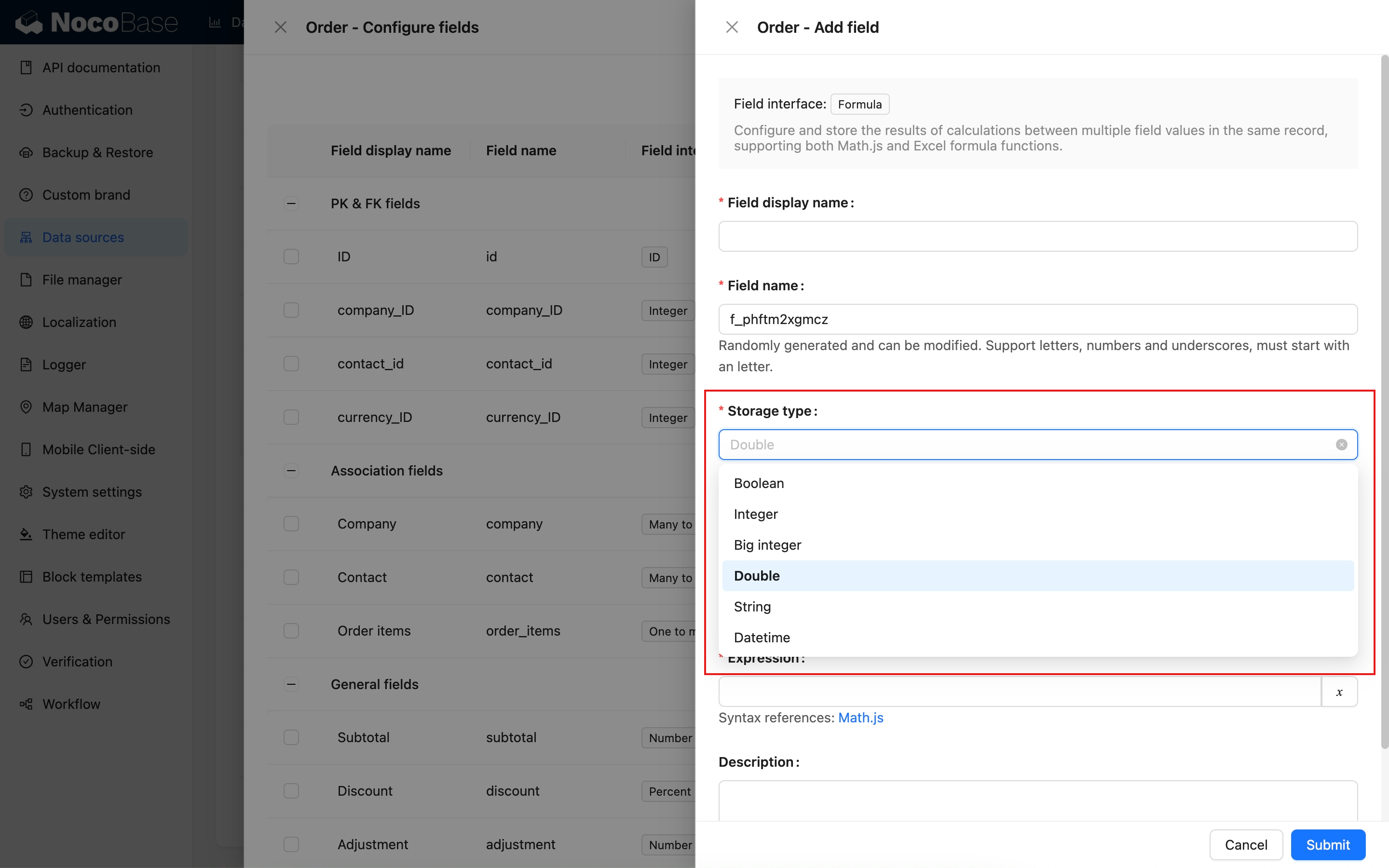
Field type mapping
The process for adding a field to a main data source is:
- Select a Field interface type.
- Configure a data type available for the selected interface.
The field-mapping process for an external data source is:
- Map the external database column type automatically to the corresponding Field type and UI type (Field interface).
- Change to a more suitable data type and interface type when needed.