
Quality management is available in Studio Enterprise Edition (EE). Use the Quality workspace to maintain core scenarios, run project tests, review reports and metrics, and create follow-up tasks. Contact us for Enterprise Edition.
Open Development › Quality and select a project. Review its settings, then start a test. New projects have no automatic triggers.
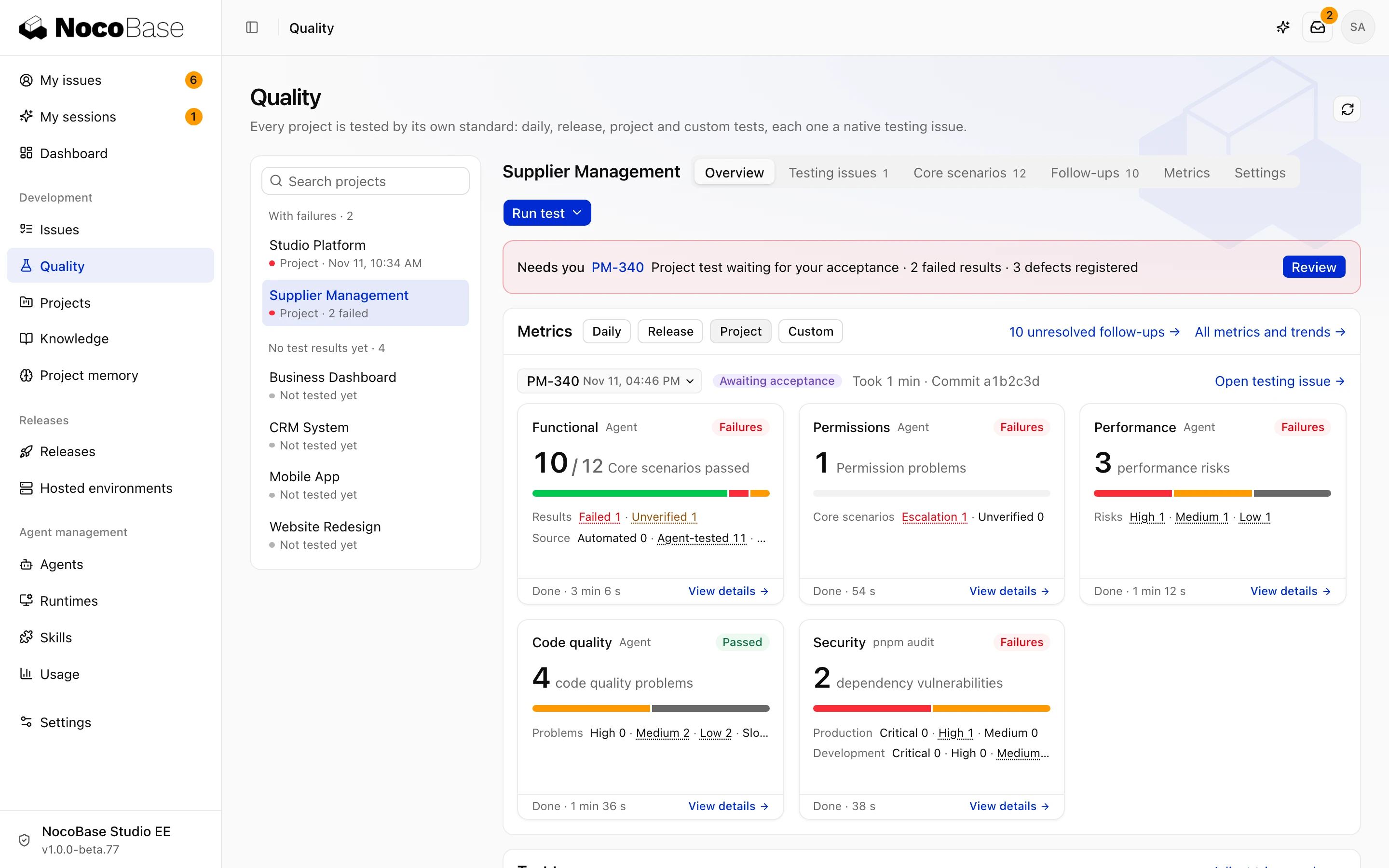
Test types
| Type | Scope and trigger |
|---|---|
| Daily | Scheduled checks of completed business tasks not yet covered; the first run or a run after a long pause looks back at most three days |
| Release | Current tasks awaiting release; start manually or trigger at the configured task threshold |
| Project | Core scenarios across the project; run manually, weekly, or monthly |
| Custom | Manually select completed business tasks or test the whole project code |
Daily tests run only on their schedule. Use a custom test to check selected tasks now.
Tests and tasks
Each test creates a native task. It keeps the test scope, frozen Skill versions, and execution history. You accept its delivery report on the task.
Agents check each dimension and link findings to follow-up tasks. Completing a test does not resolve those findings. Continue in Follow-ups, then verify the changes in a later test.
PR checks and code review still validate individual changes. Project quality tests examine a broader scope over time. See PR checks and code review.