
When to use multiple applications
Use multiple applications when business systems need independent development, releases and maintenance, while employees need a shared entry point and identity. For example, customer and inventory systems can keep separate data and release schedules, with both available from Main's workbench.
For different pages, navigation and user entry points within one application, consider multiple portals. Multiple applications require separate instances, databases and operational maintenance.
These guides describe the new multi-app deployment management. Confirm that your package source provides compatible multi-app and sub-app templates and the project deployment CLI. Source candidates are not necessarily published packages. The former Releases configuration and workflow do not apply here.
Main, child applications and application instances
| Term | Purpose |
|---|---|
| Main | Provides the workbench, platform accounts, single sign-on and deployment management |
| Child application | An independently developed business project with its own code, dependencies and versions |
| Application instance | A deployment of an application version, with its own configuration, data and address |
Creating Main does not create children. One child project can serve several instances, such as separate customer systems for two teams. An instance name is a display label; its ID identifies it and determines its access path.
Build artifacts, versions and runtime nodes
A child project produces a deployment archive. Uploading it publishes an immutable version under its application package. A runtime node executes deployments and runs instances. Creating an instance requires both a version and a node.
The delivery flow is child project → build artifact → published version → instance on a runtime node. Publishing does not automatically create or upgrade instances.
Main currently supports local runtime nodes, each running as an independent App Host process on the same machine. Declare nodes in Main's configuration; Main starts them automatically. The nodes page displays configuration and status. Remote-machine enrollment and Docker orchestration are outside this workflow.
Data isolation, single sign-on and business permissions
Each instance stores its own business data, configuration, secrets and files. Instances can use the same database server, but need separate databases or isolated namespaces. Archives do not carry development databases, uploaded files or instance secrets.
Single sign-on lets enabled platform users authenticate to a child. It does not copy Main's business roles. A Main administrator does not automatically become a child administrator. Each child controls pages, operations and data access; see Single sign-on and business permissions.
Responsibilities of Main and its plugins
The Main template supplies the shell, system settings and plugin composition. Deployment provides artifacts, versions, runtime nodes, instances and deployment operations. Multi-app provides the management pages, workbench entries and platform access integration. Identity Provider and the child's Platform SSO plugin handle single sign-on.
The Main and child templates include their required integrations. An existing application must integrate them through its own plugin composition; copying a login URL is not enough.
Workbench and deployment management
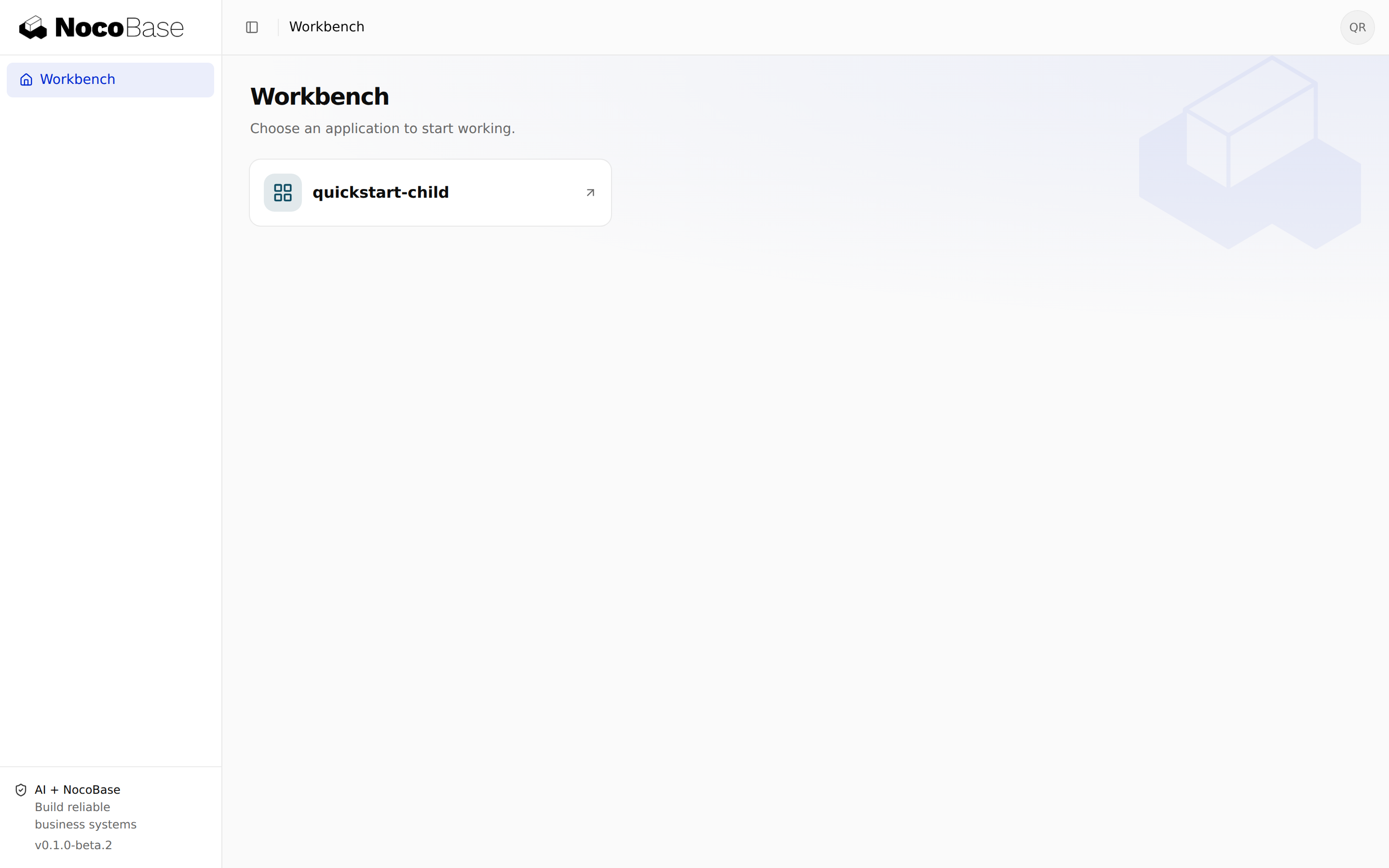
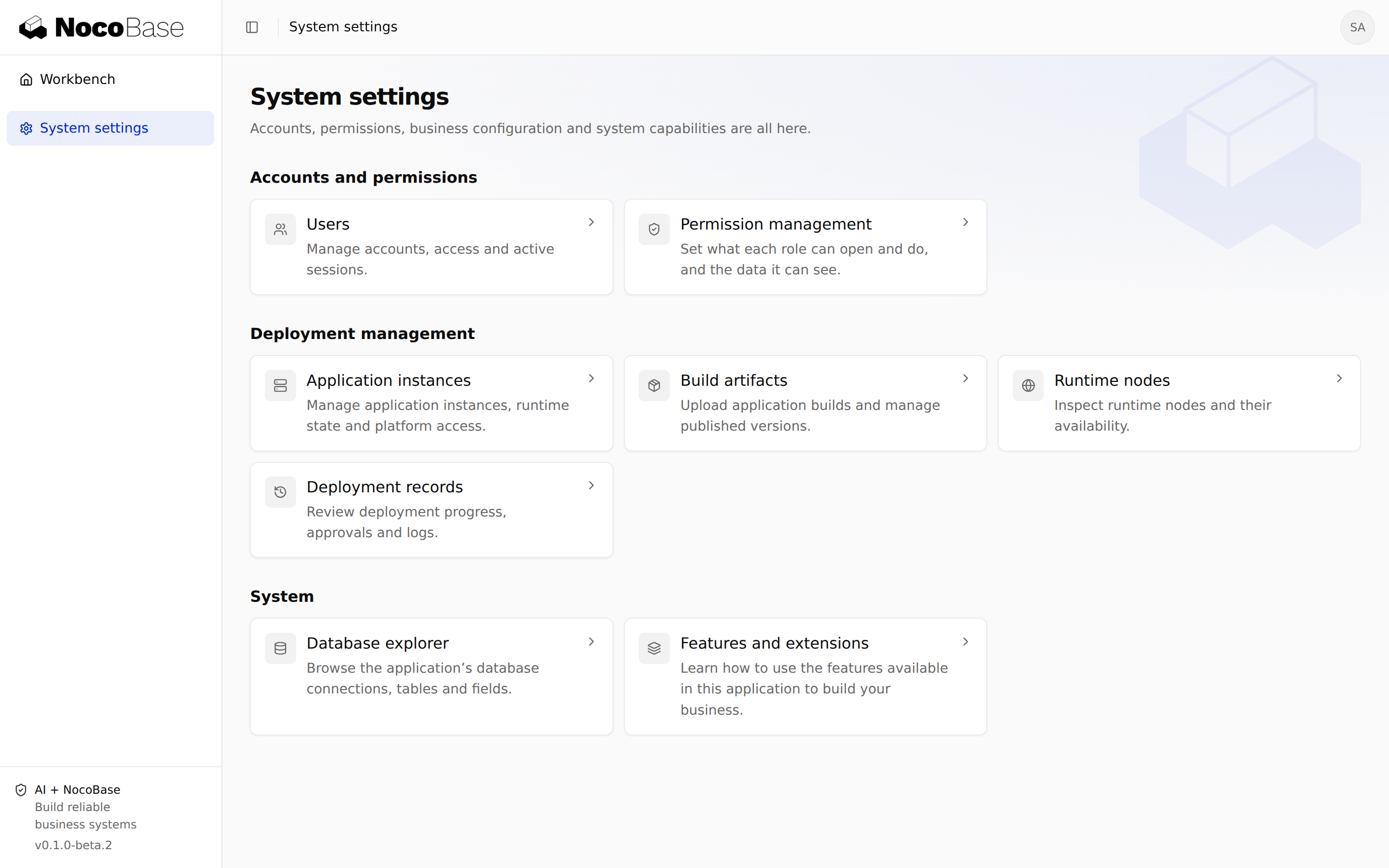
Users enter applications from the Workbench. Administrators with the relevant permissions use System settings → Deployment management:
| Entry | Main operations |
|---|---|
| Application instances | Create, configure, upgrade and operate hosted instances; connect existing applications |
| Build artifacts | Upload archives and maintain versions |
| Runtime nodes | Inspect configuration, availability and runtime requirements |
| Deployment records | Follow operations, approvals and logs |
Deployment management and child business permissions are separate. Users do not need management access to use their applications.
Prerequisites
Prepare Node.js 24 or later, a pnpm version compatible with the selected templates, and access to the commercial packages. Main needs a stable address, a separate database and persistent storage. Runtime nodes must meet the artifact's operating system, CPU architecture, libc and Node.js requirements.
Follow the Quickstart for your first child build, deployment and login. For an existing business system, see Connect existing applications.