
Choose a link or single sign-on
Existing applications continue running on their original servers. Main manages a platform entry and optional SSO, without taking ownership of versions, databases, starting or stopping.
| Mode | Use it for |
|---|---|
| Link / application's own login | Ordinary websites or systems whose login you are not changing |
| Platform SSO | NocoBase applications integrating Platform SSO, or compatible OIDC clients |
Under System settings → Deployment management → Application instances → External connections, add a name, access URL and login mode. For SSO, obtain the real callback URL and permission to configure the target application.
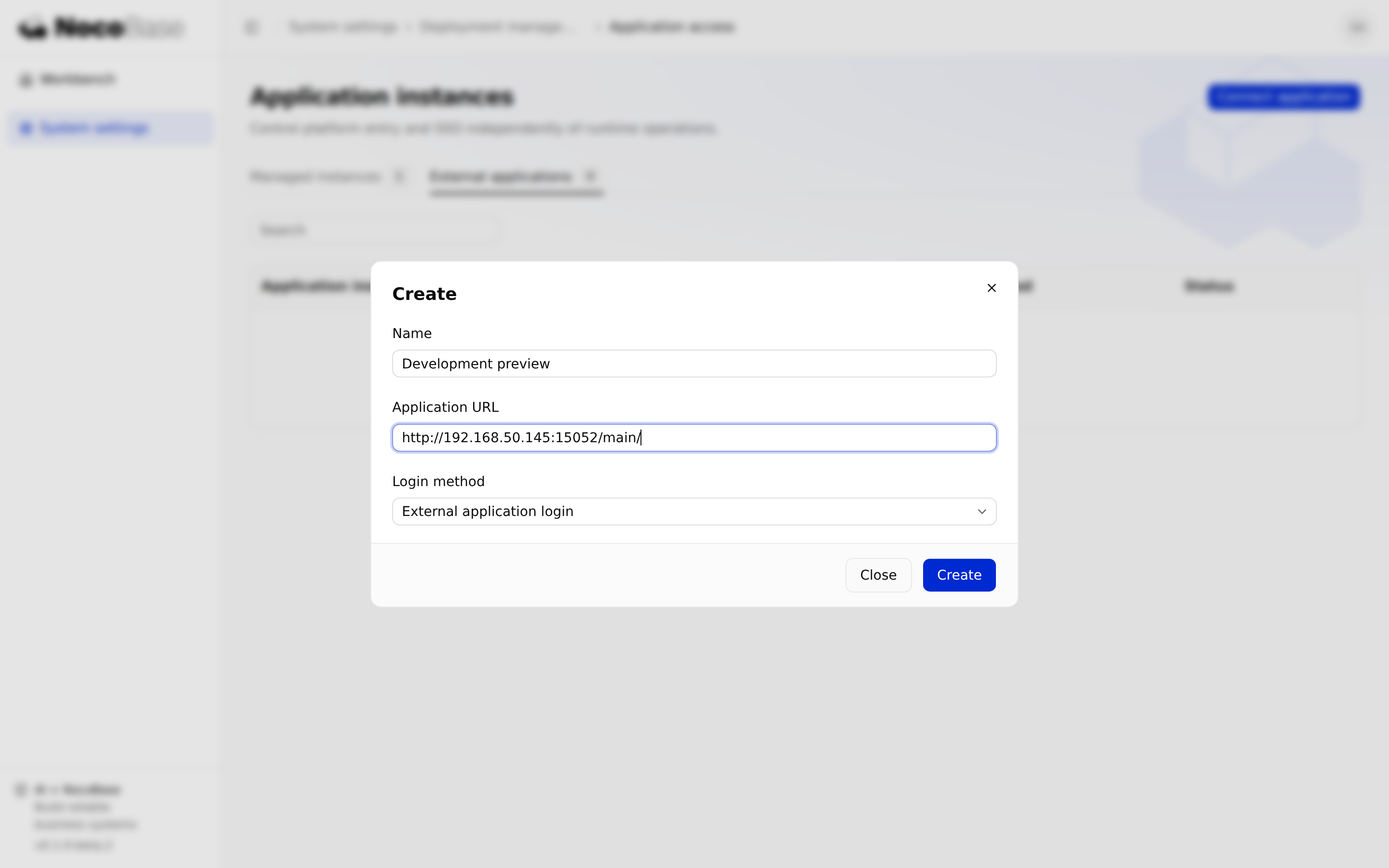
Connect an independently deployed NocoBase application
Install a compatible @nocobase/app-plugin-platform-sso in the target project. Follow its installed nocobase-app-plugin-platform-sso Skill to register client and server contributions, register platform configuration, merge platform authentication options with existing authentication, and add platform login and the switcher to the login page and persistent shell.
Preserve existing authentication plugins, user fields and local recovery login. Server registration alone does not complete integration. Projects based on sub-app should inspect existing composition to avoid duplicate registration.
Register access in Main. Use the returned integration information to supply these values privately on the target server:
| Variable | Value |
|---|---|
PLATFORM_URL | Main entry, including its base path such as /main |
PLATFORM_SSO_ISSUER | Platform authentication issuer |
PLATFORM_SSO_CLIENT_ID | This application's client ID |
PLATFORM_SSO_CLIENT_SECRET | Its server-only client secret |
PLATFORM_SSO_APP_ID | Registered platform application ID |
Set the child's APP_PUBLIC_ORIGIN and APP_BASE_PATH to its actual address. Use the plugin's generated provider ID and real callback, not another instance's callback. Build, deploy and restart through the application's existing delivery process.
Connect a third-party OIDC application
Confirm the target supports OIDC client login and obtain its required callback URL. Register platform SSO access in Main with that callback, then configure the target with the supplied issuer, client ID and client secret.
Check discovery, authorization-code flow, callback and user identity mapping against the target's requirements. Supporting OAuth API authorization alone does not guarantee OIDC login support. Main does not create third-party business roles or automatically add an application switcher.
Add an ordinary website entry
Choose the application's own login and provide a name and reachable URL. No SSO client information is required. Users open it from the workbench and sign in using that site's own method.
Saving a link does not share sessions, proxy the site or manage its runtime. The target still owns access control.
Configure and verify single sign-on
Store the client secret returned during enrollment securely, outside source and logs. It is returned transiently during integration. Use valid HTTPS addresses for Main and the target. For controlled HTTP exceptions, see Configure Main and runtime nodes.
Start a real login from the workbench and check the callback, identity and business permissions, then verify local recovery login. Handle existing users according to the target's account-binding rules; an email match must not automatically elevate privileges.
Successful registration in Main does not prove the target has deployed its configuration. Follow the available integration workflow to correct a callback or issue fresh credentials. Do not keep using revoked credentials.
Manage the platform entry
Manage platform entry and SSO switches from external application details. Disabling SSO preserves the registered URL, leaving login to the application. Main's switches do not edit third-party local accounts or access rules.
Before changing a URL or callback, check whether the current interface supports editing it. If not, arrange a new enrollment and update the target configuration together. Do not directly edit database records.
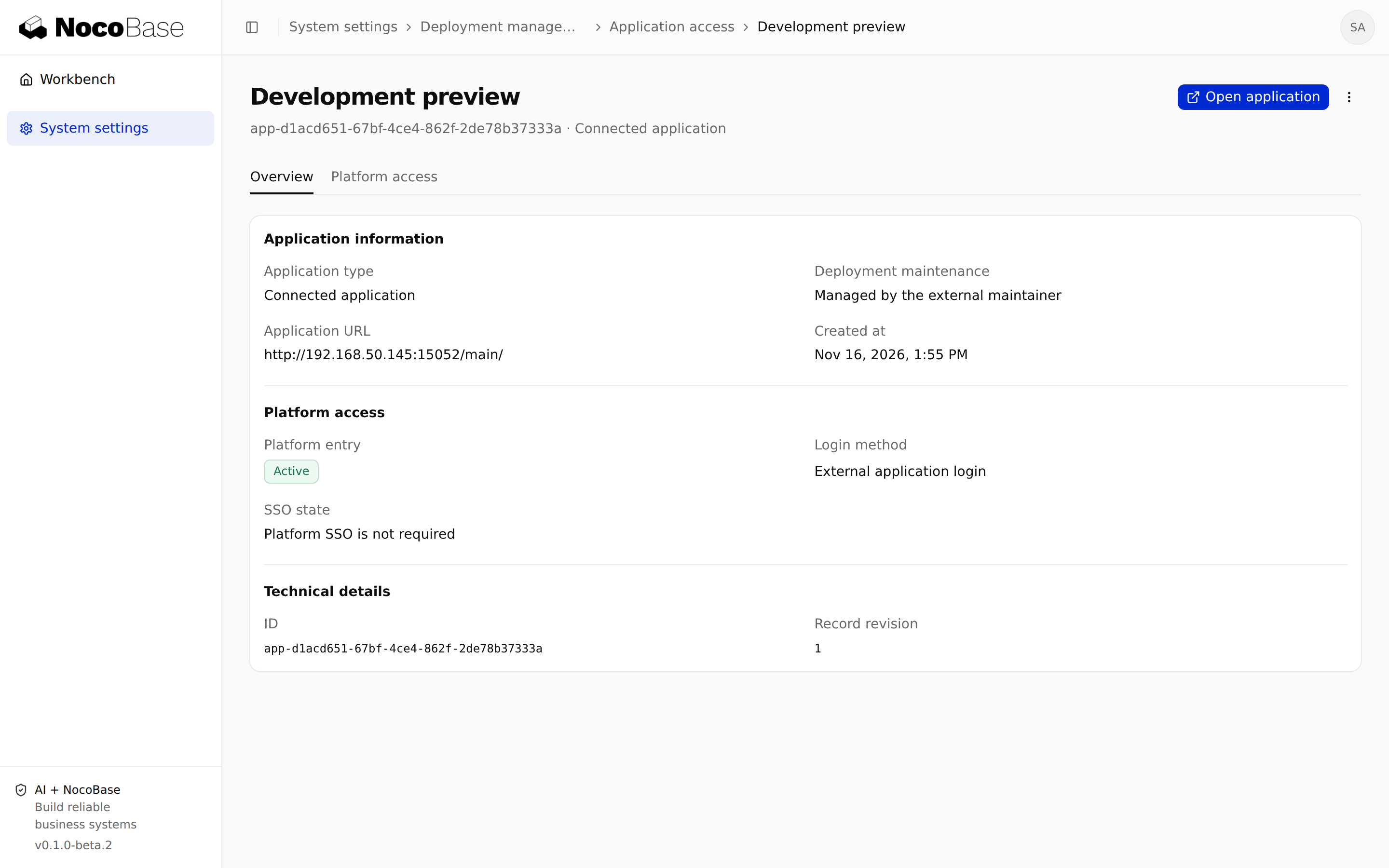
Disable and detach access
Disable the entry for a temporary pause while retaining configuration. Detaching revokes platform SSO credentials without stopping the target or deleting its database and files.
After detaching, check local login, old-session handling and remaining platform configuration on the target. A new enrollment needs fresh registration details; revoked secrets cannot be reused.