
Platform identities and child accounts
Single sign-on establishes who the user is, not what they may do in a child. Enabled platform users can use active platform integrations without separate application membership grants. Each child retains its account bindings and business permissions.
Main administrators do not automatically become child administrators. Matching names, email addresses or Main roles must not directly grant child administrative access.
Automatic login integration for hosted instances
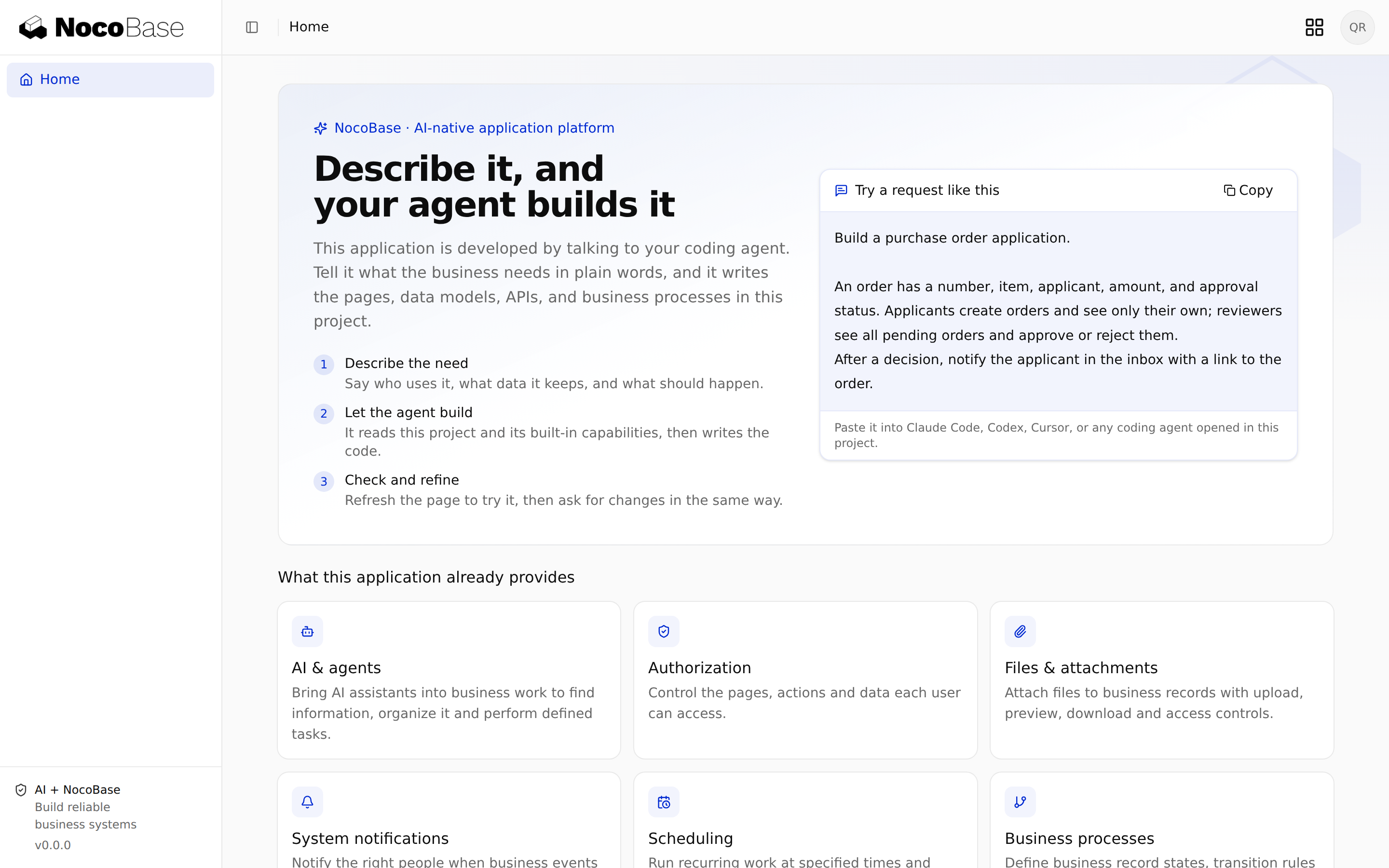
The sub-app template includes Platform SSO server, configuration and client integration. Enable platform SSO when creating a hosted instance. Main issues credentials for that instance, injects them during deployment and enables access after runtime activation.
There is no need to copy client IDs or secrets manually. Other application projects need Platform SSO integration and a new build first. An instance switch cannot install a missing plugin.
Platform entry and SSO switches
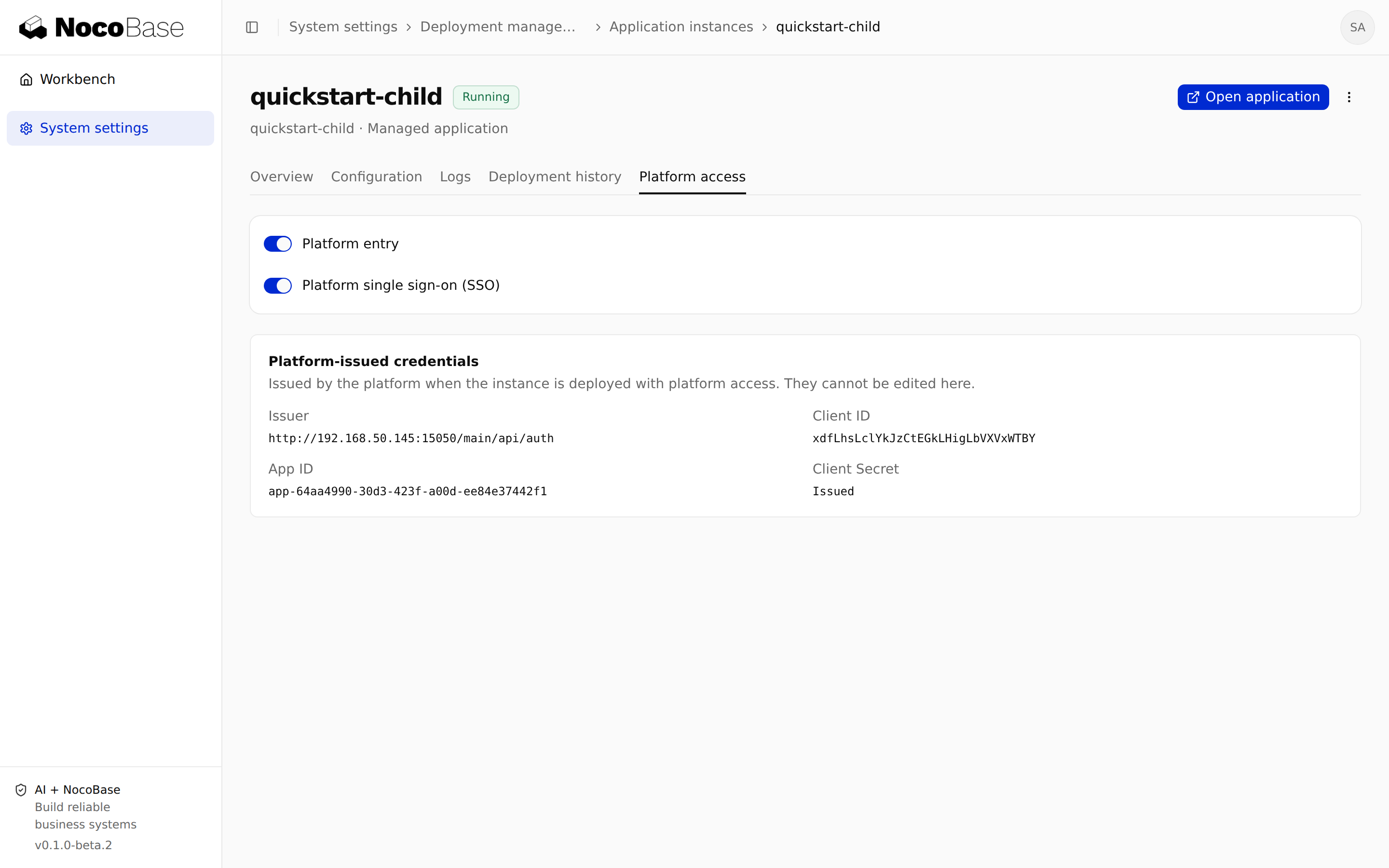
The instance's Platform access tab has two independent switches:
| Setting | Effect |
|---|---|
| Platform entry | Controls access through the platform |
| Platform SSO | Controls authentication using platform identity |
Disabling the entry neither stops the instance nor deletes data. With hosted-instance SSO disabled, its platform entry uses local login; ensure local accounts work first. Re-enabling SSO uses retained client configuration. An external application without completed integration still needs configuration.
Disabling entry or SSO is not a global logout. Existing platform sessions are denied on subsequent admission checks. Detaching revokes credentials; a hosted instance needs a deployment operation to receive new credentials when reattached.
Inspect platform-issued credentials
The Platform-issued credentials card shows the issuer, client ID, application ID and secret issuance status. The issuer is the identity-service address, including its authentication path, not Main's home page.
Main generates these settings; the card does not edit them. Do not copy credentials between instances or place a secret in client configuration, source or screenshots.
Configure child business permissions
The bare child template includes prepared user and role administration pages, but does not register them by default. As you develop business features, enable the prepared client/pages/settings/routes.ts contribution in client/routes.ts following the project’s application-development guidance, then build and deploy the updated version. A freshly created template therefore does not yet show a Permission management entry.
Use the child's local administrator to assign the required roles, page permissions, operations and data scopes inside the child. Verify a real business rule, such as sales users seeing only their own customers without system administration access.
The template home page may require only a signed-in session. Reaching it does not prove business roles are configured. Custom features also need server-side permission checks; hiding a button is insufficient.
Preserve local administrator login
Open login?auth=local below the child's entry path, for example https://apps.example.com/customer-dev/login?auth=local. Use that instance's local administrator, not Main's administrator password.
Keep local login available for recovery from platform login failures. See Save the initial administrator account. If signing out immediately signs you in again, check that the login flow preserves signedOut=1 to prevent automatic login from an active platform session.
Verify login, switching and permissions
Test with both an ordinary platform user and a local administrator:
- Enter from the workbench and complete the SSO callback to reach the child.
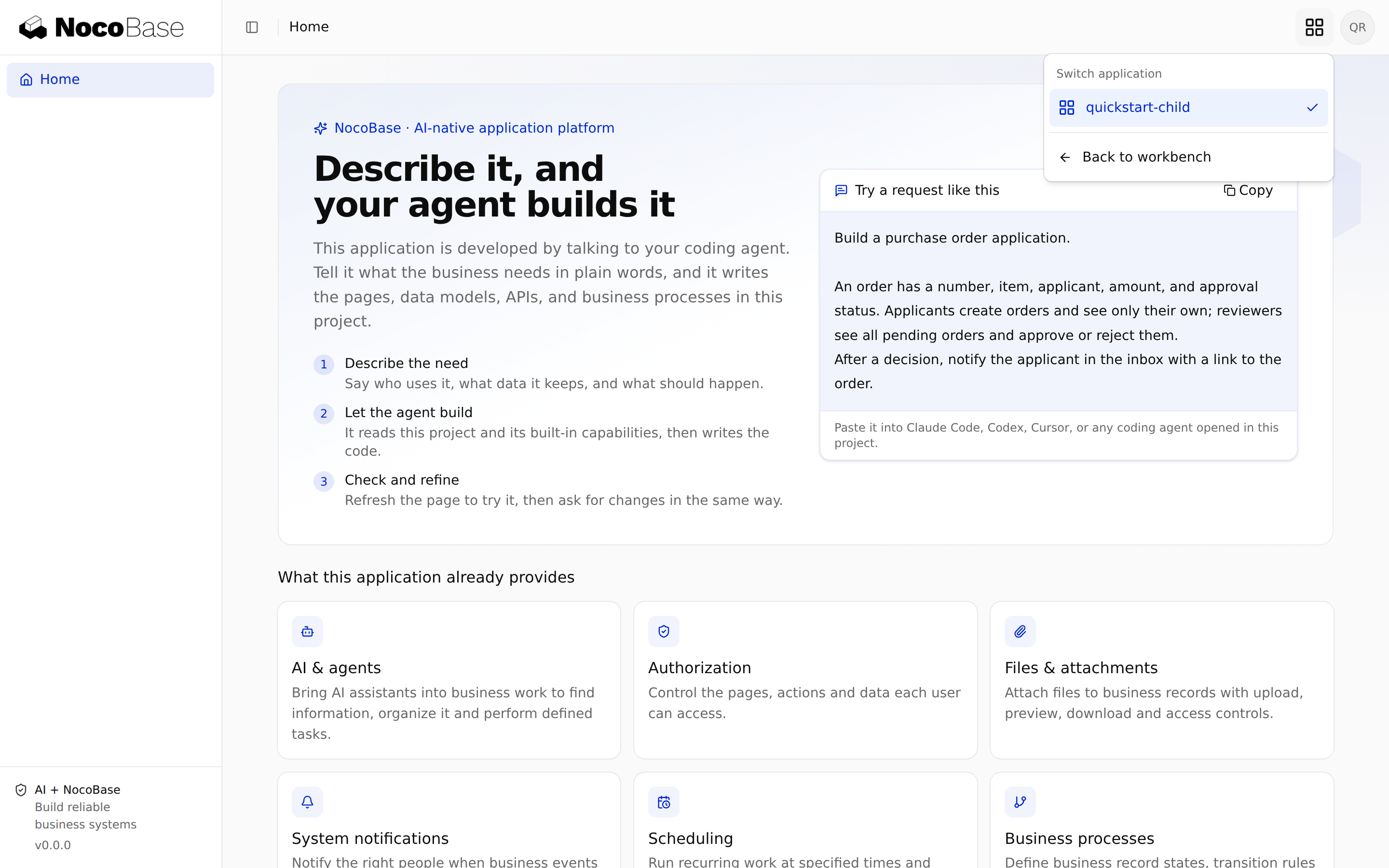
- Open the switcher and test its directory, switching and return to Main. Loading the home page alone does not request the directory.
- Confirm ordinary users can perform only authorized business operations and cannot access child administration APIs.
- Confirm local administrator recovery works. A local account must not receive a fabricated platform application list.
- Disable a platform user or entry and confirm new logins and subsequent admission checks are restricted.
Troubleshoot callbacks and login failures
| Symptom | Check |
|---|---|
SSO_REDIRECT_NOT_ALLOWED | Use HTTPS, or add the exact controlled HTTP origin to Main and restart; see HTTP configuration |
| Callback mismatch | Compare the browser origin, child base path and registered callback; do not guess provider IDs |
| Issuer mismatch | Discovery, token issuer and child configuration must agree, including scheme and authentication path |
| Login succeeds without business access | Configure child roles and data permissions instead of weakening SSO |
| Home page works without a switcher | Check the deployed version, client integration and platform URL; existing apps need the component mounted in their shell |
| Main works but a child returns 404 or realtime fails | Forward child paths and support WebSocket in the reverse proxy |
Before changing Main's domain or issuer, follow the installed Platform SSO integration guidance for identity namespaces and callbacks, so existing users are not treated as new identities.