

JS Action
Introduction
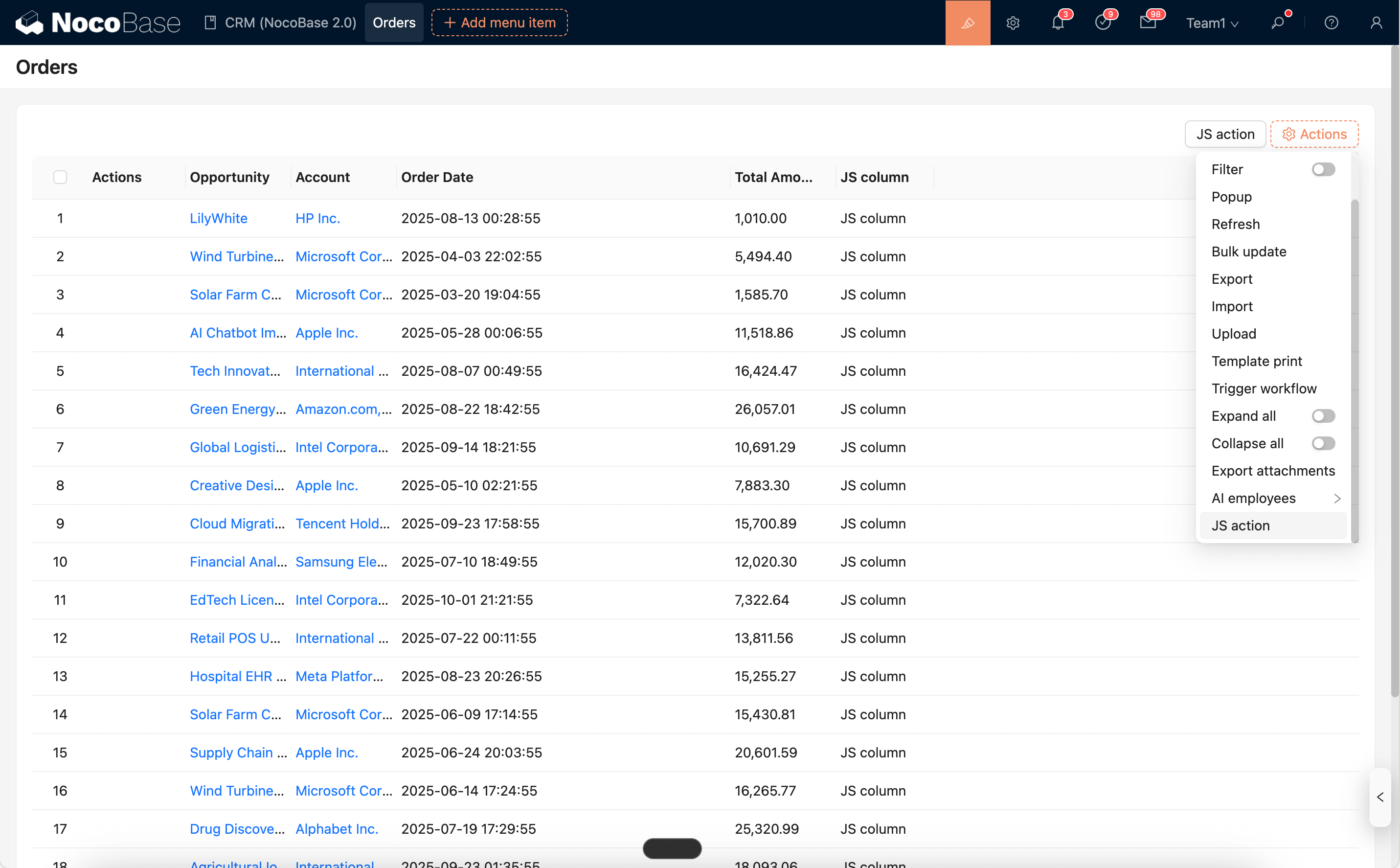
JS Action is used to execute JavaScript when a button is clicked, allowing for custom business logic. It can be used in form toolbars, table toolbars (collection-level), table rows (record-level), and other locations to perform operations like validation, showing notifications, making API calls, opening pop-ups/drawers, and refreshing data.
Runtime Context API (Commonly Used)
-
ctx.api.request(options): Makes an HTTP request. -
ctx.openView(viewUid, options): Opens a configured view (drawer/dialog/page). -
ctx.message/ctx.notification: Global messages and notifications. -
ctx.t()/ctx.i18n.t(): Internationalization. -
ctx.resource: Data resource for collection-level context (e.g., table toolbar), including methods likegetSelectedRows()andrefresh(). -
ctx.record: The current row record for record-level context (e.g., table row button). -
ctx.form: The AntD Form instance for form-level context (e.g., form toolbar button). -
ctx.collection: Metadata of the current collection. -
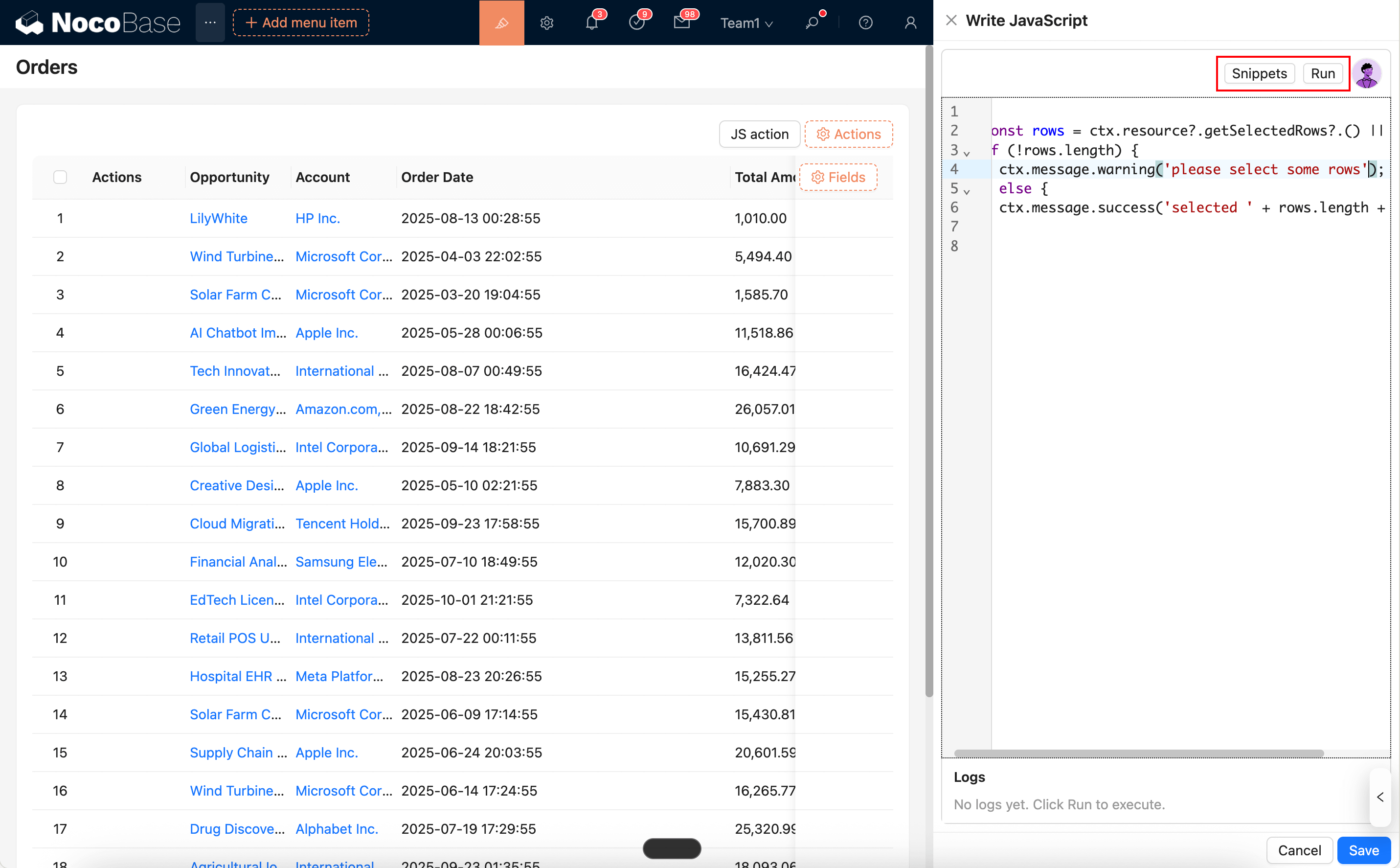
The code editor supports
SnippetsandRunfor pre-execution (see below). -
ctx.requireAsync(url): Asynchronously loads an AMD/UMD library from a URL. -
ctx.importAsync(url): Dynamically imports an ESM module from a URL. -
ctx.libs.React/ctx.libs.ReactDOM/ctx.libs.antd/ctx.libs.antdIcons/ctx.libs.dayjs/ctx.libs.lodash/ctx.libs.math/ctx.libs.formula: Built-in React, ReactDOM, Ant Design, Ant Design icons, dayjs, lodash, math.js, and formula.js libraries for JSX rendering, date-time utilities, data manipulation, and mathematical operations.
The actual available variables may differ depending on the button's location. The list above is an overview of common capabilities.
Editor and Snippets
Snippets: Opens a list of built-in code snippets that can be searched and inserted at the current cursor position with a single click.Run: Executes the current code directly and outputs the execution logs to theLogspanel at the bottom. It supportsconsole.log/info/warn/errorand highlights errors for easy location.
- You can use AI employees to generate/modify scripts: AI Employee · Nathan: Frontend Engineer
Common Usage (Simplified Examples)
1) API Request and Notification
2) Collection Button: Validate Selection and Process
3) Record Button: Read Current Row Record
4) Open View (Drawer/Dialog)
5) Refresh Data After Submission
Notes
- Idempotent Actions: To prevent multiple submissions from repeated clicks, you can add a state flag in your logic or disable the button.
- Error Handling: Add try/catch blocks for API calls and provide user-friendly feedback.
- View Interaction: When opening a pop-up/drawer with
ctx.openView, it's recommended to pass parameters explicitly and, if necessary, actively refresh the parent resource after a successful submission.