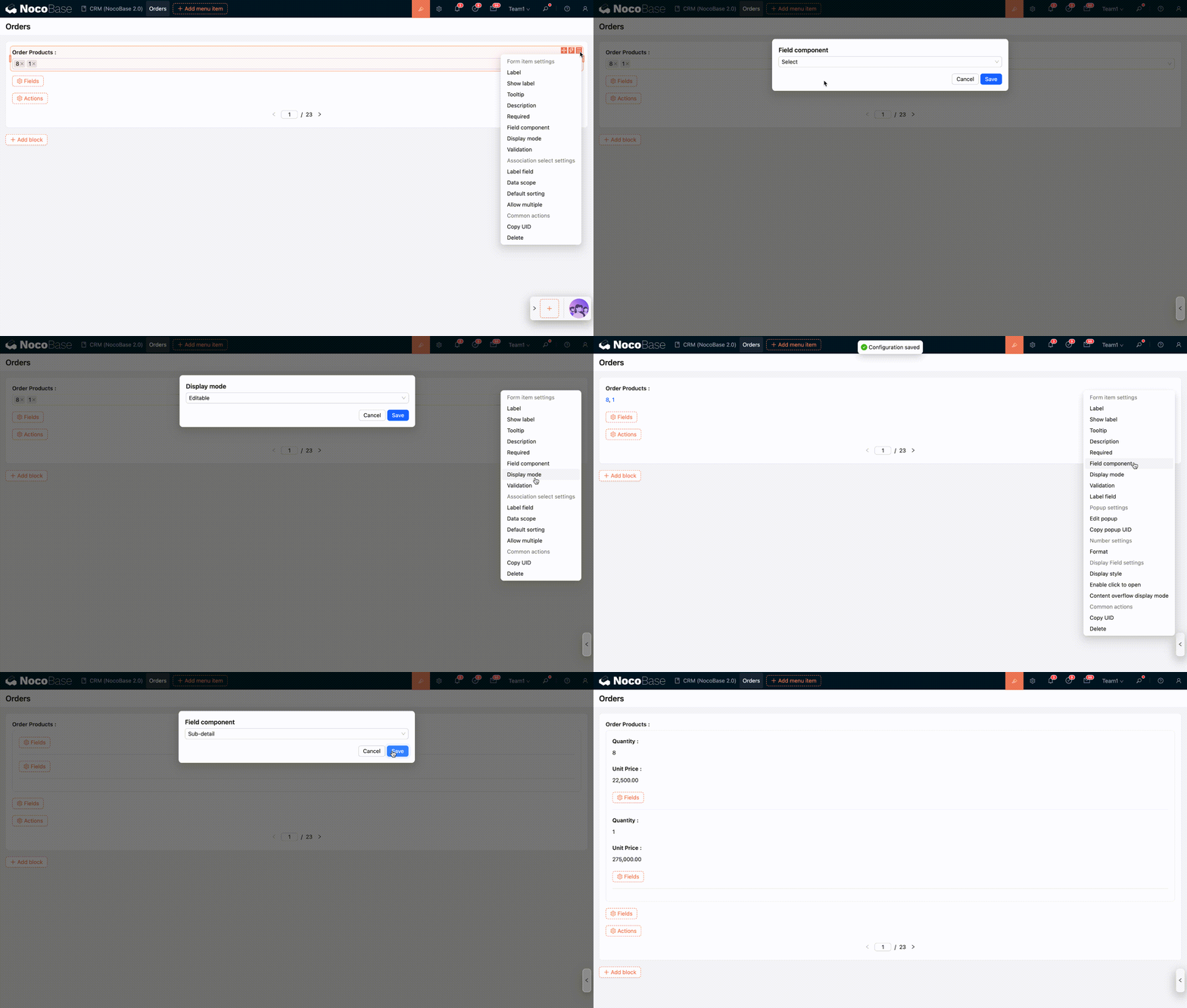
Display Mode
Introduction
Unlike blocks, field components have three display modes (only supported for fields within a form). Switching between different display modes corresponds to different field configuration options.
- Editable;
- Read-only (not editable);
- Read-only (view mode);
Display Modes for Regular Fields
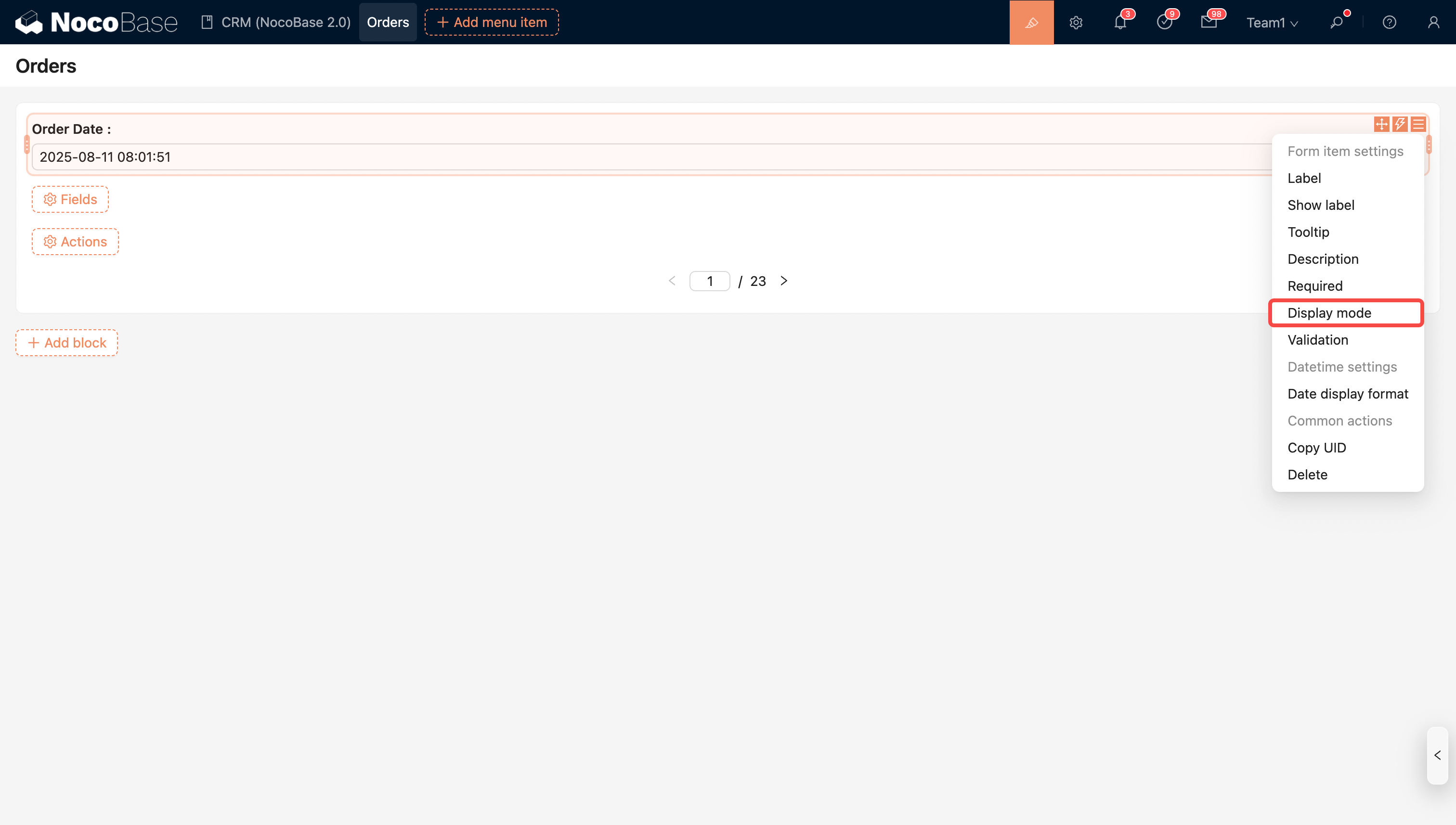
- Disabled state
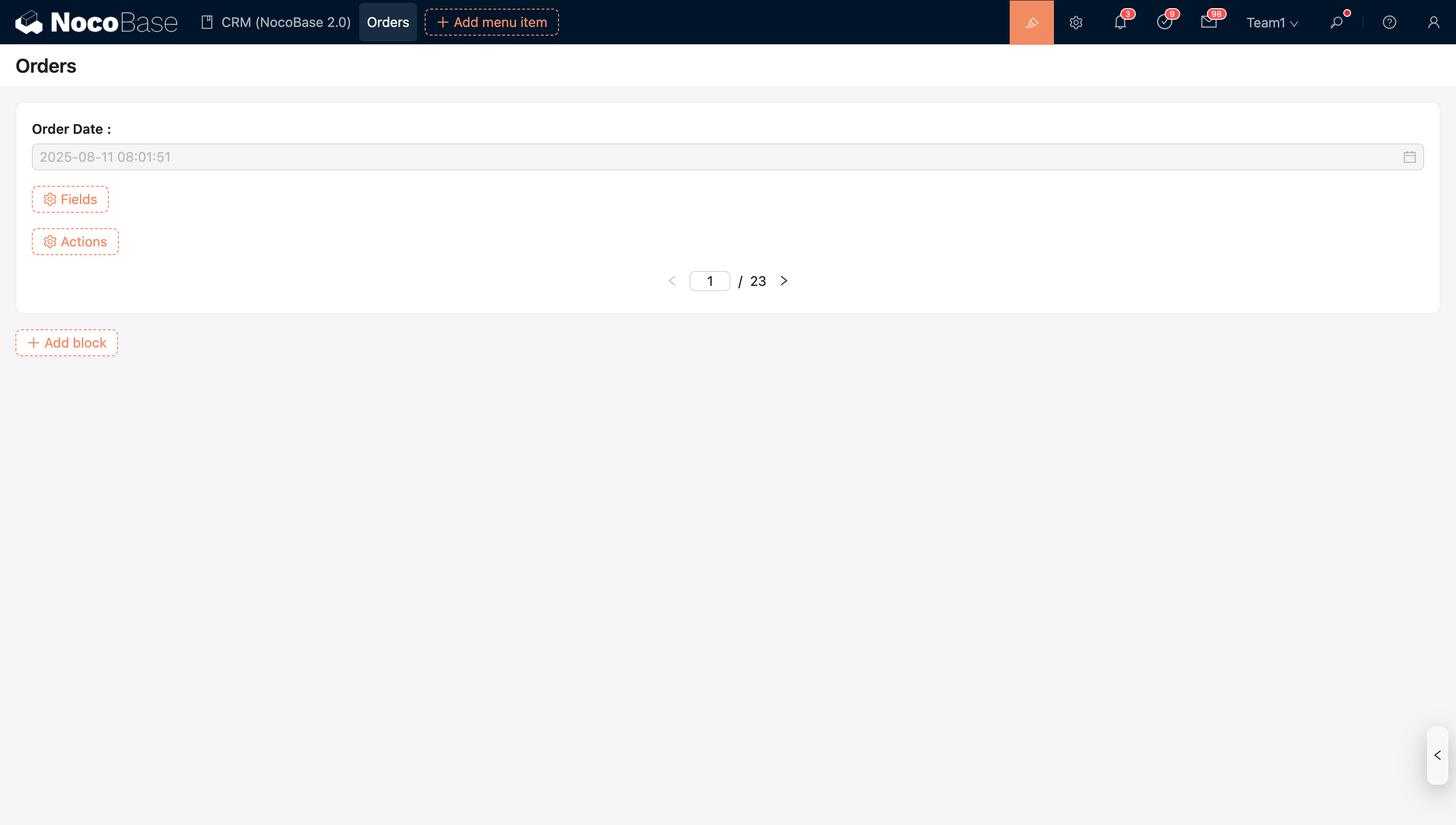
- Read-only state
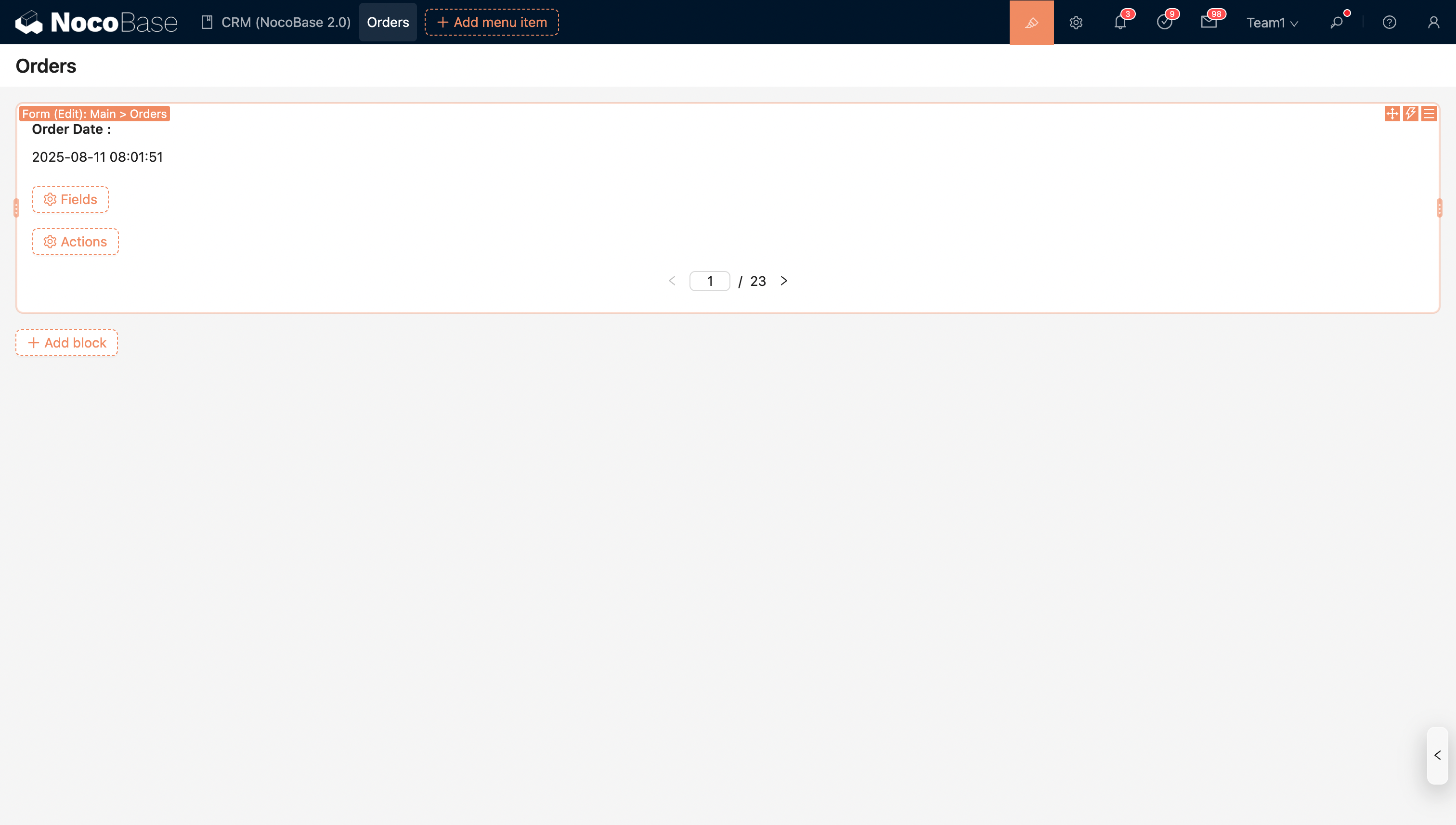
Display Modes for Association Fields
The display mode of an association field determines how the field is displayed in the interface and which field component types are available.
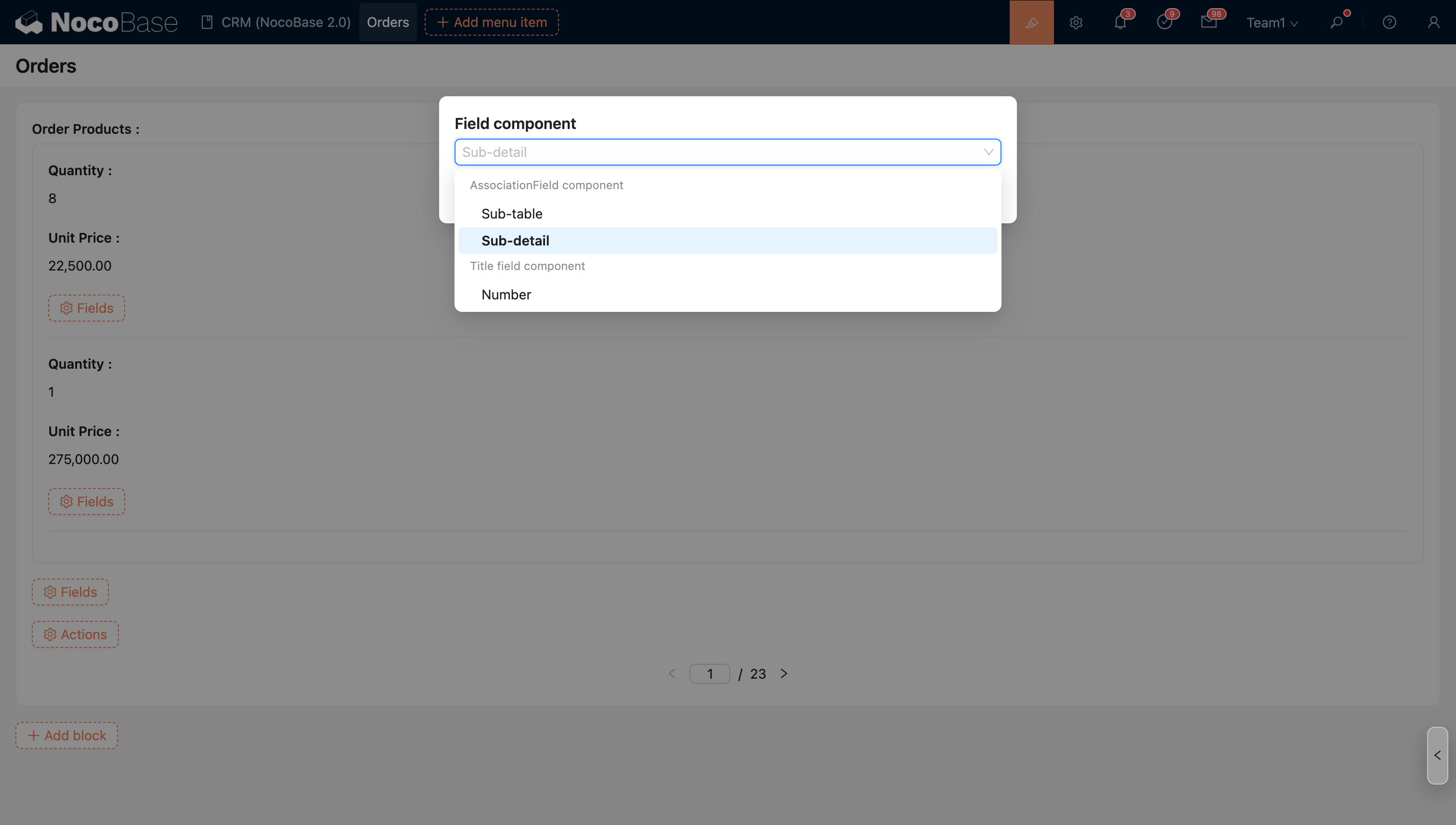
In the editable state, association fields support multiple component types, allowing users to choose different association field components to display or select associated data based on business needs.
Association Field Components in Editable State
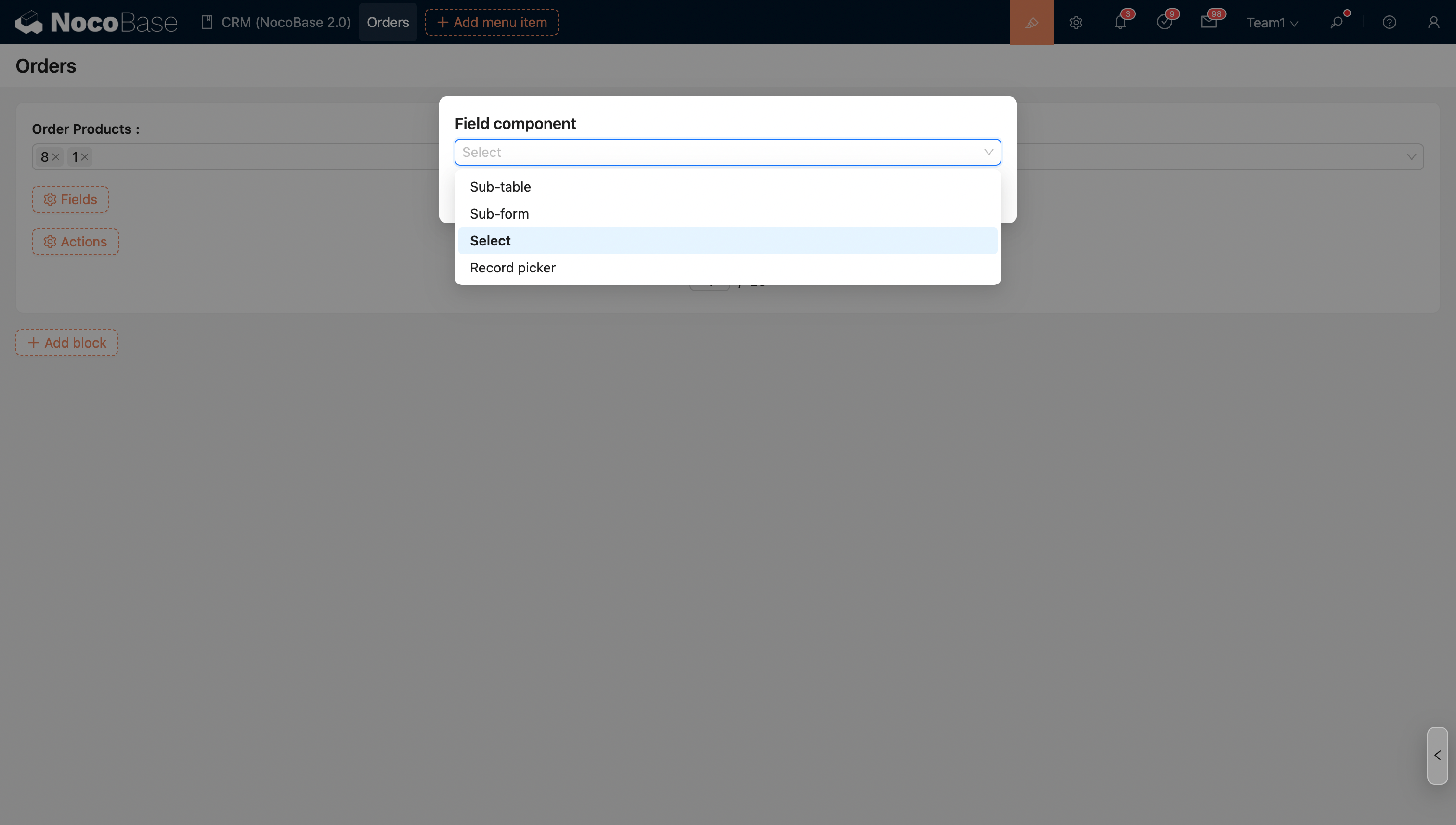
In this state, users can flexibly choose the appropriate display method to handle data more efficiently.
Association Field Components in Read-only State
When switched to the read-only state, the system automatically defaults to using the title field component to display the associated data. This is suitable for scenarios where you only need to view data without making changes.