

Bulk Update
Action: Batch updateCommunity Edition+Introduction
The bulk update action is used when you need to apply the same update to a group of records. Before performing a bulk update, the user needs to pre-define the field assignment logic for the update. This logic will be applied to all selected records when the user clicks the update button.
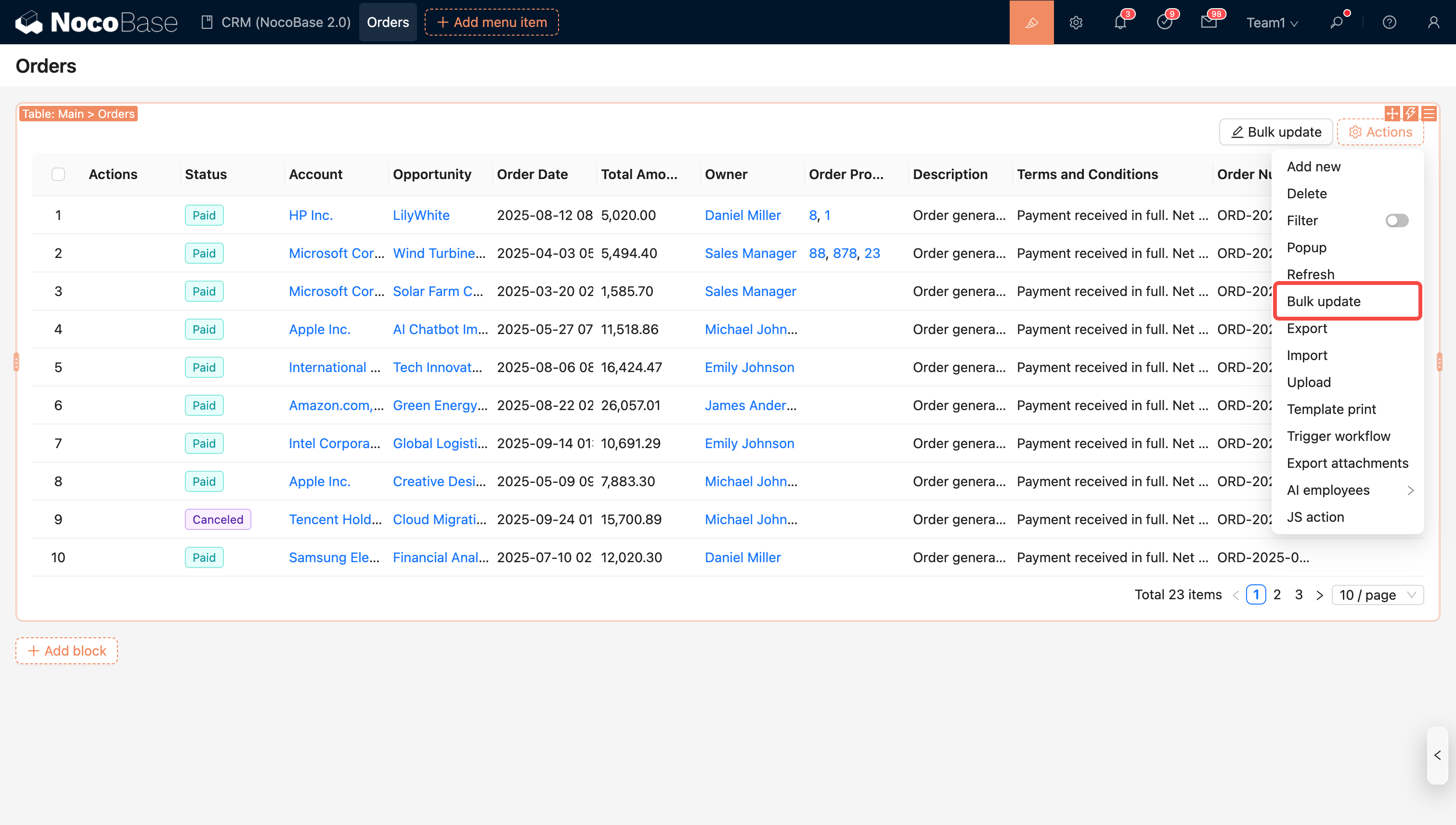
Action Configuration
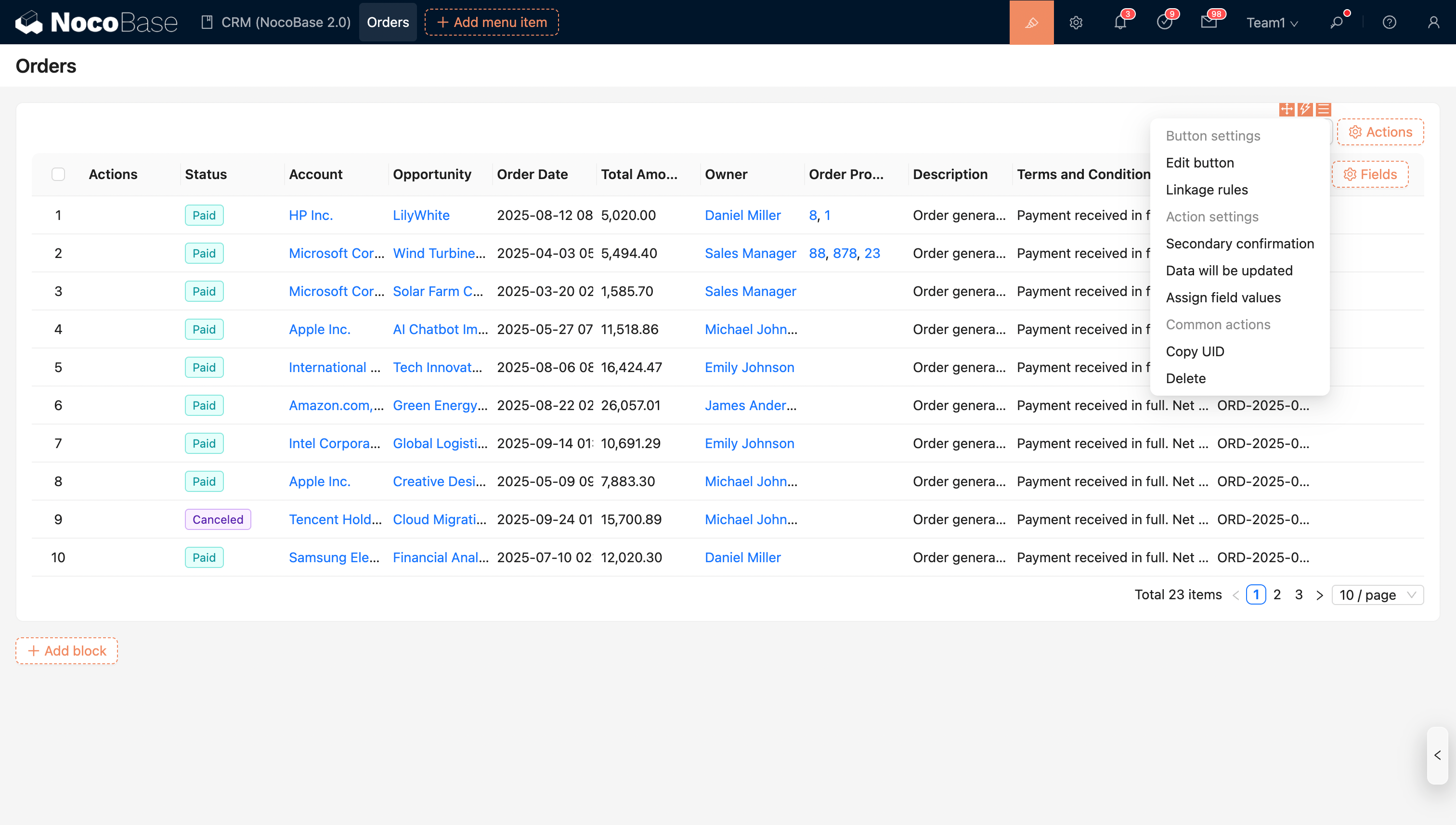
Data to update
Selected/All, defaults to Selected.
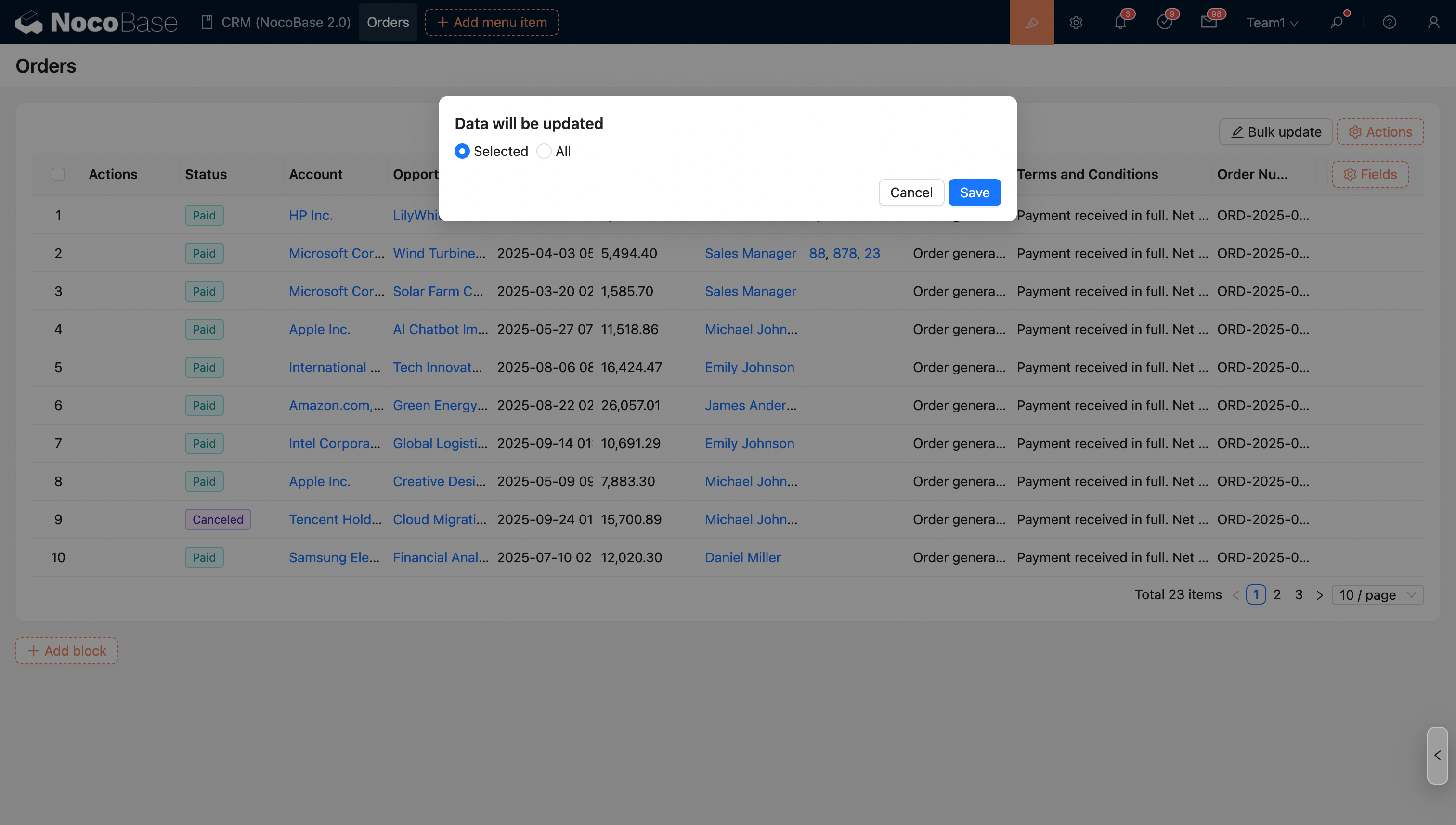
Field assignment
Set the fields for bulk update. Only the set fields will be updated.
As shown in the figure, configure the bulk update action in the orders table to bulk update the selected data to "Pending Approval".
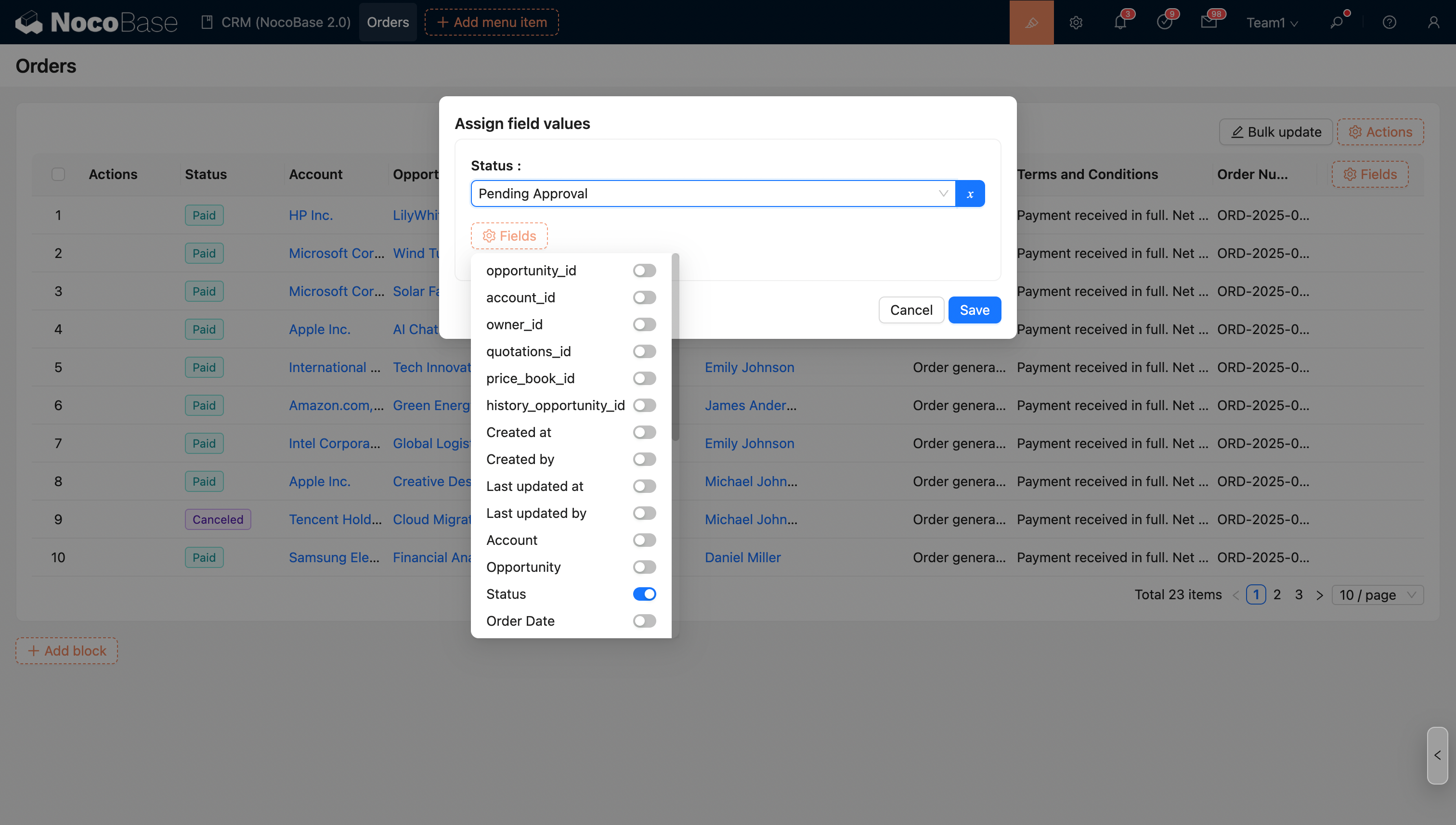
- Edit button: Edit the button's title, type, and icon;
- Linkage rule: Dynamically show/hide the button;
- Double check