List Block
Block: ListCommunity Edition+Introduction
The List block displays data in a list format, suitable for data display scenarios such as task lists, news, and product information.
Block Configuration
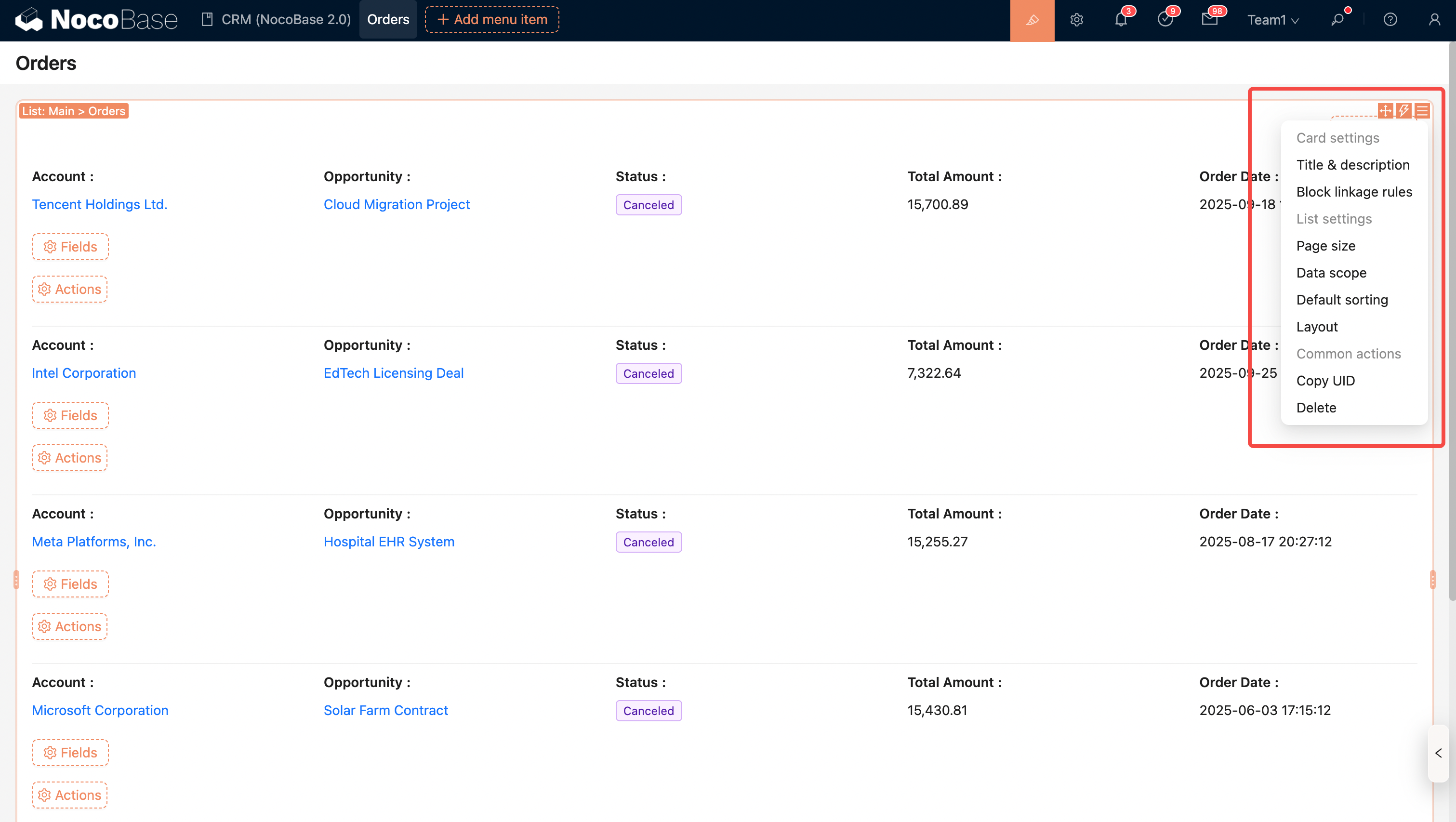
Set Data Scope
As shown: Filter for orders with a "Cancelled" status.
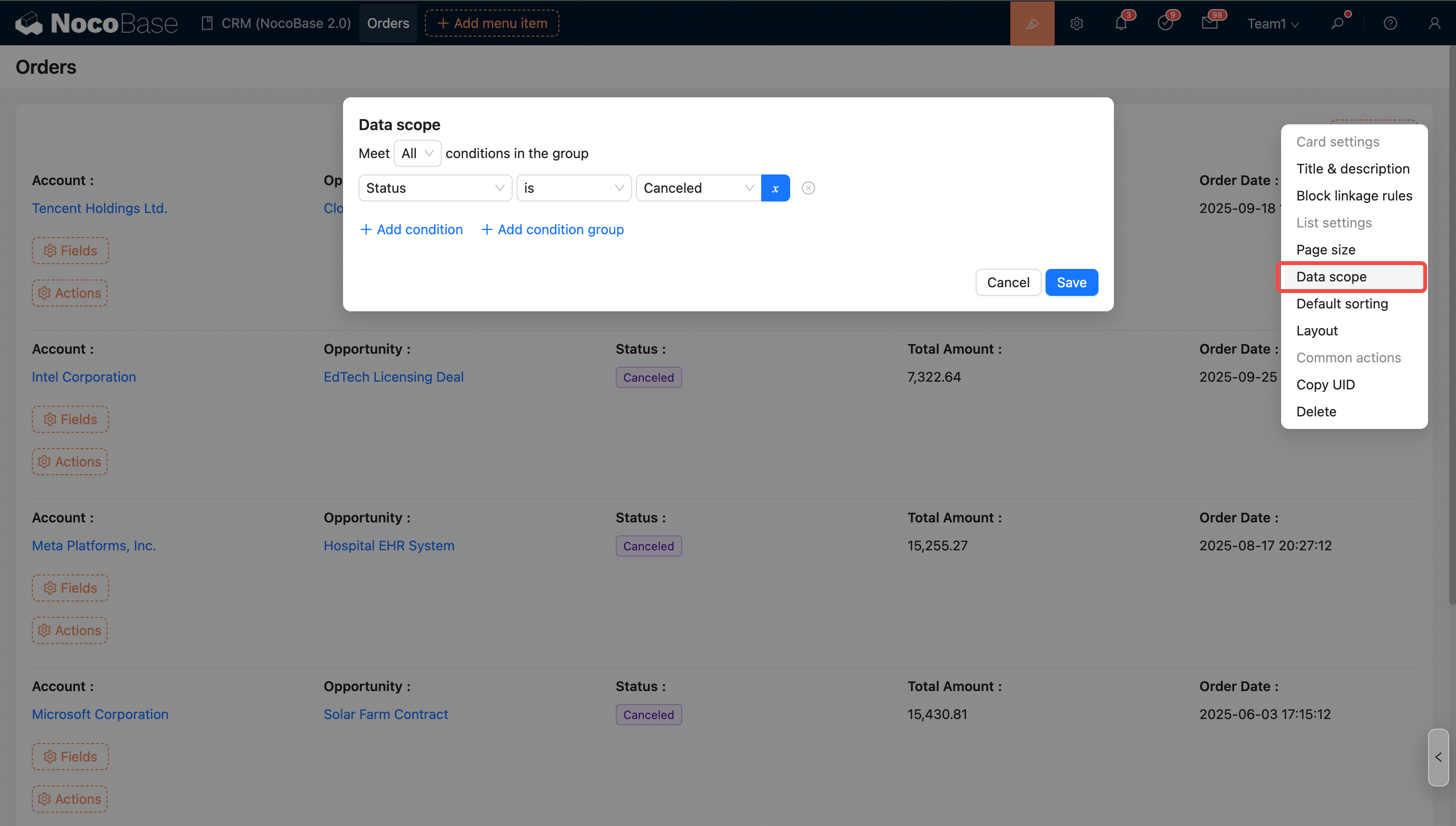
For more details, see Set Data Scope
Set Sorting Rules
As shown: Sort by order amount in descending order.
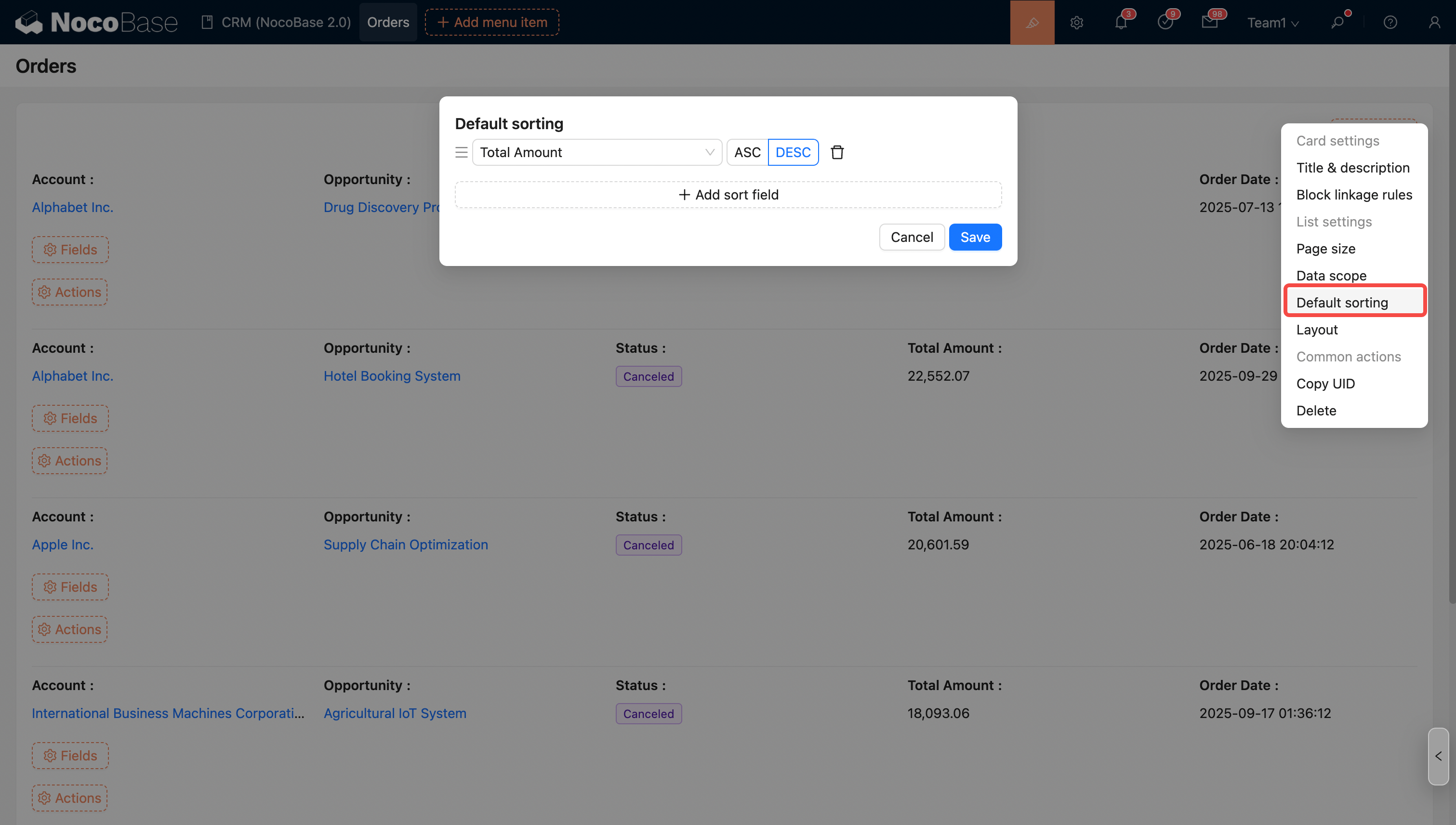
For more details, see Set Sorting Rules
Configure Fields
Fields from this Collection
Note: Fields from inherited collections (i.e., parent collections) are automatically merged and displayed in the current field list.
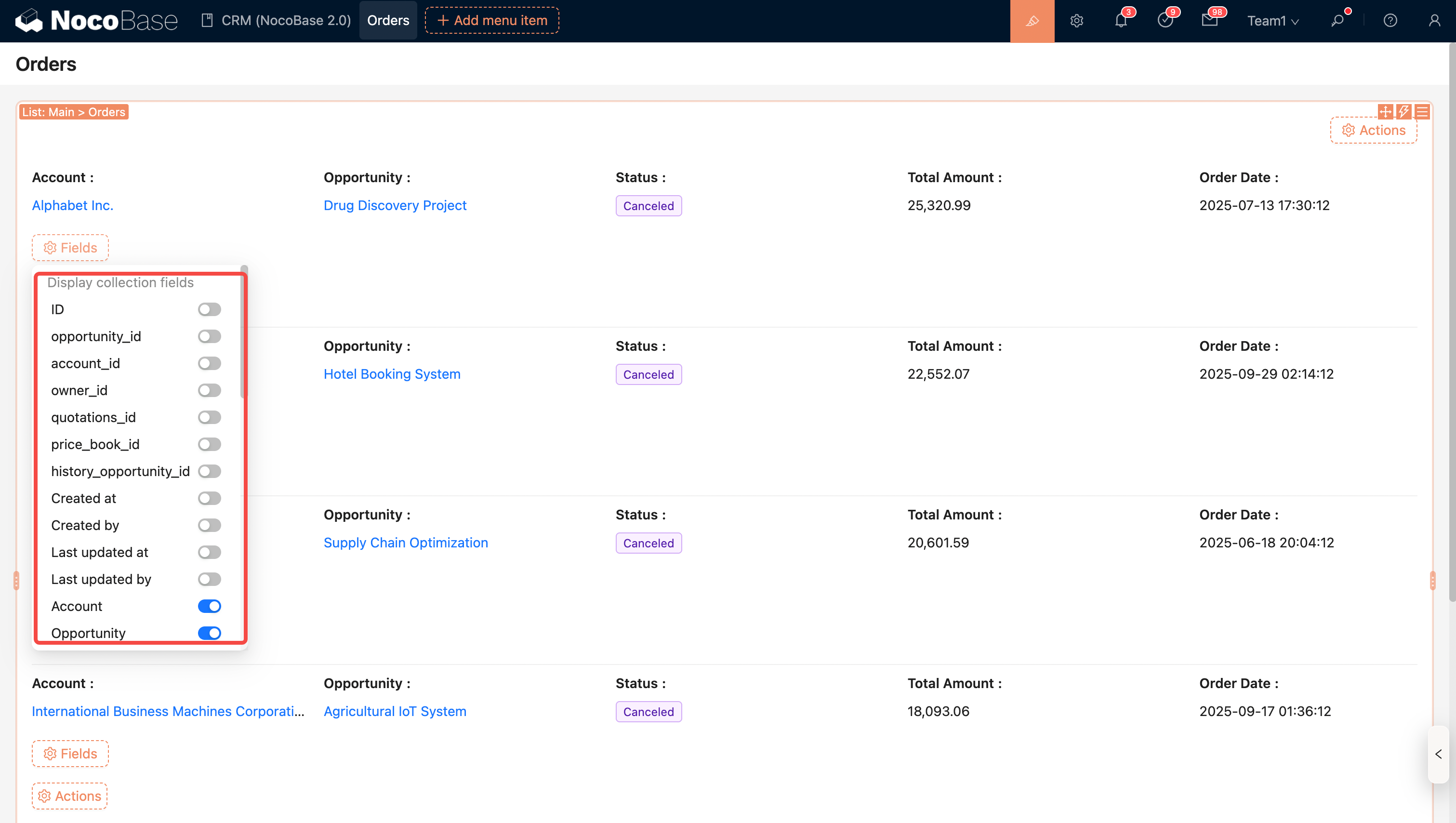
Fields from Associated Collections
Note: Fields from associated collections can be displayed (currently only to-one relationships are supported).
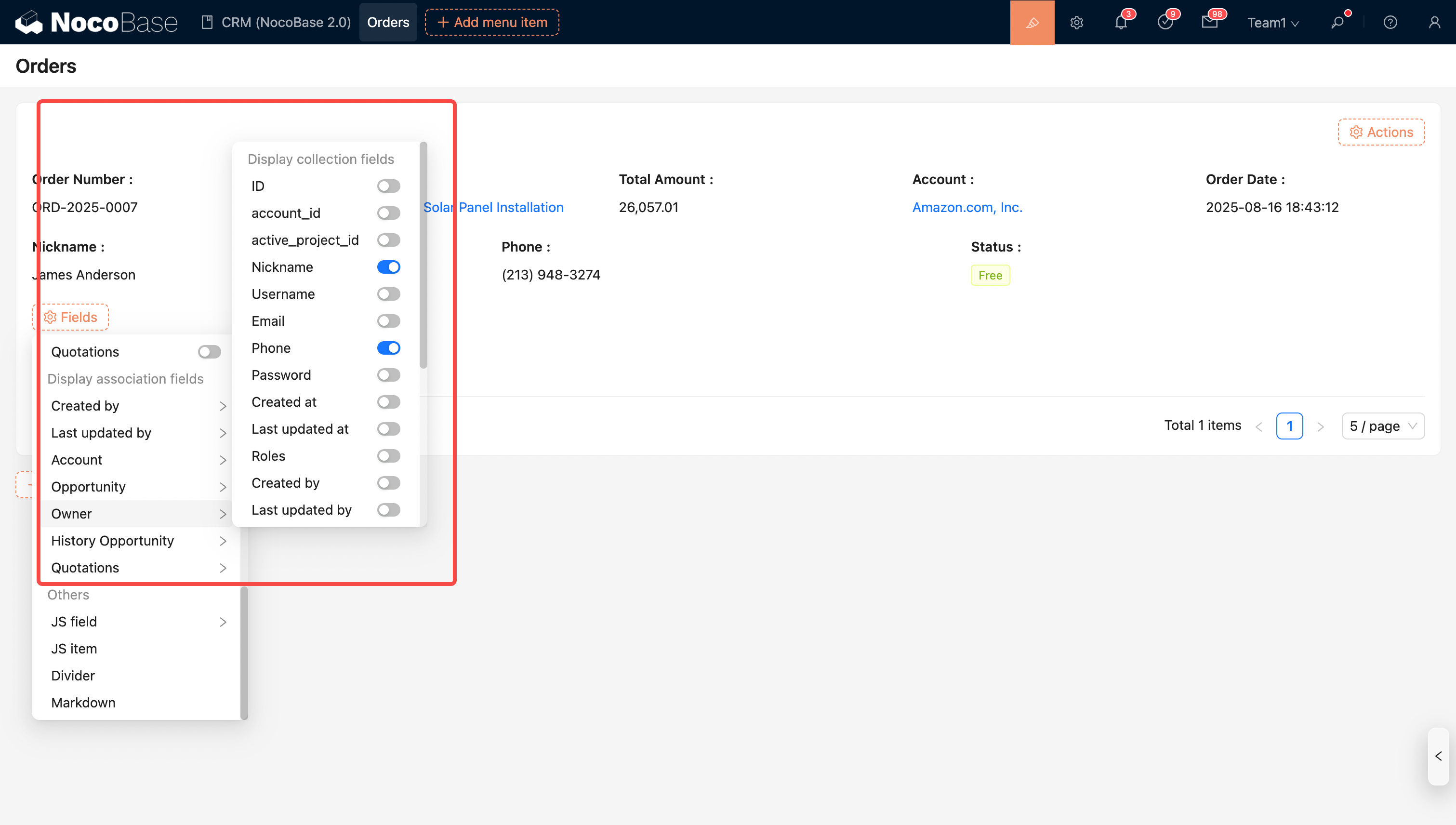
For list field configuration, see Details Field
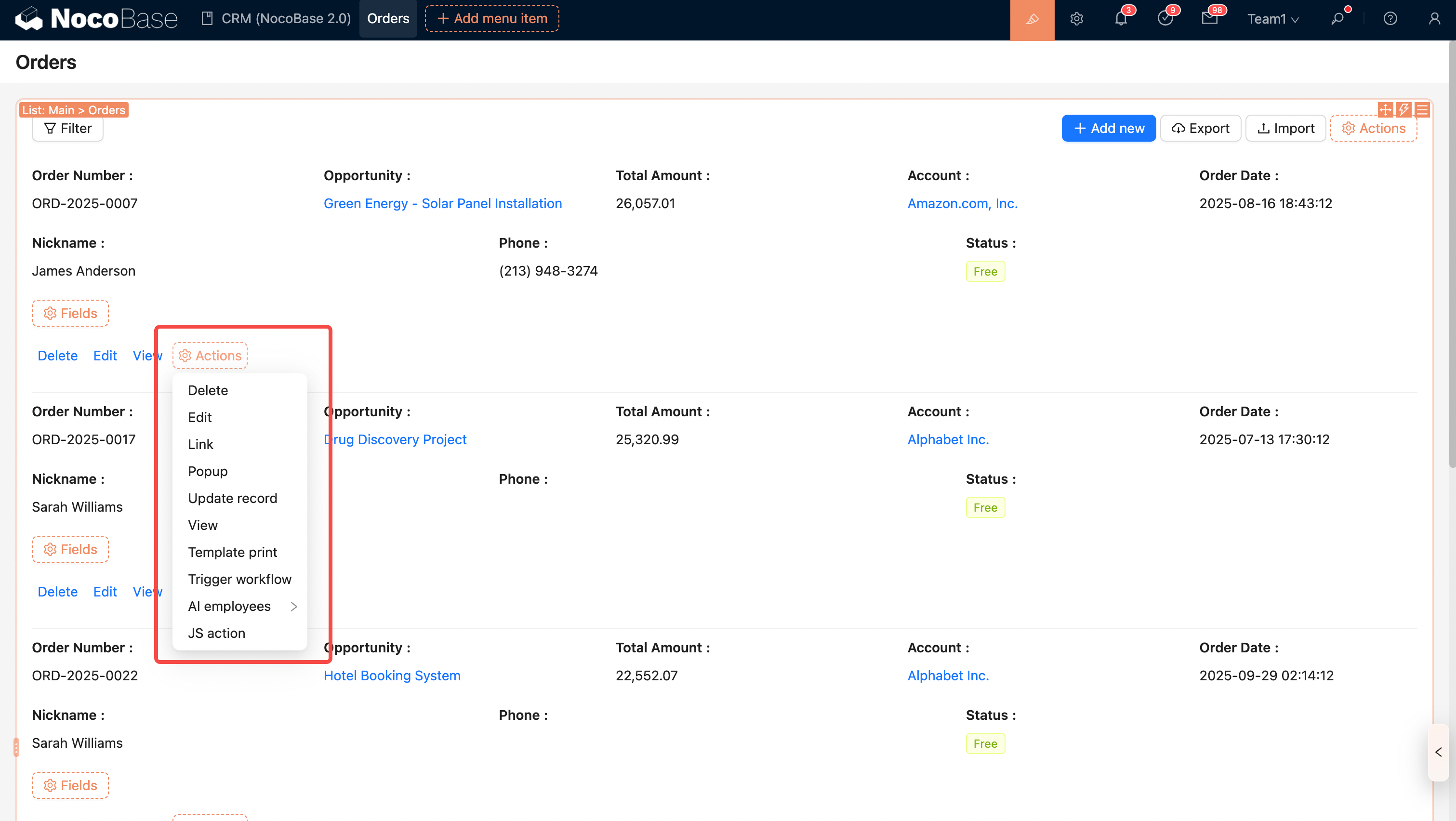
Configure Actions
Global Actions
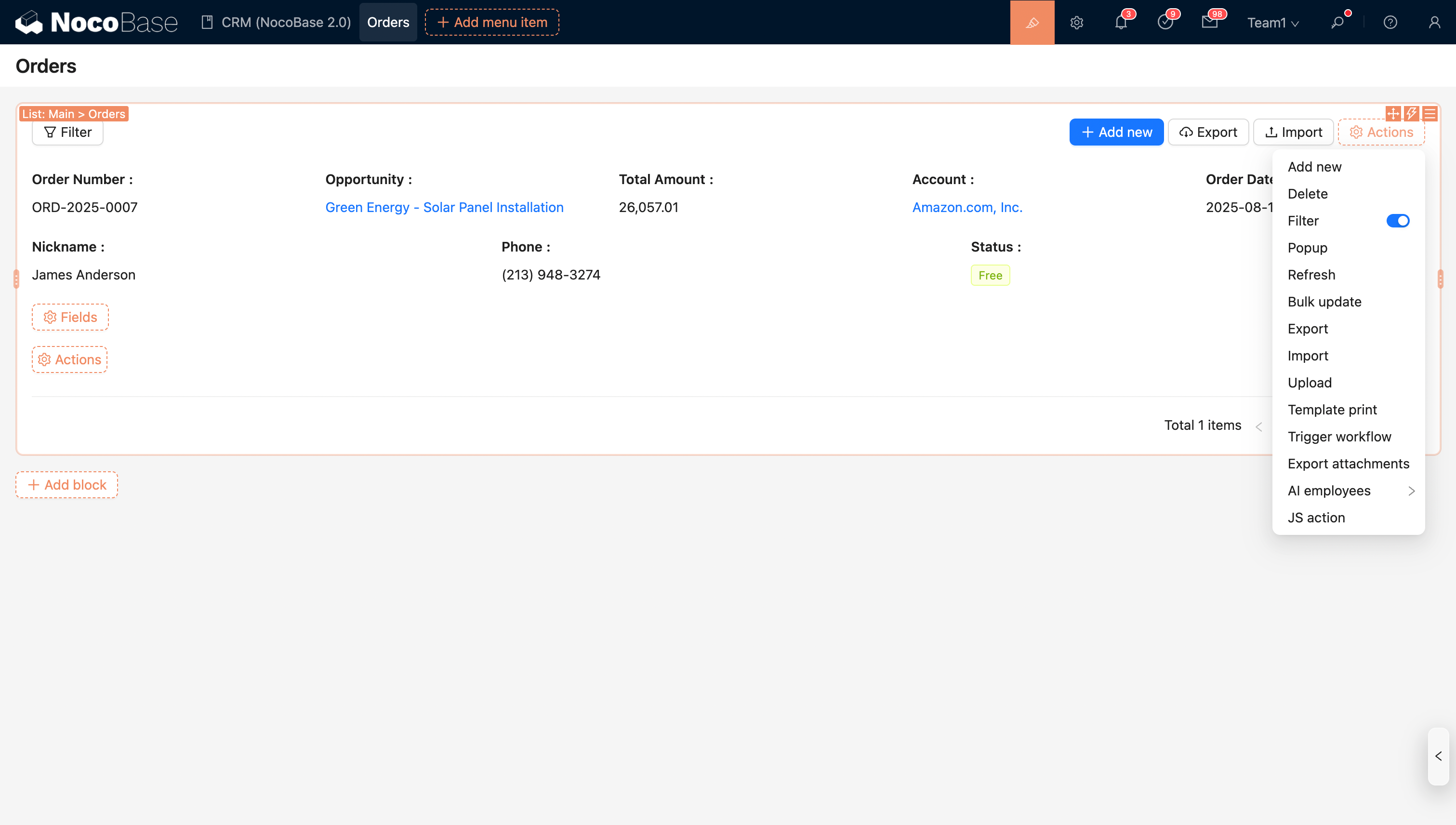
- Filter
- Add
- Delete
- Refresh
- Import
- Export
- Template Print
- Bulk Update
- Export Attachments
- Trigger Workflow
- JS Action
- AI Employee
Row Actions