Sub-table (Inline Edit)
Introduction
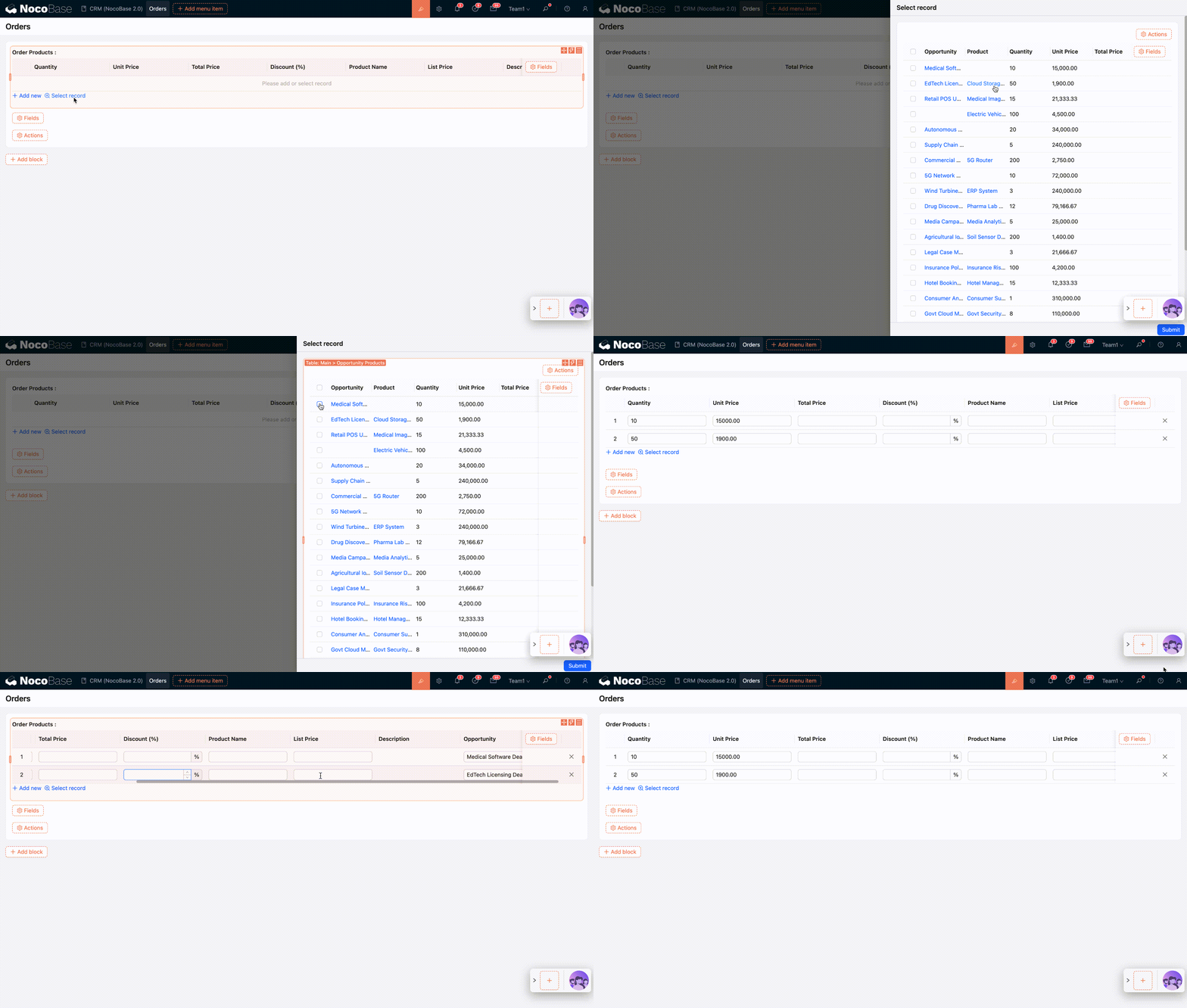
The sub-table is suitable for handling to-many association fields. It supports batch creation and association of new data in the target collection, or selecting and associating existing data.
Usage Instructions
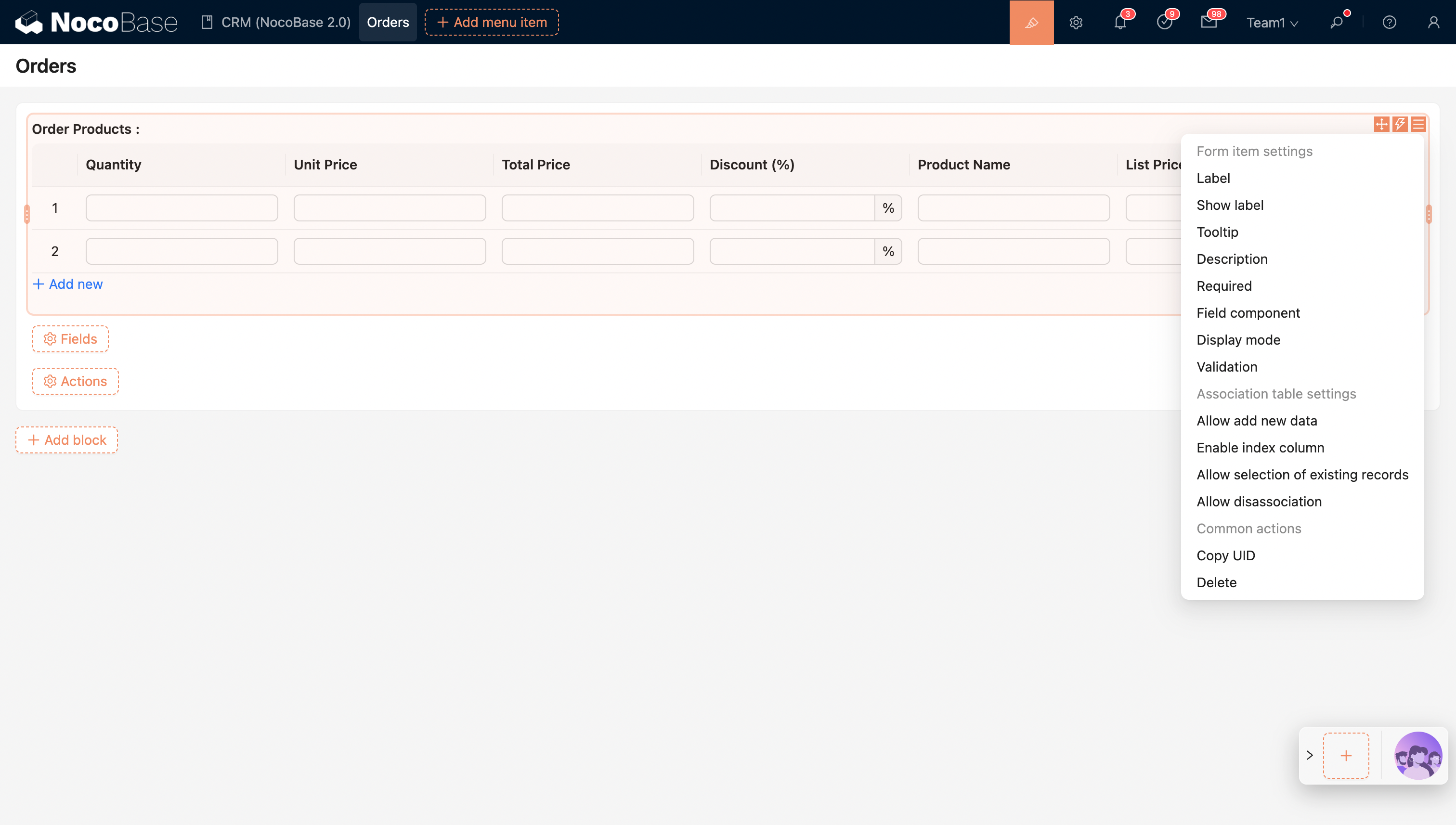
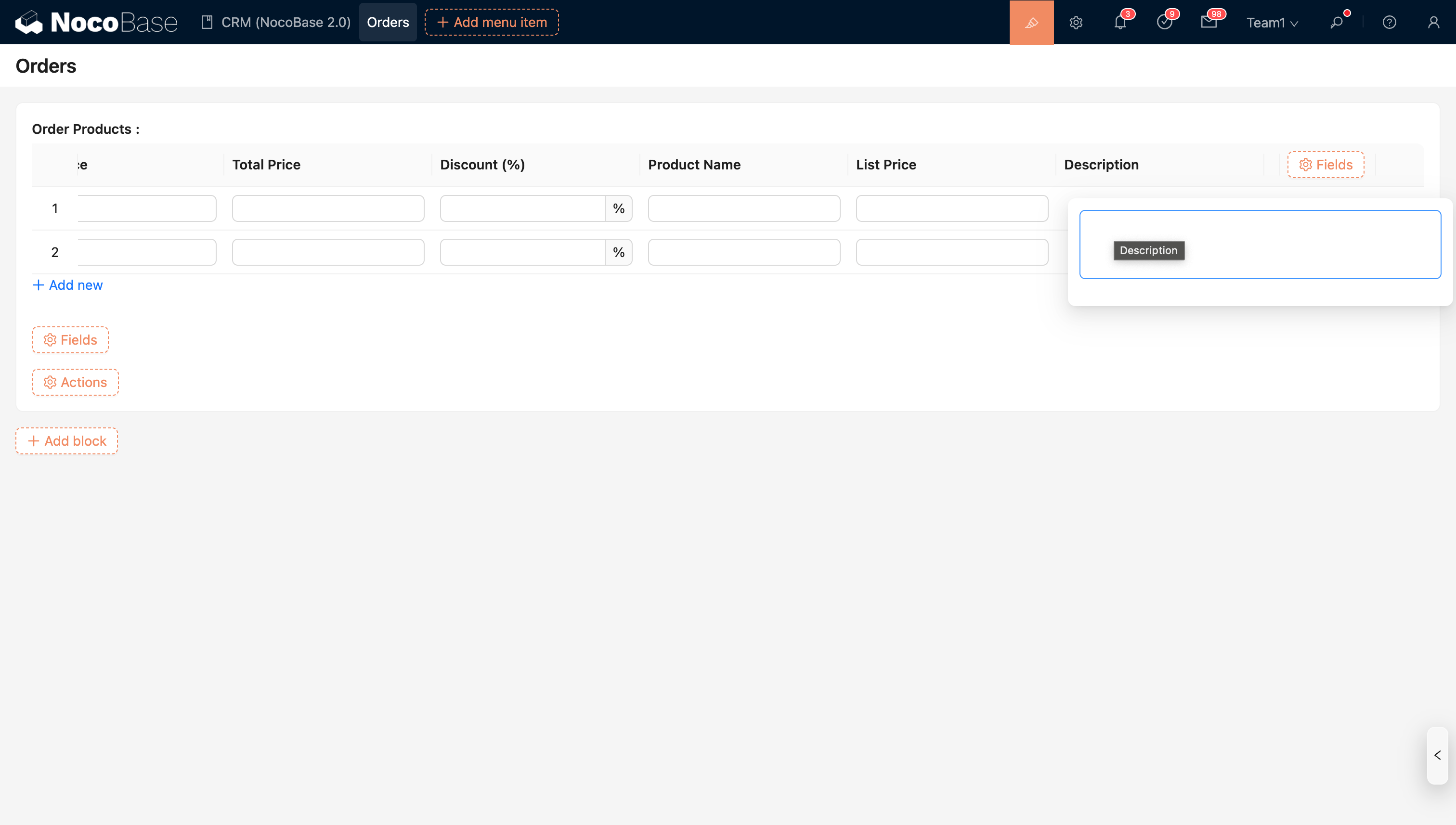
Different types of fields in the sub-table display different field components. Large fields (such as Rich Text, JSON, Long Text) are edited through a pop-up modal.
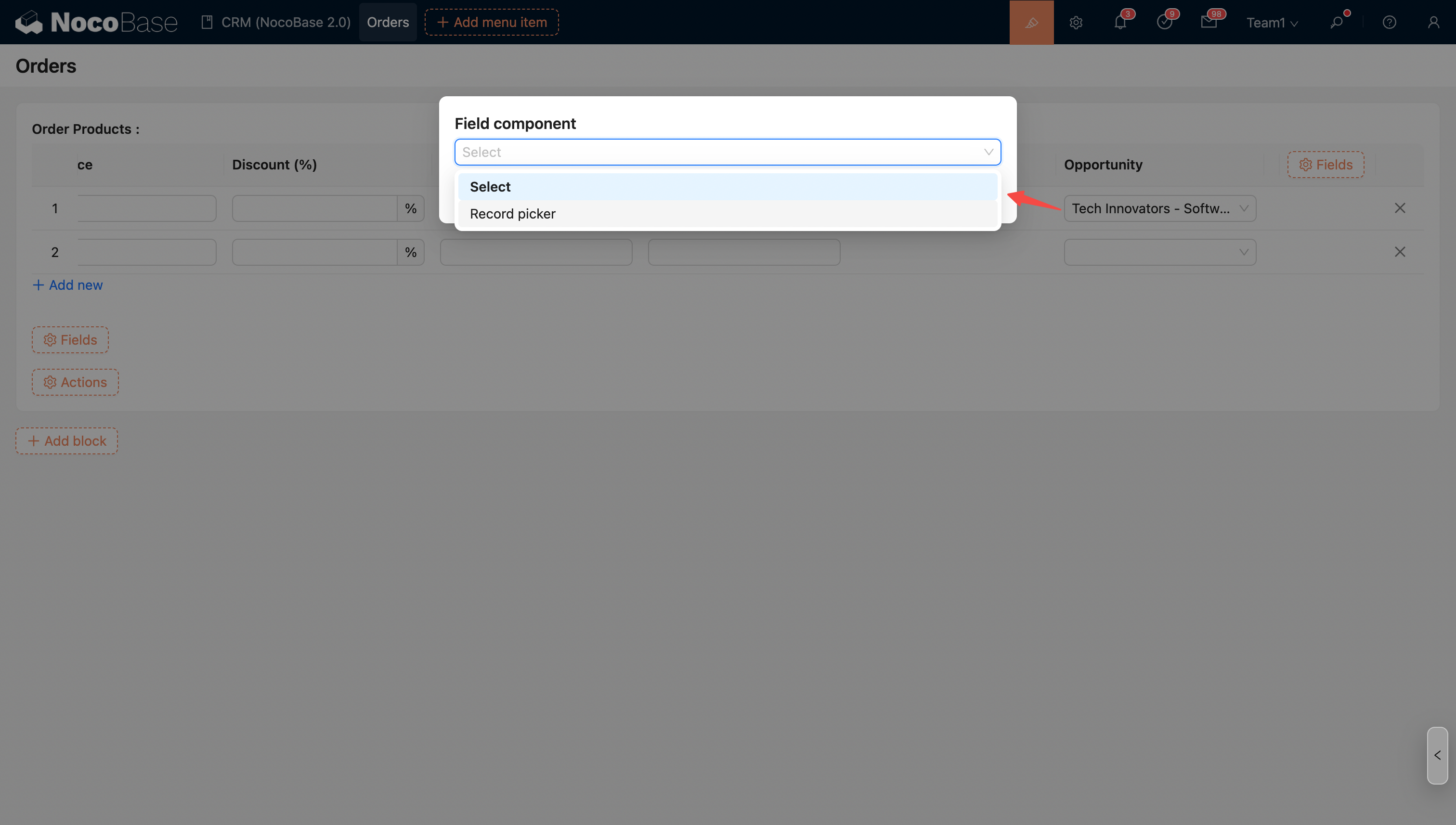
Association fields in the sub-table.
Orders (One-to-Many) > Order Products (One-to-One) > Opportunity
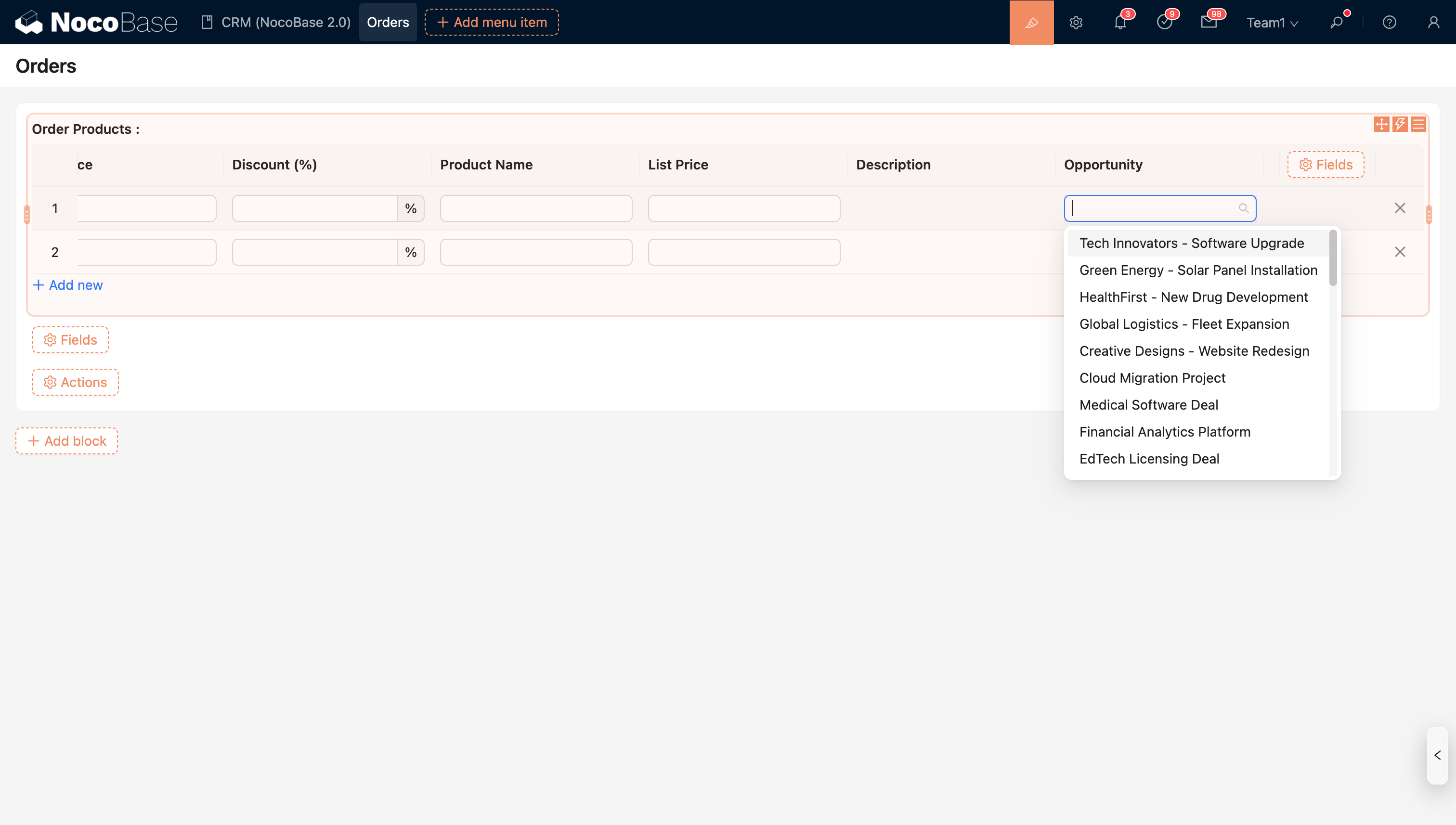
The default component for an association field is the Single select (supports Single select/Data selector).
Field Configuration Options
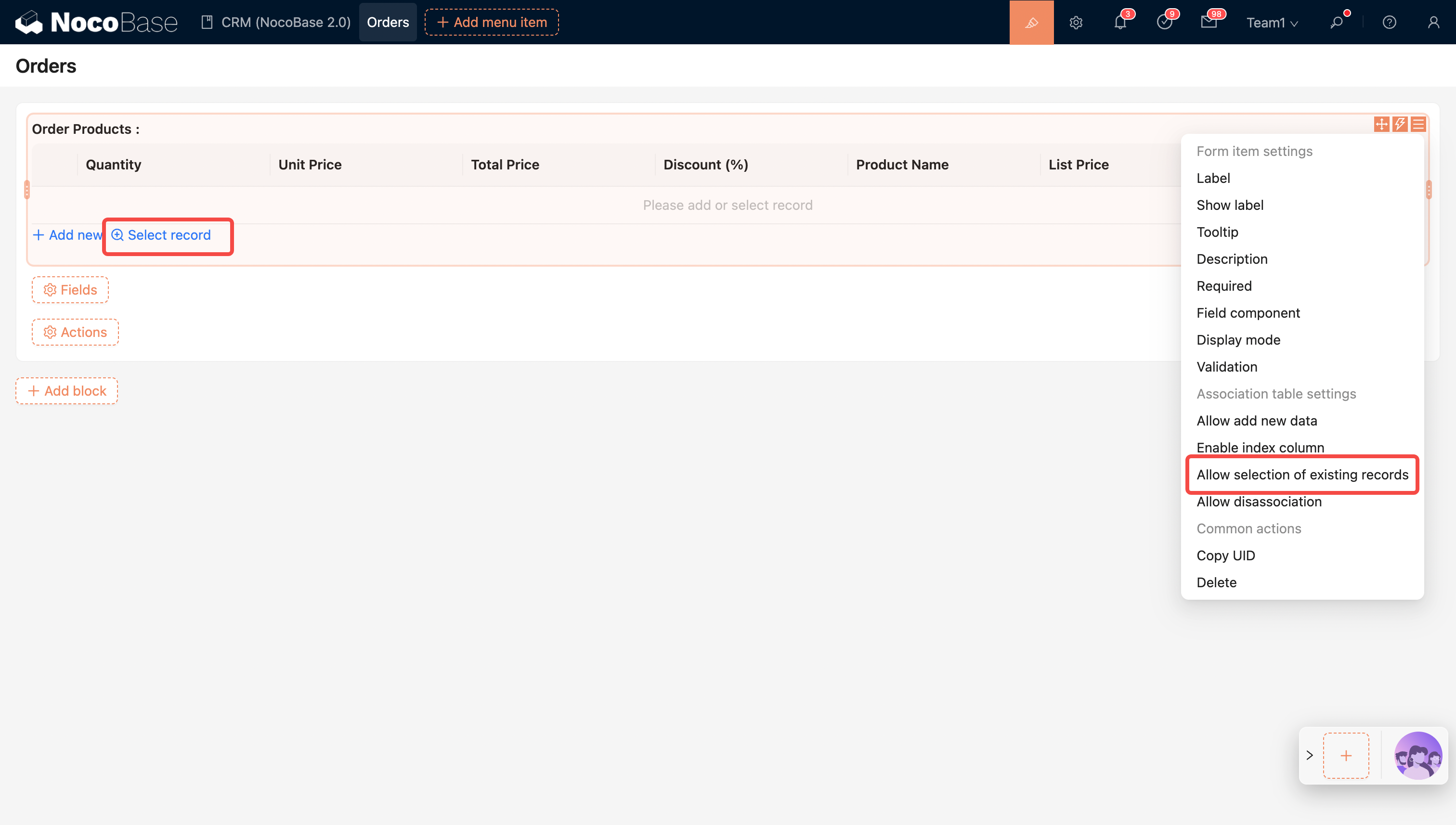
Allow selecting existing data (enabled by default)
Supports selecting and associating existing data.
Field Component
Field Component: Switch to other association field components, such as Single select, Data selector, etc.
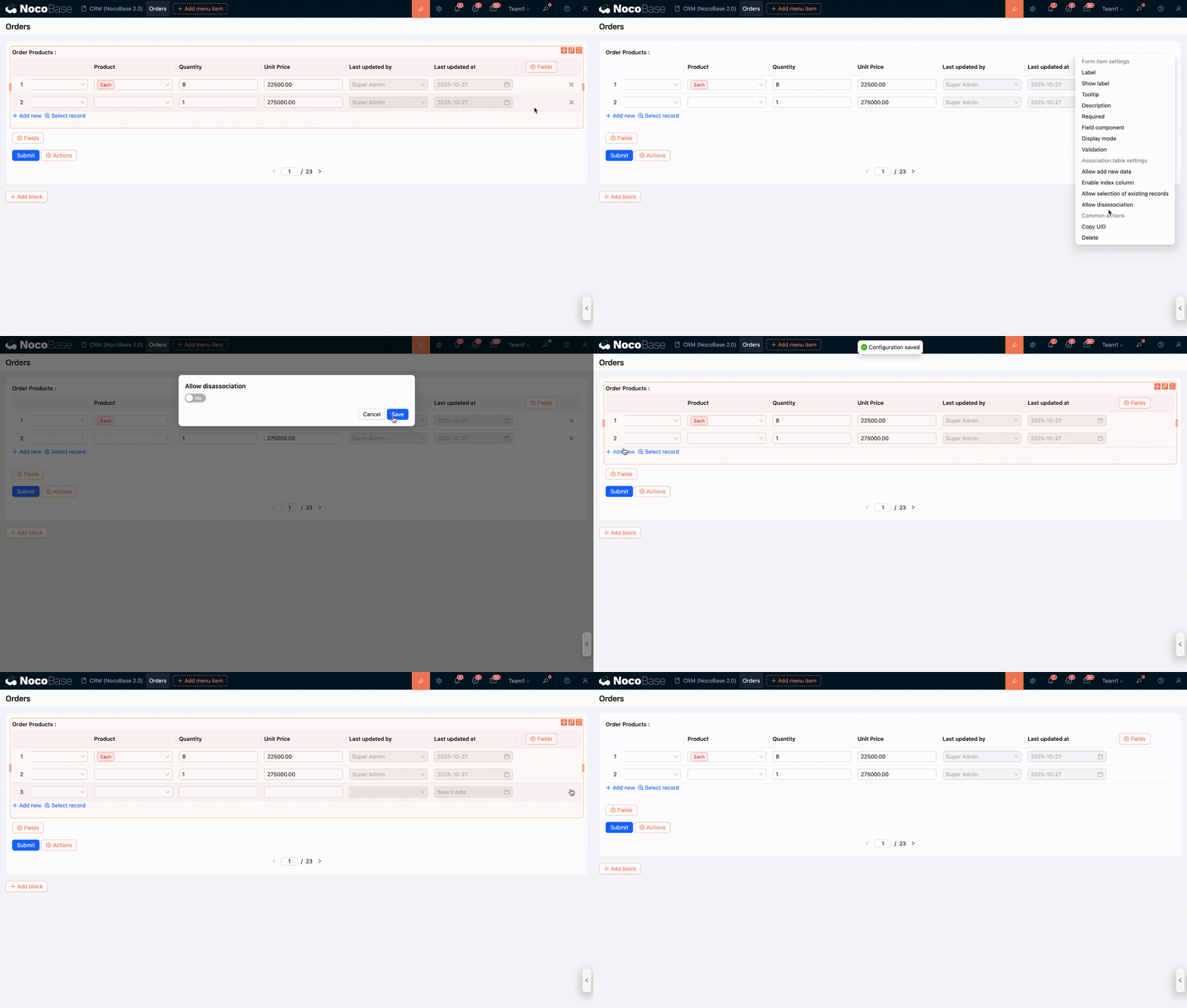
Allow unlinking existing data
Whether to allow unlinking existing data for the association field in the edit form.