Markdown Block
Introduction
The Markdown block can be used without binding to a data source. It uses Markdown syntax to define text content and can be used to display formatted text.
Add Block
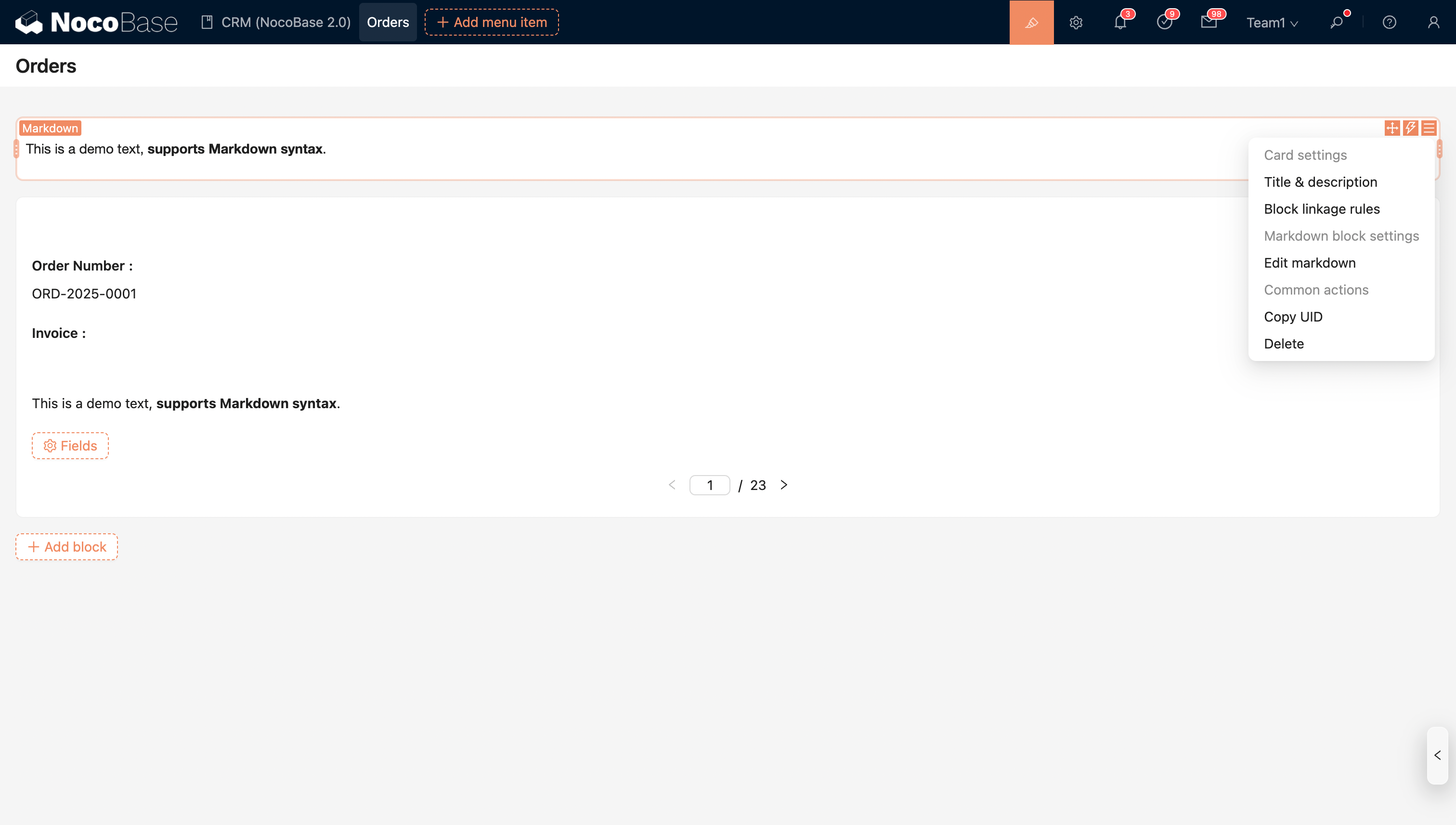
You can add a Markdown block to a page or a popup.
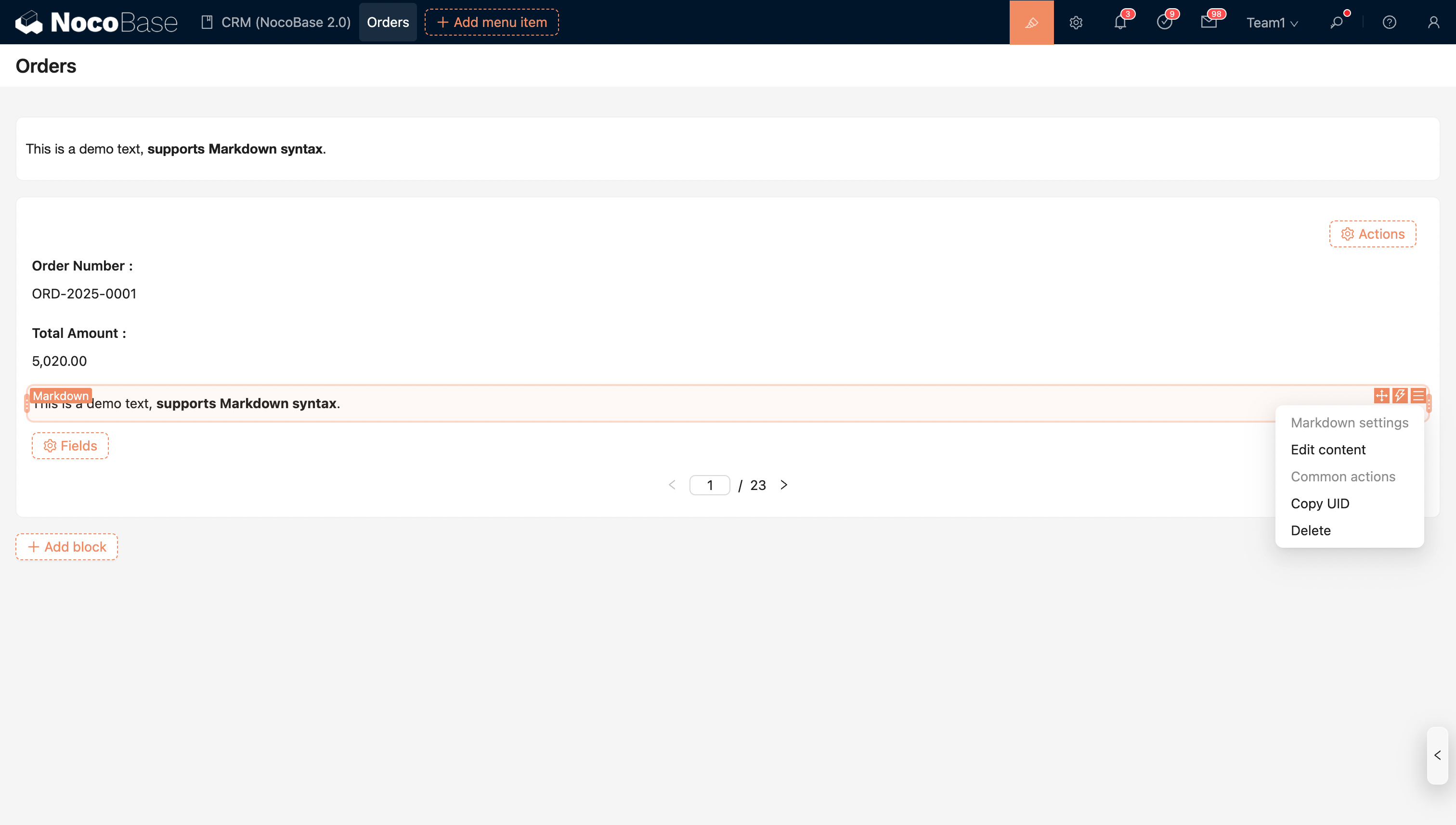
You can also add an inline (inline-block) Markdown block within Form and Details blocks.
Template Engine
It uses the Liquid template engine to provide powerful and flexible template rendering capabilities, allowing content to be dynamically generated and displayed in a customized way. With the template engine, you can:
- Dynamic Interpolation: Use placeholders in the template to reference variables, for example,
{{ ctx.user.userName }}is automatically replaced with the corresponding user name. - Conditional Rendering: Supports conditional statements (
{% if %}...{% else %}), displaying different content based on different data states. - Looping: Use
{% for item in list %}...{% endfor %}to iterate over arrays or collections to generate lists, tables, or repeating modules. - Built-in Filters: Provides a rich set of filters (such as
upcase,downcase,date,truncate, etc.) to format and process data. - Extensibility: Supports custom variables and functions, making template logic reusable and maintainable.
- Security and Isolation: Template rendering is executed in a sandboxed environment, preventing the direct execution of dangerous code and enhancing security.
With the Liquid template engine, developers and content creators can easily achieve dynamic content display, personalized document generation, and template rendering for complex data structures, significantly improving efficiency and flexibility.
Using Variables
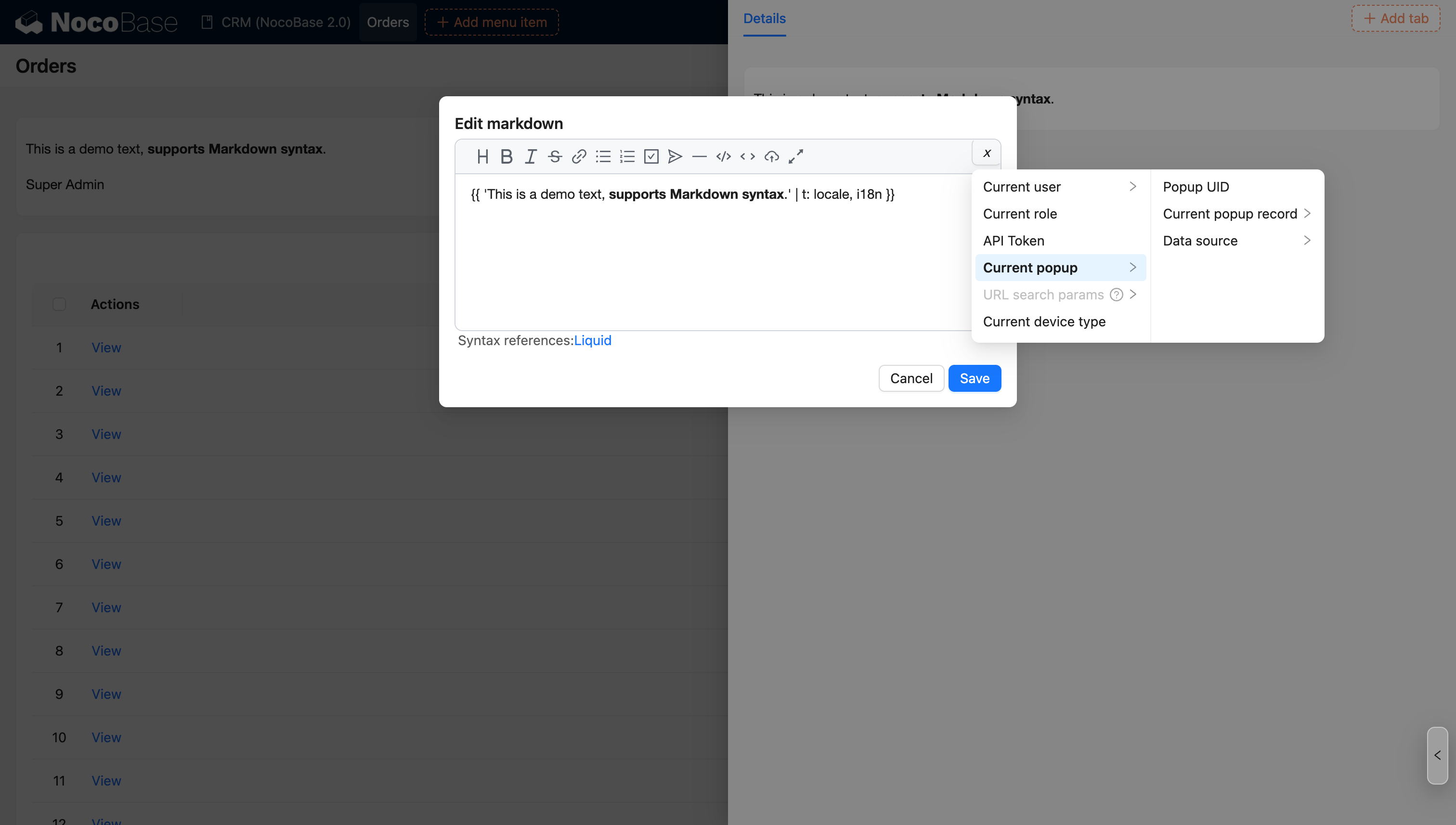
Markdown on a page supports common system variables (such as current user, current role, etc.).
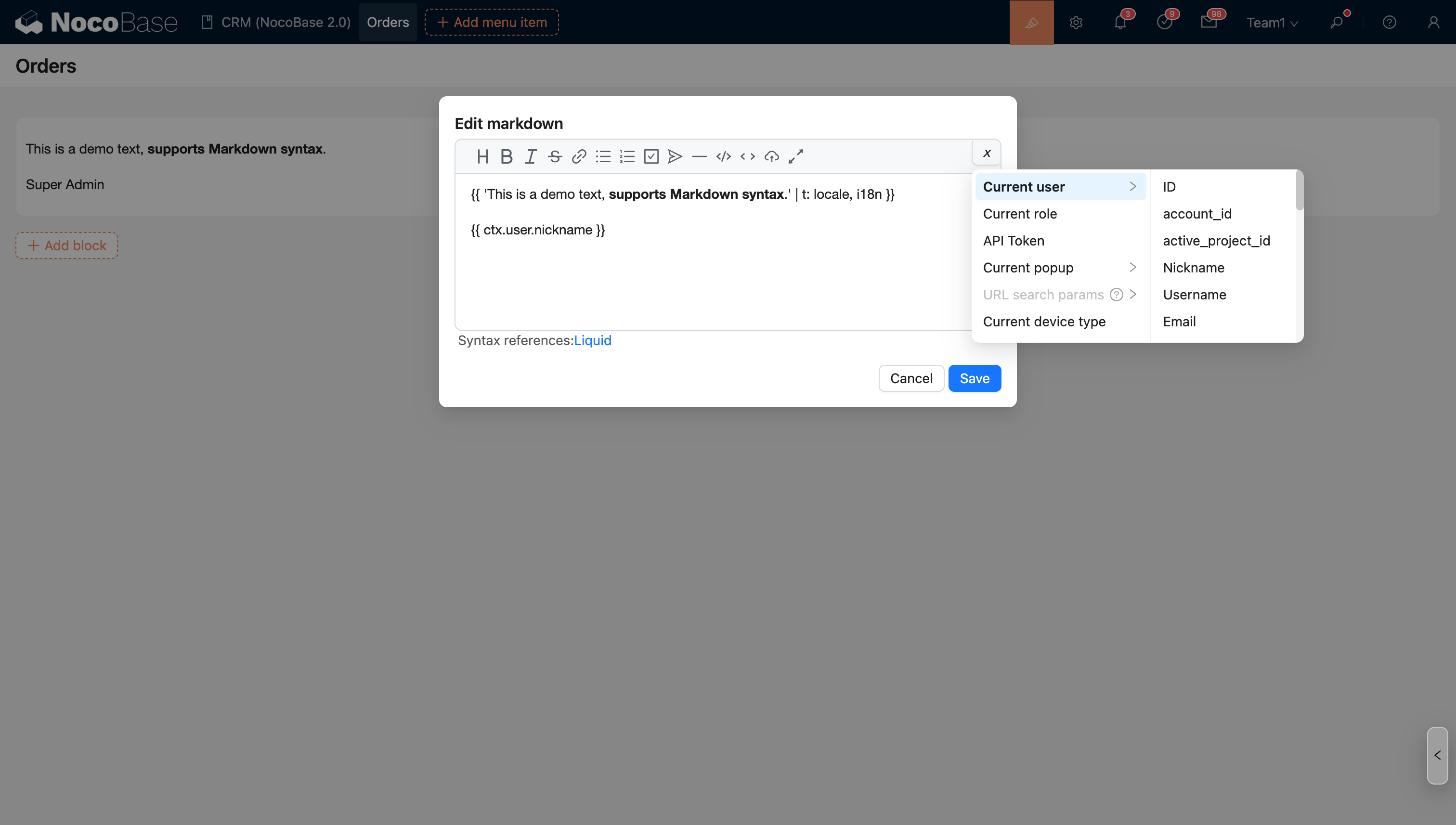
Markdown in a block row action popup (or sub-page) supports more data context variables (such as current record, current popup record, etc.).
Localization
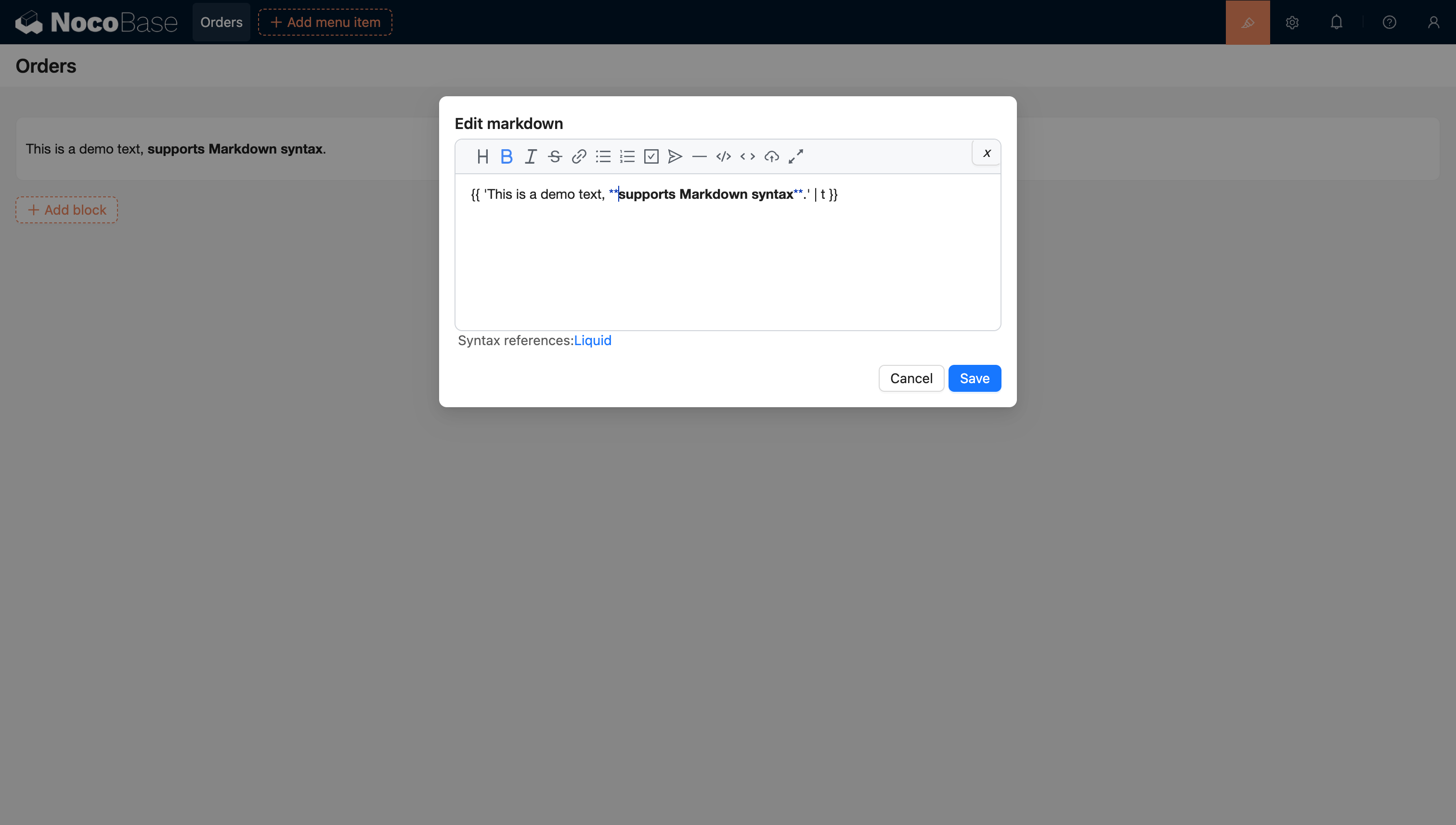
The built-in t filter supports localization of text.
Note: The text needs to be entered into the localization table in advance. In the future, it will be optimized to support custom generation of localization terms.
QR Code
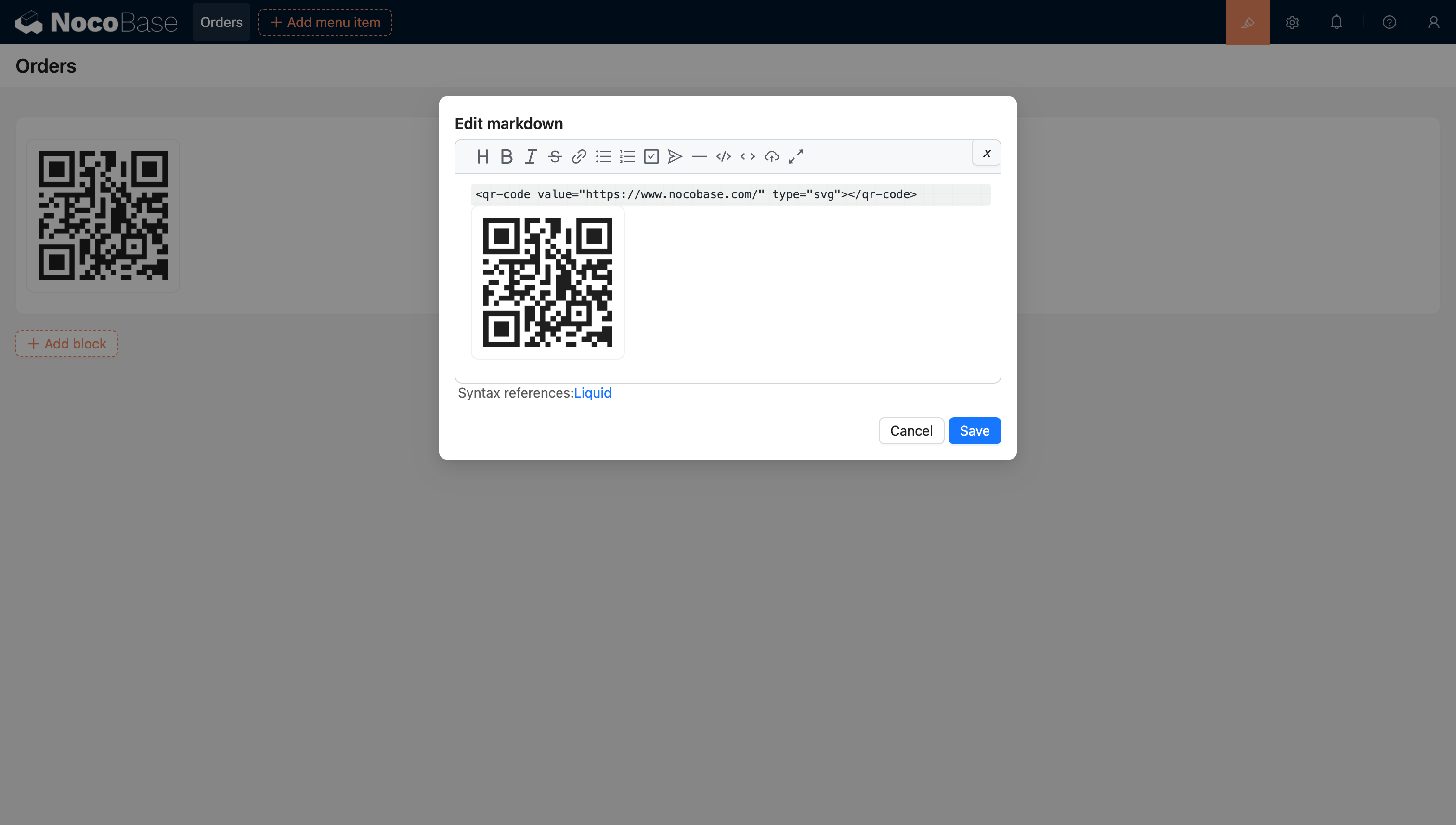
QR codes can be configured in Markdown.